← Design & Bravo Tags
Design & Bravo Tags April 26, 2024 · 3 replies

Color tag [color:button's_name] showing up?

Archived from the Bravo community forum (2021–2026). Some answers may refer to older versions of Bravo.

Hi todos and everybody!! It’s been a long time since i didn’t touch my app and there are a few changes that I would love to understand and buggs that I would like to fixe.

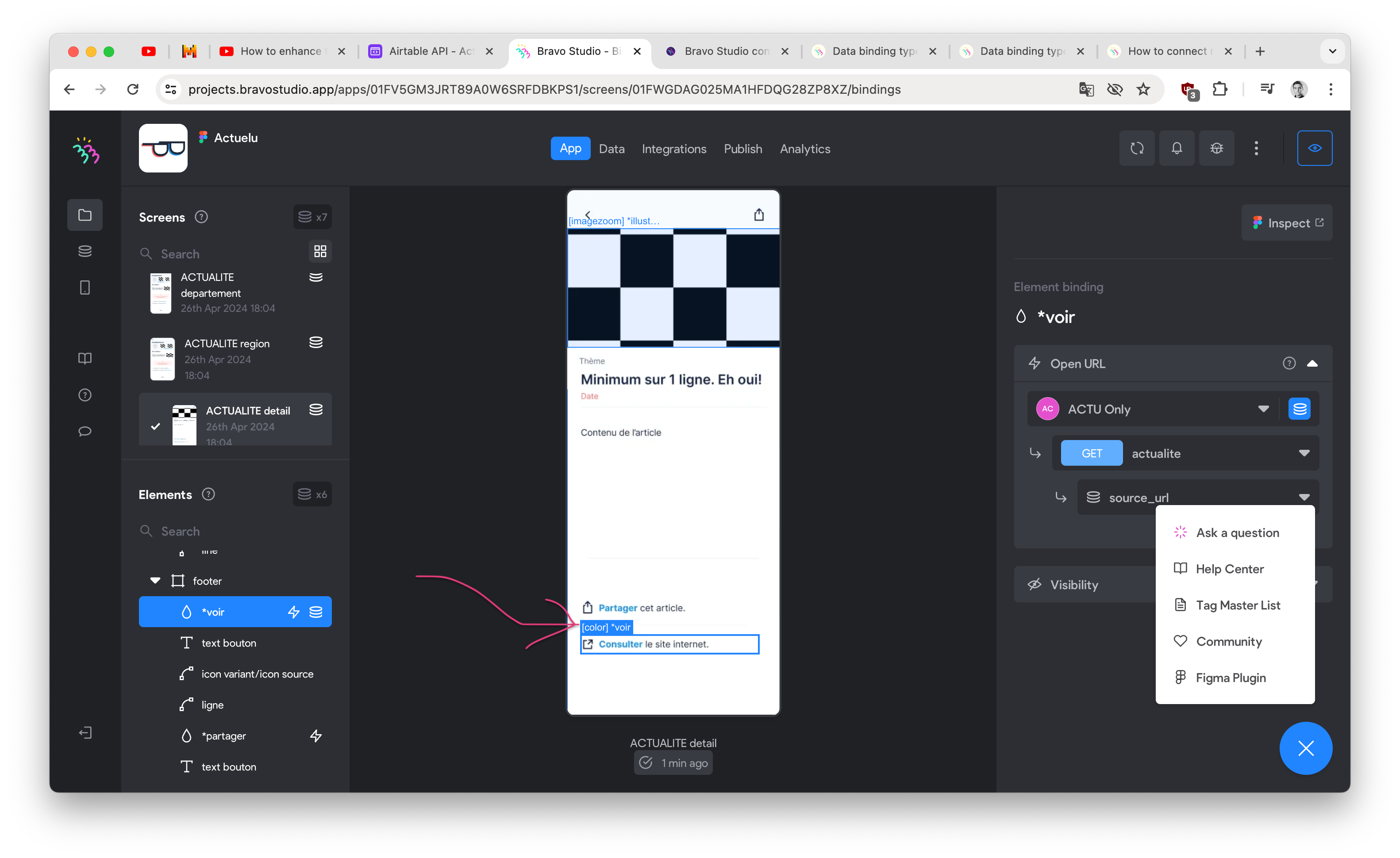
Some of my action buttons are not working correctly and all of them now have a [color] tag in Bravo - what does it mean? What does it refers to?
Thank you for your help!! 🌴

3 replies
Valter April 26, 2024

Now everyting inside a frame with no text layer get converted in one element in bravo. If you have a grame name button wit a box inside with the name action and the tag action:remote. On bravo all be converted in one element “button” and the tag will not work. To make it work, or you craete an invisible text inside the frame or changevthe tag to the frame.

Brice April 27, 2024

Hello @Valter Guerreiro,
Thank you for your answer - but I don’t get it exactly ahah sorry.

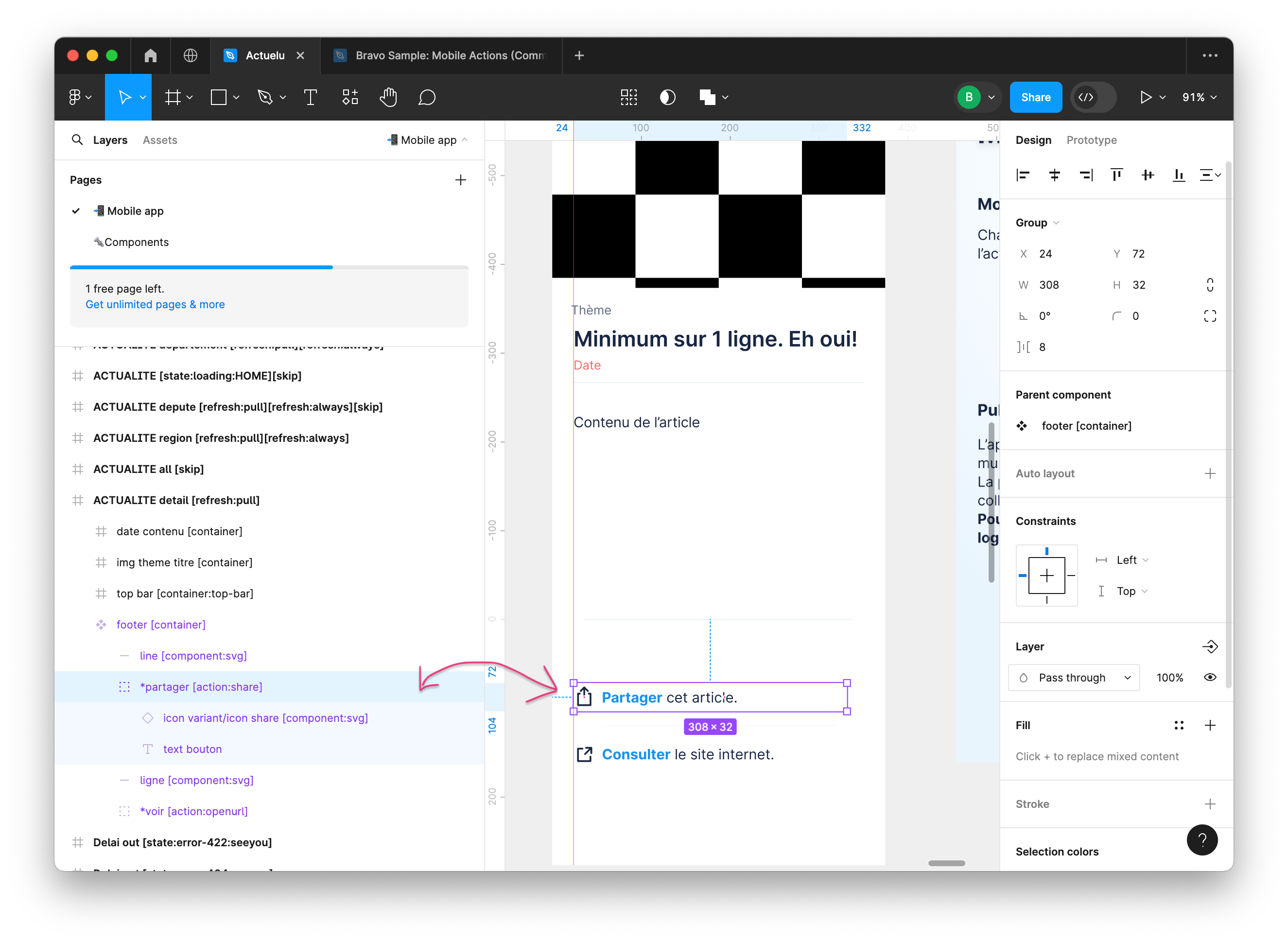
My figma file is like you said - and the “color” tag appears in bravo studio. I don’t get why, but it works… so it doesn’t really matters ahah.

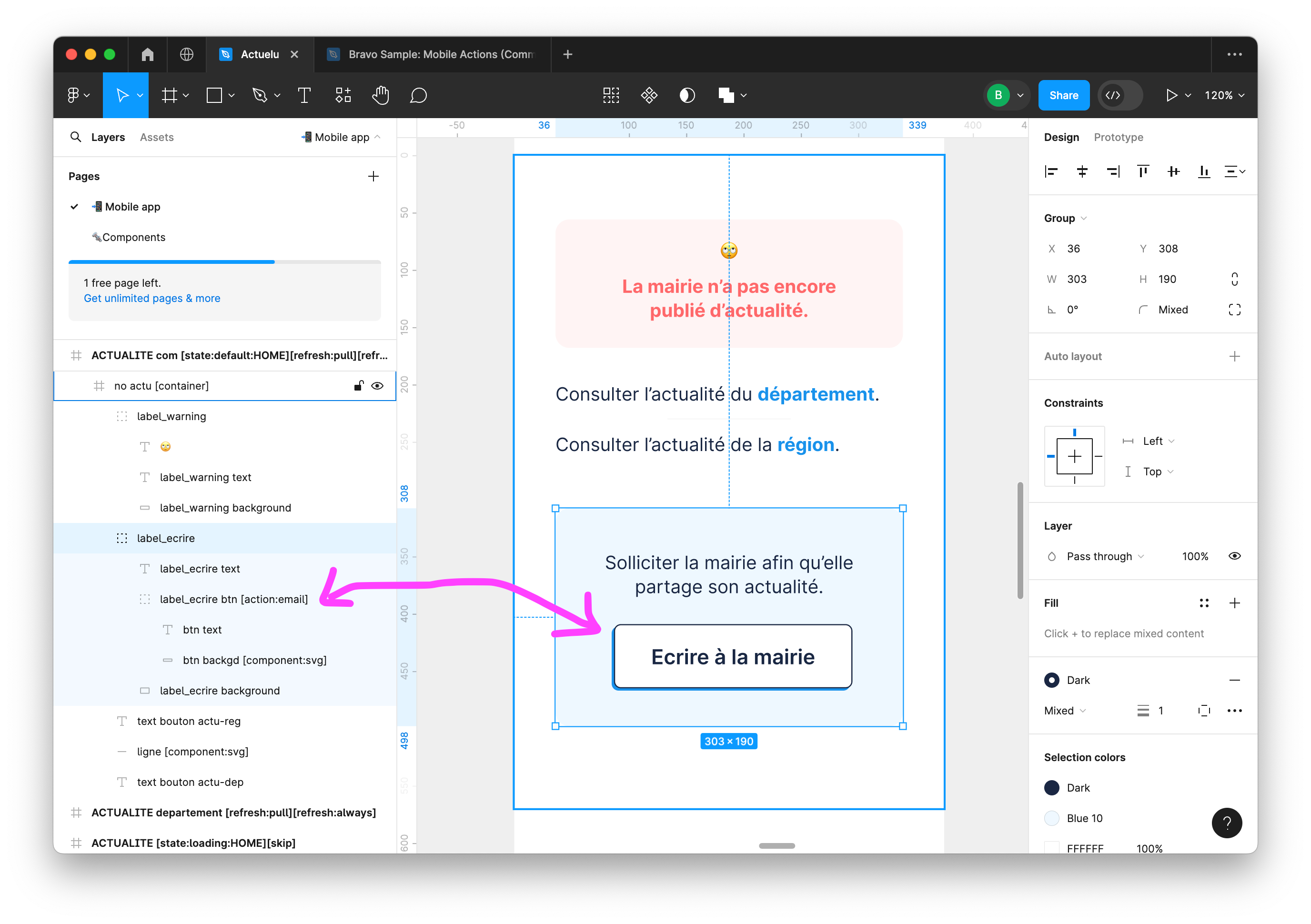
But I am a bit more concern with this other screen because the email doesn’t includes the “destinatory”.
Could you please let me know if it looks right to you?

I am a bit lost in the documentation, if anybody know where I could read something about that matters I will be happy to spend some time on it!! 😉

Again thank you very much for your help!! 🙏

Marielle Ibias Bravo team April 29, 2024

Hey @Brice M,

The [color] label doesn’t have a functionality itself. Its a kind of component in Bravo we internally use to keep a group of elements together, as you group or frame elements, we create an overlay to keep the elements together and we put the label [color] to it. Just like the [input-text] label for the [component:input-text].

About the [action:email], you can also use static data - [action:email:h[[email removed]]](mailto:[email removed])

https://docs.bravostudio.app/bravo-tags/mobile-actions/mobile-actions#open-email-dialog

Hope it helps!

Wrote something in this thread and want it removed? Request removal

Still stuck?

Ask the community on Discord

This archive is read-only. New questions, office hours and product updates now happen in the Bravo Discord.

Join the Discord