← Design & Bravo Tags
Design & Bravo Tags December 7, 2021 · 8 replies

Filtering or sorting items based on tags

Archived from the Bravo community forum (2021–2026). Some answers may refer to older versions of Bravo.

I have a database where I give items different tags such as a numerical value for price or a categorical value for the item type (e.g. item: airforce 1, price: 300$, type: shoes). How can I make a page where I can display only items tagged shoes or sort them by price? I would like the user to select a filter from a list and filter based on that.

8 replies
imousart December 7, 2021

hi mihnea ..
my approach in airtable to make a new view with filter condition first 
and in figma make a new screen with every filter .. you could used variables through api request . but your case it easy to do new view .

Mihnea December 7, 2021

what if I want to combine filters? such as an e-commerce app would have "shoes", color "red" and size "45" to only show red shoes of size 45 on the page, from a bigger database

imousart December 7, 2021

can you screenshot what you want to give you right answer if i had 

btw i'm not affiliated with bravo but i like to help others :)

Mihnea December 8, 2021

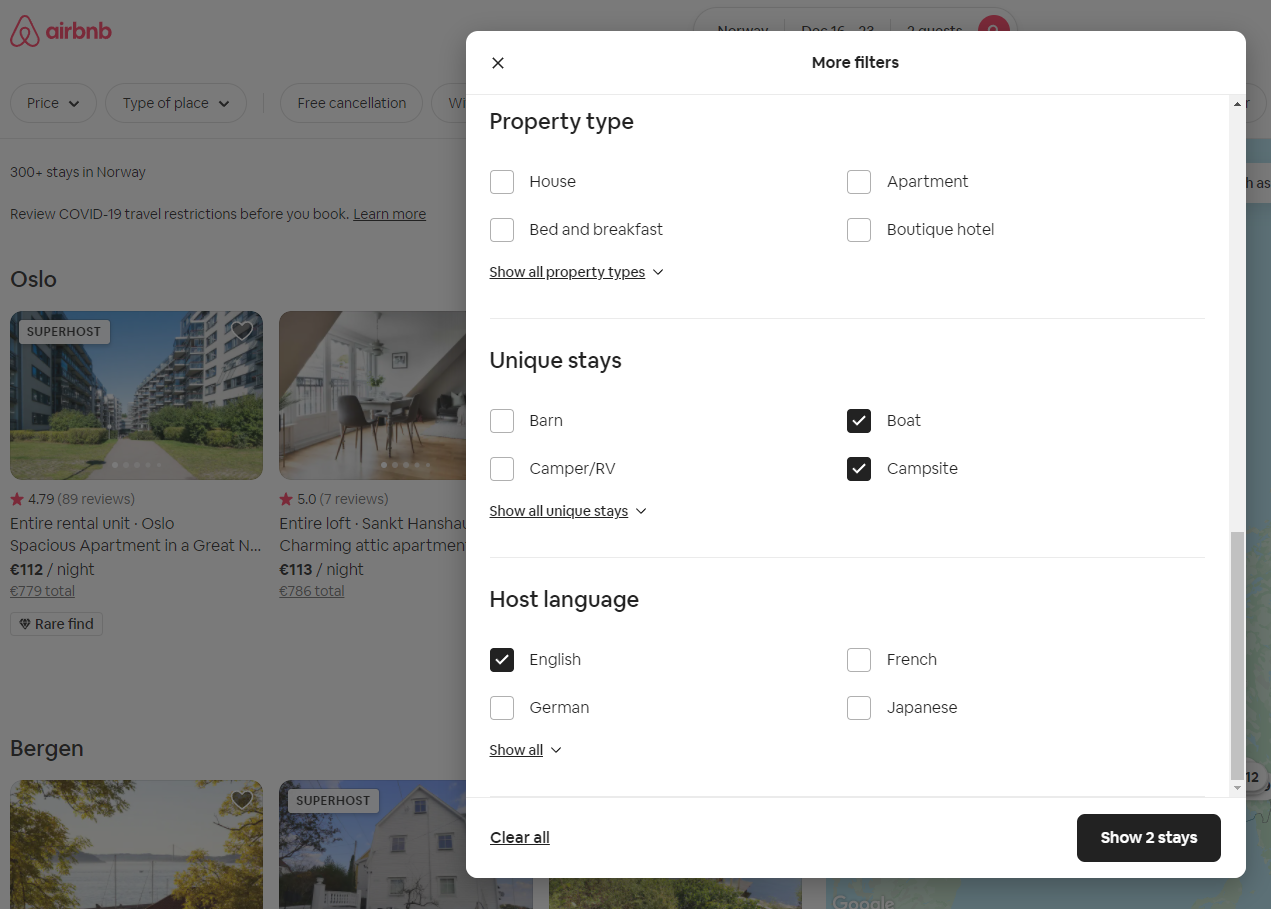
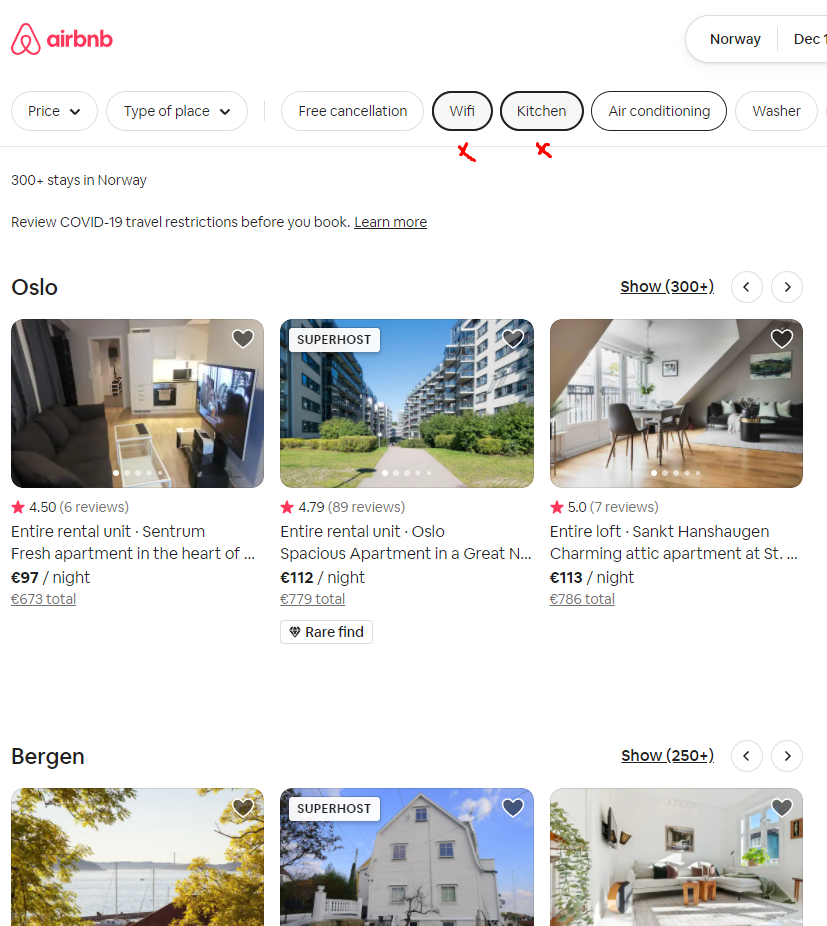
I want to "check" or toggle different filters in order to show only some entries of a list like you would do on Airbnb for example. They can be on the same page or in a pop-up, doesn't really matter. But I would like to filter on more categories at the same time. If there is an option to filter even on one, that would be nice.

Screenshot_2.png

Screenshot_1.png

imousart December 8, 2021

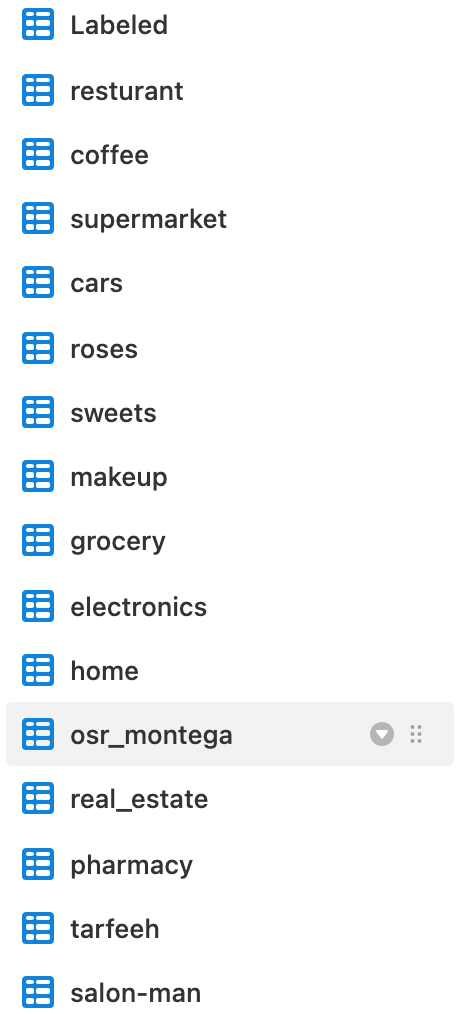
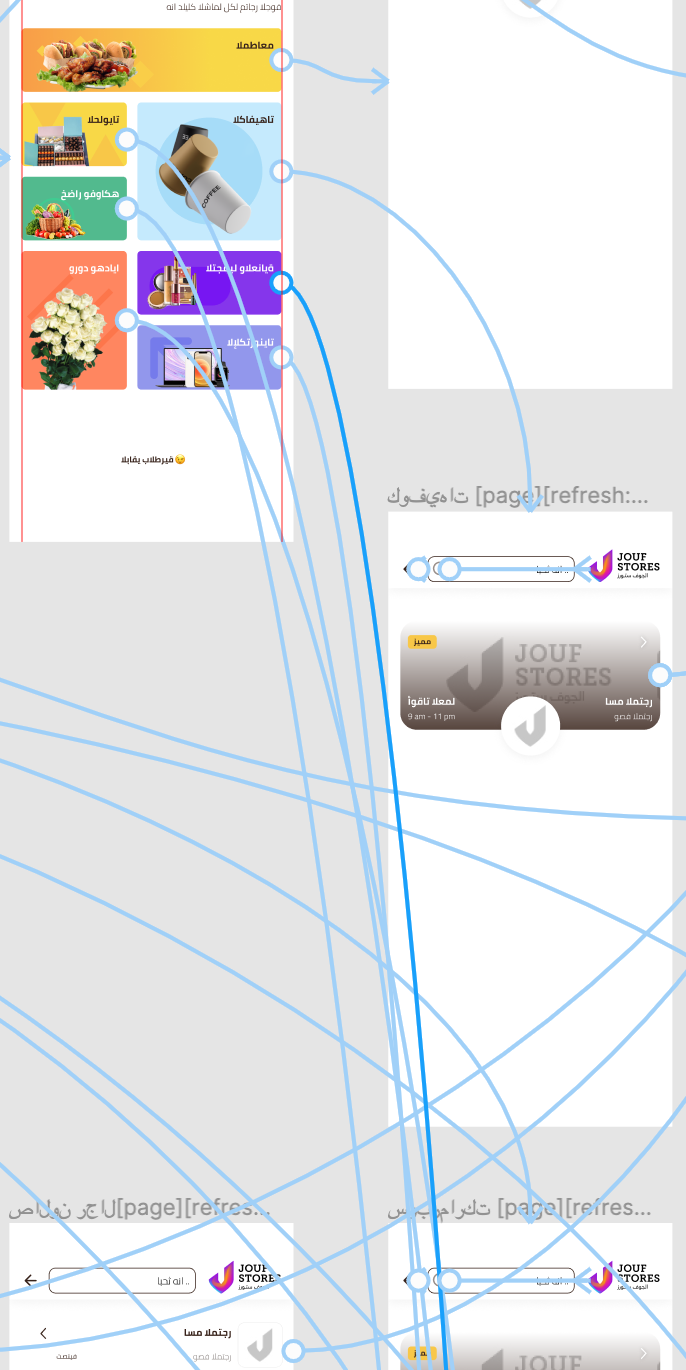
like i mention before i did that with screens for each filter and in my same table i make different view for each filter .. check the picture below

Screen Shot 2021-12-09 at 12.40.23 AM.png

Screen Shot 2021-12-09 at 12.38.09 AM.png

Darwish January 15, 2022

I didn't get it, BASE in Airtable has one link. and this link will copied in the BRAVO DATA BASE, and then in GET REQUEST you will paste the LIST RECORDS link. so, how do bravo studio know to pick for example the [coffee view grid] from the for example TABLE [Products]?

imousart January 18, 2022

if you pass the view in api endpoint you will get the list based in what view you set .

i think they have video on youtube explain that

Gordon April 30, 2023

Is anyone know how to apply color and/or size filters for each product for a e-store? Thanks

Wrote something in this thread and want it removed? Request removal

Still stuck?

Ask the community on Discord

This archive is read-only. New questions, office hours and product updates now happen in the Bravo Discord.

Join the Discord