Bravo 4.0 · live beta

Bravo, inside the
AI tool you
already use.

Bravo MCP turns your tagged design file into a real React Native app. It plugs into Claude, Cursor, or ChatGPT — same plan, same chat.

Why MCP

Bravo 4.0 puts app creation into the conversation.

01Your AI plan

Use the AI subscription you already pay for.

Bravo MCP runs through Claude, ChatGPT, Cursor, or any MCP client using your existing AI plan. Prompts are deliberate and tightly scoped, so token usage stays low even on big projects — you never have to pay Bravo for AI usage.

02Realtime + backend

The two missing pieces of Bravo, finally fixed.

Realtime in-app updates · Backend built by AI

Changes in the app database are immediately reflected on screen — and your data, auth, and storage are already wired in.

03Visual + AI

Describe the app visually, with Bravo tags — so your AI client knows exactly what to build.

Keep using the Bravo tagging system in your design tool to describe behaviour. The MCP server reads your tagged frames and turns them into a real React Native + Convex app — no handoff doc, no rewrite.

04Code ownership

Your app. Your code. No lock-in.

Bravo exports a clean React Native codebase you fully own. Push it to GitHub, hand it to a developer, take it anywhere.

What's new in 4.0

The capability gap, side by side.

What Bravo Studio (3.x) gives you today versus what Bravo MCP unlocks in 4.0. The two sit alongside each other — Studio doesn't go away.

CapabilityBravo Studio · 3.xBravo MCP · 4.0
Realtime updatesRefresh screenLive sync with database
Backend includedBring your ownBaked in
AI integrationSeparate, manualInside your AI plan
Where you workBravo dashboard onlyClaude · Cursor · ChatGPT
Bravo taggingYesYes — extended
React Native iOS and Android appsNoYes
Fully native iOS & Android appsYesNo
Update from designYesYes
How it works

From a design file to a native app, in four moves.

Stage 01

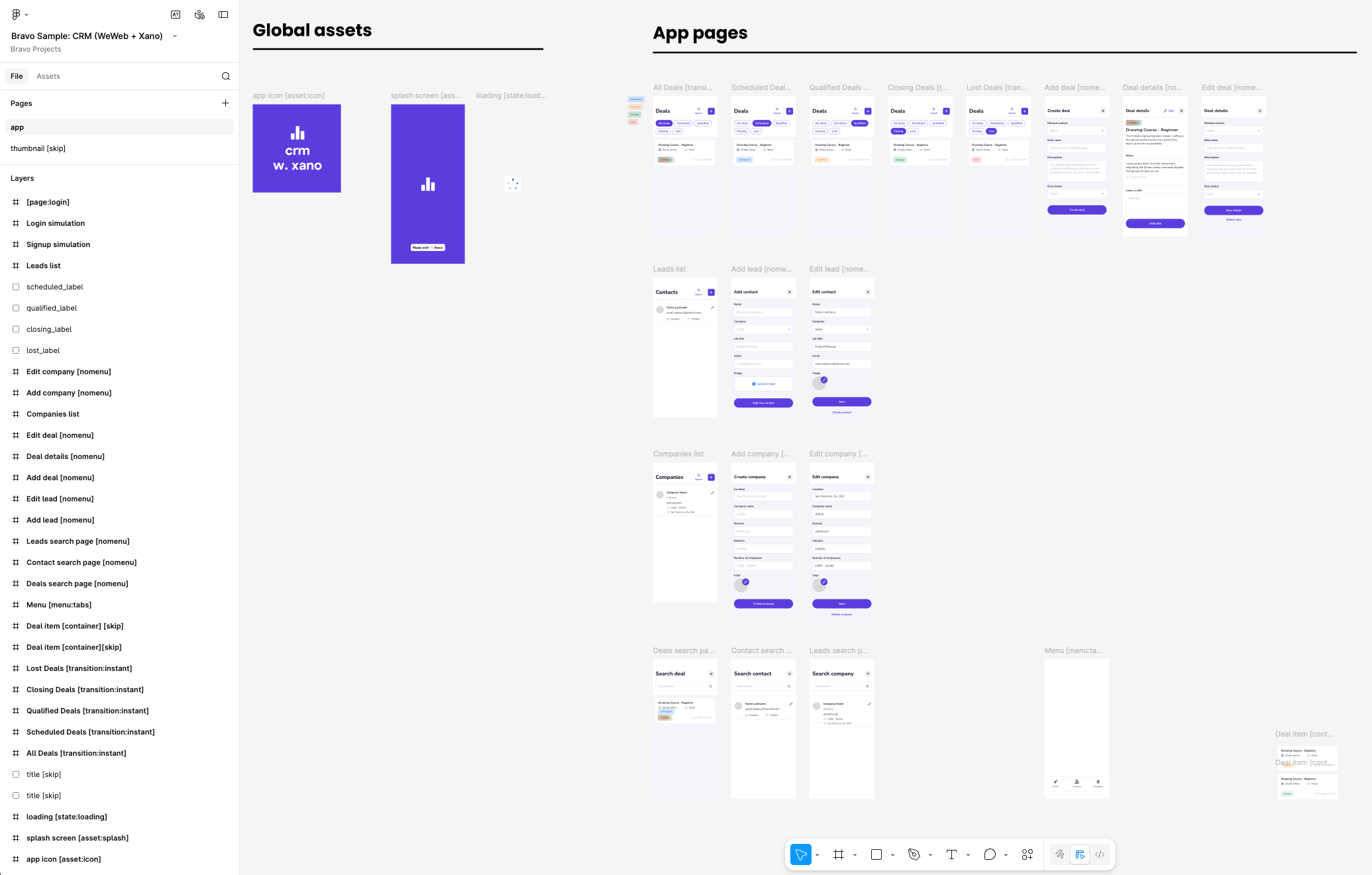
Tag your design file

Use the Bravo tagging system to describe what each frame becomes — screen, list, form, action. Same tags you'd use in Bravo Studio.

figma_screen.fig
Tagged Figma file ready for Bravo
Stage 02

Talk to your AI client

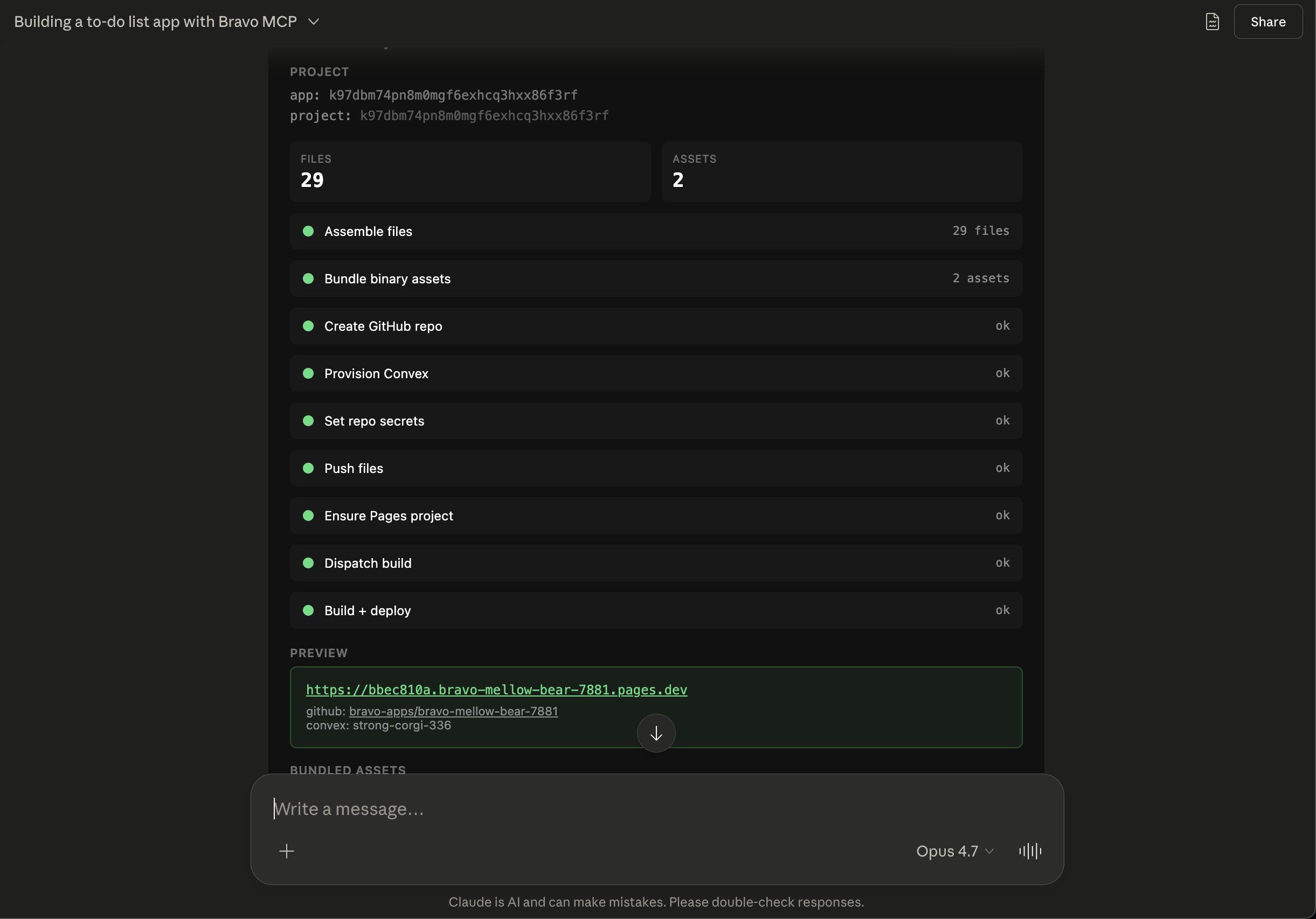
Open Claude, Cursor, or ChatGPT. Ask it to build the app from your design file. Bravo MCP introduces itself as a tool the model can call.

claude · 〔 bravo connected ◦ 〕
AI chat with Bravo MCP generating an app
Stage 03

Bravo MCP generates

The server reads your tagged frames, calls bravo.generate, and produces a real React Native build with a Convex backend wired in.

app/(tabs)/home.tsx
import { View, Text } from 'react-native';
import { useQuery } from 'convex/react';
import { api } from '../convex/_generated/api';

export default function Home() {
  const habits = useQuery(api.habits.list);
  return (
    <View>
      {habits?.map(h => <Text>{h.name}</Text>)}
    </View>
  );
}
Stage 04

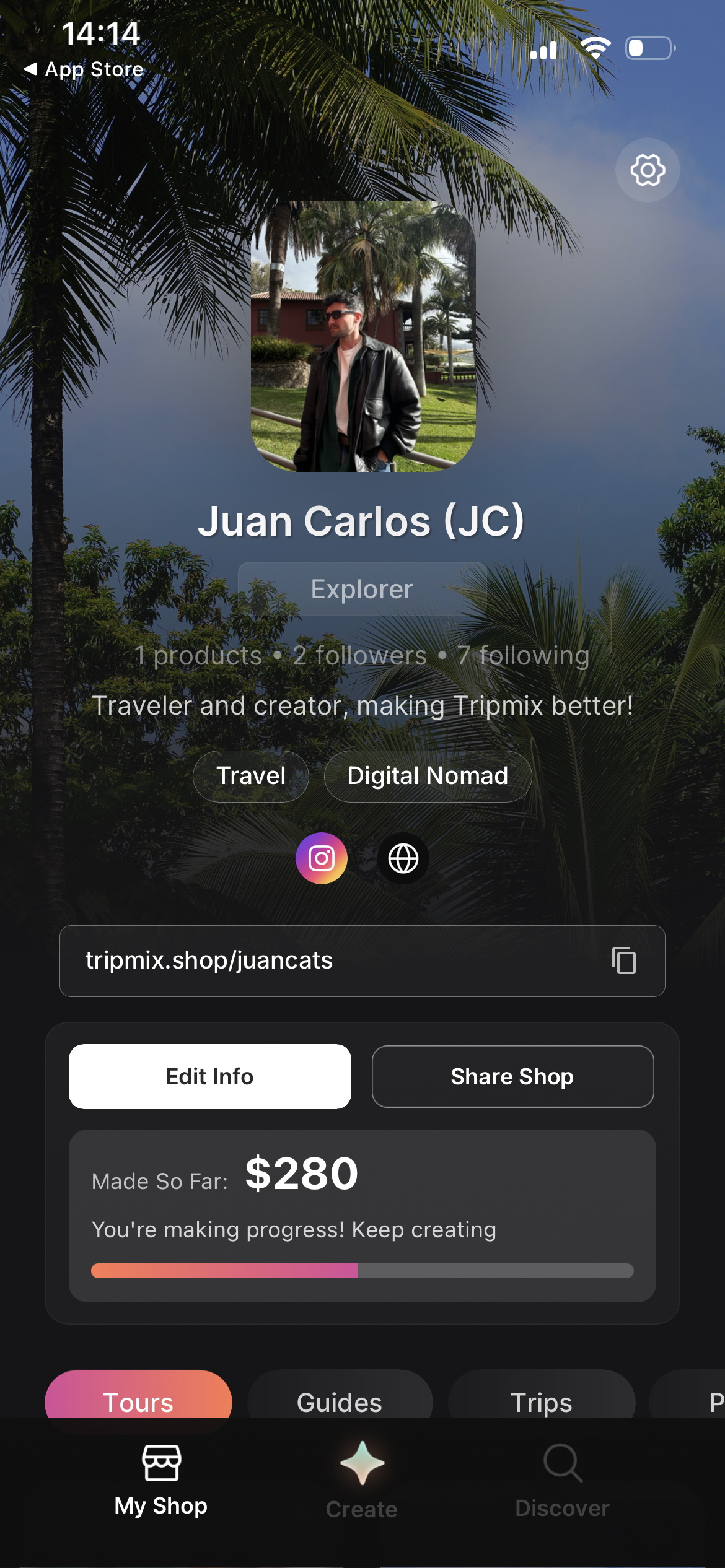
Your app. In React Native. On the App Store.

Signed iOS + Android binaries straight to the stores. React Native source — yours to keep, yours to grow. Iterate the design in your tool, ship the update from the same MCP chat.

Native app shipped from Bravo MCP
Setup

Add Bravo MCP to your client.

The MCP server URL is the same across every client: https://mcp.bravostudio.ai/mcp. When prompted, authenticate via OAuth using the Figma account connected to your Bravo account.

Bravo MCP has been tested most heavily with Claude. It works in any MCP-compatible client; the tabs below cover the common ones.

Read the full setup & usage guide

Go to Settings → Connectors → Add custom connector, paste the URL above, and click Add. Claude opens an OAuth window — sign in with Figma and approve access. Works in Claude web and Claude Desktop.

TipIn Settings → Connectors → Bravo MCP → Configure, set the interactive tools to Always allow — skips the per-tool confirmation dialogs during long builds.
v4.0 · BetaWe're shaping Bravo MCP with the people using it. Expect rough edges; in return, you help shape what Bravo MCP becomes.