← Data, API & Backend
Data, API & Backend May 14, 2022 · 4 replies

[Solved 🥳] 404 Error - Detail page not opening

Archived from the Bravo community forum (2021–2026). Some answers may refer to older versions of Bravo.

Hi everyone, I've got this bug out to Bravo Support but instead of waiting till Monday/Tuesday I'm hoping one of you all has the answer?

https://www.loom.com/share/efc49b1674f442c794cd8fd8e049896c

Problem:

  • I can't get a detail page to open.

Context:

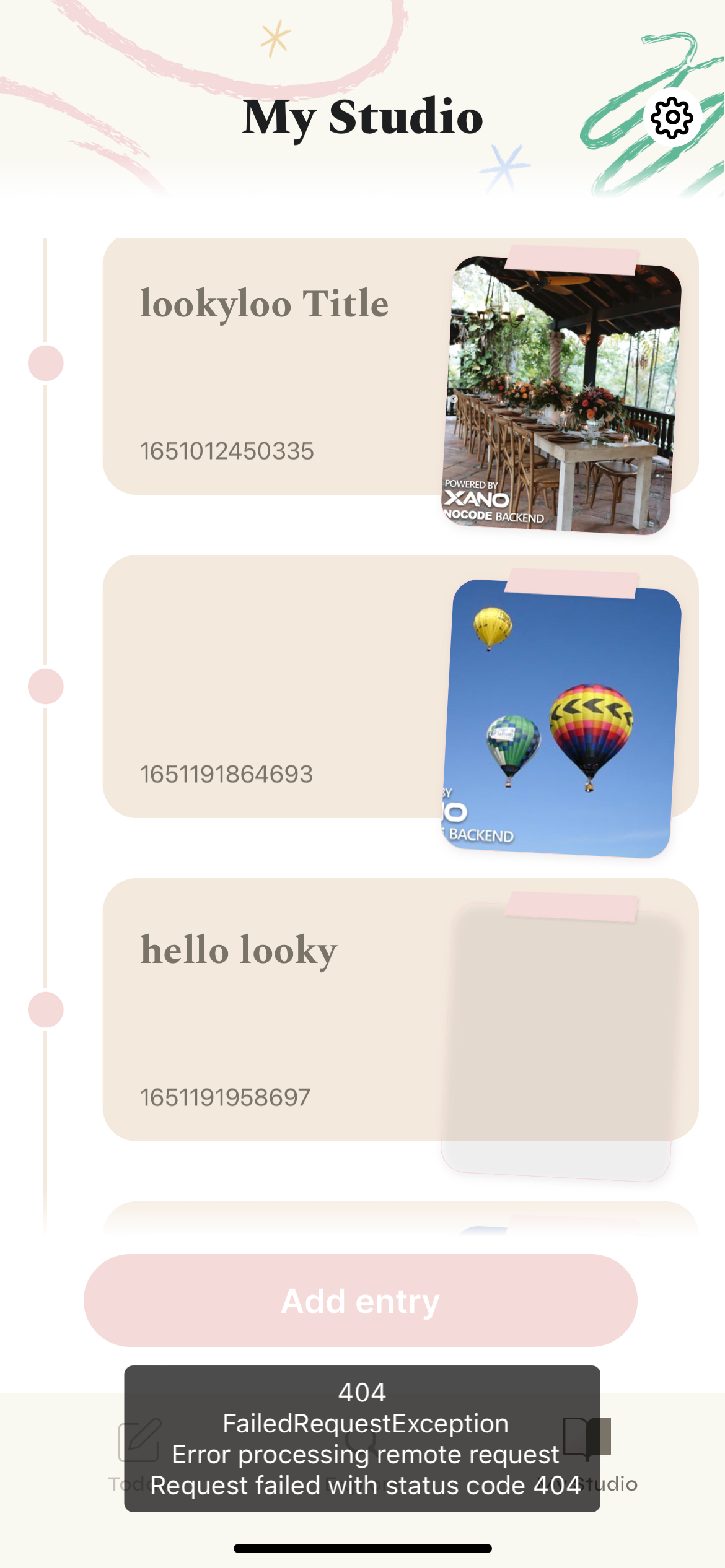
  • List page works: The list page generates correctly from my Xano table. But when I try and click on any item in the list, the detail page won't open and I get a 404.
  • Elsewhere in the app we have a list page that correctly opens a detail page connected.
  • Debug & Binding: Xano & Bravo debug modes both run without any issue. Just after data binding, it doesn't work in Bravo Vision.

Any tips would be great! I'm super close to publishing this app so I feel like a noob that now we can't get a simple detail page to open 😅

Thanks!

4 replies

Robin May 14, 2022

Hi Alex,
When I want to show a detail page from a detail list, I do not use the Json body.
Instead, I put a $ before the id.field directly inside the api URL (telling bravo that it has to find the data by itself).

For instance my apps is showing shops to the user.

FIRST : GET shop list API (format =https://x8ki-letl-twmt.n7.xano.io/api:xxxxxxxx/shop)
This gives me a list of all of my shops (including their shop_id)

THEN : GET shop detail API (https://x8ki-letl-twmt.n7.xano.io/xxxxxxxxx/shop/${shop_id})
This gives me the detail page.
For this one, I am not using the JSON body in order to tell the API which shop to show, but Bravo does it automatically. How ? Watch the $ before  {shop_id} inside the URL.

Here you'll find some pictures below as I am not sure if what I am telling you is understandable.

1/ List API :

image.png

In your case, the name should be "journal_entries_id"

2/ Detail Page API

image.png

Delete what's inside your JSON body and replace it by "{}", and put a $ before the {journal_entries_id} directly in the API URL

If the name of the ID your getting from the list API is the same as the parameter of the detail page API URL, this should work perfectly fine.

Alex May 16, 2022

Thanks for the tip! Unfortunately removing the JSON didn't do it (and I also have the correct URL with $ included)

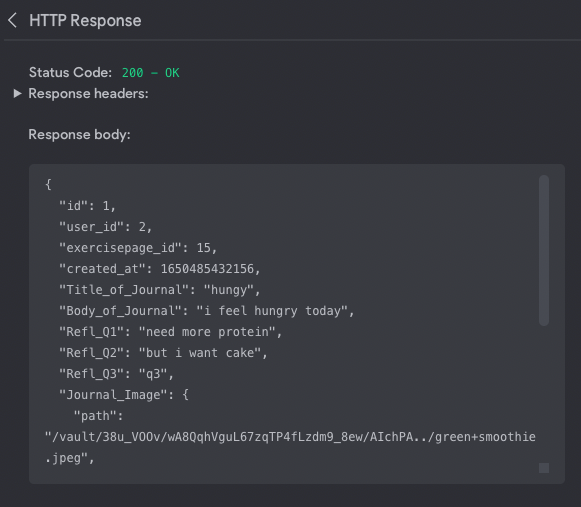
Both ways I can see with the test data that my Detail Page received all the correct data? So everything looks good in Bravo Studio debug.

Sadly its when I try in the app its broken:

image.png

image.png

Alex May 17, 2022

[Solved] Thanks to Toby we solved this one.

For those curious my issue was the "list page" selected data (Ie. what was sending the "detail page" request) was sending data with a different name than the detail page was expecting:

SOLUTION:
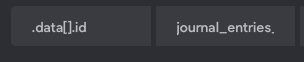
List page: sending data[].id named "journal entries"

image.png

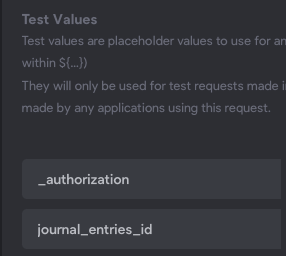
Detail page: Expecting data by the same name "Journal_entries_id"

image.png

Wrote something in this thread and want it removed? Request removal

Still stuck?

Ask the community on Discord

This archive is read-only. New questions, office hours and product updates now happen in the Bravo Discord.

Join the Discord