Archived from the Bravo community forum (2021–2026). Some answers may refer to older versions of Bravo.
Hi !
I´ve been following this video tutorial (https://www.youtube.com/watch?v=4o5qHrX-kKU&ab\_channel=BravoStudio) and have followed all the steps.
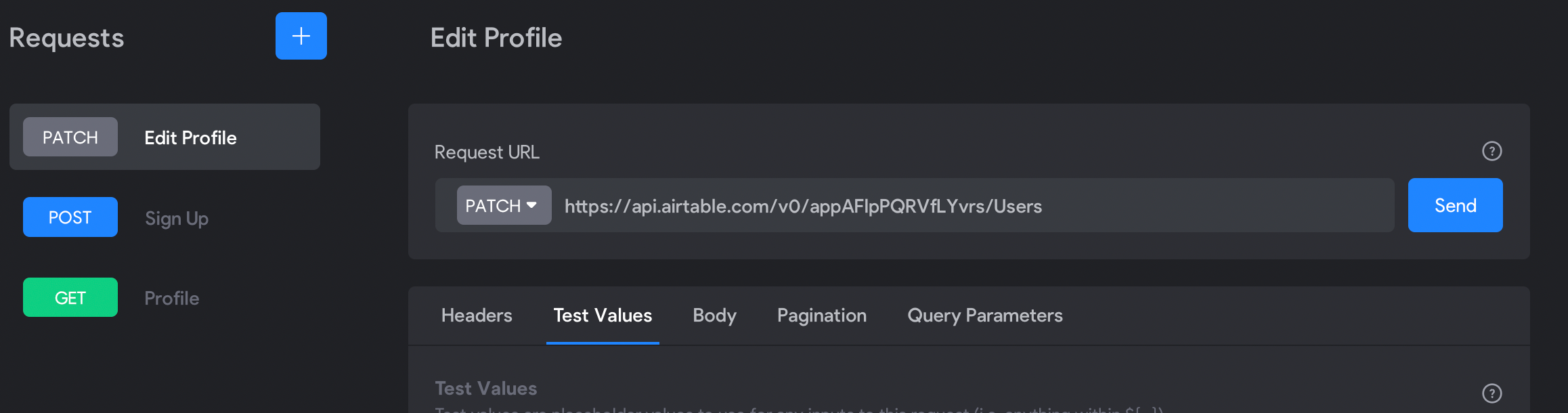
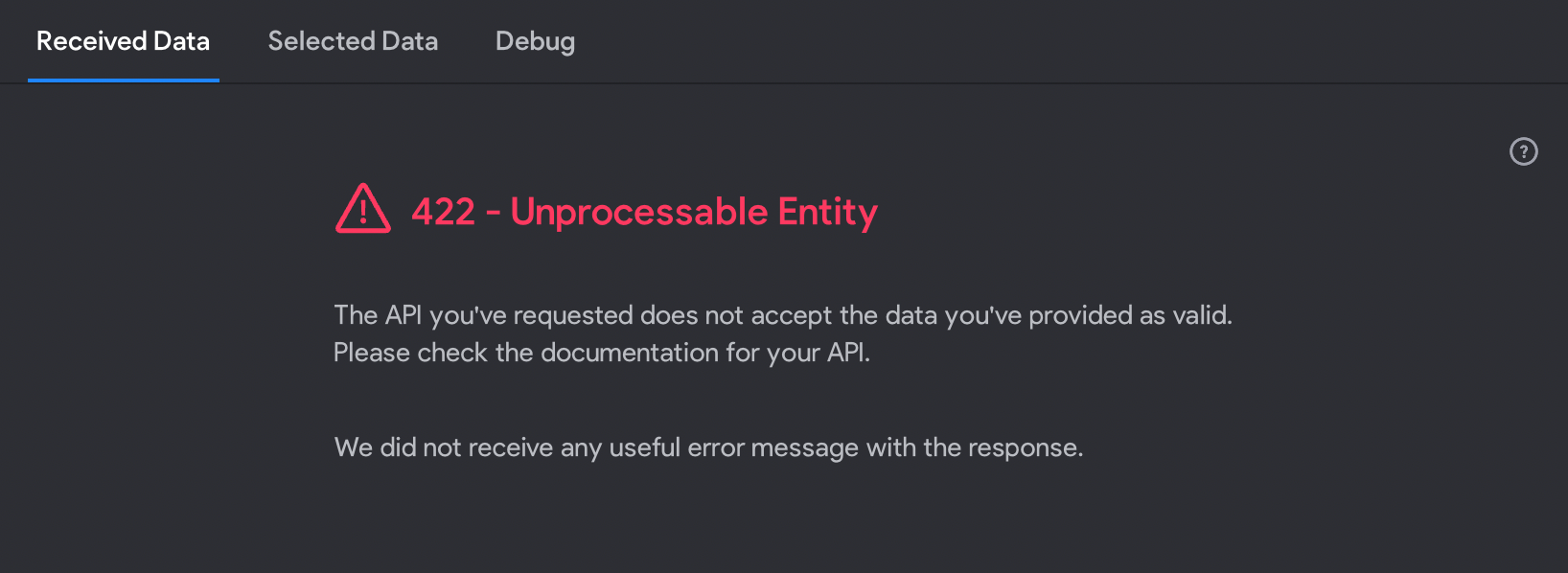
The result has been very good, however I have two errors, in the Profile Page with the Formula and when generate the Patch in Edit Profile.
attach some images, in the two errors I get error 422
Thank you!
3 replies
This formula is correct?
?filterByFormula=search(“${device.id}”,arrayjoin(deviceId))
The formula should be correct, if the field in Airtable is called deviceId
The error 422 is most likely connected to the request body. It's best to first try it with the sample request body in your Airtable docs and then gradually replace every property with your variables. It could also mean that your test values are wrong. E.g. Airtable expects an image URL but you are sending a string. That is hard to tell without seeing your request body. But I hope the first method already helps you validate if it's really the body or something else.
Btw I'll be on vacation from tomorrow on but I'll try to help if this didn't solve it for you :)
Wrote something in this thread and want it removed? Request removal
Still stuck? Ask the community on Discord
This archive is read-only. New questions, office hours and product updates now happen in the Bravo Discord.
Join the Discord