← Data, API & Backend
Data, API & Backend September 21, 2021 · 4 replies

Airtable API detail page not showing

Archived from the Bravo community forum (2021–2026). Some answers may refer to older versions of Bravo.

Hi Everyone,

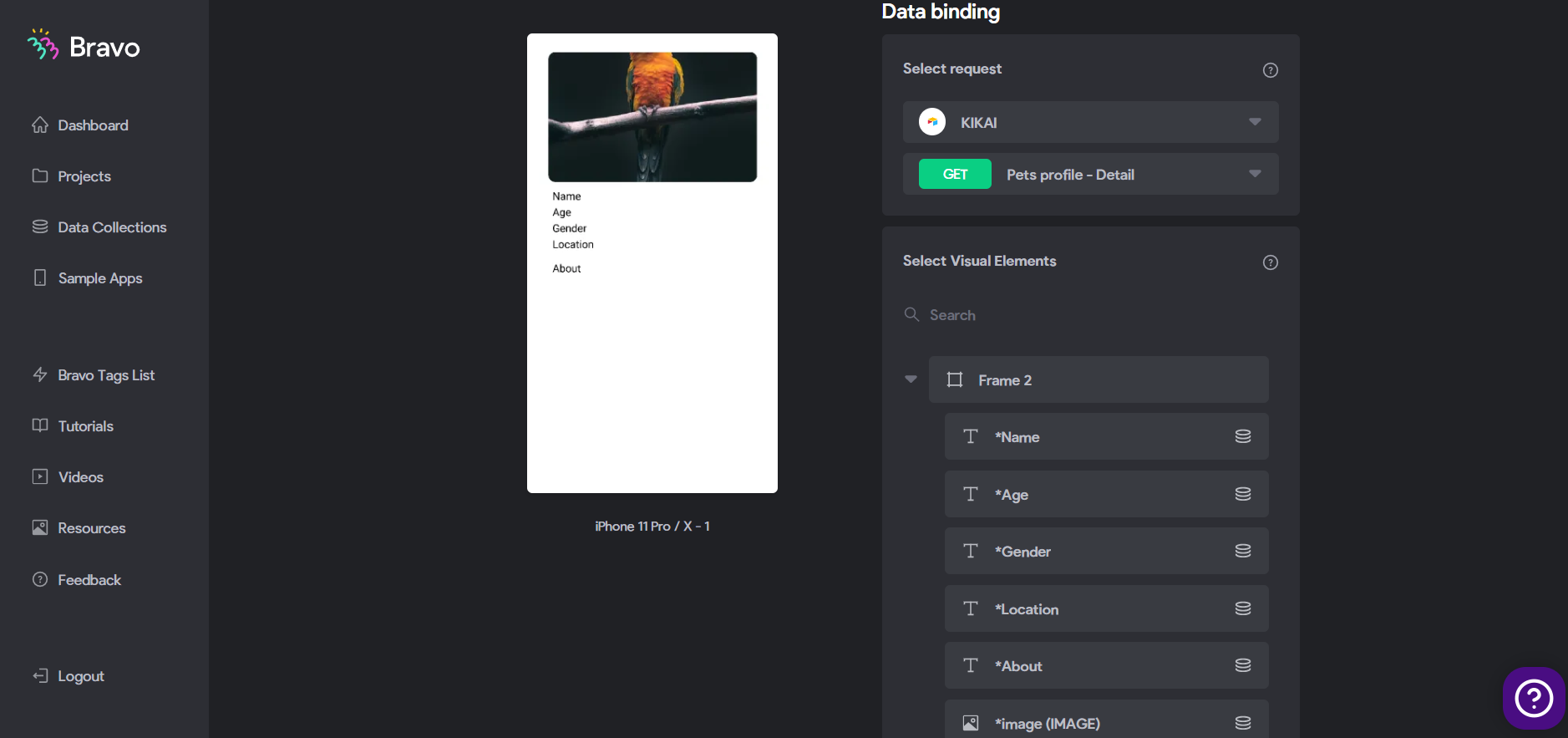
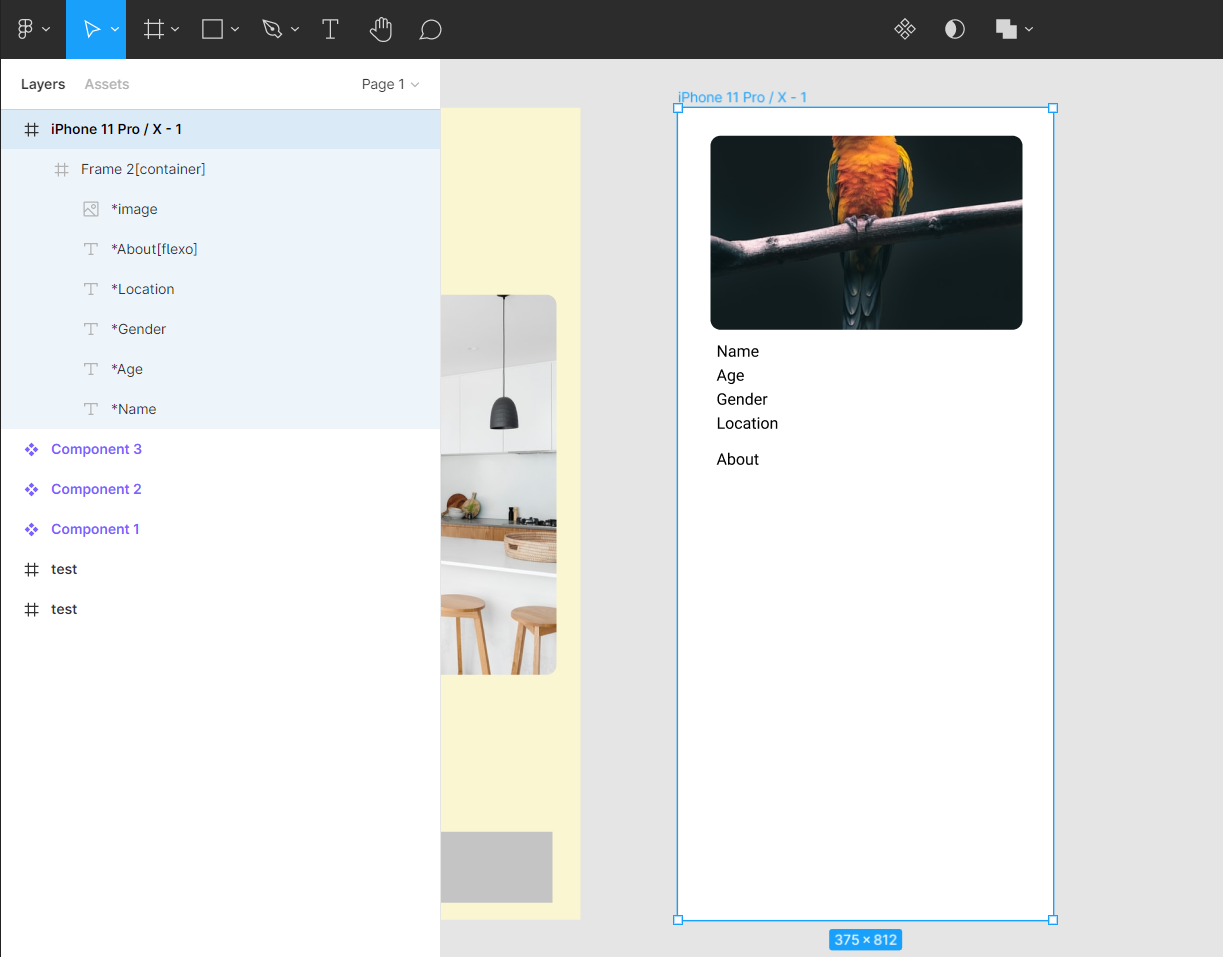
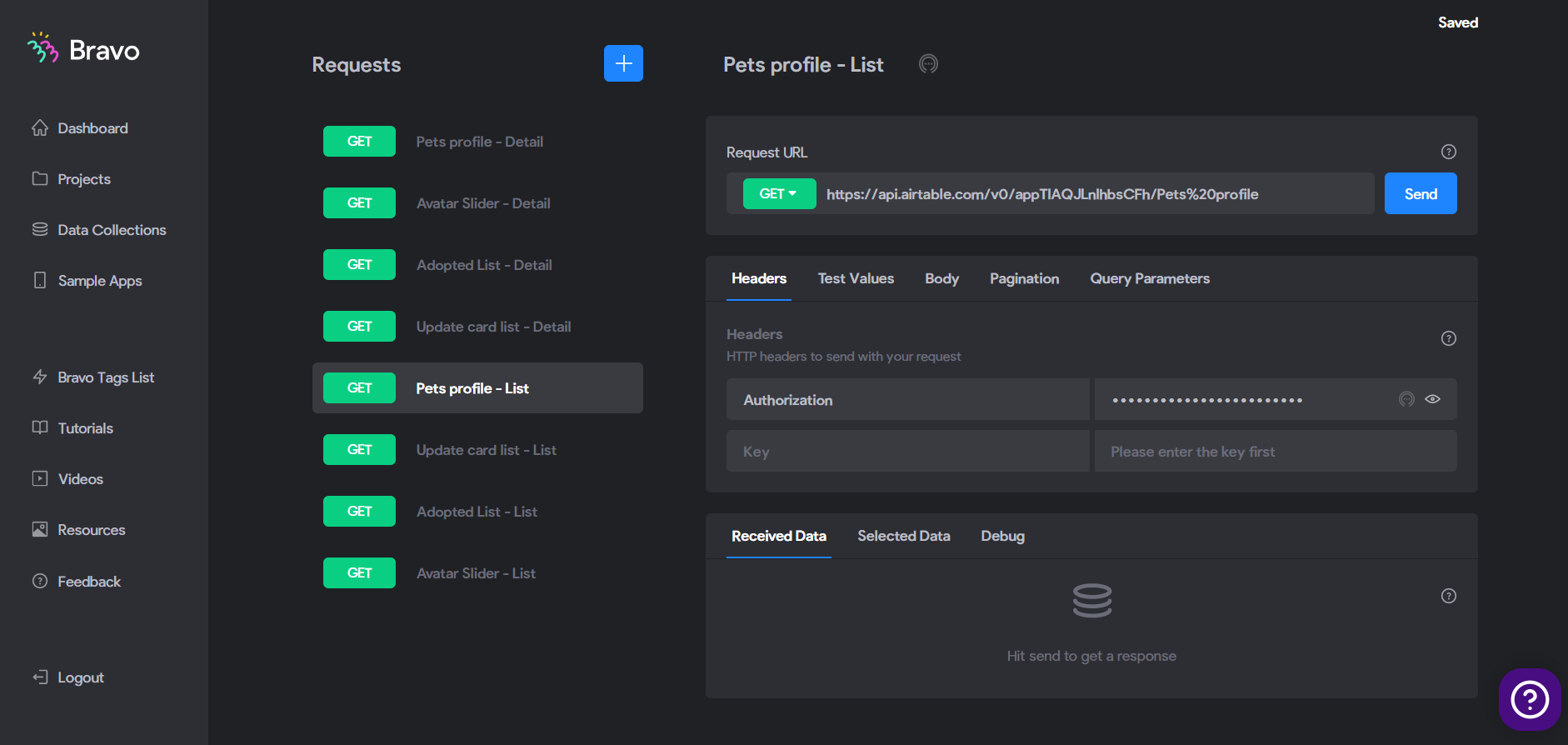
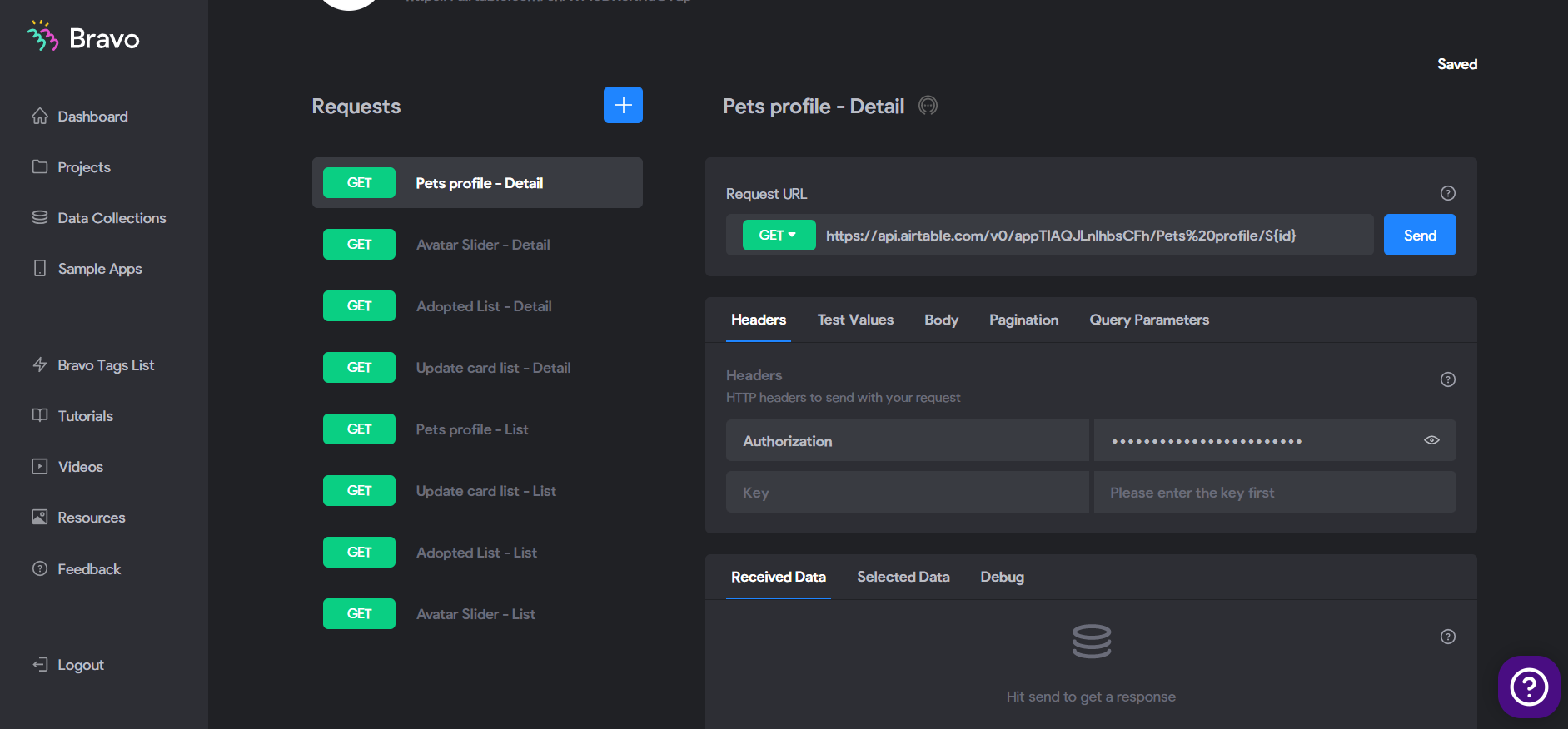
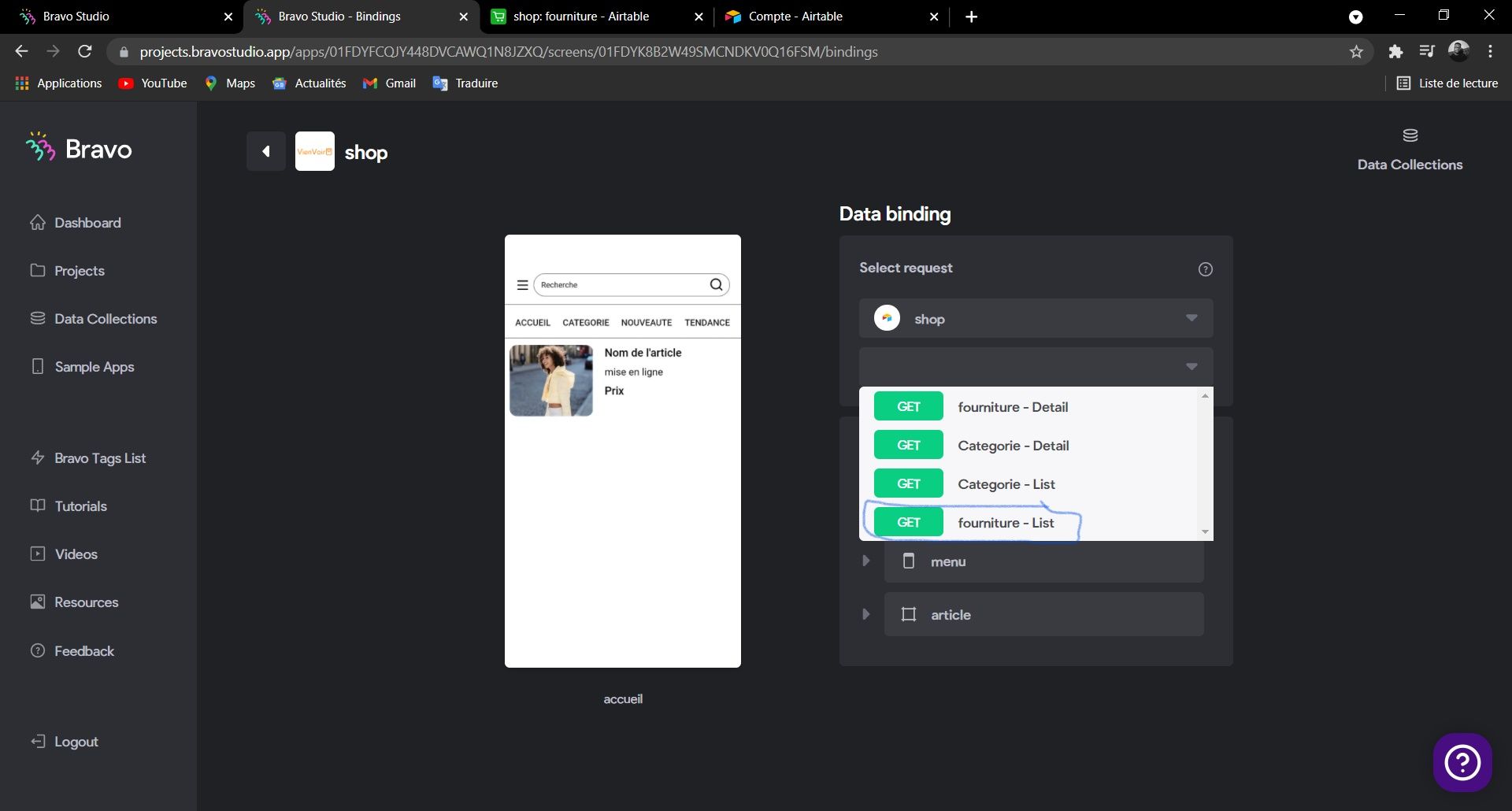
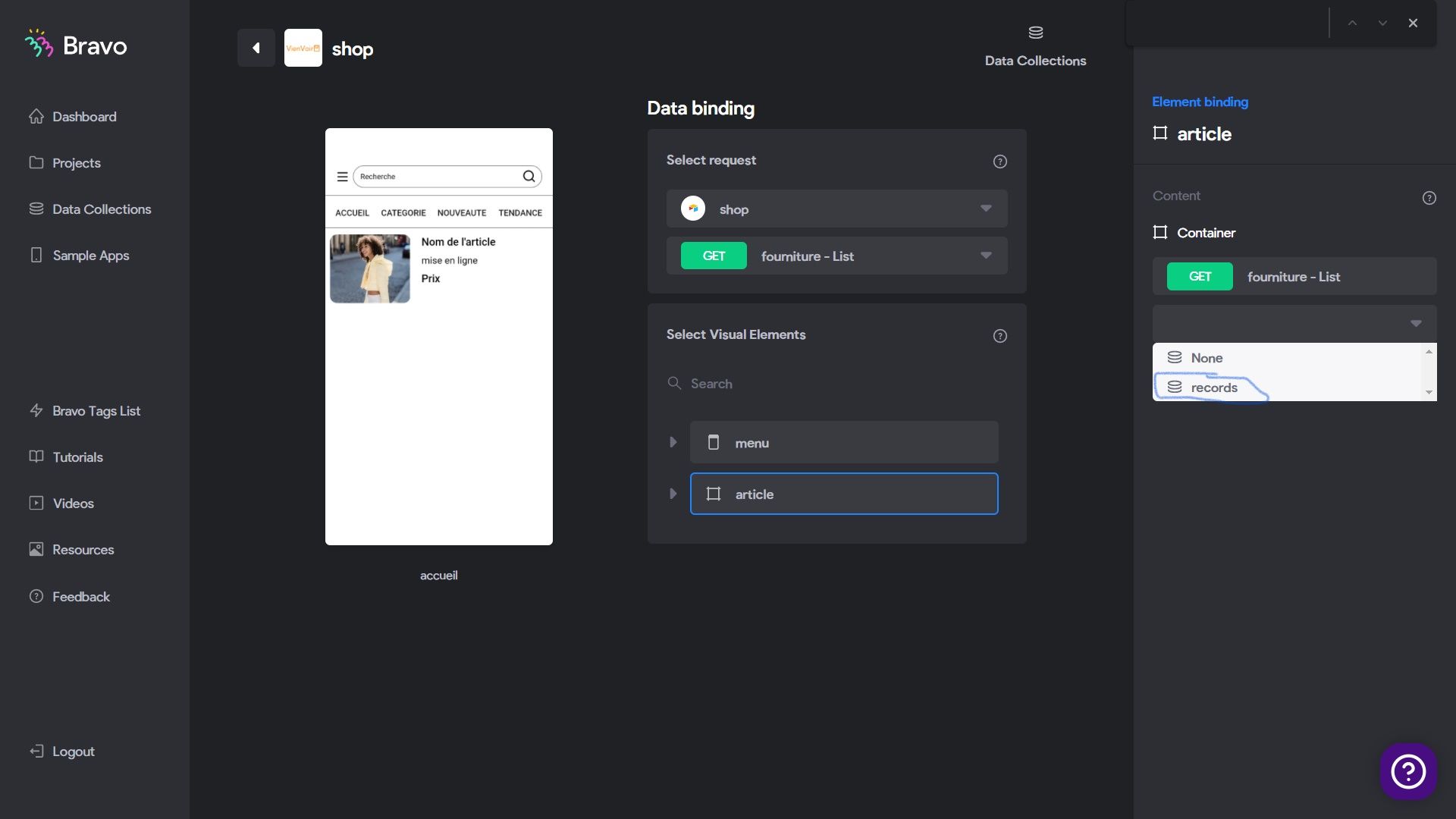
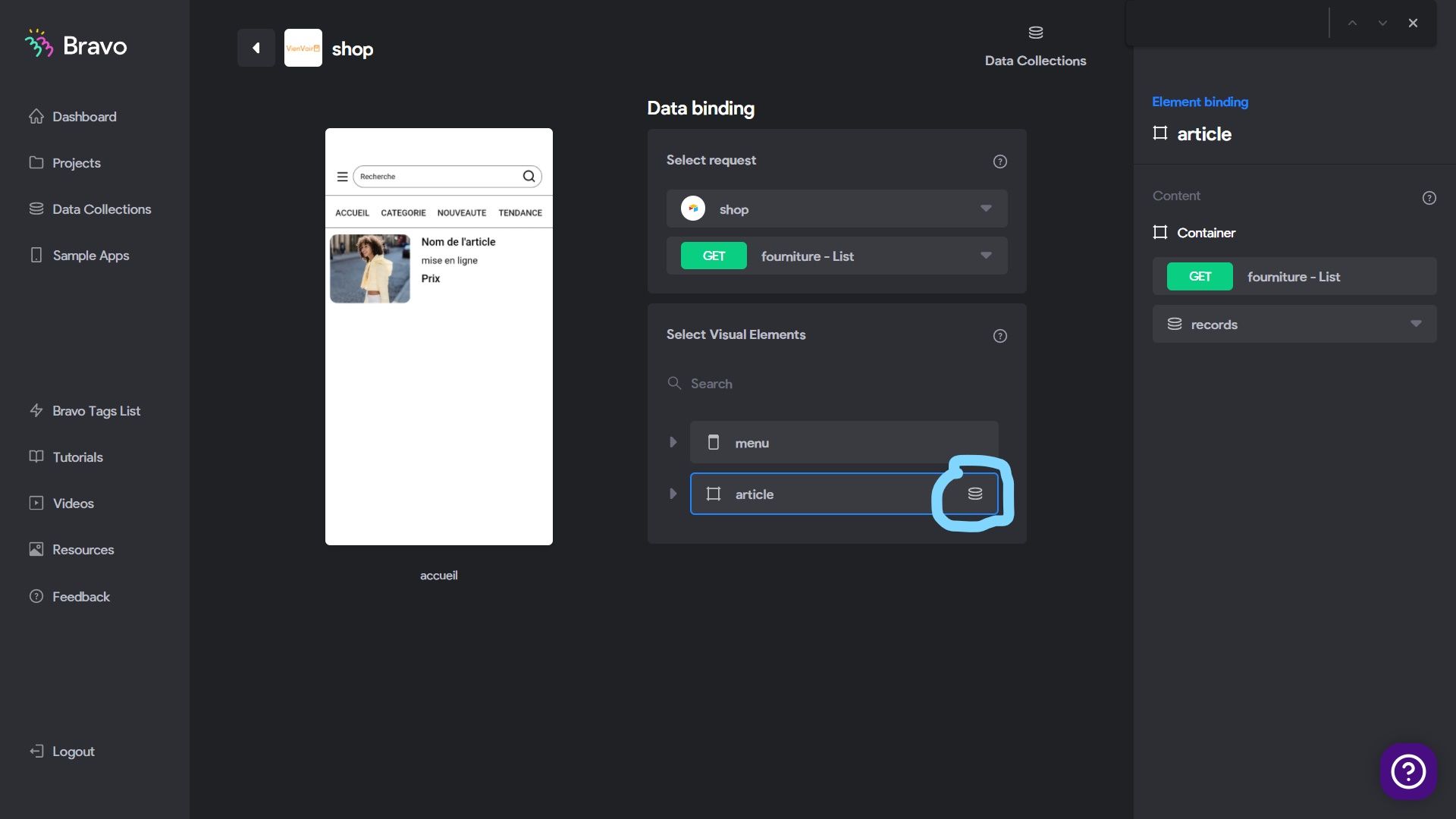
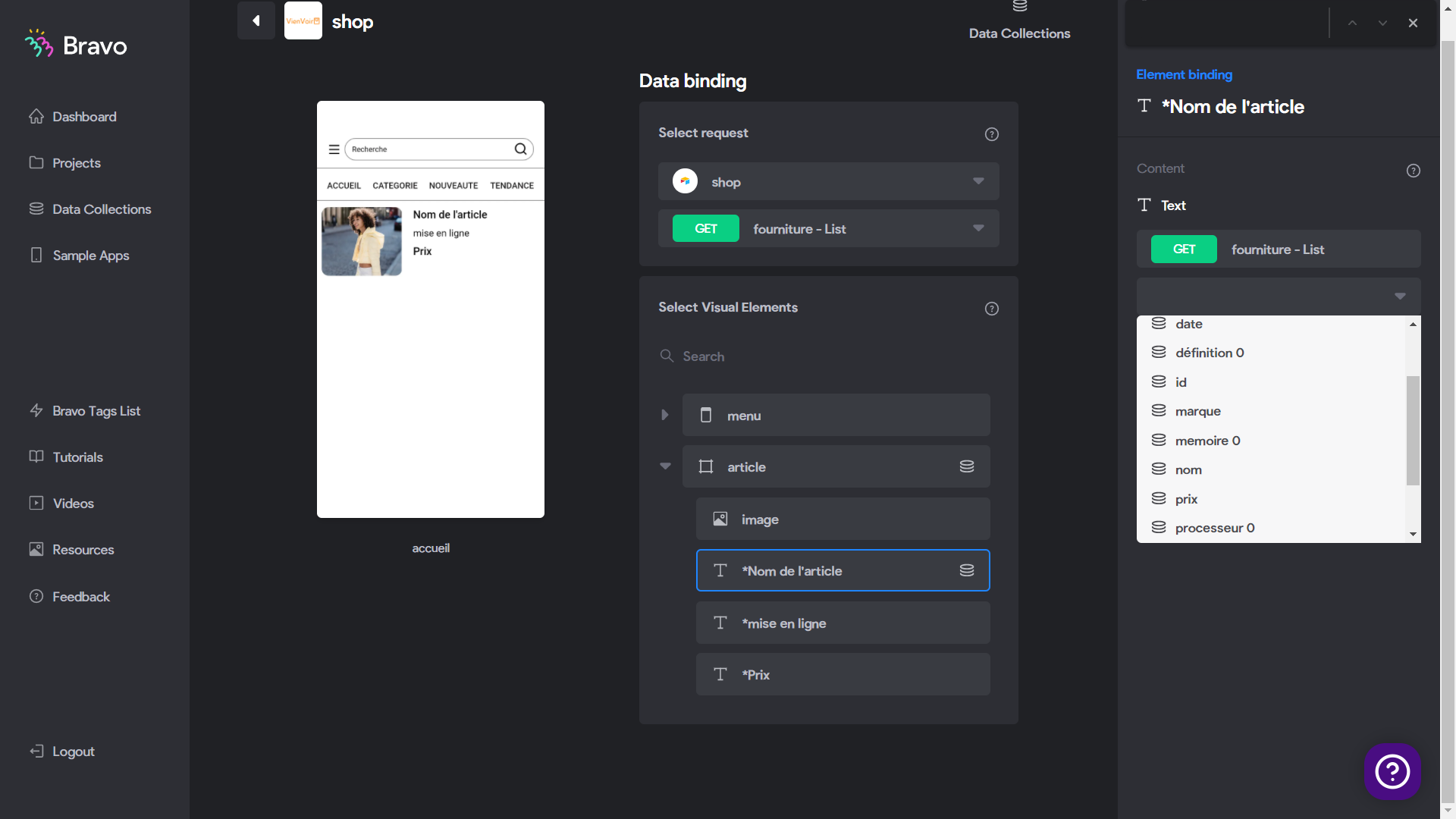
Airtable API list page works for me, it can populate, but when comes to detail page, it show nothing after binding, i not sure why. Can anyone help me out?

Do i need to key in something? Press "Send"?

Thanks!!
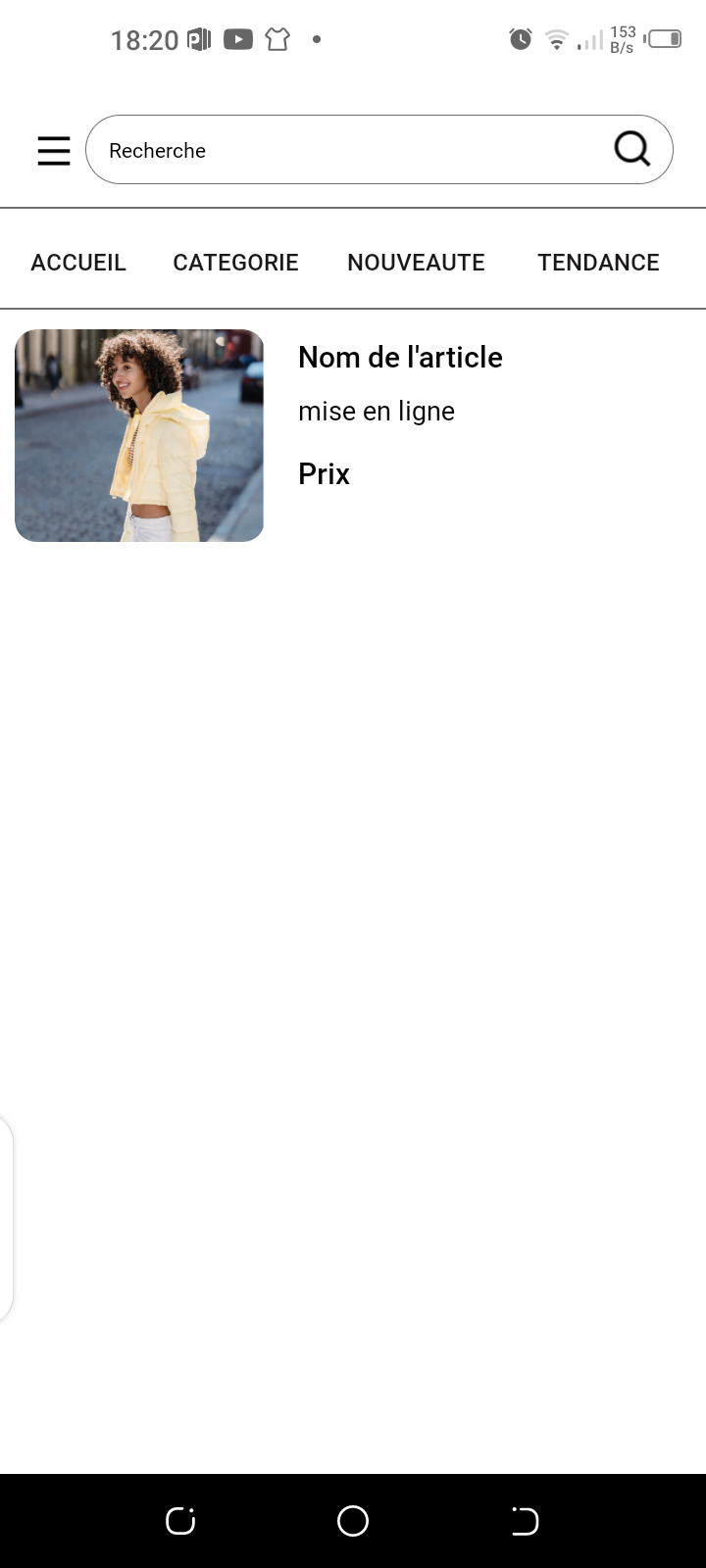
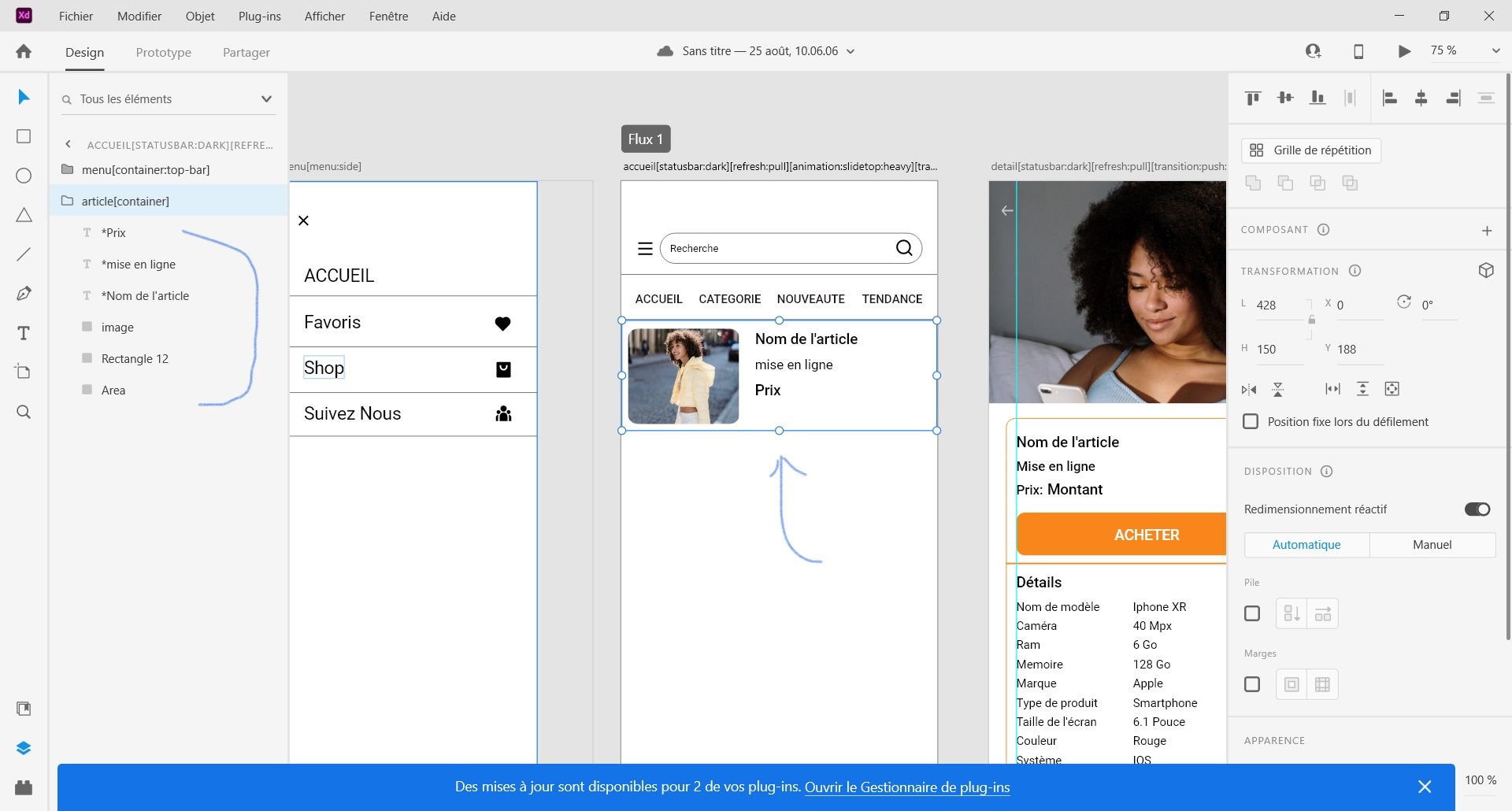
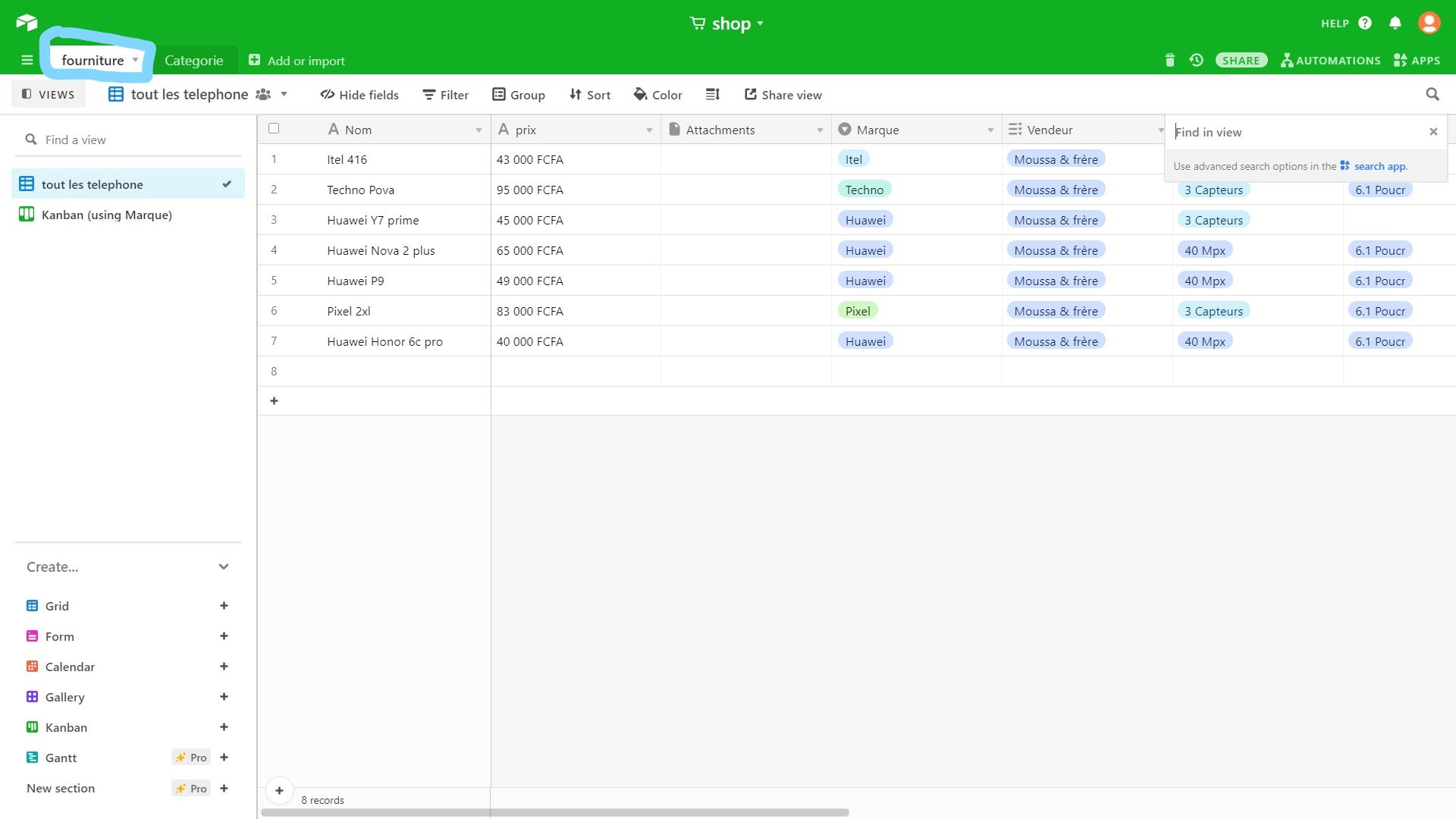
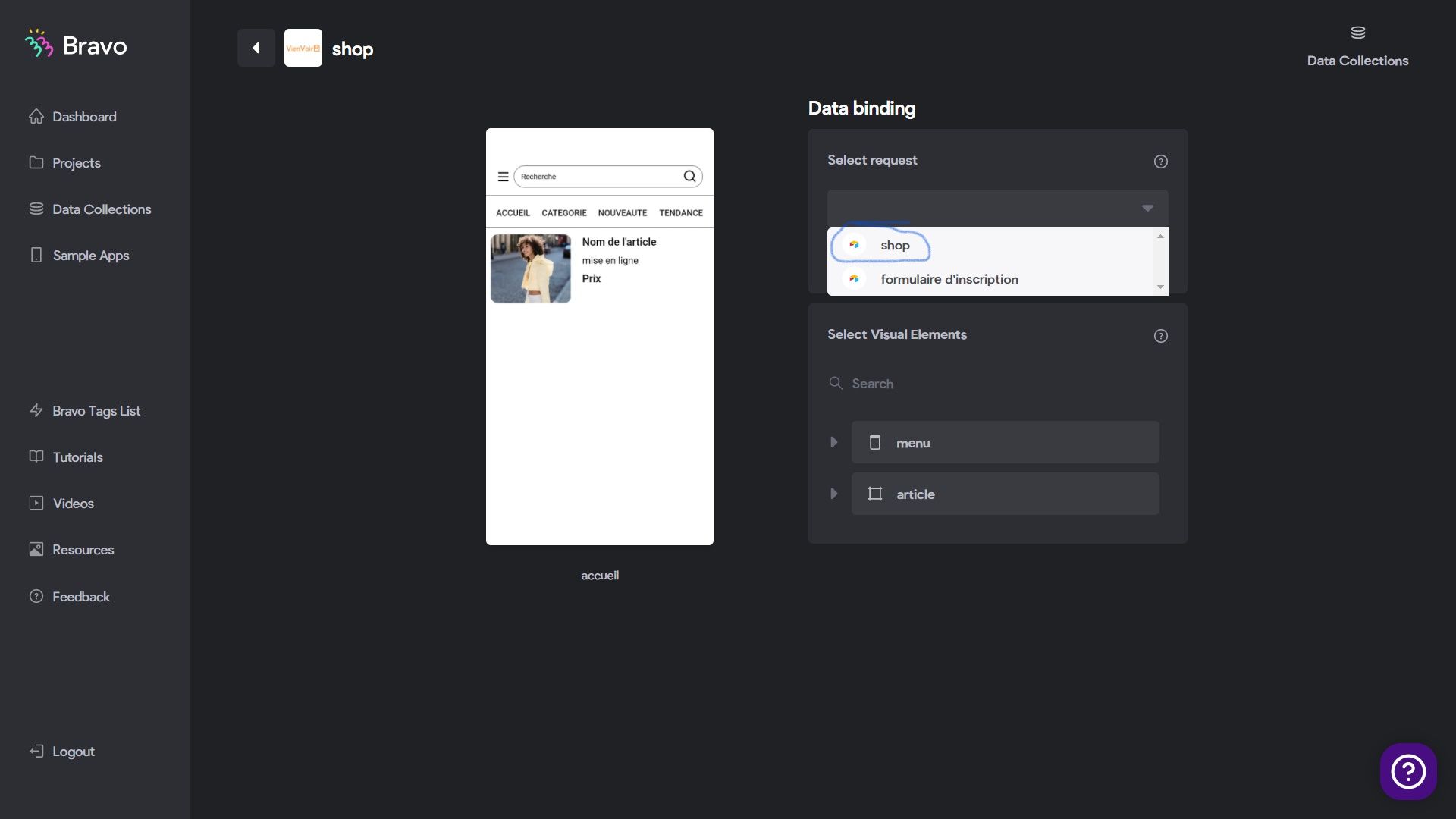
Screenshot (183).png

Screenshot (186).png

Screenshot (182).png

Screenshot (185).png

Screenshot (184).png

4 replies

Stéphan September 21, 2021

good evening Esther, you are reassured to have synchronized well each element?  Also make sure that your elements in your design are found in a container

i will try to make a small example and send you a screenshot

try these videos it will be very useful to you: https://youtu.be/LrwdSXGzL94

Basti's video also illustrates how the list and details are connected, but the video is in French: https://youtu.be/mlkmd49Uhyo

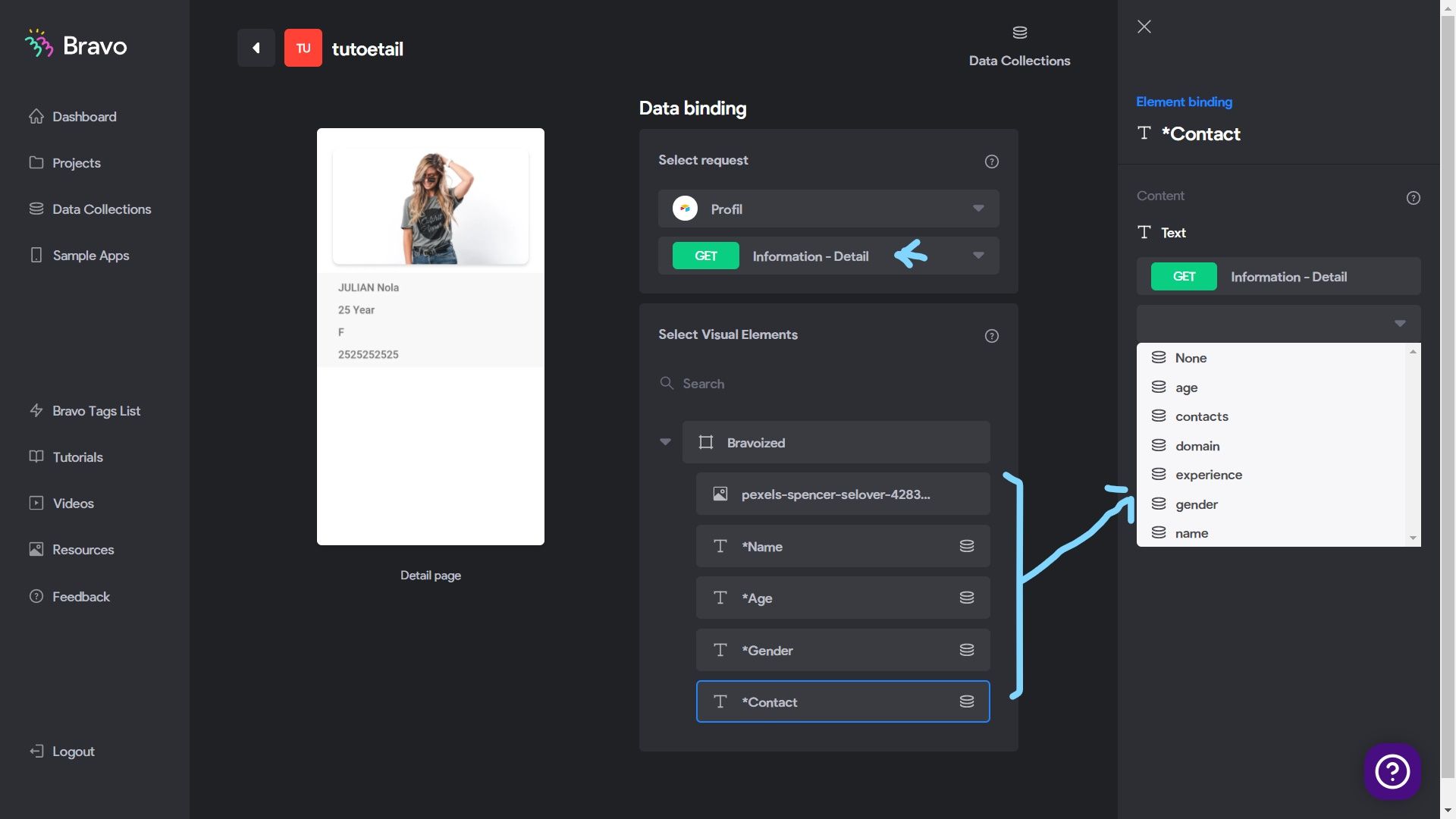
Follow these steps from picture 01 to 08:

01.png

02.jpg

03.jpg

04.jpg

05.jpg

06.jpg

07.jpg

08.png

09.png

esther September 23, 2021

hi there, thank you very much for the guide, i manage to get "List" to work, but the inside "Detail" page is not working, even though i follow the tutorial guide, last 2 days i can view the visual on brave app, now my detail page went black screen whenever i do binding, but without binding i can see my visual...weird...

Stéphan September 23, 2021

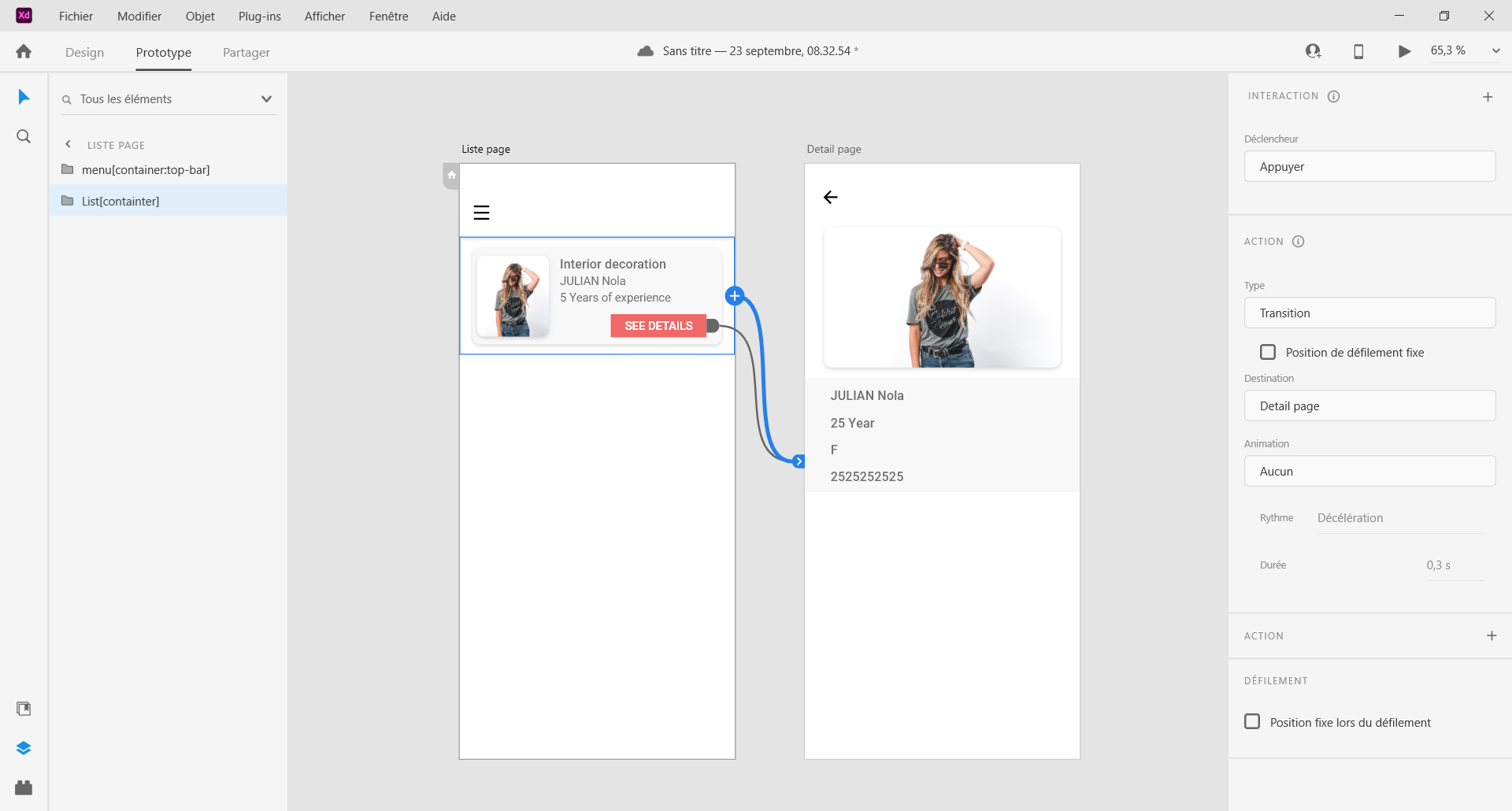
make sure you link the listing to the detail page. with me it's "list[container]" link to the detail page.

Adobe XD 23_09_2021 10_48_45.png

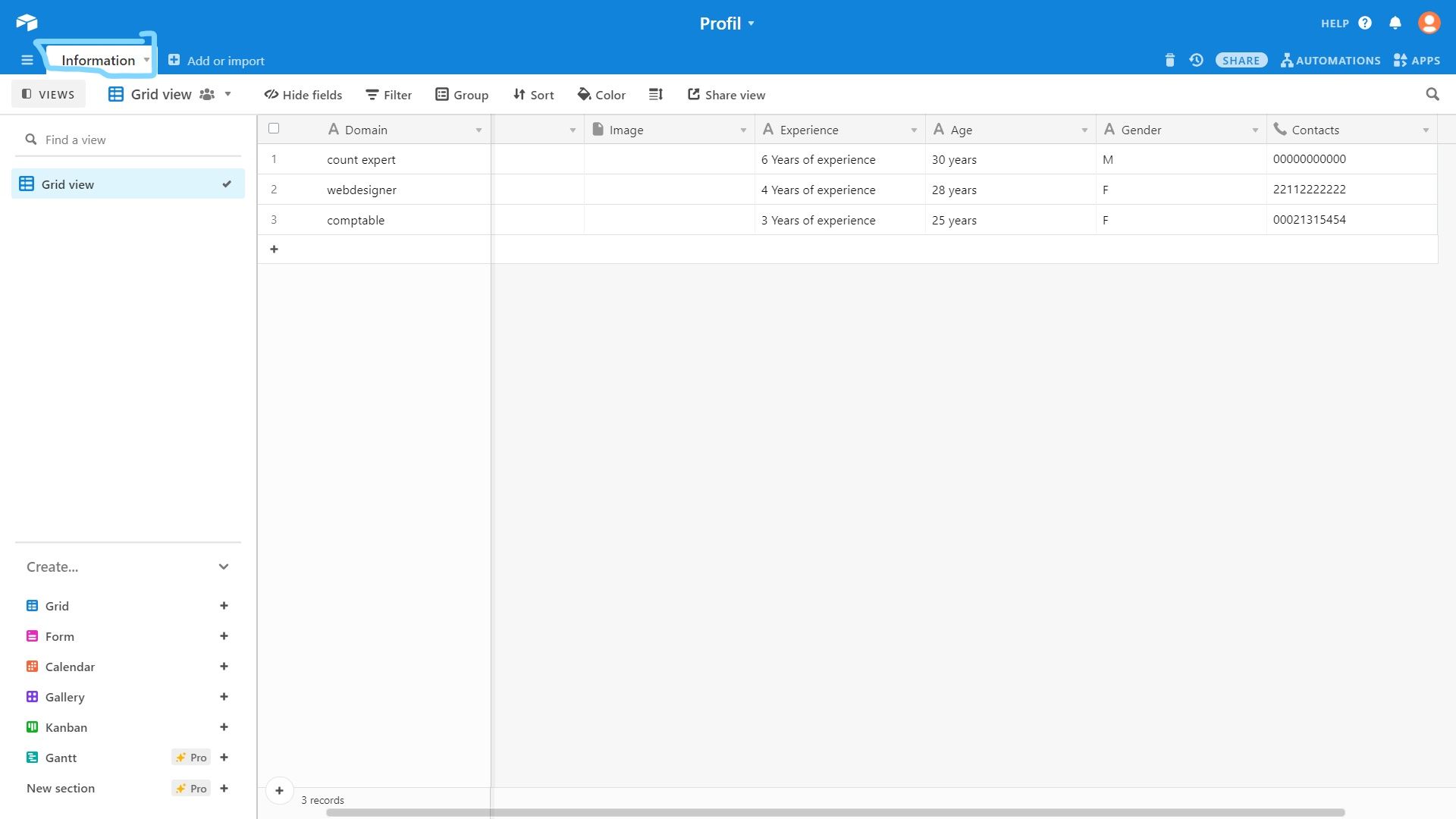
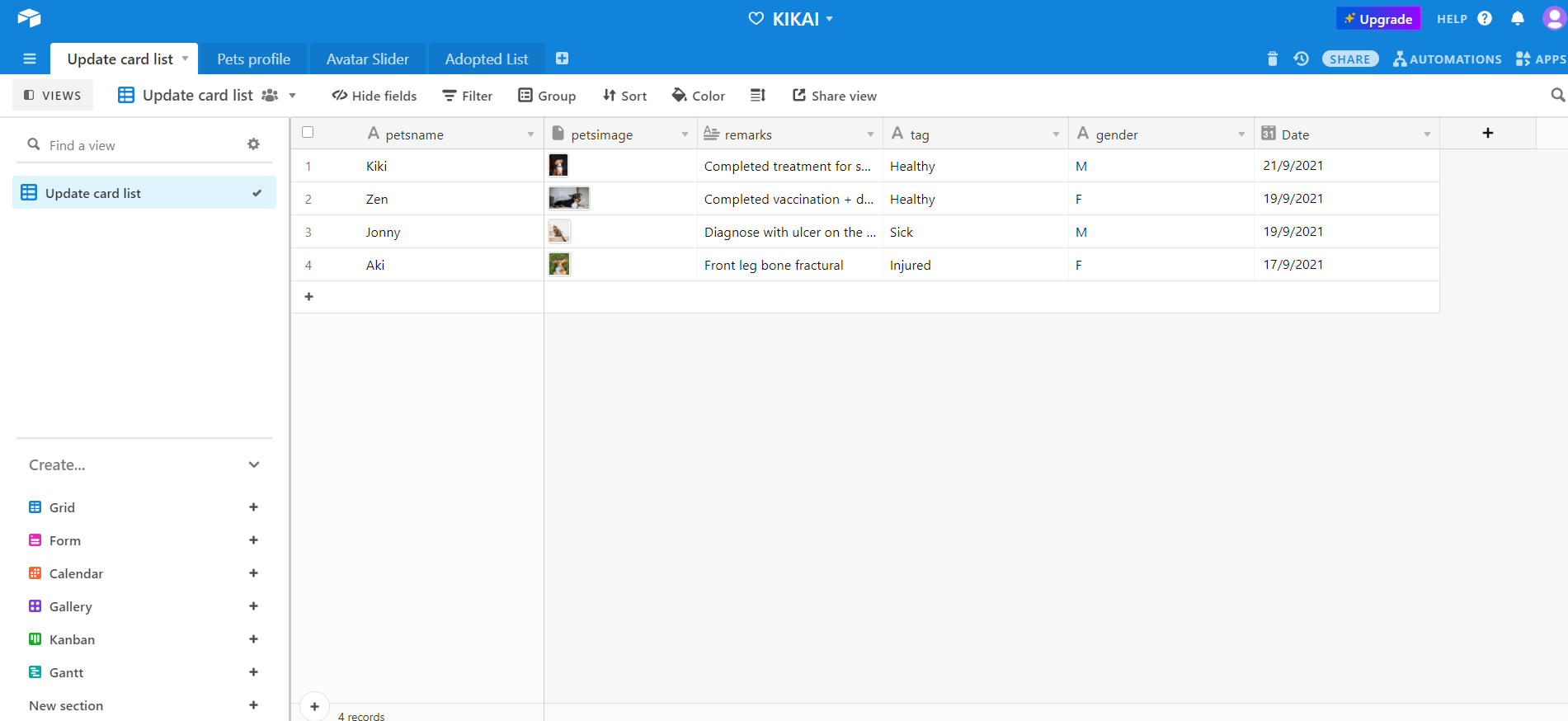
Here is my airtable according to your table to set an example:

Profil_ Information - Airtable - Google Chrome 23_09_2021 10_50_13_LI.jpg

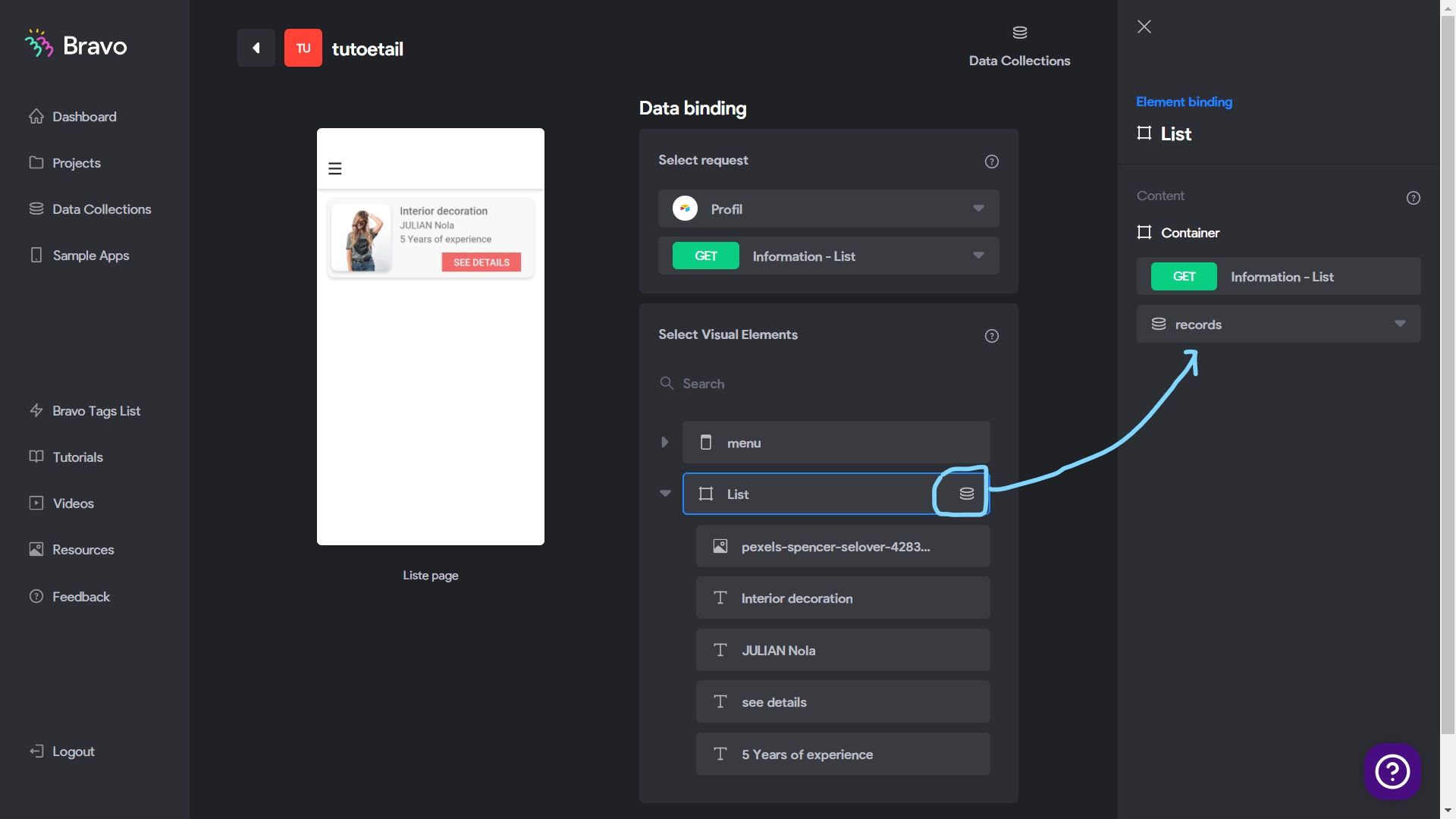
in bravo you must first link the "Update card list-list" to the container that contains the list items. as you can see in the picture "Information-list" is linked to " List[Container] "

Bravo Studio - Bindings - Google Chrome 23_09_2021 10_31_35_LI.jpg

Finally and it works you link "Update card list-Detail" to the elements of "container detail" of the detail page. in this example "Information-detail" is linked to the elements of "Detail page[containter]"

Bravo Studio - Bindings - Google Chrome 23_09_2021 10_45_19_LI.jpg

now check your result in bravo vision after updating

esther September 24, 2021

thank you very much! it works now! i understand what went wrong now, i was binding 2 different type name of info.

Wrote something in this thread and want it removed? Request removal

Still stuck?

Ask the community on Discord

This archive is read-only. New questions, office hours and product updates now happen in the Bravo Discord.

Join the Discord