Archived from the Bravo community forum (2021–2026). Some answers may refer to older versions of Bravo.
I looked at the instructions.
but the date and time format does not fit.
My set format:
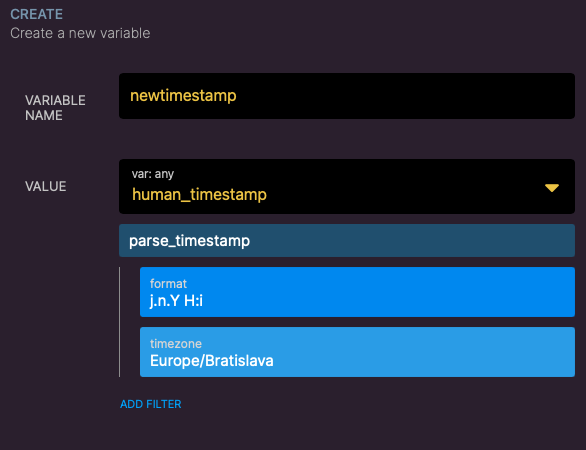
Add record is:
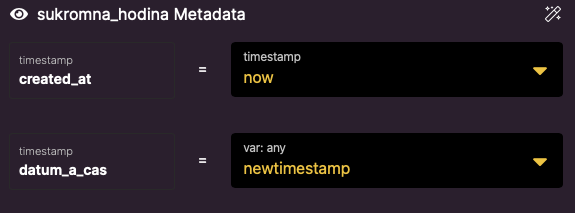
Bravo studio -> format
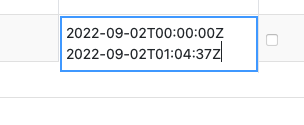
any idea how to do it?
1 reply
Wrote something in this thread and want it removed? Request removal
Still stuck?
Ask the community on Discord
This archive is read-only. New questions, office hours and product updates now happen in the Bravo Discord.
Join the Discord