← Data, API & Backend
Data, API & Backend December 2, 2022 · 7 replies

Camera & Microphone Permissions in WebView

Archived from the Bravo community forum (2021–2026). Some answers may refer to older versions of Bravo.

Hi,

Tried embedding a url link to a call session with a web-view tag.

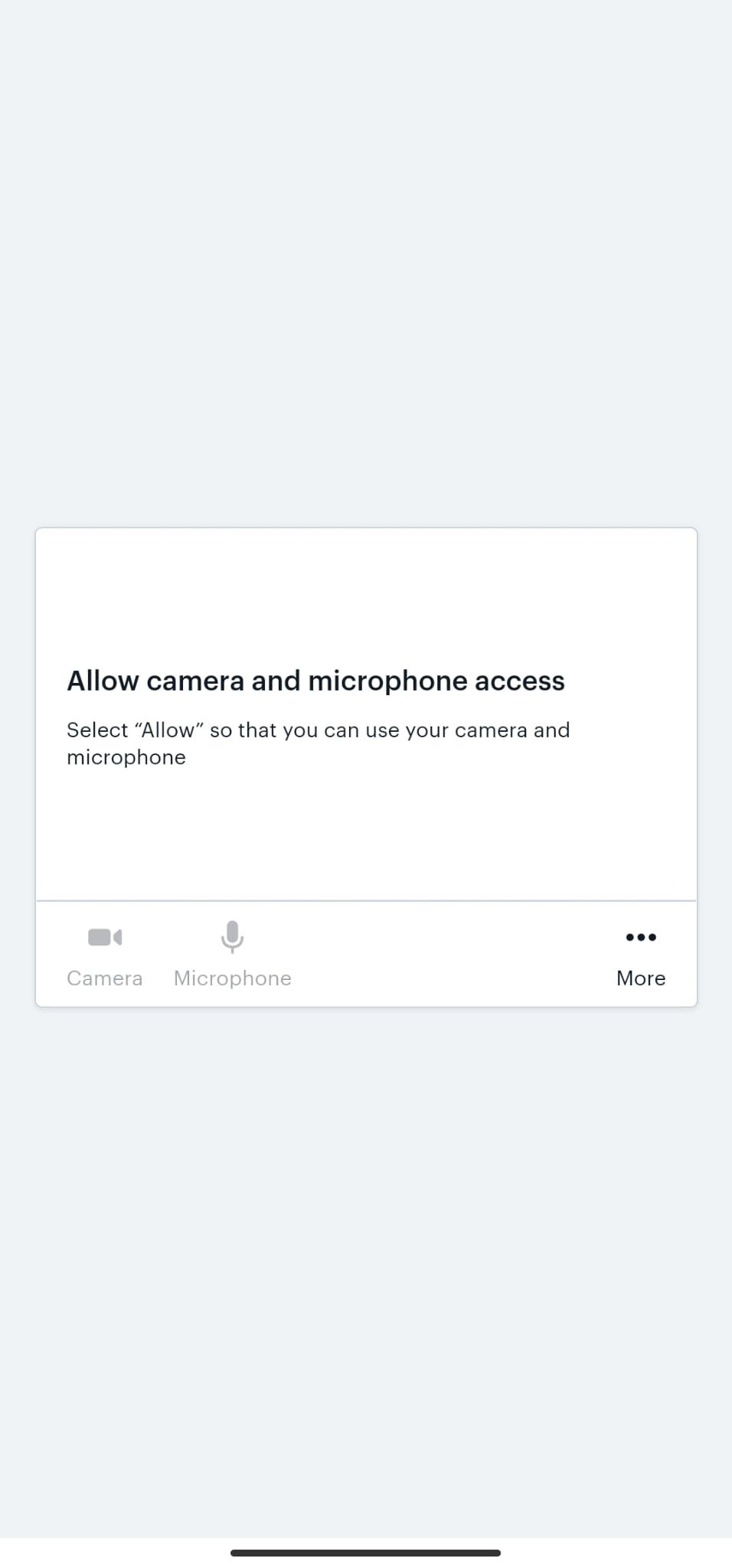
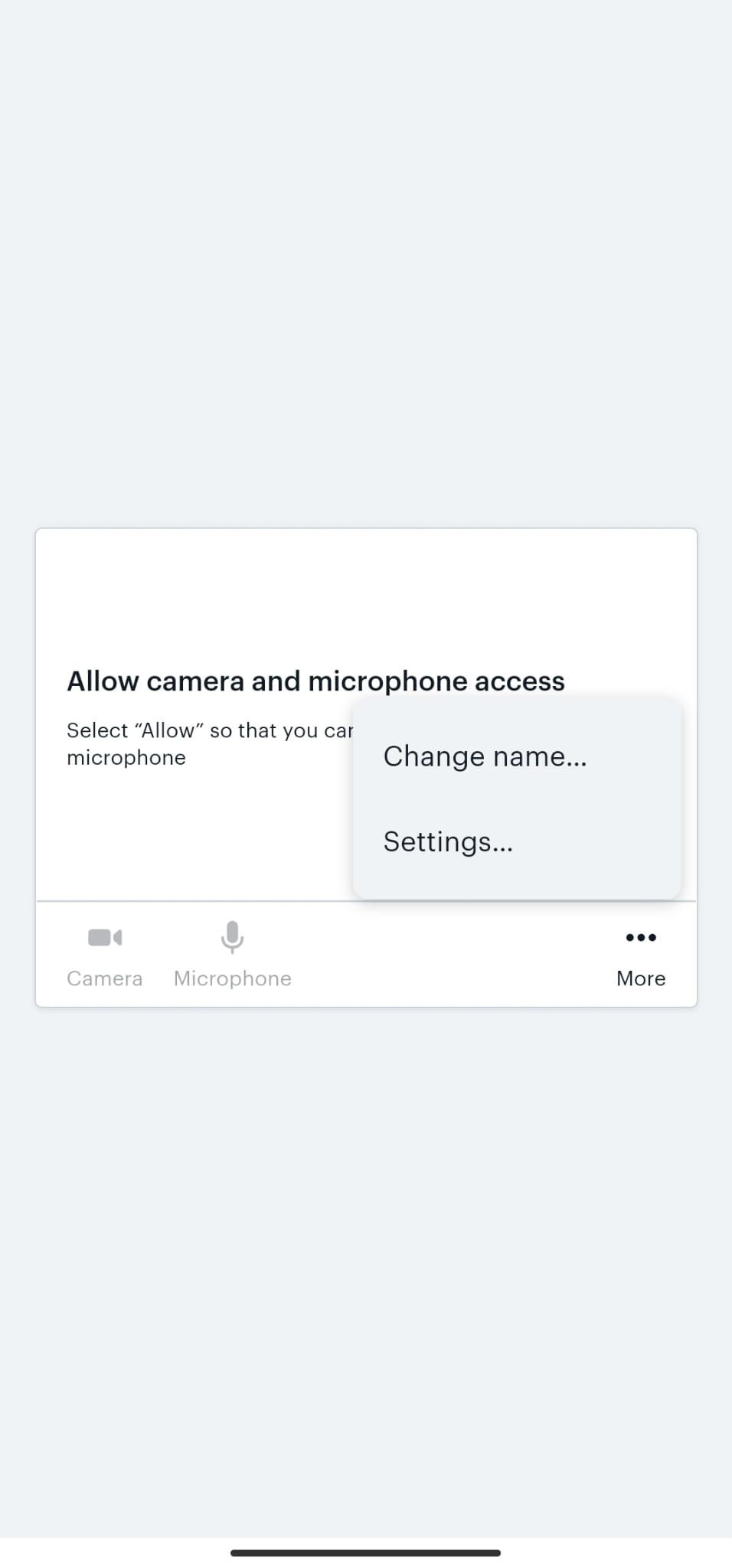
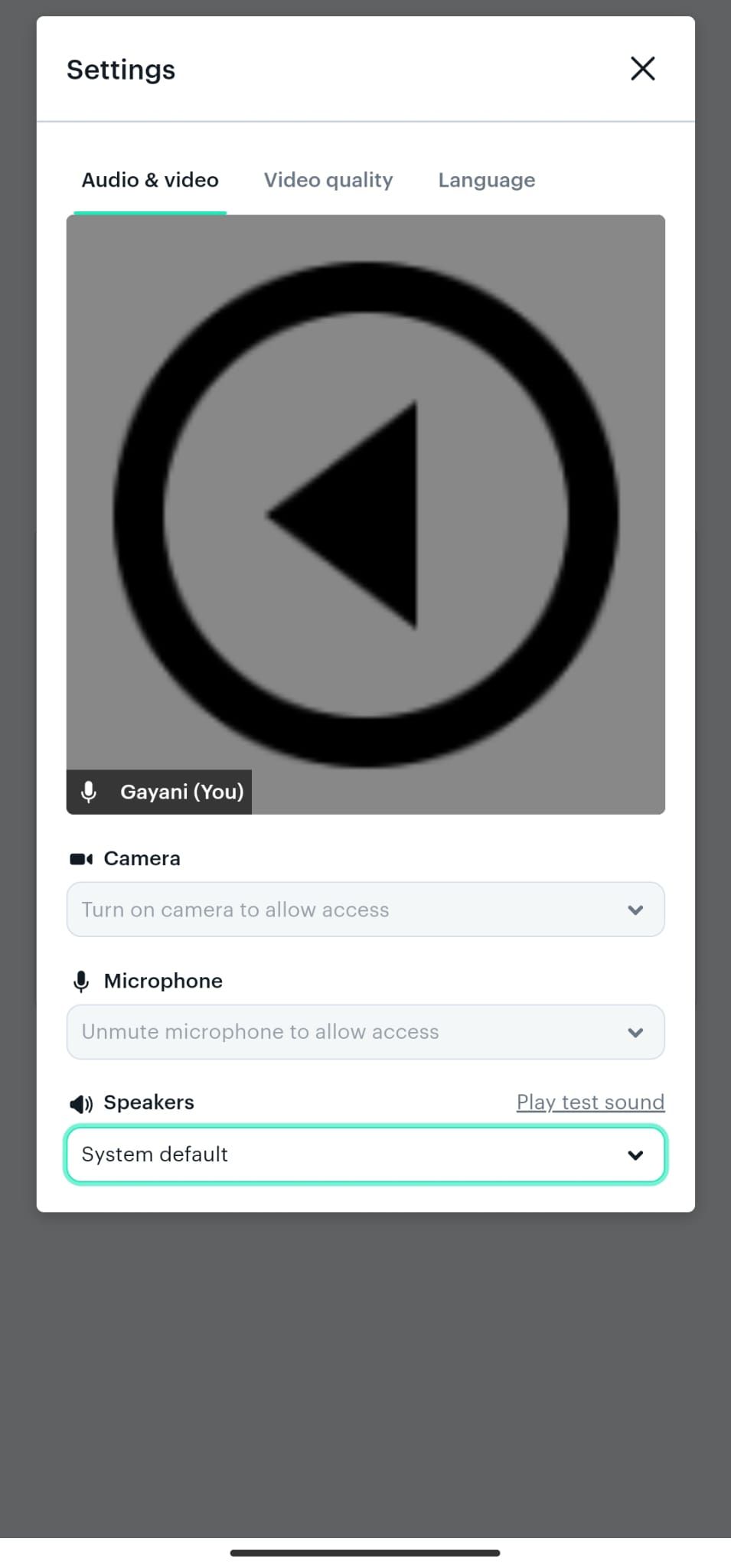
Works, but the webview opens by default with a prompt for the user to give camera and mic access permission. On the webview mobile screen I don't see this prompt or how to give the permission because the mic and camera are disabled and unclickable. But I can click the speaker type option.  But yet I see all of this options on the website.

What might be the problem?

PS: Reference images attached below.

Thanks, Hani
WhatsApp Image 2022-12-02 at 15.54.34.jpeg

WhatsApp Image 2022-12-02 at 15.54.34 (2).jpeg

WhatsApp Image 2022-12-02 at 15.54.34 (1).jpeg

7 replies

Marta Serrano Bravo team December 6, 2022

Hello  ! Could you share more information with us?

  • APP ID (Bravo URL on the Screens pages)
  • Figma file (or a small testing version with the same issue)
  • Steps to reproduce the issue
  • Which device are you using?

Thank you!

Bruno December 16, 2022

Hi, we have the same problem here. The app on Android does not request usage permissions, either for the camera or for notifications. On iOS it works fine.

HANI December 17, 2022

Thanks for sharing We never tried it on iOS, we should check that out. The problem was in android for us as well. Waiting to see what the team says since we shared some files and I'll be sure to share it here

Alberto Manzano Bravo team December 20, 2022

what's the URL you are trying to load? We're testing a possible solution and would like to try on several webs that require camera

HANI December 20, 2022

the team advised to have the camera and mic permissions manually turned on in the phone's local settings, and that worked.

In my case that only worked when the setting is "Always On". Anything else didn't work, eg. ""Ask Always" or "When Using the App" don't work and lead to the same problem since still permission is required within the app.

Alberto Manzano Bravo team December 22, 2022

Adding the following tags to the component:web-view should solve this issue: [camera][audio]. Android devices need these tags because WebViews don't request the needed permissions and we need to know when to request them manually

Nicholas August 13, 2024

@Alberto Manzano Hi can you share how the correct syntax will look like? For example: [component:web-view:URL][camera] ?
Btw I would like to trigger requesting permissions of album, I’m working on a function to upload image using web view

Wrote something in this thread and want it removed? Request removal

Still stuck?

Ask the community on Discord

This archive is read-only. New questions, office hours and product updates now happen in the Bravo Discord.

Join the Discord