← Data, API & Backend
Data, API & Backend July 16, 2021 · 5 replies

Cannot connect with Airtable

Archived from the Bravo community forum (2021–2026). Some answers may refer to older versions of Bravo.

Dear all!
I am a newbie with Bravo. I need your help
I tried to build an app, it looks the same as the Bravo sample here.
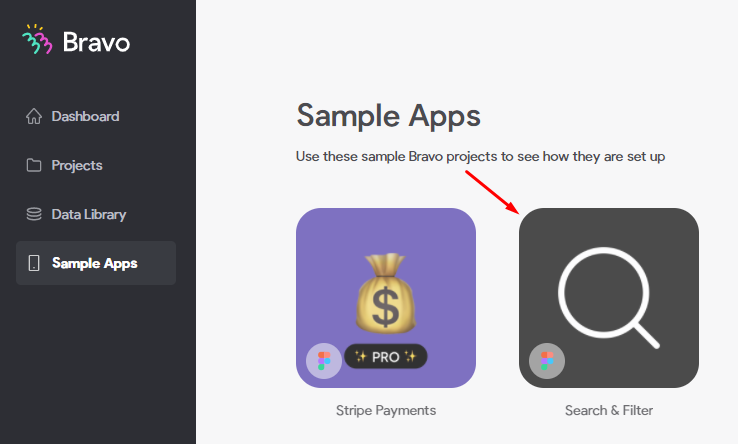
image.png

But, when I connect with Airtable, I got some problems:

attachment

In the right, I saw Sample app had a value: rec.xxxxxxxxxxxx > where could I find it?
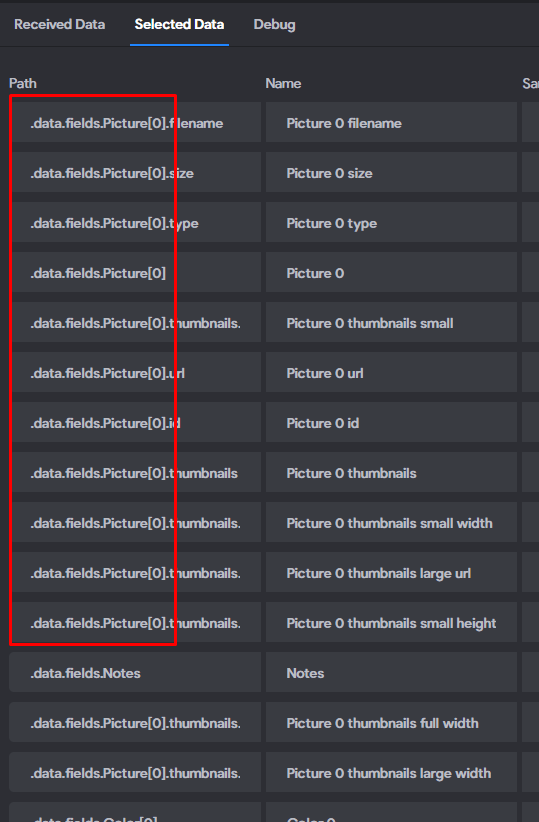
image.png

And I saw a lot of Picture field here, in the sample I saw only 1 Picture. I think I wrong. Could you help me to fix it?
Thank you!

5 replies
Marta Serrano Bravo team July 16, 2021

Hello !

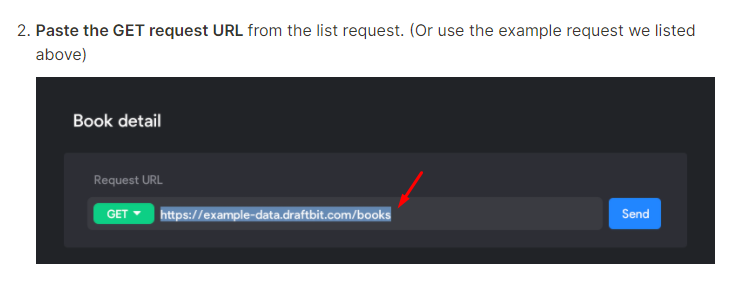
Here we have some step-by-step tutorials to understand better how to build a detail page using Airtable API. You will see where we find the ID value and more things.

Additionally, you can check the full section with more tutorials:

I hope it helps! 
Cheers,

Marta

CUONG July 16, 2021

Hello  !

Thanks for your fast reply, I am trying with your link.
But I have some questions:

  1.  What's the link? I am using Airtable. So I will use Airtable share link, right?

image.png

After searching, I found this video. I think it is the answer of my question

But the interface of Bravo in this video is out of date. 

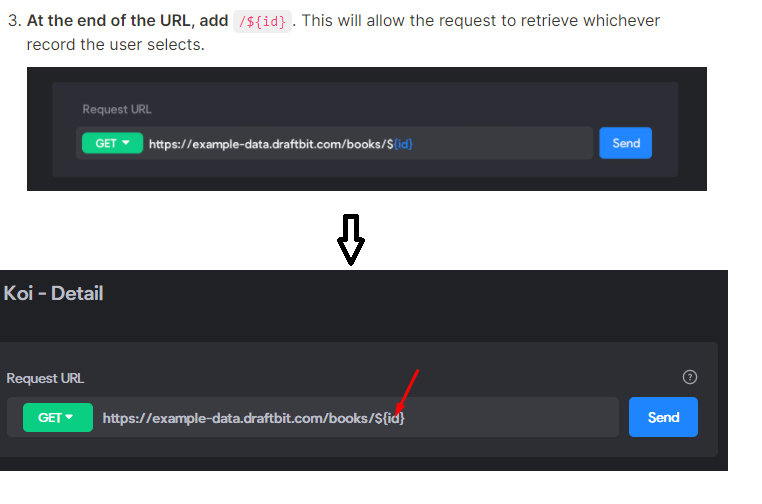
2. At the end of the URL, I added /${id}, but it does not change to blue color. I think I get the wrong here

image.png

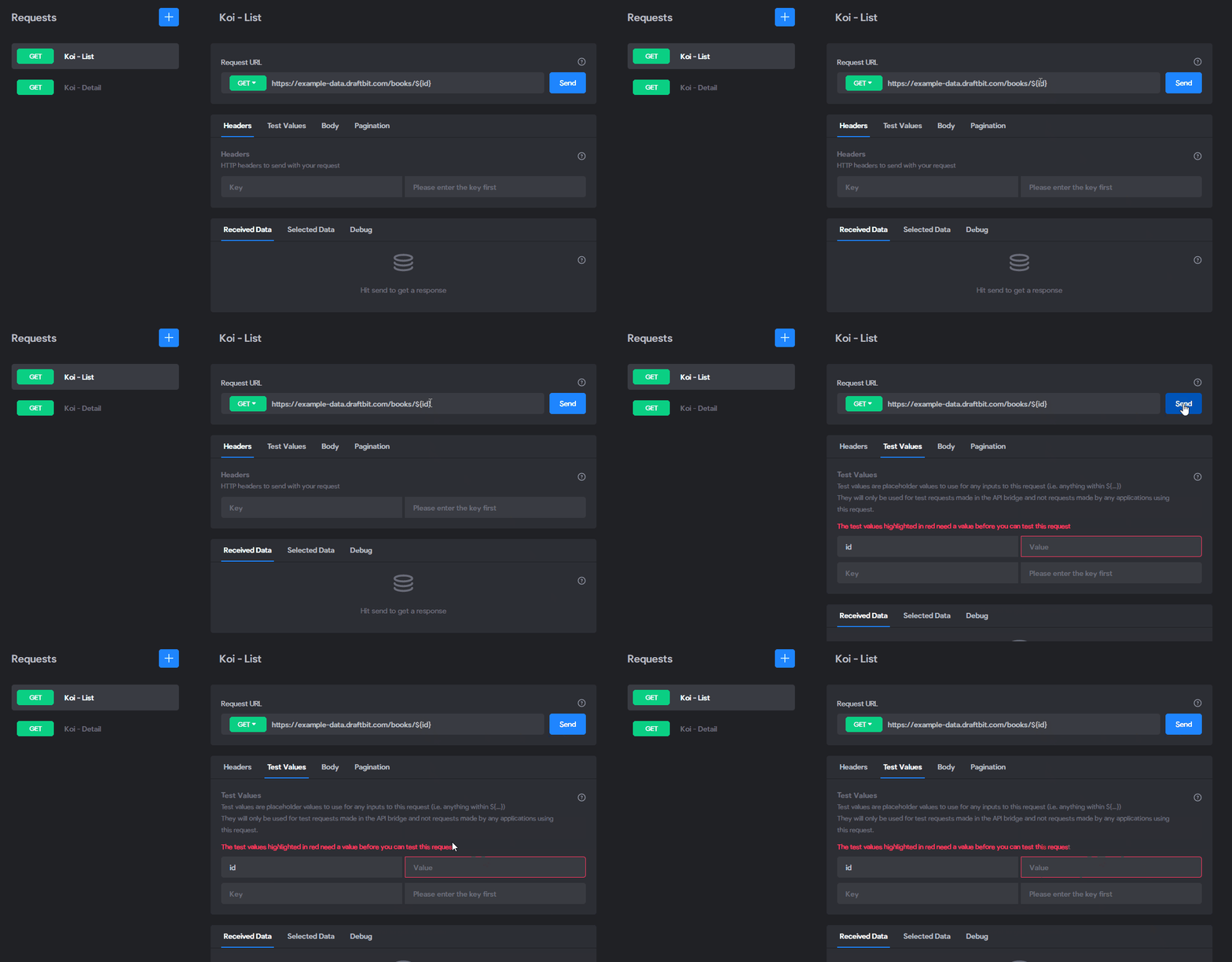
3. I go to your step 4, but when I try with airtable share link or your sample link, I press Send, it always needs the key, not as your manual.

Bravo.gif

Please help me to fix this.
Thank you!

Marta Serrano Bravo team July 19, 2021

Hello  

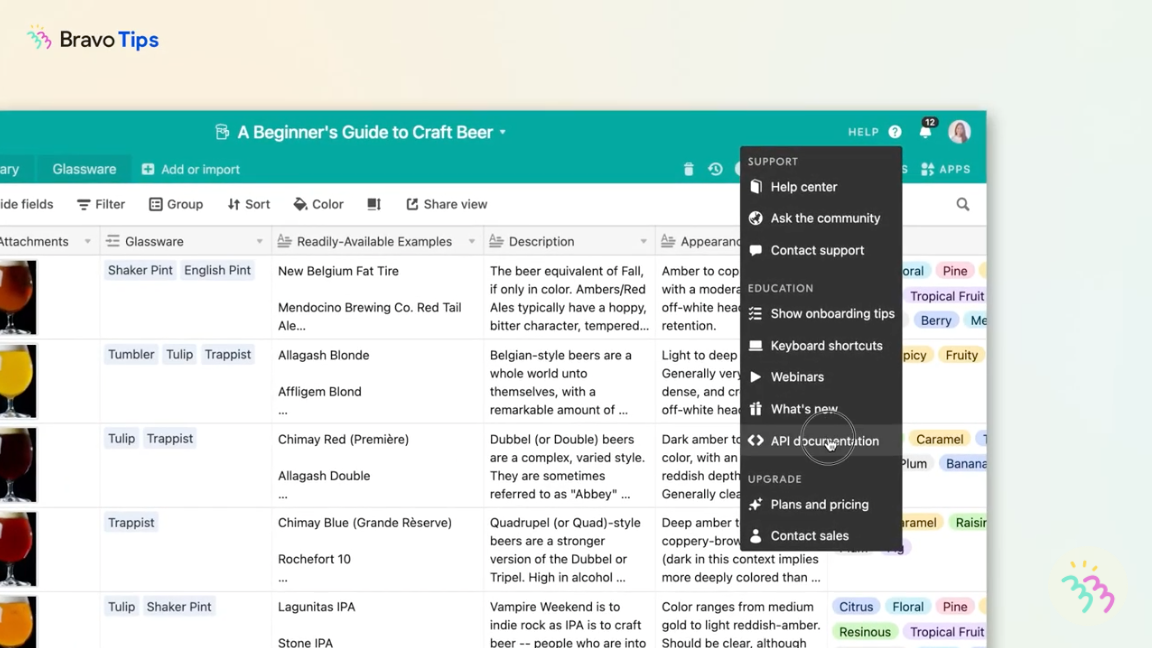
  1.  The URL request it's explained in the video where to Find out (0:20sec): API documentation (if you are using Airtable)

    Screenshot 2021-07-19 at 17.25.17.png

    let me share another tutorial to learn more about the URL request: https://www.youtube.com/watch?v=fygNOgav4-w This is in our documentation too. Yes, the interface could be out to date a bit, but the basics you need to use should be there. Try it and see if you find it.

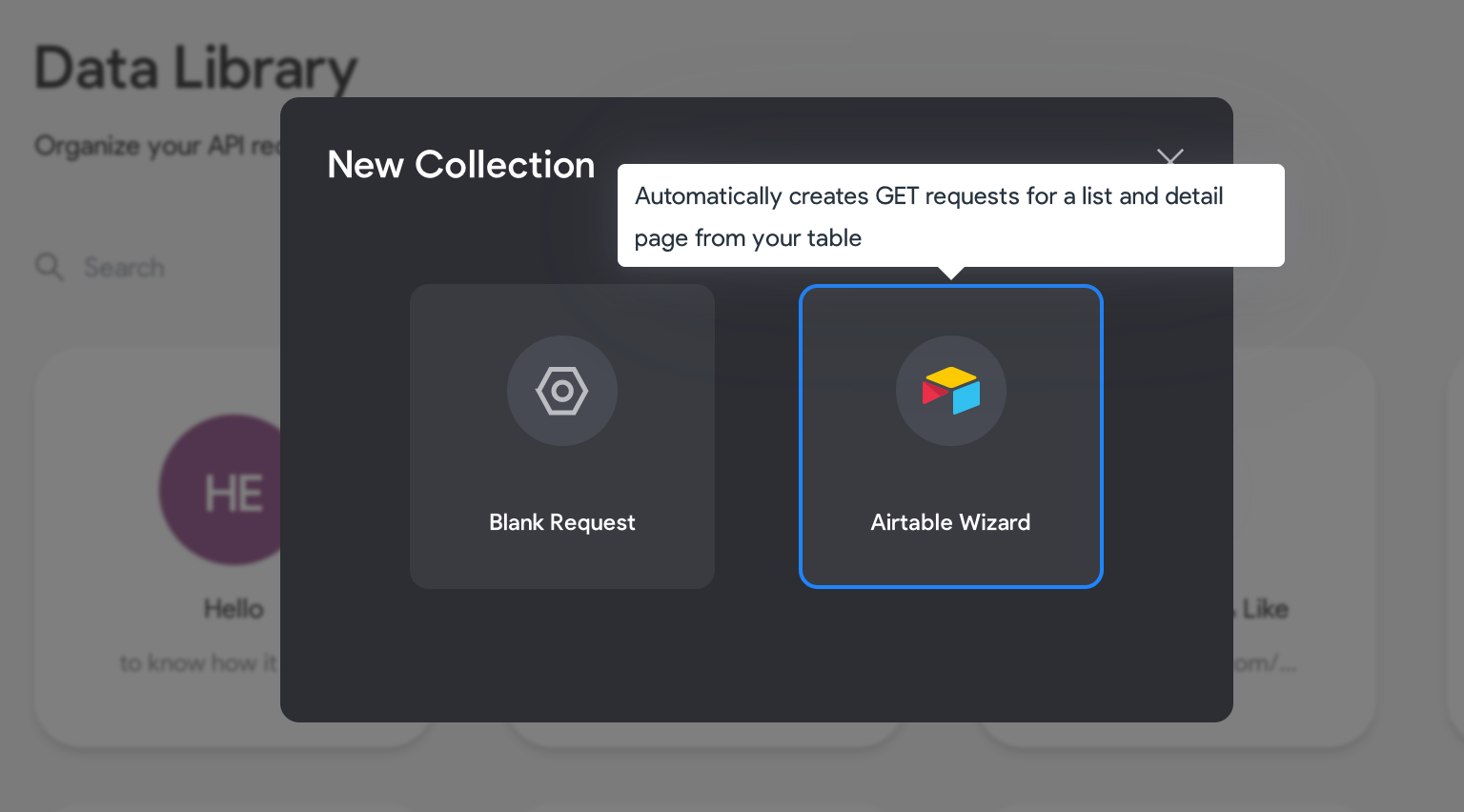
    Additionally, You can also try using our Airtable wizard to see if it's easier to use

    Screenshot 2021-07-19 at 17.31.10.png

    2. Currently, it's not turning blue anymore, so it's not a mistake, probably will be working too.

    3. Regarding the ${id} value (is the way to link requests between each other, for example when you have a list of articles, then you can click one article of the list to read the full article) It's explained here in this video: https://www.youtube.com/watch?v=I01hwRmK4DE&t=14s
    (0.44 sec)

    Please check the tutorials and let us know if you manage to do it.
    Thank you

CUONG July 20, 2021

Thank you! After tried 2 days with your videos, finally I did it.
But, The interface is changed a lot, so I hope Bravo can edit the manual.
Thank you!

Marta Serrano Bravo team July 20, 2021

Thank you  We will need to review and update them! We appreciate your inputs!

Wrote something in this thread and want it removed? Request removal

Still stuck?

Ask the community on Discord

This archive is read-only. New questions, office hours and product updates now happen in the Bravo Discord.

Join the Discord