Archived from the Bravo community forum (2021–2026). Some answers may refer to older versions of Bravo.
Having issues setting up checkboxes with multiple select. Don’t think I’m binding it properly or have my Airtable set up correctly? I went over the documentation numerous times as thorough as I could. It’s still not producing what I need, I don’t know where I’m going wrong with my steps. https://docs.bravostudio.app/bravo-tags/form-and-input-fields/checkboxes-multiple-select
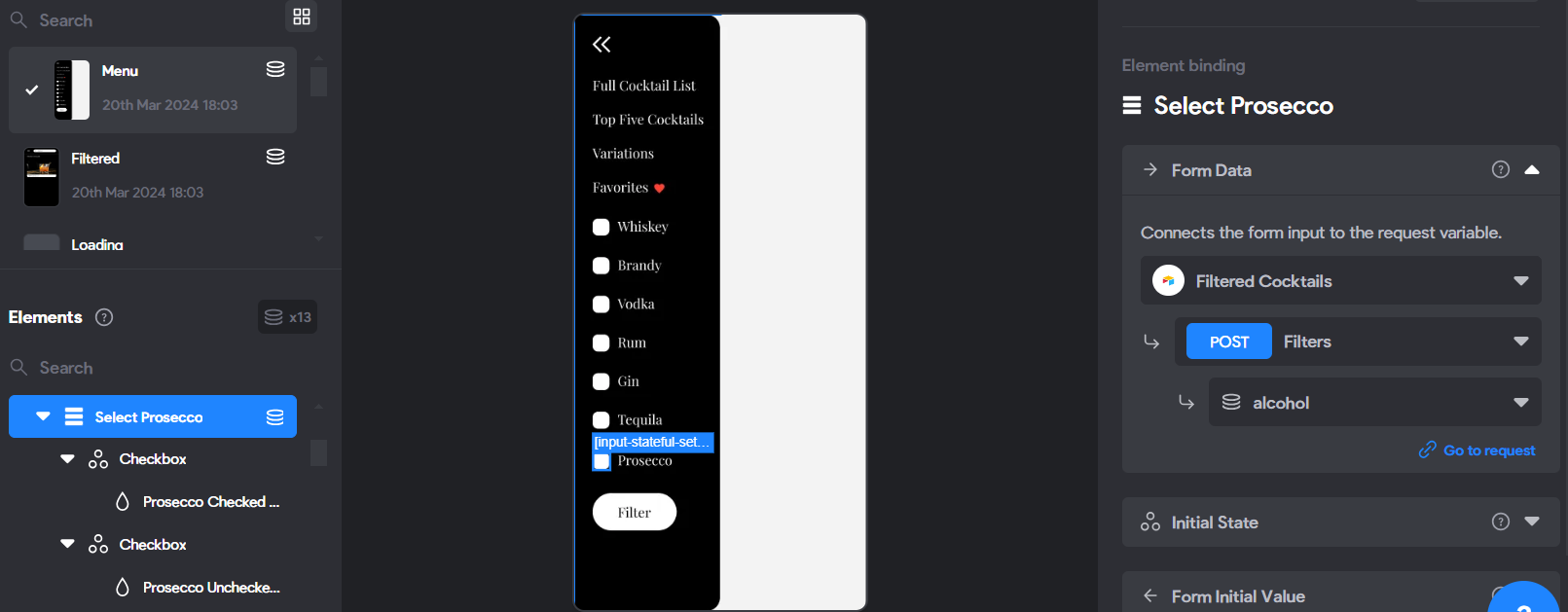
I’m trying to have an assortment of checkboxes [Whiskey, Brandy, Vodka, Rum, Gin, Tequila, Prosecco]. The idea is for a user to select multiple checkboxes for these liquors and it will filter out to the cocktails that contain these liquors.
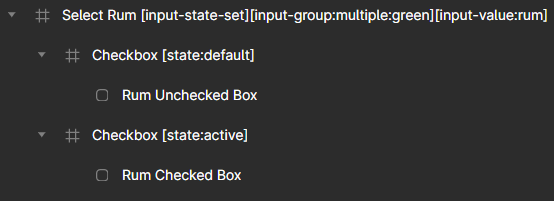
Figma Tags: example of one of the checkboxes
Airtable: https://airtable.com/appAFWNzE3ls78exk/shrGzsEVxpyx597G1
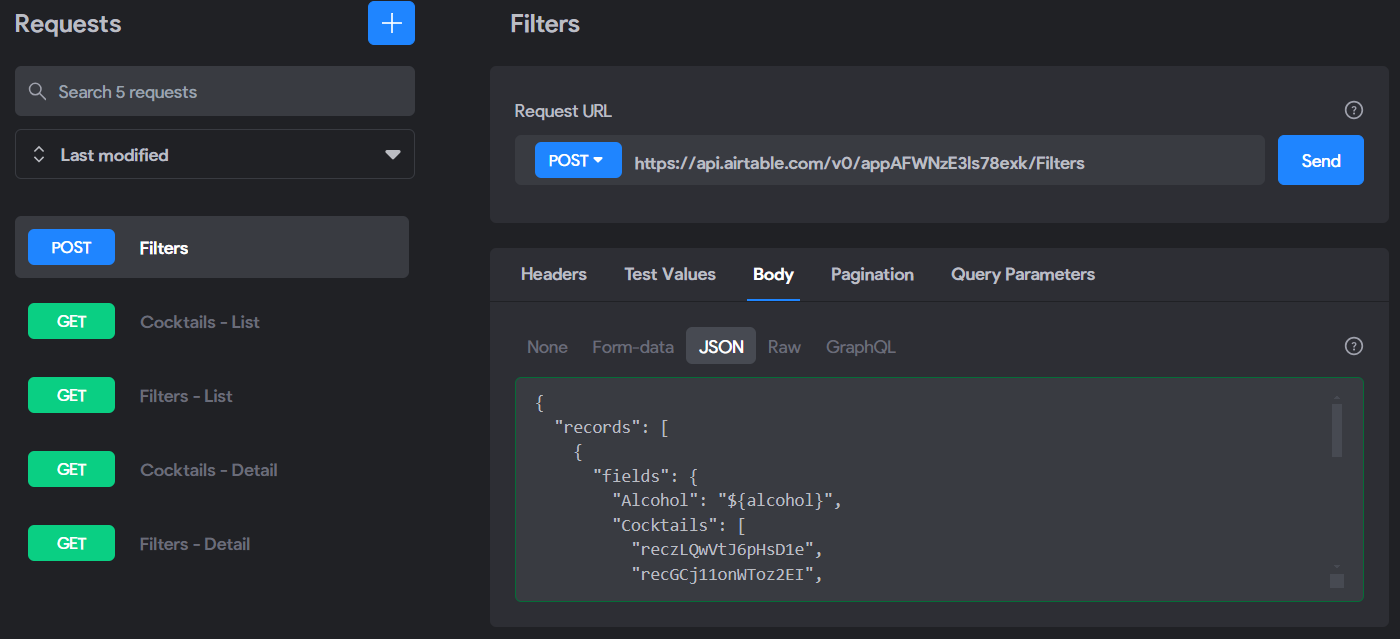
Requests (looks like it works?):
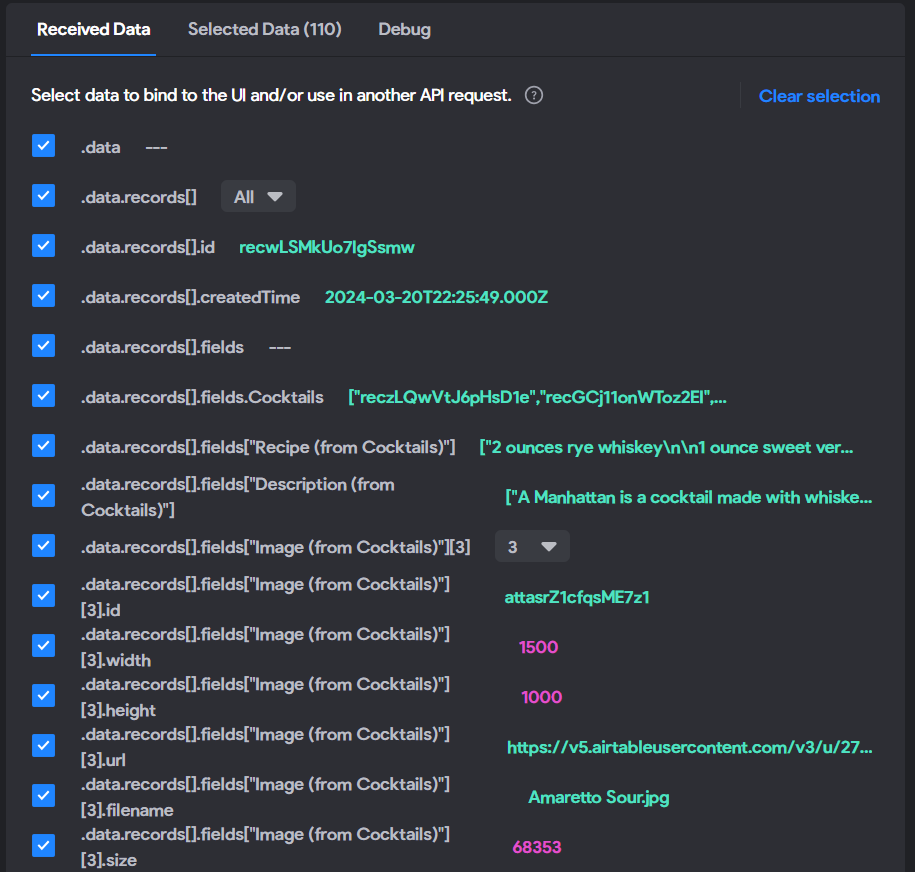
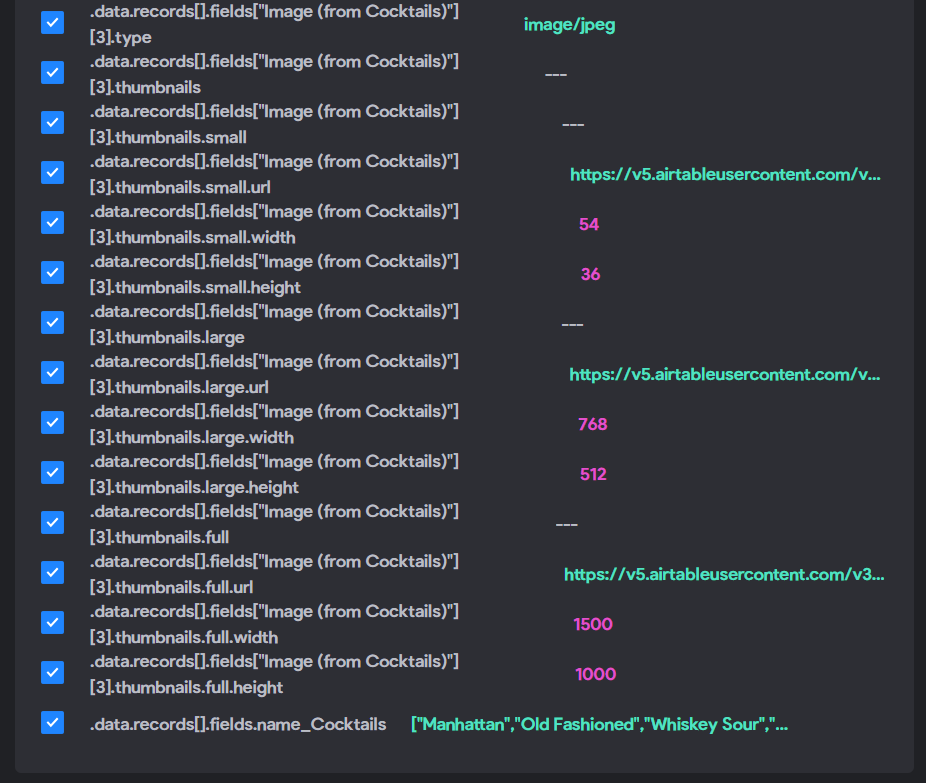
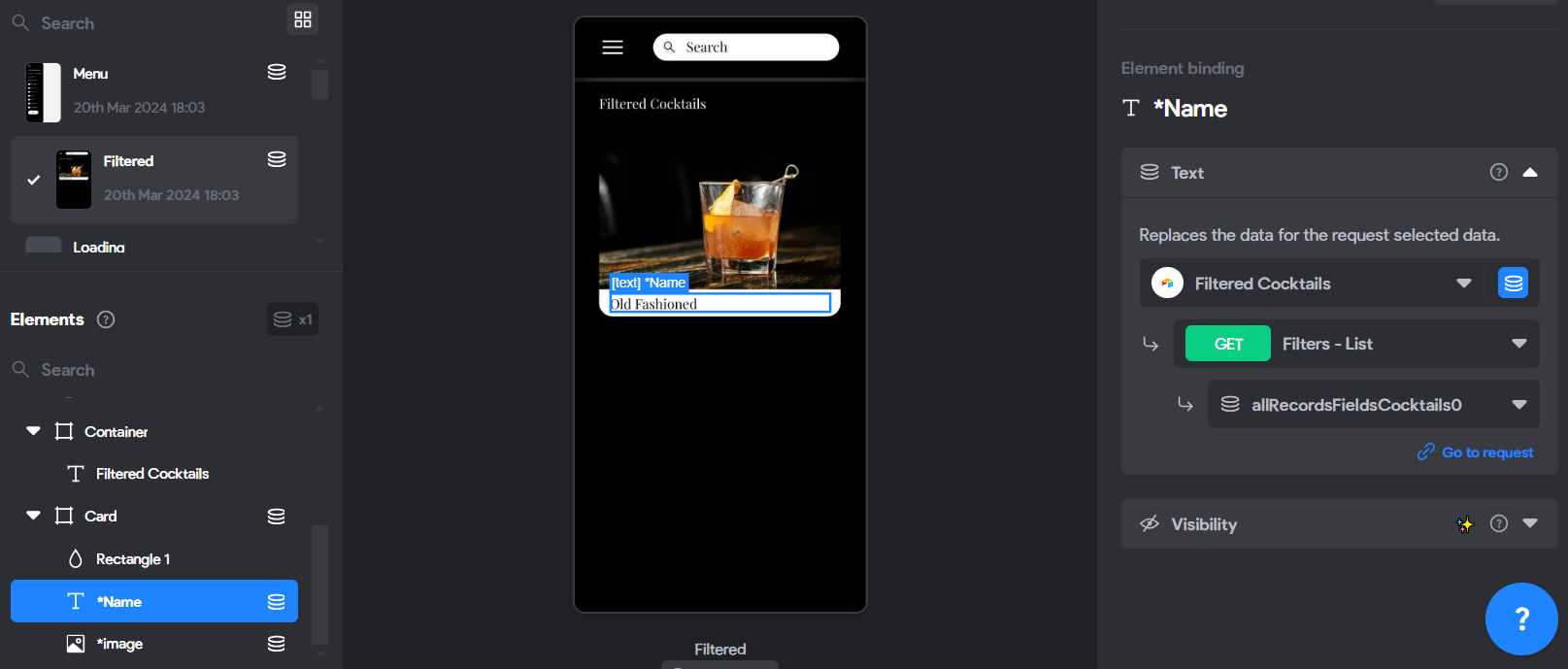
Filtered Card Binding:
2 replies
Wrote something in this thread and want it removed? Request removal
Ask the community on Discord
This archive is read-only. New questions, office hours and product updates now happen in the Bravo Discord.
Join the Discord