Archived from the Bravo community forum (2021–2026). Some answers may refer to older versions of Bravo.
Hi, this is probably very basic, but I can't get users to be redirected to the home screen after they've logged in or signed up, even though I carefully followed the tutorials.
I'm using the figma file template "custom authentication" and Xano's default endpoints for login, signup, and user info (me).
Xano seems correctly set up in Bravo:
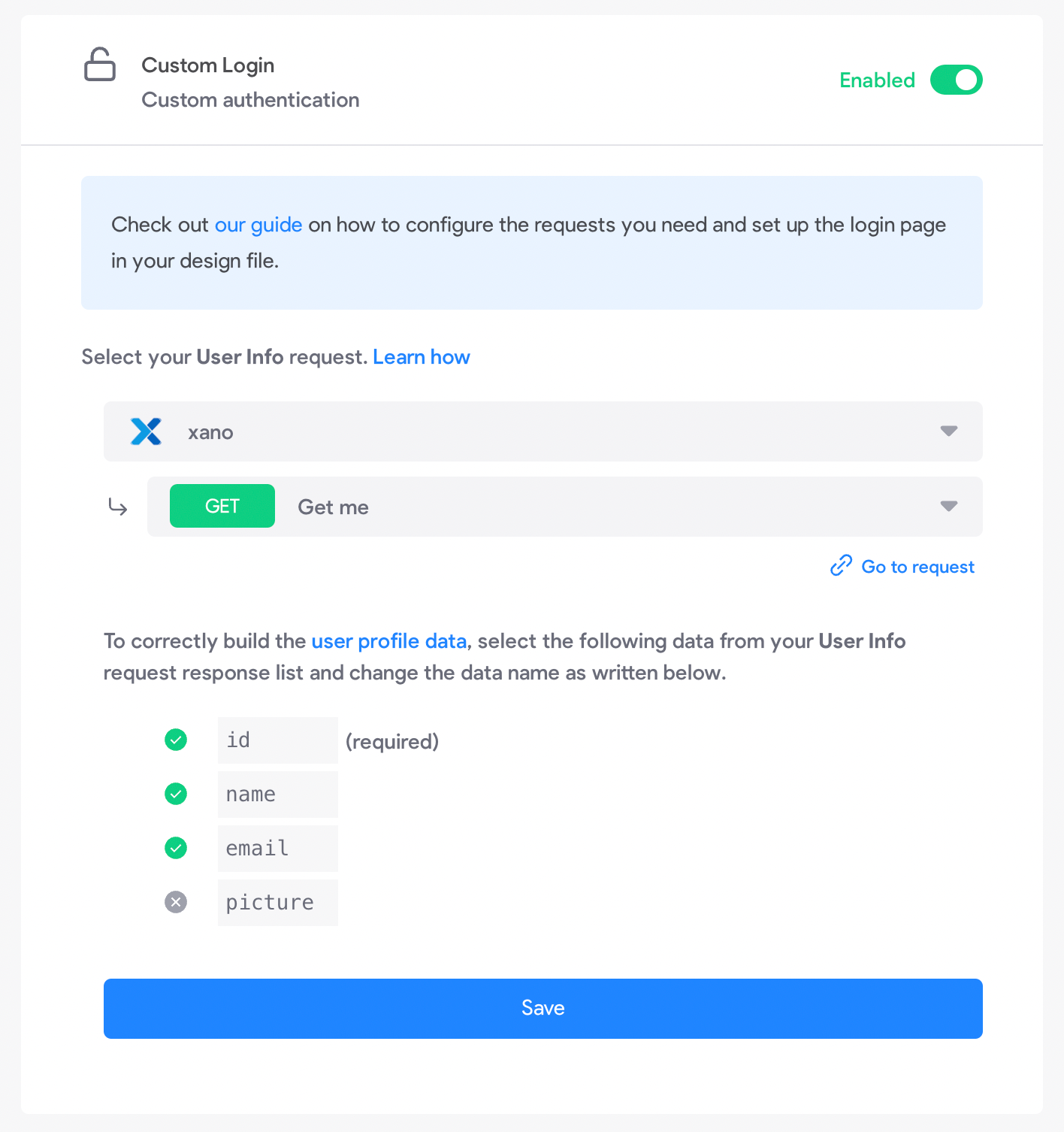
Fundamentally I'm not sure to understand how Bravo knows to which screen I wish to redirect users after successful login. The home screen doesn't have a specific tag in the Figma file... (?)
With login, we set the ${authToken}, so we can't also indicate a page to navigate to in Bravo form's response. I've tried to directly add a prototype interaction in Figma to direct to the home screen, but this doesn't work either (I guess it's not the right method).
With signup, we are supposed to indicate to which page to navigate to, so it makes a bit more sense to me, but I get to a blank page rather than the home page (I can see that the user gets created in the Xano database though).
@bravo, my project URL is https://projects.bravostudio.app/apps/01FRVC4GSX7FRM4AYYPXSX0AAV/screens
Any pointers for a newbie? :)
6 replies
Wrote something in this thread and want it removed? Request removal
Ask the community on Discord
This archive is read-only. New questions, office hours and product updates now happen in the Bravo Discord.
Join the Discord