Archived from the Bravo community forum (2021–2026). Some answers may refer to older versions of Bravo.
I'm sure this problem has been answered a few times. I view other postings but I just can't seem to figure out my issue.
When I import my Figma file into Bravo (without error) using Airtables as my database, my data does not update in Bravo vision. I changed the data in Airtables without any issues.
(Figma File)
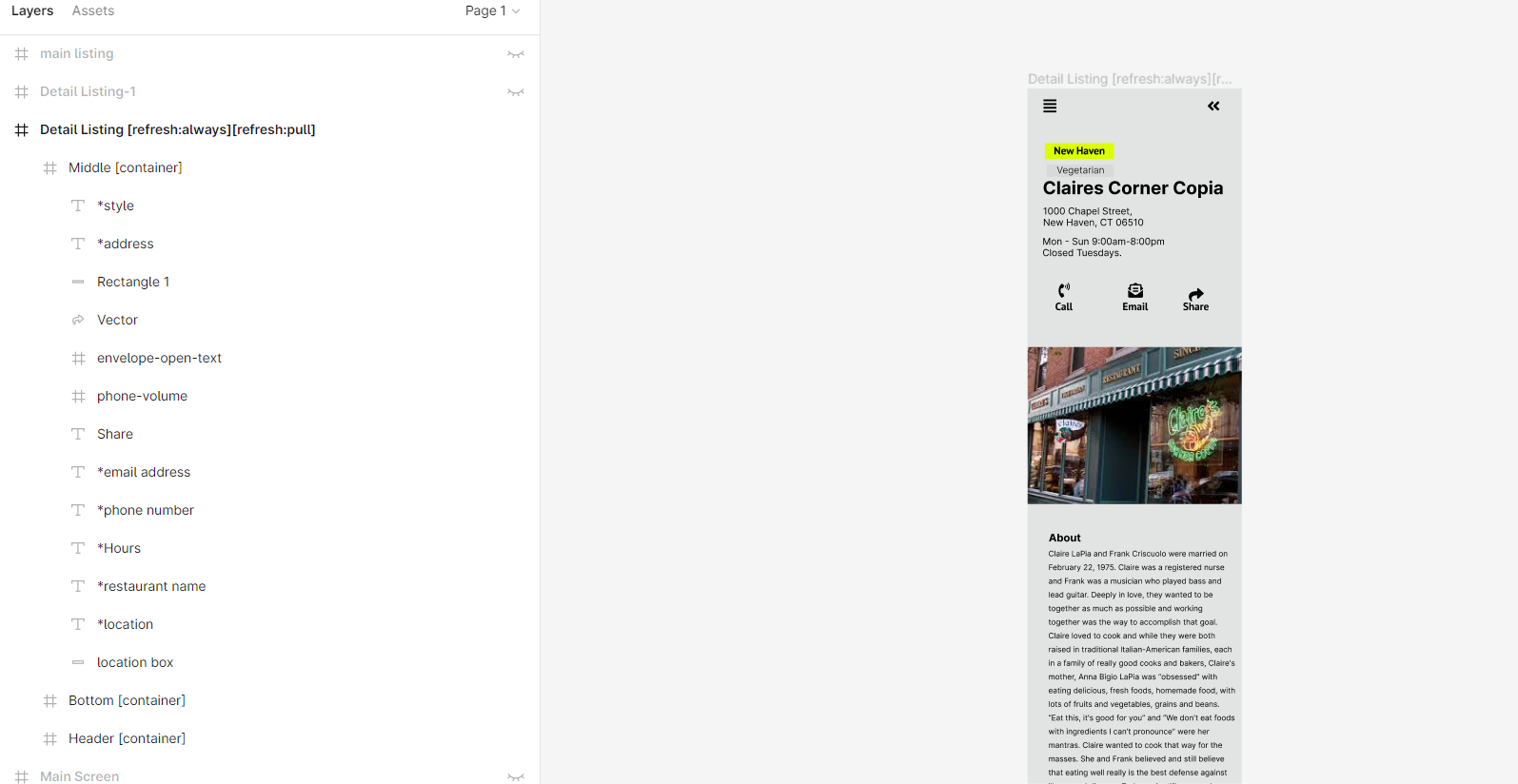
As of right now, I'm only trying to update one field *address in my detail request.
(Bravo API Request)
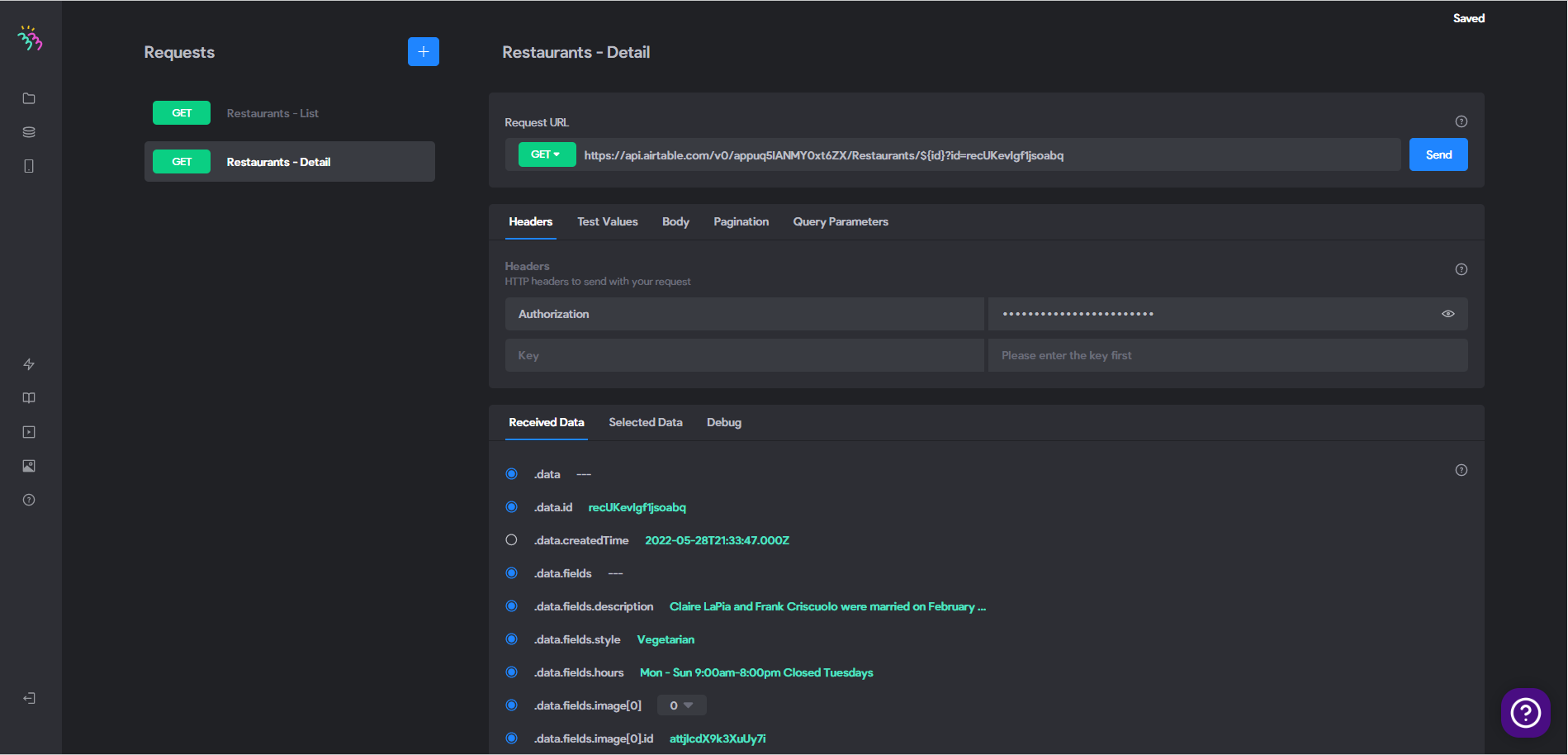
(Binding Data in Bravo)
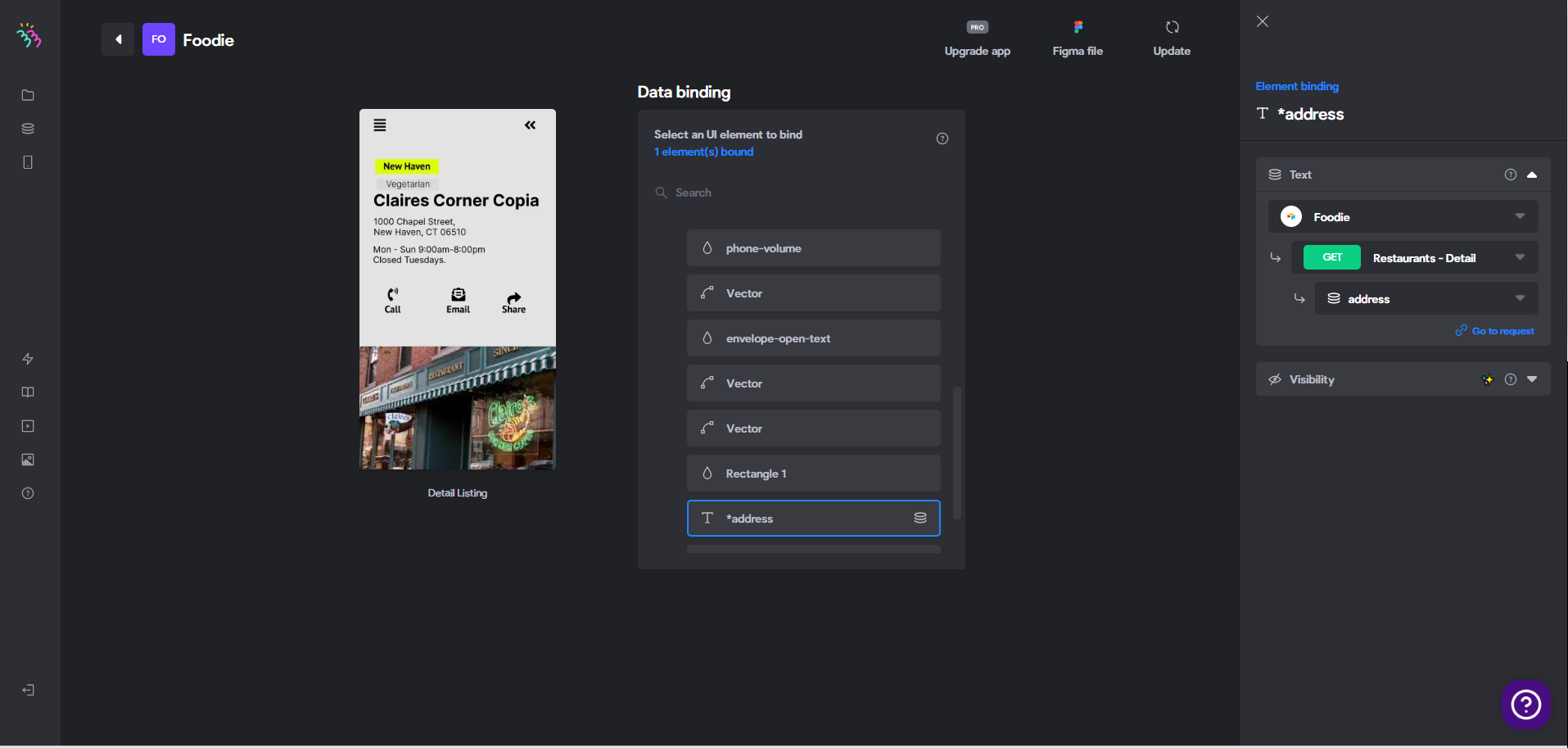
Any thoughts why the data isn't updating in Bravo Vision? I'm sure it's something small but I'm not seeing it.
5 replies
Wrote something in this thread and want it removed? Request removal
Ask the community on Discord
This archive is read-only. New questions, office hours and product updates now happen in the Bravo Discord.
Join the Discord