← Data, API & Backend
Data, API & Backend February 17, 2023 · 2 replies

Debugger hiding errors

Archived from the Bravo community forum (2021–2026). Some answers may refer to older versions of Bravo.

Typical example of Bravo debugger not providing any help when you really need it. I'm stuck with another rework on my Login, somehow it just leaves the user to infinite spinner. 
Easy it would seem:

  1. I open Xano it tells me the Login was successful 
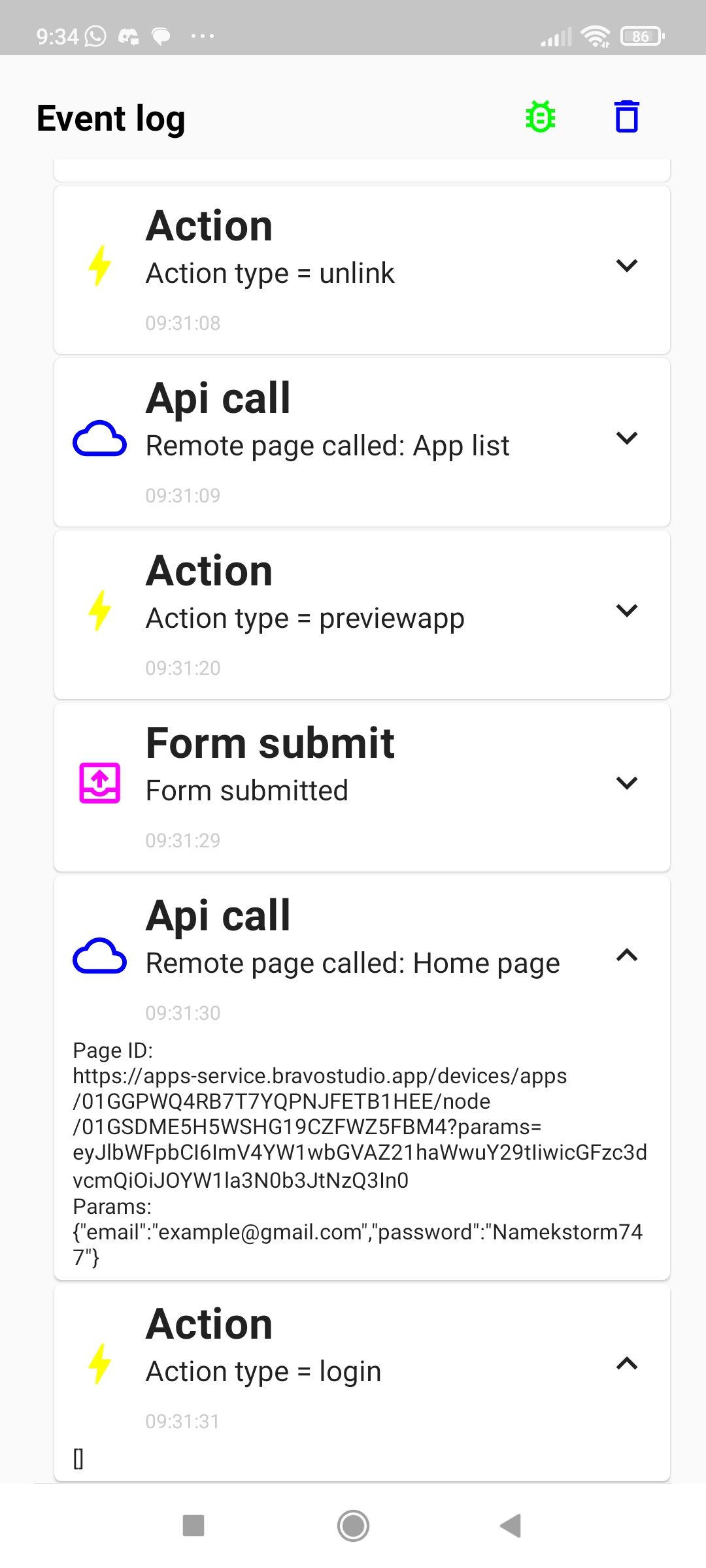
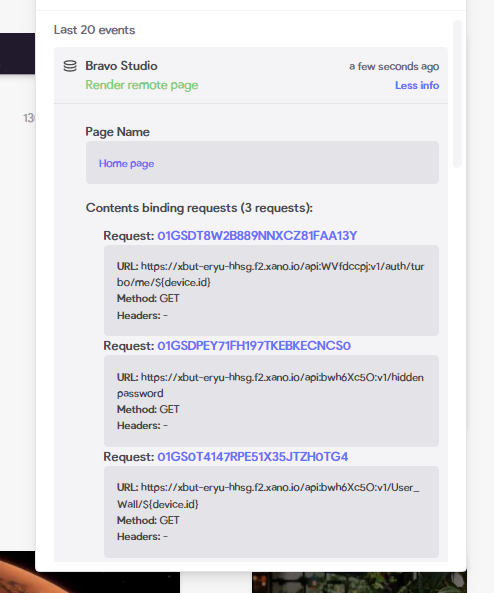
  2. I open the Bravo Dashboard debugger, the action is missing 
  3. I open the Bravo debugger on mobile and it tells me there was a Login action [] but nothing else at all! not their variables, not if the token was stored, etc etc..


I have double checked already on Figma that the flow is correct so I setup as starting screen of the flow an Homepage. 

Is the Homepage here called before the Login?

So when I need it I can't really use the debugger
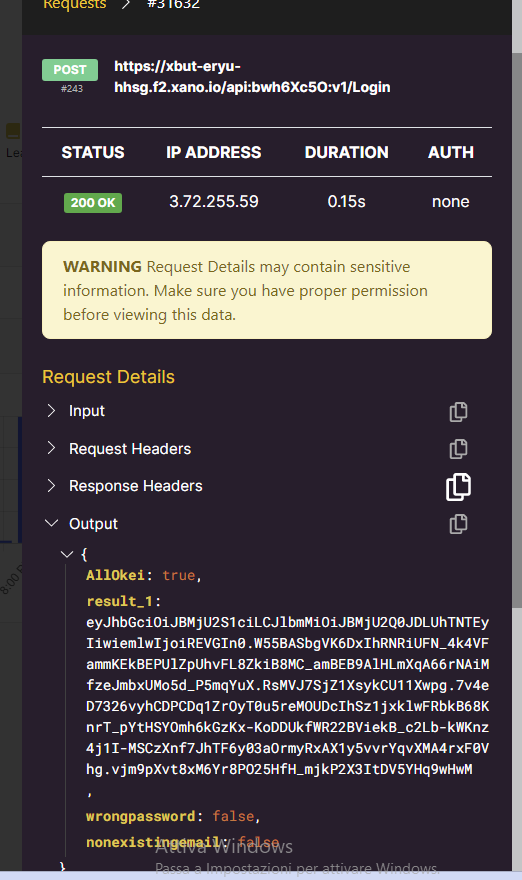
image 4 (1).png

Screenshot_2023-02-17-09-34-45-818_com.appfoundry.previewer.jpg

image 4.png

2 replies

Alberto Manzano Bravo team February 17, 2023

Actually the action login with empty parameters, with a custom login, means that the login is not working, not that we are hiding any error. We cannot show something that doesn't exist :) Please share your Figma and app ID and we can see what's going on.

Fred February 17, 2023

Heyy actually Xano proves the variables were passed in the Login and the action was indeed working. 
I was trying to achieve this: 

  • get user email from device.id and pass it into the sign in form 
  • rework a custom login endpoint in such a way that it would require email only (I asked for the password in an intro screen already) 
  • hide the two email and password input fields with a false visibillity parameter

As soon as the input fields were removed from my visibility binding, the Login worked as expected! Now everything is fine but I discovered this just my chance while the debugger didn't deliver me any info. 

I'll explain how I did this entire rework cause it could be useful for many other users too

This is the Figma

https://www.figma.com/file/5DIL2pe3RrnvYsTZeAcyot/Zargast?node-id=0%3A1&t=17DSAzsNSoWi7jbm-1

Wrote something in this thread and want it removed? Request removal

Still stuck?

Ask the community on Discord

This archive is read-only. New questions, office hours and product updates now happen in the Bravo Discord.

Join the Discord