← Data, API & Backend
Data, API & Backend June 28, 2022 · 12 replies

Error 400: Bad Request, Error building request

Archived from the Bravo community forum (2021–2026). Some answers may refer to older versions of Bravo.

Hello all,
I'm new to bravo and I've been trying to build an app for my university project. Basically, I'm trying to make a money lending app that lets you add a loan and displays the loans as a list on the home page. I didn't have any problem designing and bravorizing the app but when I try to bind the API POST request to the loan input page (which takes the name, amount, loandate and deadline of the loan) I cannot open the page in bravo vision and it gives me this error. I have checked the API authentication and formats (started with airtable, thought it was because of the pre-determined ISO date format issue, shifted to Xano, still getting the same issue) 
When I try to test out the API connection in bravo, it does give me a successful response and the Xano database gets updated as well but none of the POST or GET requests work when I bind them to the respective pages.
Someone please help me out in solving this issue, my deadline is today!

12 replies
Andrey June 28, 2022

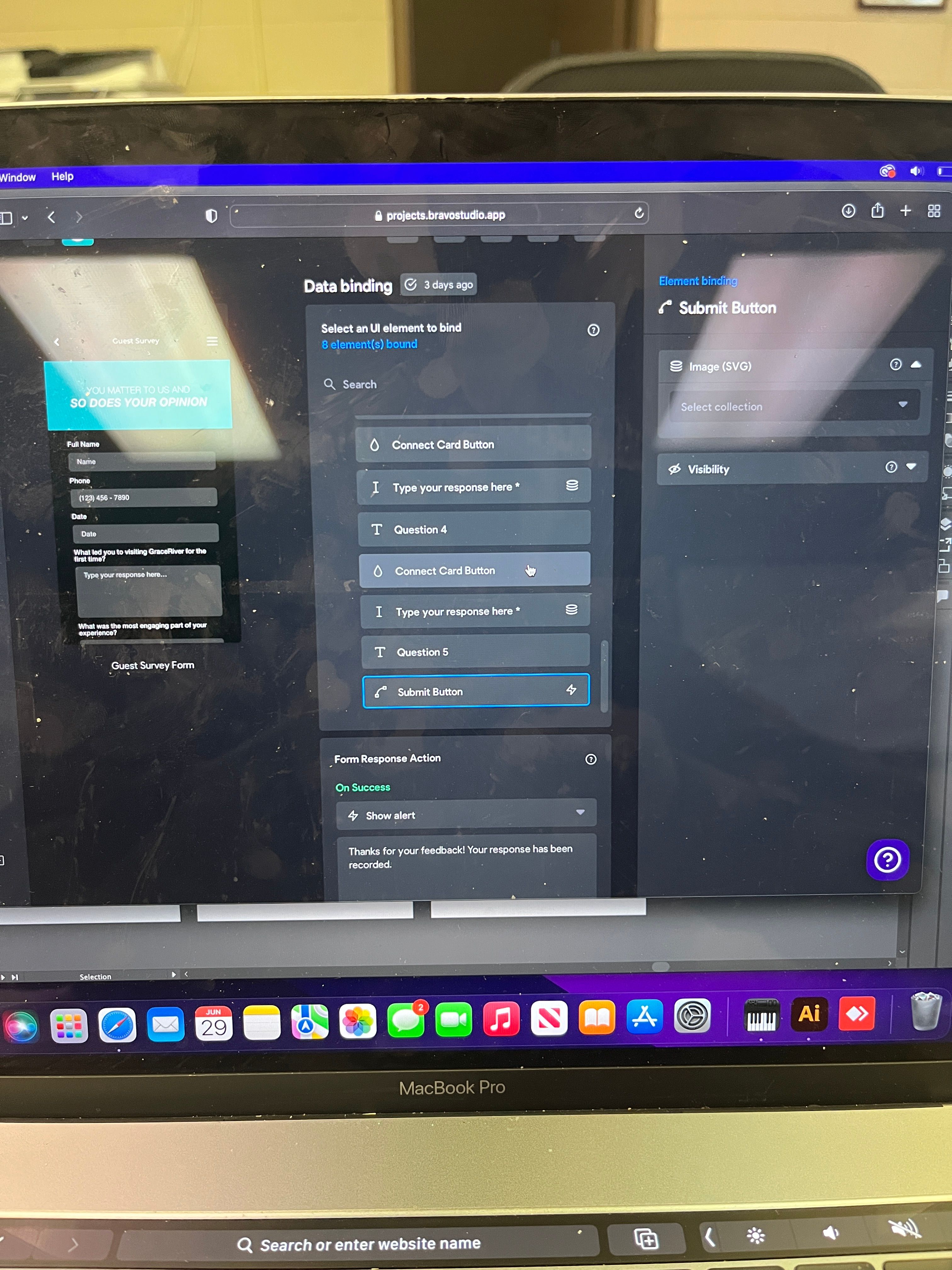
Can you post photos of your setup in Bravo?

Andrey June 28, 2022

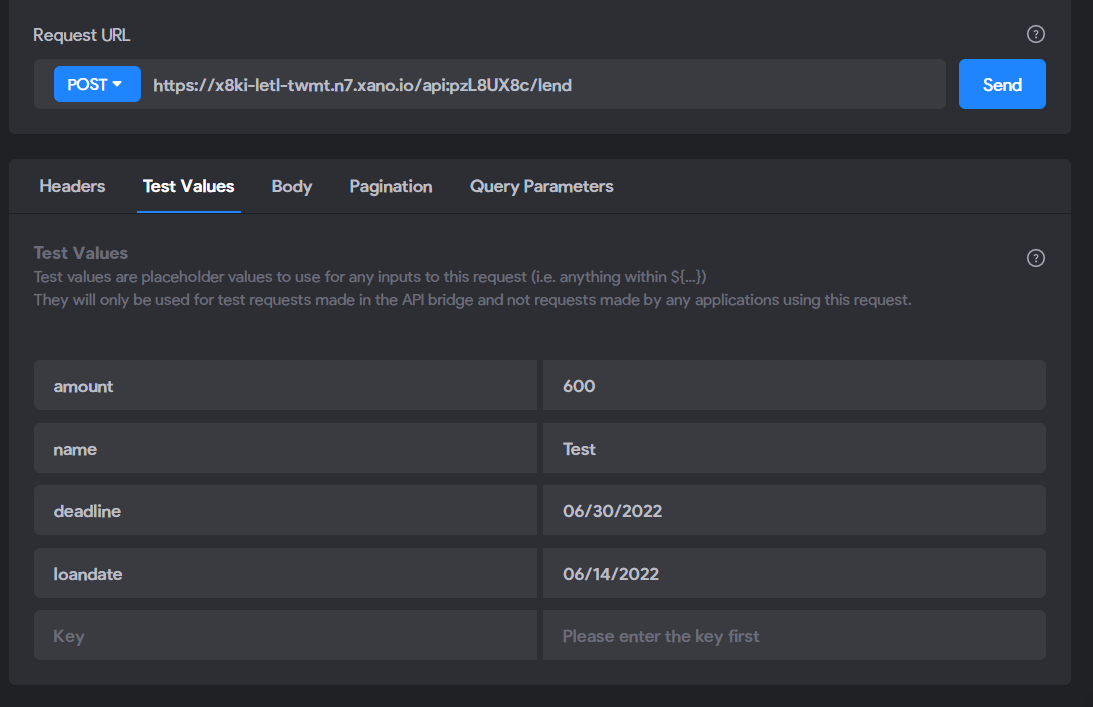
It could be an issue with your sample request

Baddiah June 29, 2022

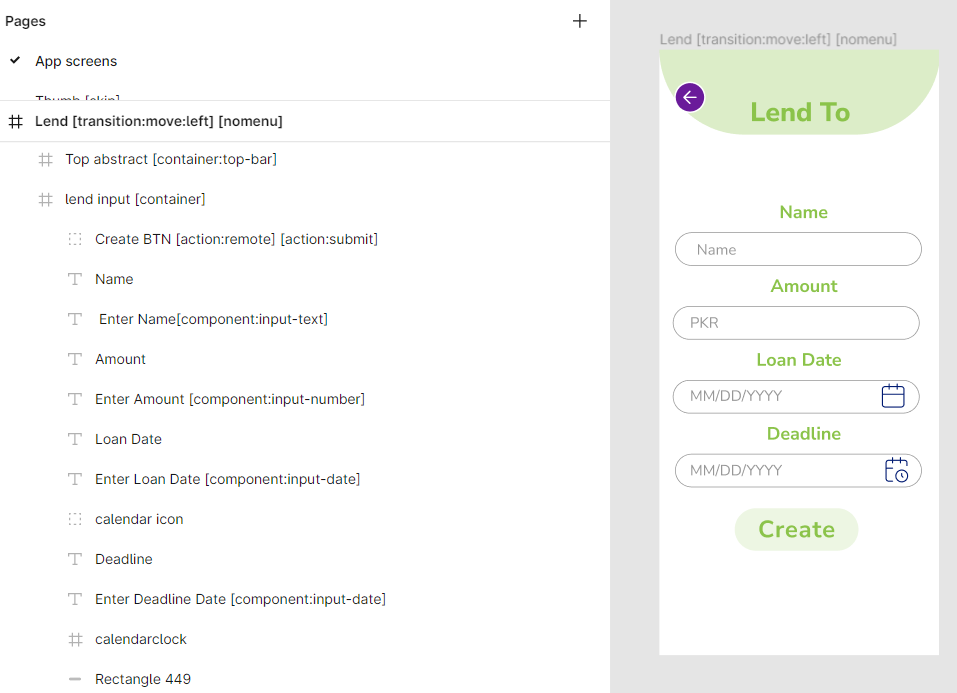
lend .png

api.png

I have tried using the dates as timestamps but still, the database gets updated but bravo vision keeps showing me the same message.

Baddiah June 29, 2022

How though? if there were an issues with the sample format, why would my database get updated then?

Andrey June 29, 2022

Remove the [action:remote] from your submit button. You should only need an [action:submit] tag!

Andrey June 29, 2022

You’re probably right about this. I offered a suggestion above based on the images you provided! I’m available to take a zoom call if necessary to help you troubleshoot as well! I imagine this is a simple fix and I’m willing to help trouble shoot in any way that I can

Baddiah June 29, 2022

that’s a problem I tried to fix because just adding the [action:submit] button, I couldn’t get a response action on the button while binding the data.

Baddiah June 29, 2022

Do you think it’s because of that? But if I remove it, I can’t bind the create button

Andrey June 29, 2022

I’ve never had to bind my submit button to a backend. Usually the submit action button sends a remote request to post the data elements you bound from your front end to your back end. 

Try removing the action:remote and do not bind anything to the submission button

Mary June 30, 2022

, Just looking at the Bravo tags for your Lend screen I strikes me that you have not paired a rectangle with the Text element inside it for each of the Form inputs.  remember .... if it doesn't have a container, Bravo can't "see" it.

Also, I can't tell if you have created a Form container to encircle all the input fields and the Create submit button.  

Not sure why you are adding an [action: remote] tag to your Create button  I would think that just an [action: submit] is fine.

These problems would likely give you a build error.  Please look them over.  If you want more help please send me a link to your Figma file.  Thanks, Mary

Wrote something in this thread and want it removed? Request removal

Still stuck?

Ask the community on Discord

This archive is read-only. New questions, office hours and product updates now happen in the Bravo Discord.

Join the Discord