Archived from the Bravo community forum (2021–2026). Some answers may refer to older versions of Bravo.
Hi Community!
We have published our beta on Google play, but have problems with logging in via firebase, it shows the following message:
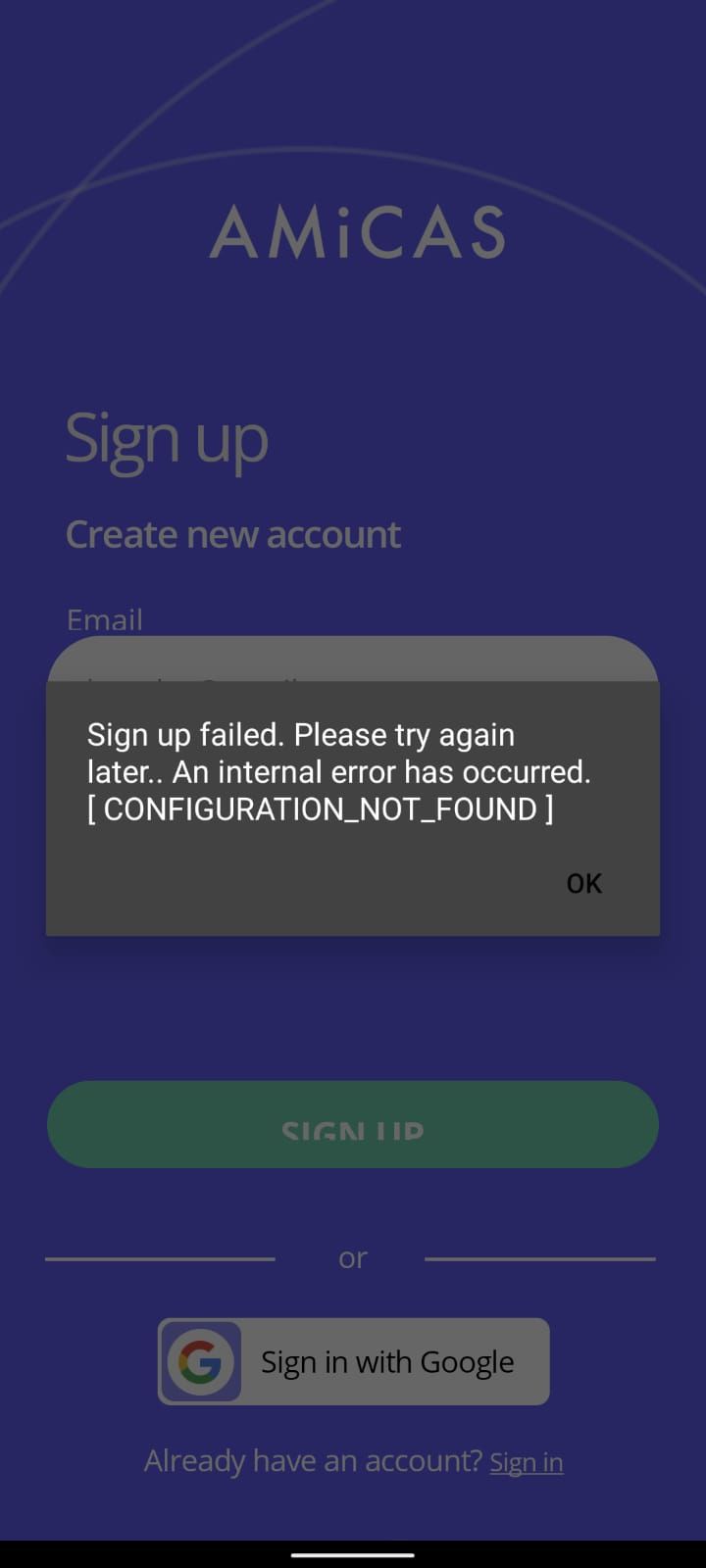
Can anyone please advise how to solve this?
It was working perfectly fine on the bravo vision, and we registered a new app in firebase and downloaded a new json file for published apps.
Can the issue be with SHA-256 certificate, which one is better to use? the latest version or the debug one (we have few versions already)?
12 replies
The wayvit works is: After you publish your app on google play you have to copy the sha 1 code on the bravo website, past it on firebase, get a new json file, upload again on bravo, reqyest a new build with axversion biger then the first snd update the google play one. It will eork as this was the instroctions that bravobteam suply tobme and it work.
Thank you ! Though isn't SHA-1 for the Google SSO? We trying to do a standard log-in through firebase at the moment. But I'll try with SHA-1 as well.
hi jane c
could you solve? currently i have the same error
PD.. I only use firebase login I don't use google gmail login
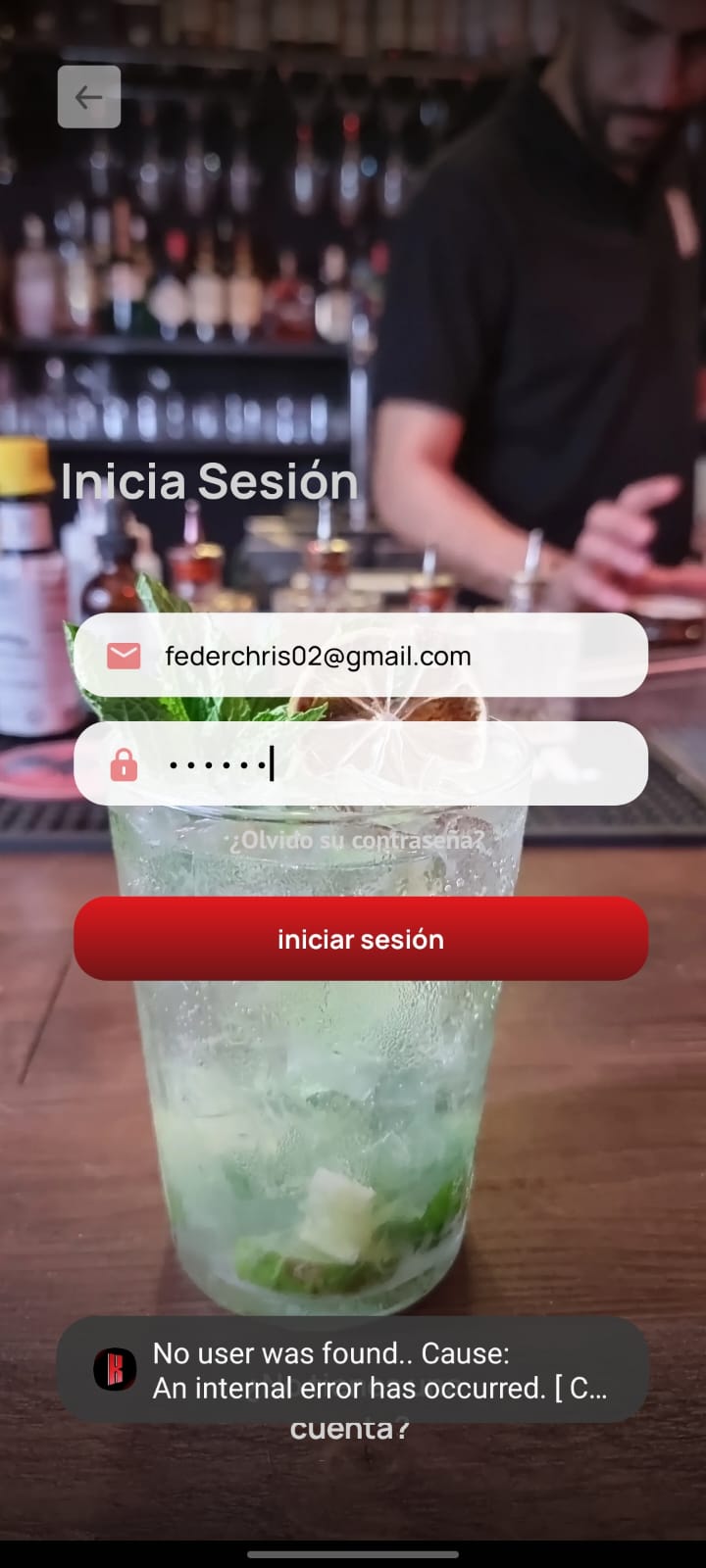
Hi ! Yes, actually I followed what said and it worked! I emailed Bravo Support Team, and they suggested the same, basically follow these instructions from part 4 onwards (incl for Social Log in settings) and you will be fine :)
I also don't have a Google login now (removed it since I made the post), but you still need to copy SHA-1 from both google play and bundles into firebase and follow the procedure as described above (or in the link).
Good luck!
P.s. I also thought that's for social log-in only, seems like that title in the instructions makes it a bit confusing.
It sounds like the issue is most likely related to your Firebase configuration, particularly the SHA-256 certificate mismatch between your debug and release builds. When you publish to Google Play, Firebase requires the SHA-256 from your release keystore (or the one provided by Play App Signing) to authenticate correctly. Make sure you’ve added the correct certificate fingerprint in your Firebase console and downloaded the updated `google-services.json`. Once you’ve resolved that, you can test your app more smoothly—also, for a great streaming experience and testing your app’s multimedia handling, consider downloading moviebox to explore how other apps manage similar integrations efficiently.
It appears that your Firebase setup is probably the cause of the problem, specifically the discrepancy in the SHA-256 certificate between your debug and release builds. Firebase needs the SHA-256 from your release keystore (or the one supplied by Play App Signing) in order to properly authenticate when you publish to Google Play. Go into kisskh apk files to see how other apps handle similar integrations.
It appears that the problem is predominantly associated with your Firebase configuration, specifically the SHA-256 certificate discrepancy between your debug and release builds. When you submit your application to Google Play, Firebase necessitates the SHA-256 from your release keystore (or the one supplied by Play App Signing) for proper authentication. Ensure that you have included the correct certificate fingerprint in your Firebase console and have downloaded the updated `google-services.json`. After addressing this issue, you will be able to test your application more effectively—additionally, for an enhanced streaming experience and to evaluate your app’s multimedia capabilities, you might want to download desicinemas.to to see how other applications efficiently handle similar integrations.
It sounds like your Firebase “internal error – configuration not found” issue is most likely related to a mismatched configuration file or missing SHA-256 fingerprint on the Firebase console; make sure the SHA-256 from your Play Console release certificate (not the debug one) is added under your app’s Firebase settings and that the google-services.json you downloaded is the latest one generated after adding that key. Also double-check that your package name in Firebase exactly matches the one in your published app. Must Visit and Download Entertainment App: Dooflix APK
It sounds like Firebase isn’t recognizing the configuration for the build that’s currently on Google Play. This often happens when the SHA-256 fingerprint for the Play-signed release hasn’t been added in the Firebase project, especially if the app worked before on a different build like Bravo Vision. Make sure you add the SHA-256 from the Google Play App Signing certificate (not the debug one) in Firebase, then download the updated google-services.json and rebuild the release version of the app. Once the correct fingerprint is registered, the login through Firebase should start working again. Visit URL: https://tvgardenhd.app/tv-garden-for-ios/
This kind of “Firebase – internal error – configuration not found” usually comes down to a mismatch between your app and the config file rather than anything deeply broken. If you’ve registered a new app and replaced the JSON file, double-check that the package name exactly matches and that the file is placed correctly in the project. The SHA-256 can matter too, but only if you’re using features like authentication or Google services—generally, you should add both your debug and release SHA-256 keys in Firebase so nothing breaks between builds. Using only one (especially the debug key) can cause issues after publishing, so make sure the latest release certificate is included and properly linked to your Firebase project. Visit Website for sports streaming app: https://rbtv77plus.app/rbtv77-para-ios/
This usually happens when the Firebase project isn’t properly linked with the release build, especially after publishing—most of the time it’s due to missing or incorrect SHA-256 fingerprints. Make sure you’ve added the SHA-256 of your Play Store signing certificate (not just the debug one) in Firebase, then re-download the updated google-services.json and rebuild the app. I ran into a similar issue while testing something like https://sportzfyhd.app/, and updating the correct release SHA fixed the login error instantly.
Though isn't SHA-1 for the Google SSO? We trying to do a standard log-in through firebase at the moment. But I'll try with SHA-1 as well. https://animeworldhd.app/
Wrote something in this thread and want it removed? Request removal
Ask the community on Discord
This archive is read-only. New questions, office hours and product updates now happen in the Bravo Discord.
Join the Discord