← Data, API & Backend
Data, API & Backend August 5, 2022 · 10 replies

Get Users Information error

Archived from the Bravo community forum (2021–2026). Some answers may refer to older versions of Bravo.

CONTEXT:
I have two tables on AirTable:
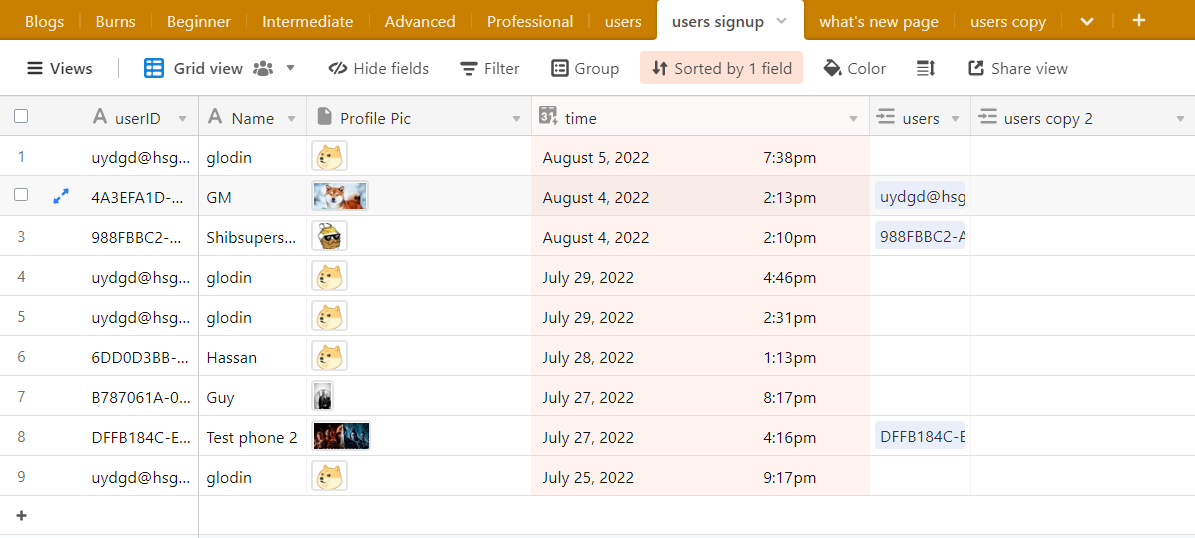
(1) a "users signup" table with user data/information and
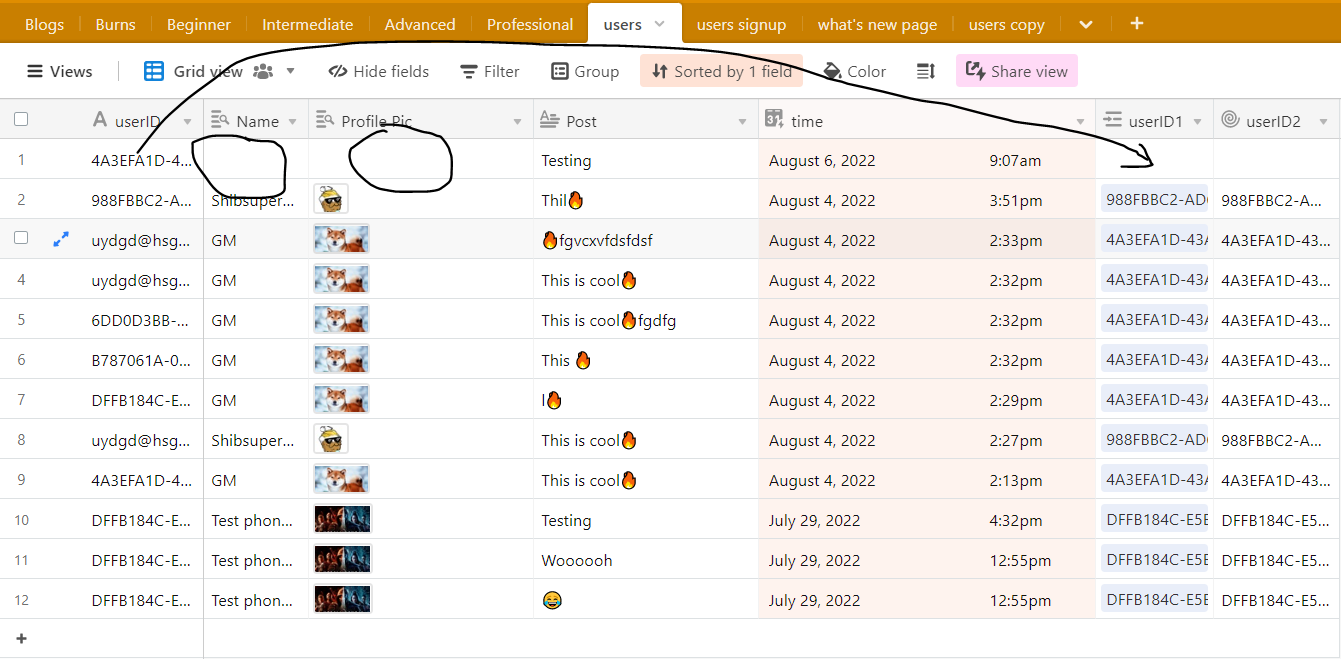
(2) a "user post" table.
When a user signs up their information goes to the "user signup" table and when they make a post(like a social media post) their post goes to the "user post" table. I'm also sending ${device.id} to both tables, so each post will be linked to the device/user who posted it and their information.

ISSUES:
(1) When a user makes a post only the post & device.ID is posted to the 'user post' table.
(2) I can not automatically link each post to the users information(profile picture and username)

SOLUTIONS:
(1) I need to somehow use the get api to call the users post and the users information?
(2) Use the post api to post user information along with their post into the "user post" table.
(3) Automatically link both tables in Airtable.

Any ideas?

10 replies
Valter August 5, 2022

All that its possible! On airtable use the lookups and rollups. So when you POST the user.id on a rollup columm it can bring back the information on the lookup.

Glo August 5, 2022

Thank you for your reply, the issue with rollup and lookup in airtable is that its not automatic, I would have to manually match the device.Id in the "link to another table" column, like how can I automatically match the Unique IDs from 2 different tables?

Valter August 6, 2022

If the POST the user does on the user post table have one variante on the json code to post the device.id in the rollup field thst is on the user post table then automatacly all the info from the signip will show up on the lookup fields on the user pist table

Valter August 6, 2022

But first on the users signup table you have to guaranty that the device.id is posted on the first columm

Glo August 6, 2022

Hey so I tried what you said and there’s a couple issues:

  1. you can not really post into the roll up and look up columns since values for those columns are automatically computed by airtable and can not be directly created. rollup and lookup colums are based on what is on the "linked table"
  2. the device.Id is already on the first column of both the tables, and the link column in the “user post” table works well only issue is that I have to manually select the “device.Id” that’s matches both tables and that’s not practical in this case.
  3. I tried connecting the post request to the Linked table column in user post, that way it will automatically call all the information attached to the device.id, it works when I copy and paste it, it also works when I use the "test Values" on bravo studio but not when i test it on bravo Vision.

Below are the tables and what they look like:
USERPOST TABLE:

image.png

USERSIGNUP TABLE:

image.png

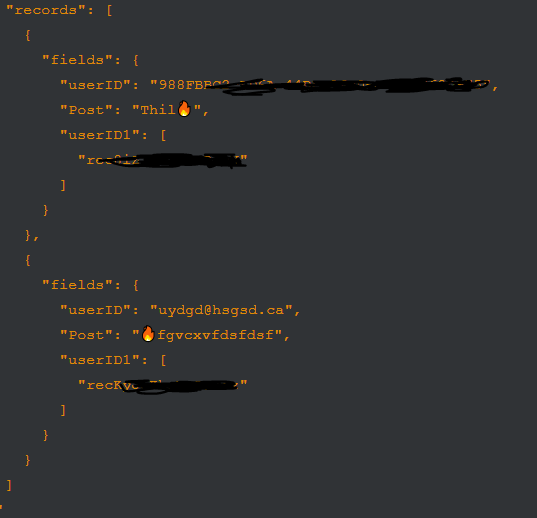
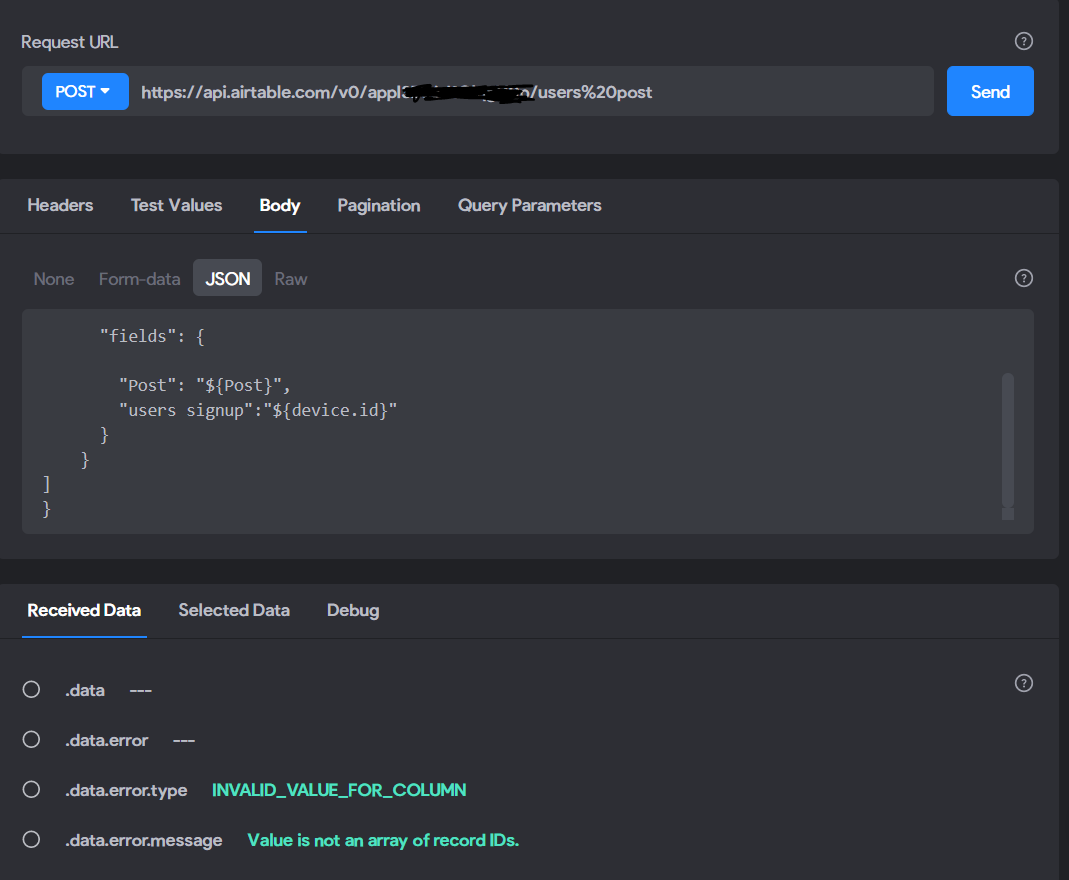
API REQUEST DOCUMENTATION (i made all of them a variable and even tried making the linked record a device.id variable) :

image.png

Valter August 6, 2022

It is possible to POST the device.id on the userID1 collum of the "users" table using a json code on the POST request. I'm doing this a lot in my app. 
As example, what its not possible, its to post on the Profile Pic columm.

Glo August 6, 2022

that’s weird, I have tried that a couple times and it didn’t work. I will try it again and I can actually post to the profile pic column on mine, if a user uploads one.

so for the Jason code all I have to do is
‘’userID1’’: ${device.Id}

For it to post the device Id in the linked column? Or is there something special I have to consider for linked columns?

Glo August 6, 2022

okay so i tried it and got the error below, but when i replace the "users signup"(originally userID1-linked column) with "userID" it works just fine

image.png

Valter August 6, 2022

The json body its nor right! Check exaples on bravo studio example apps

Wrote something in this thread and want it removed? Request removal

Still stuck?

Ask the community on Discord

This archive is read-only. New questions, office hours and product updates now happen in the Bravo Discord.

Join the Discord