← Resources & Tips
Resources & Tips March 1, 2023 · 12 replies

How can I change the name of a project?

Archived from the Bravo community forum (2021–2026). Some answers may refer to older versions of Bravo.

where should I click? If I click over the project name nothing happens, in settings there is not the project name field to edit
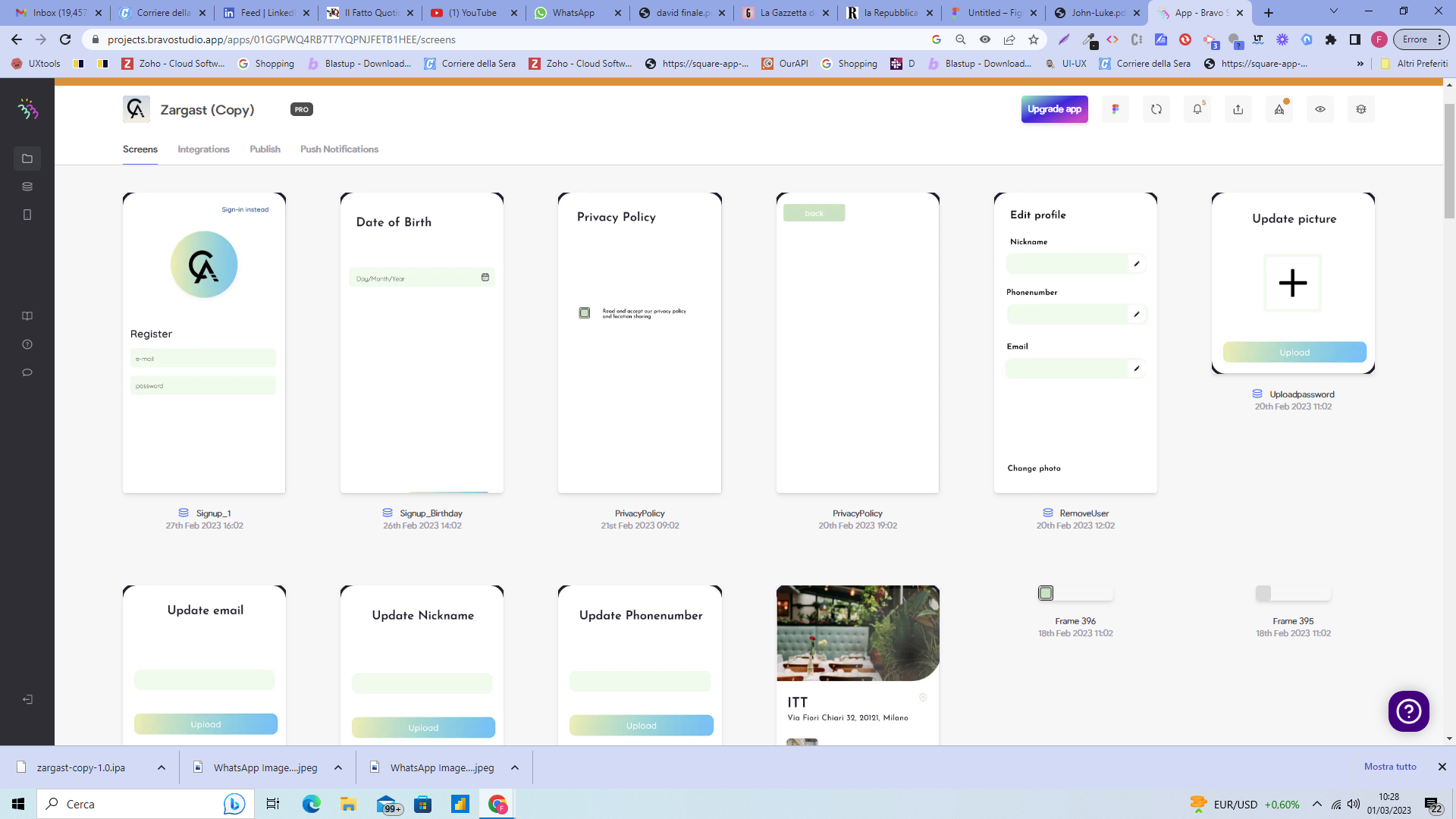
image.png

12 replies

samuel March 1, 2023

You do it within the Figma application. Go to the home tab right click on the the project and click rename. :)

Fred March 1, 2023

well I did it and it is not updating it in Bravo

samuel March 1, 2023

I just changed the name but updating the figma design in bravo

samuel March 1, 2023

It might also help to open the figma file from within bravo

samuel March 1, 2023

Yes i just changed it back and it would only change after opening the figma file from within bravo

Fred March 9, 2023

to me is still now working, anyway I have two projects pointing at the same Figma, and I need to have a different name for each, is it not possible you think?
I wrote to the support today

Wrote something in this thread and want it removed? Request removal

Still stuck?

Ask the community on Discord

This archive is read-only. New questions, office hours and product updates now happen in the Bravo Discord.

Join the Discord