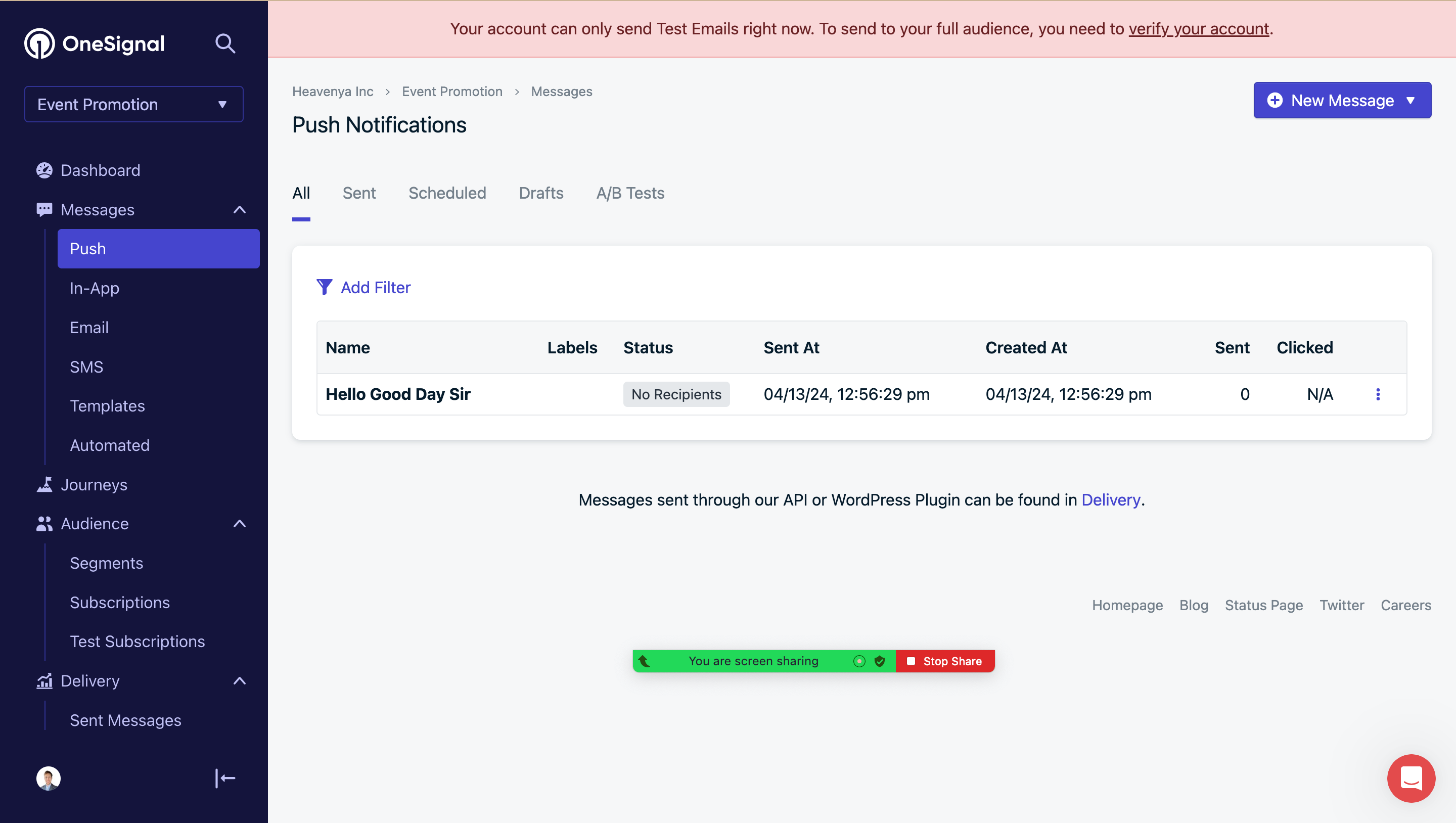
Hey @Travis Mitchell,
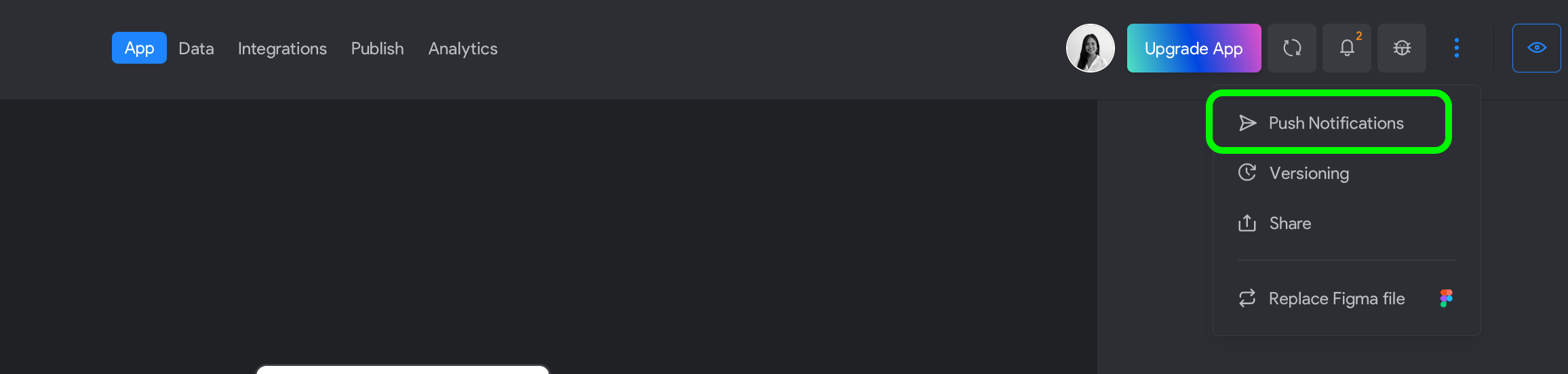
I’ve sent you an email responding this. To access the Push notification Configuration for testing please go to the three dots after the bug icon and select the Push notifications tab.
Regarding the OneSignal records: If you don't see any records in OneSignal, it's likely because no one has accepted the push notifications. In other words, no users have opened the app and clicked on the "enable notification" button.
In able to test, you may use Bravo Vision, trigger the "Enable Notification", once someone have tested by doing that, it should be registered in One Signal
Please follow this guide on how to test Push notifications in Bravo Vision: https://docs.bravostudio.app/integrations/push-notifications#notification-in-bravo-vision-testing-environment
Hope it helps! Let us know if you have any questions please.