← Data, API & Backend
Data, API & Backend March 14, 2023 · 3 replies

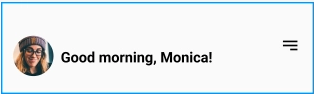
How to get API request for User avatar and user name

Archived from the Bravo community forum (2021–2026). Some answers may refer to older versions of Bravo.

im finding difficulty in binding data for User avatar on my home page. can anyone help me?
user avatar.png

3 replies

Valter March 14, 2023

Grab a list request, change it to "0" and if using airtable, use a filter by formula to filter and show just the revord with the user id

Silas March 14, 2023

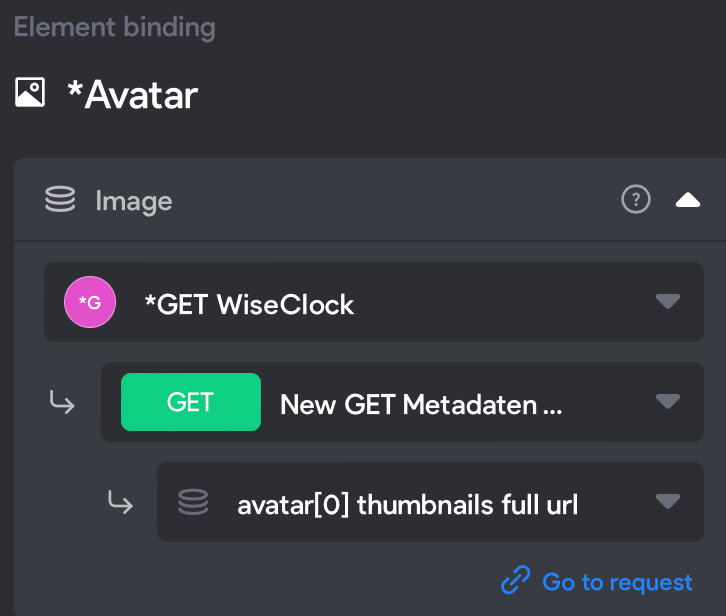
Hi. You just need a GET request with the user.id variable. Put  "filterByFormula={userid}='${user.id}' " behind your table name as a URL for your request. When you click send and choose the data I used "data.records[].fields.Avatar[0].thumbnails.full.url" which worked for me. Make sure to input one user.id in the "Test values" field, otherwise it won't work.  For the user name you just need a name field and connect that to your app. In the picture you see my example. Keep in mind that as far as I know it would be a list request and you need to link the top-frame to the same GET request with "records".
Hope that helps. Cheers 🙂

Bildschirm­foto 2023-03-14 um 10.01.14.png

Wrote something in this thread and want it removed? Request removal

Still stuck?

Ask the community on Discord

This archive is read-only. New questions, office hours and product updates now happen in the Bravo Discord.

Join the Discord