Archived from the Bravo community forum (2021–2026). Some answers may refer to older versions of Bravo.
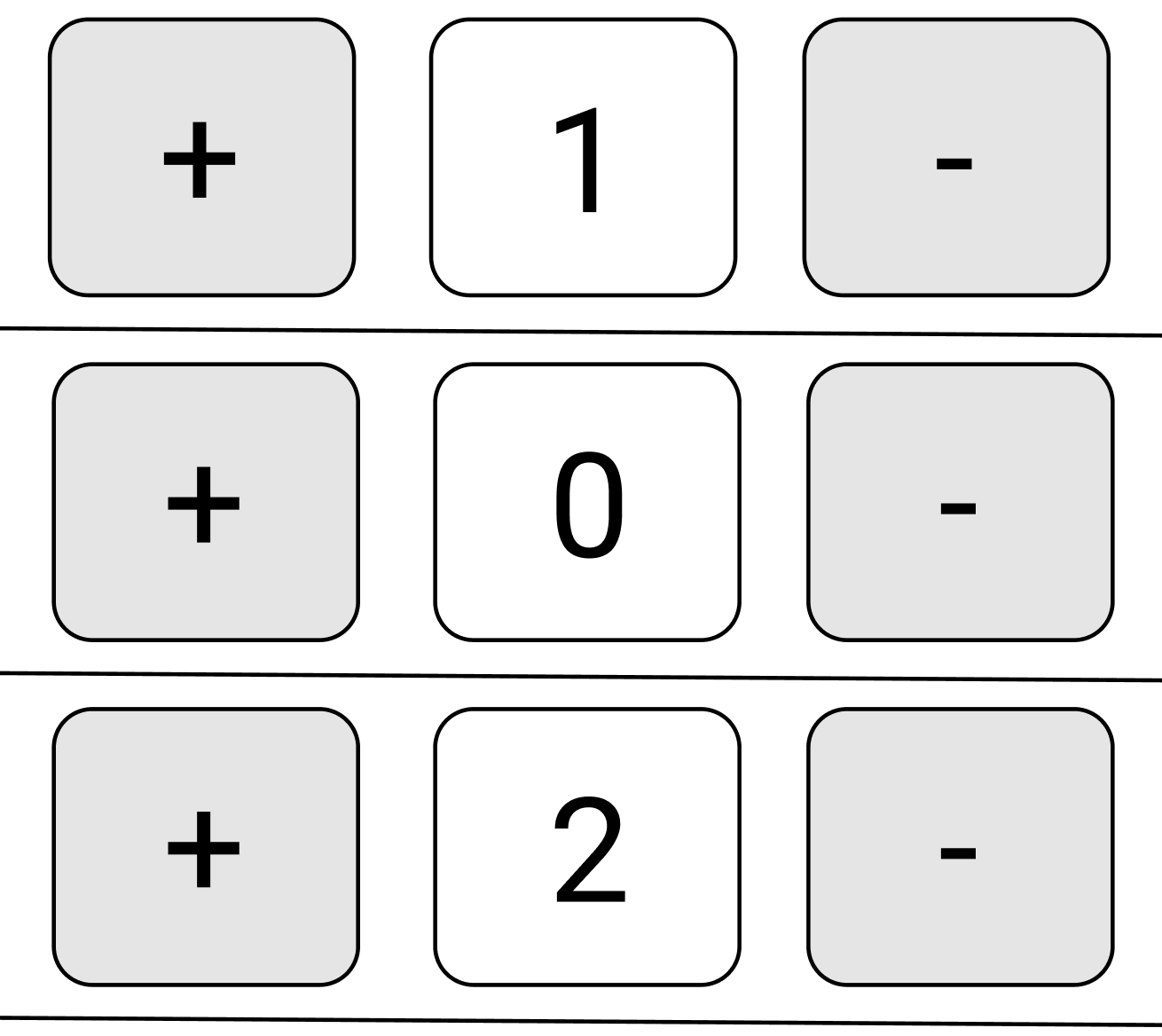
I'm trying to add in an increment/decrement by one component like the one below, but having a hard time figuring out how to do this in Bravo. The use case would be someone has added multiple items to a shopping cart and then wants to change the quantity for each row by pressing the plus or minus button the adjust the quantity by one before checking out. I know this could be accomplished by using a text field or drop down to update, but would prefer to use the button increment.
Thank you for your help!
3 replies
Wrote something in this thread and want it removed? Request removal
Ask the community on Discord
This archive is read-only. New questions, office hours and product updates now happen in the Bravo Discord.
Join the Discord