← Data, API & Backend
Data, API & Backend April 28, 2022 · 6 replies

How to POST image_url to Xano?

Archived from the Bravo community forum (2021–2026). Some answers may refer to older versions of Bravo.

I'm following the guide in posting an image to my Xano db and I keep encountering the error "Unsupported input".
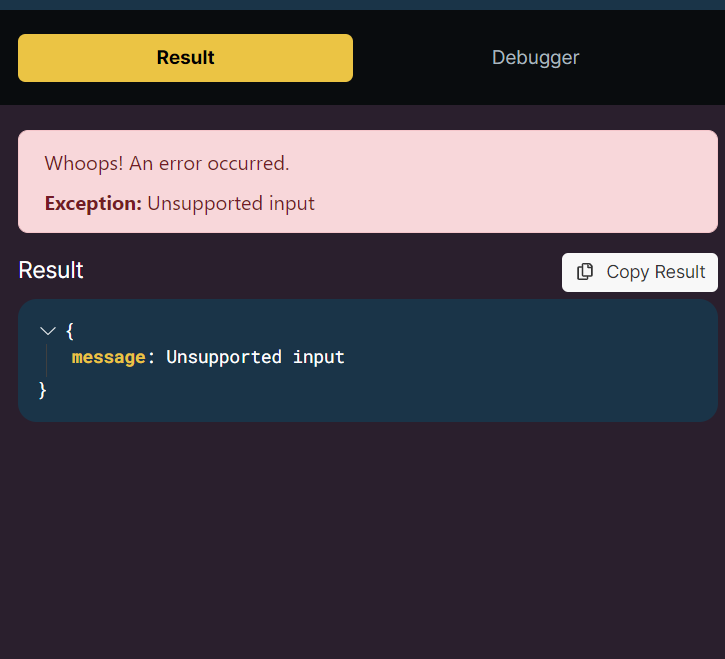
image.png

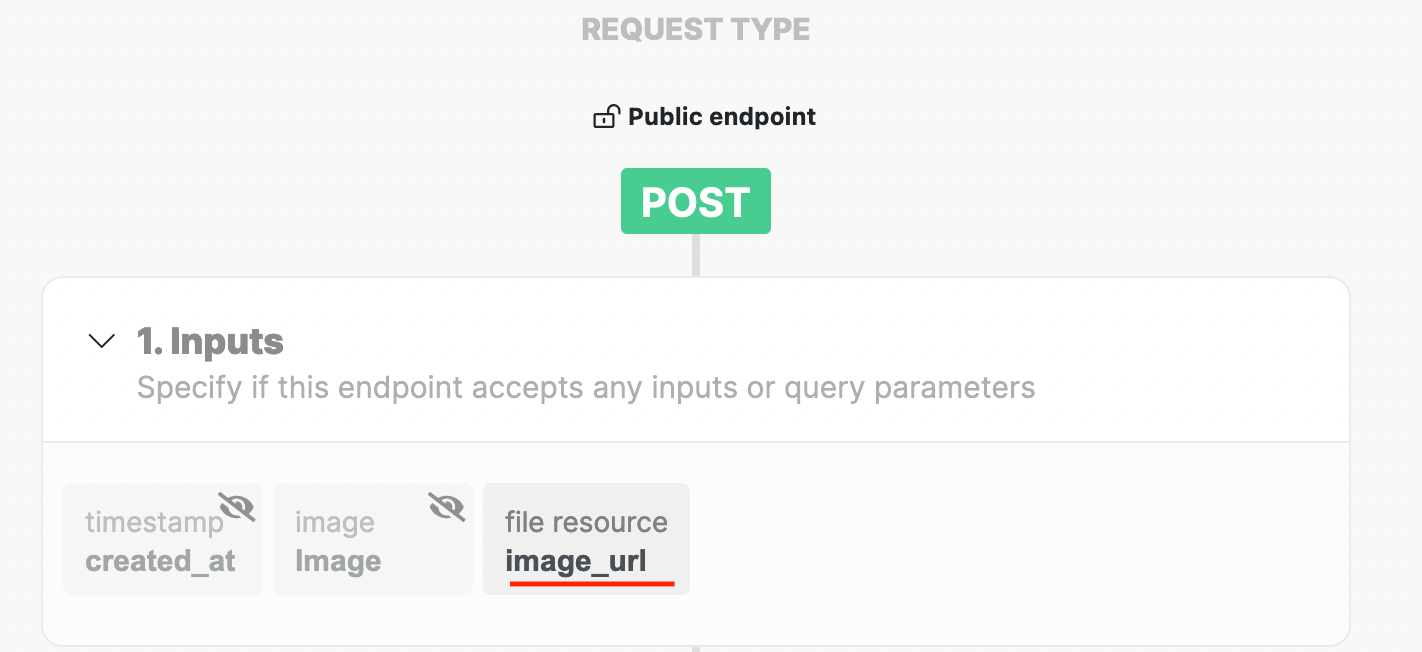
I have created the image metadata and used the appropriate variable but it doesn't allow me to send url links as images the same way airtable does.
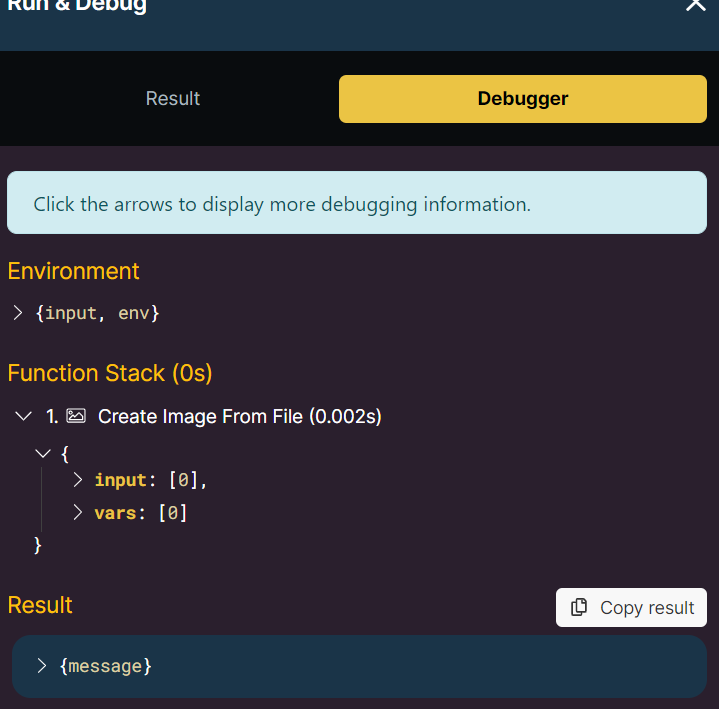
image.png

6 replies

Jessica April 28, 2022

I've had the same issues with same error. I'm attending xano office hours later today to discuss the issue.

Robin April 29, 2022

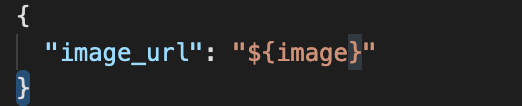
Thanks ! But can you tell us what do we have to put in our json body in order to create this upload image input ?

Javier Felipe Bravo team April 29, 2022

sure, you need to include the input name in Xano as the key, and a variable that you'll later bind to the image input as value. The specific value of the key (left element) will depend on the name you give it in the Xano endpoint, while the variable name (right element) can be of your choice:

imagen.png

imagen.png

Jessica May 1, 2022

have you tried uploading an image via the app? My api endpoint works (i can run/debug and send) but after data binding my elements and testing in the app i run into a "Error 500: FailedRequest Exception. Error processing remote request".

Wrote something in this thread and want it removed? Request removal

Still stuck?

Ask the community on Discord

This archive is read-only. New questions, office hours and product updates now happen in the Bravo Discord.

Join the Discord