← Data, API & Backend
Data, API & Backend September 2, 2024 · 9 replies

I'm unable to send a successful POST request

Archived from the Bravo community forum (2021–2026). Some answers may refer to older versions of Bravo.

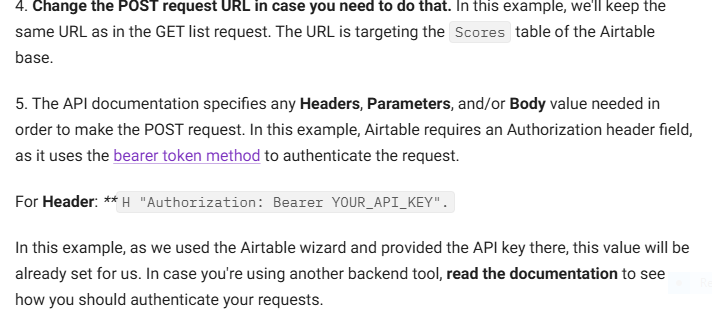
Hello,

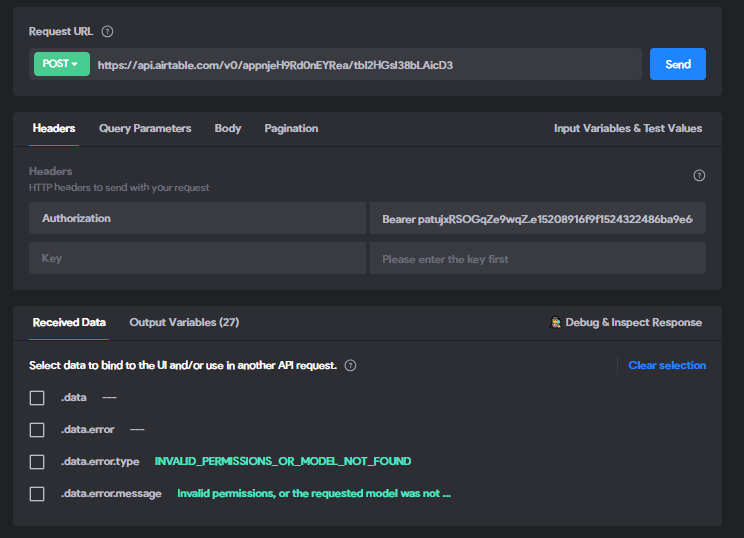
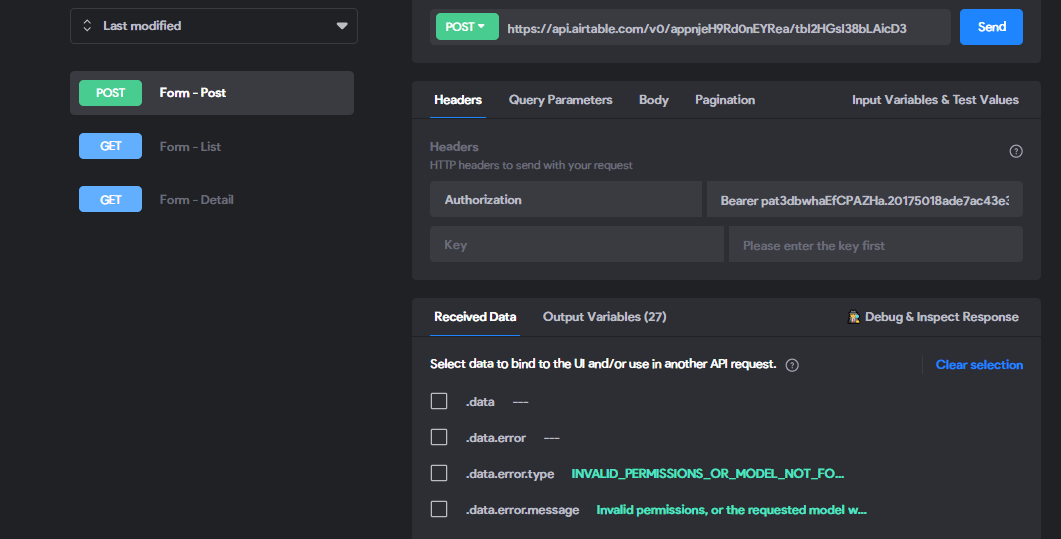
I'm encountering an issue while attempting to connect a form to Airtable using the Wizard in Bravo Studio. Despite following the steps, my POST requests consistently return the error message:

"Invalid permissions, or the requested model was not found. Check that both your user and your token have the required permissions, and that the model names and/or ids are correct."  

I've verified the following:

  • API Key: I'm using the correct API key.

  • Permissions: My user and token have the necessary permissions.

  • Model Names and IDs: I've double-checked the model names and IDs.

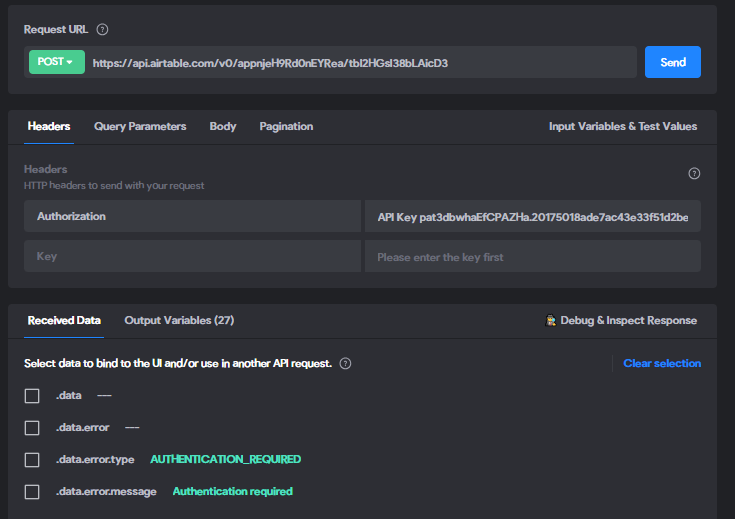
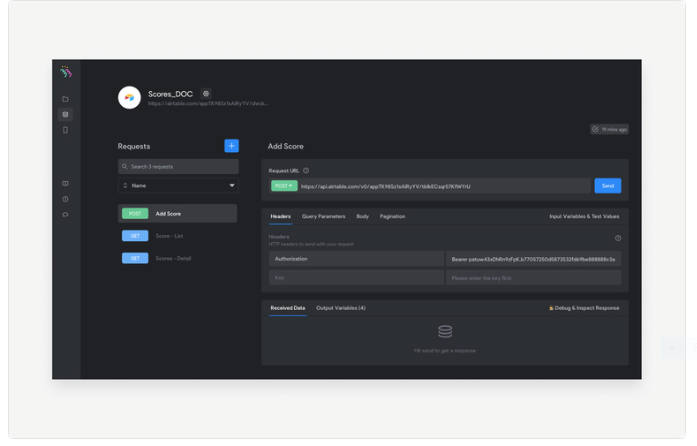
I've attached screenshots of my Bravo Studio setup and the error message for your reference. Any assistance in resolving this issue would be greatly appreciated.
9 replies
Ramon September 2, 2024

In the Authorization section for the Collection you have to select API key. It looks like you selected `Bearer`.

Abu September 2, 2024

Thank you for your response. I duplicated the request List and chose POST because I used the Airtable Wizard to connect. So I don’t know how I can select API Key in the Authorization section for the Collection. I have tried to replace the Bearer with API Key but it didn’t work as you can see screen shot below

Ramon September 2, 2024

Each collection has a different authorisation method, so you’ll have to create a new collection and select API key as the authorisation mechanism.

Abu September 3, 2024

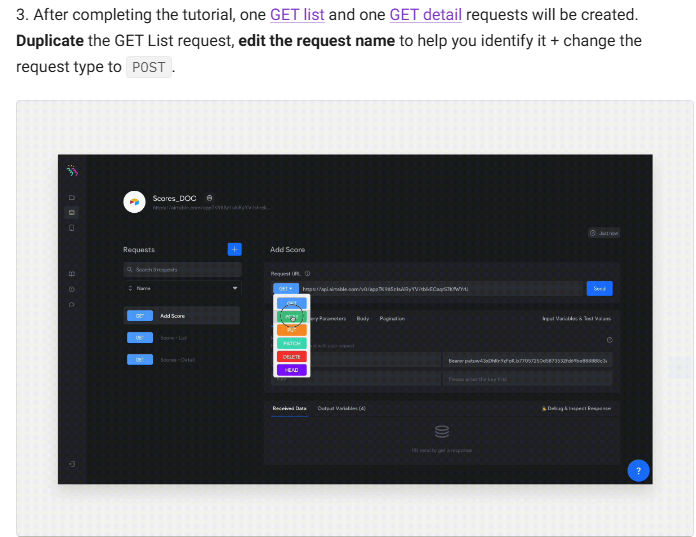
I have been trying since yesterday but no success. I’ve followed the documentation titled “Set up an API POST request - Airtable“ as you cans see from the screenshots. Any assistance in resolving this issue would be greatly appreciated.

Ramon September 3, 2024

Ah, so the authorisation mechanism that Airtable expects is a Bearer token, not an API key. It gets a bit confusing as they seem to refer to the token as API key… Ok, I see in your first screenshot you put as value `APIKey pat3db…`, can you change it to `Bearer pat3db…`?

Abu September 3, 2024

Thank you for your response. I've updated the authorization header to 'Bearer', but I'm still encountering the same error message as shown in the screenshot. Despite following the provided document and YouTube video, I'm unsure where the issue might lie. Could you please offer some guidance on the next steps I should take

Ramon September 3, 2024

Sorry, I haven’t used Airtable so not sure about its details. Are you able to do a list request using the exact same URL and the same authorization header?

Abu September 4, 2024

I can do both GET List and GET Detail requests but I can’t do POST request. I’m stuck

Soufiane November 13, 2024

Hey
Try to create a new collection in bravo studio again.
Or, you can try to send a GET/POST request with postman and see if it works.
Keep us posted😀

Wrote something in this thread and want it removed? Request removal

Still stuck?

Ask the community on Discord

This archive is read-only. New questions, office hours and product updates now happen in the Bravo Discord.

Join the Discord