Archived from the Bravo community forum (2021–2026). Some answers may refer to older versions of Bravo.
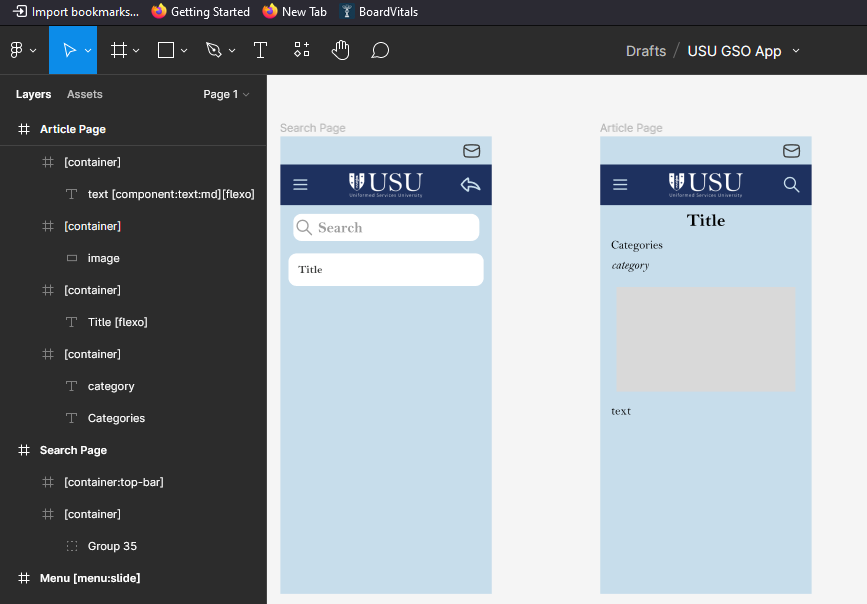
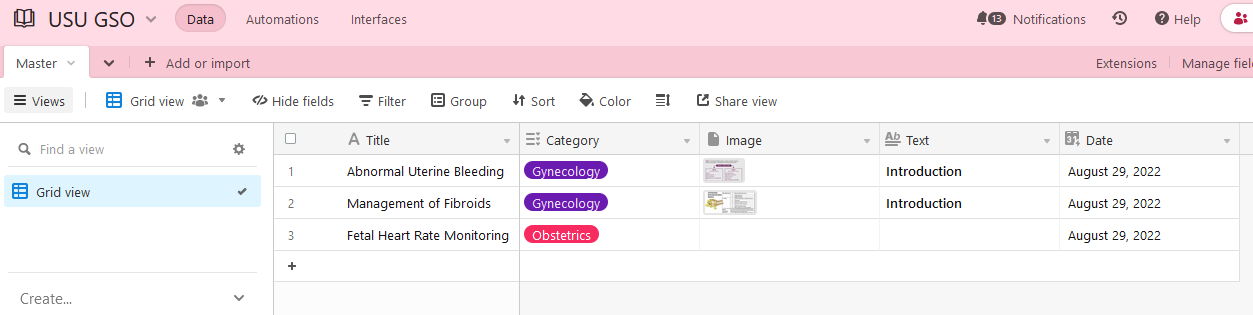
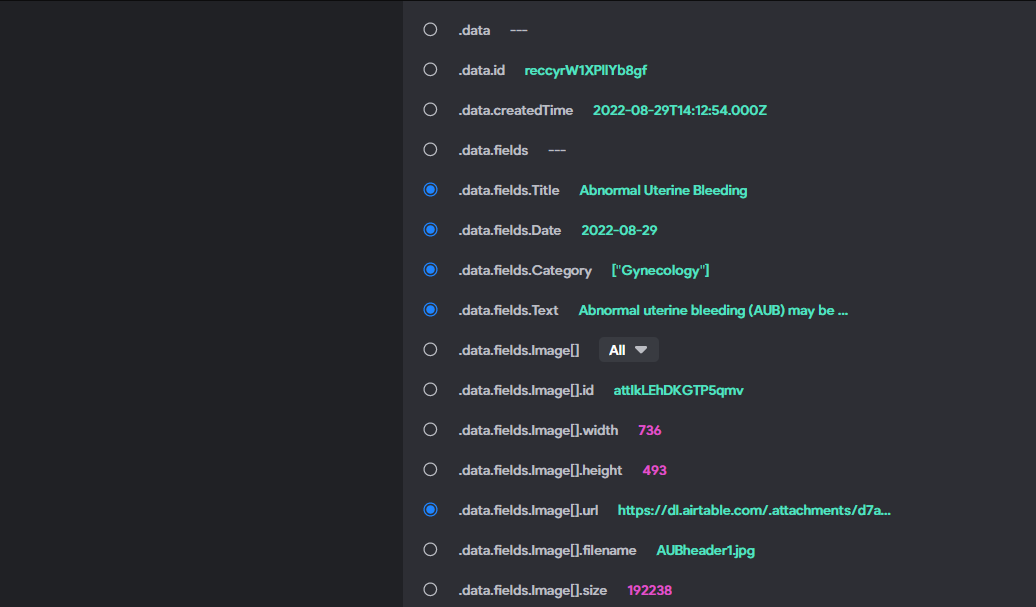
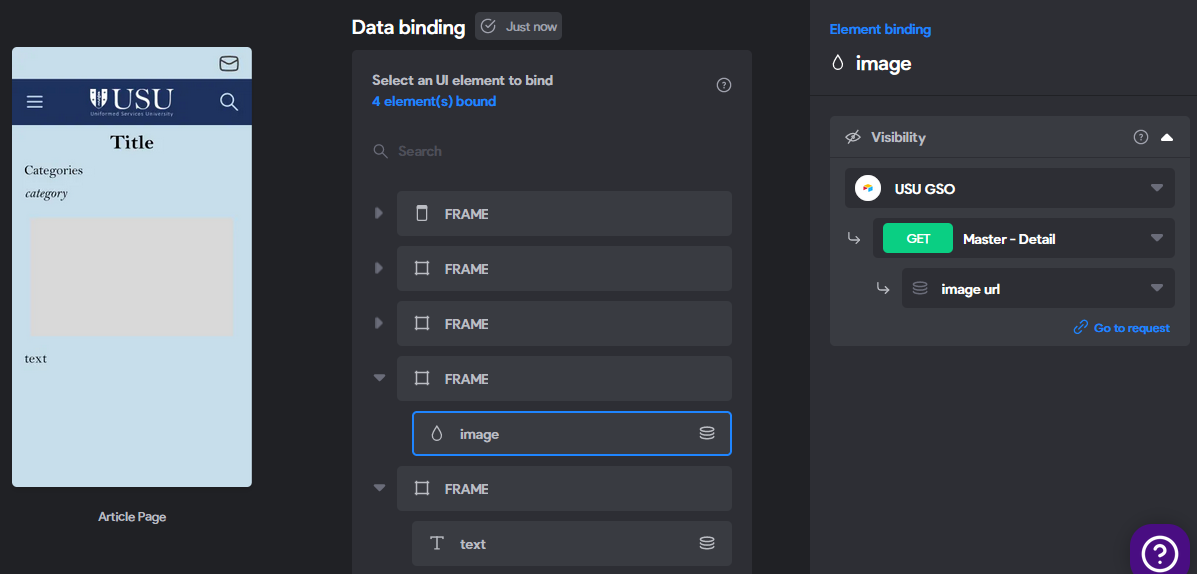
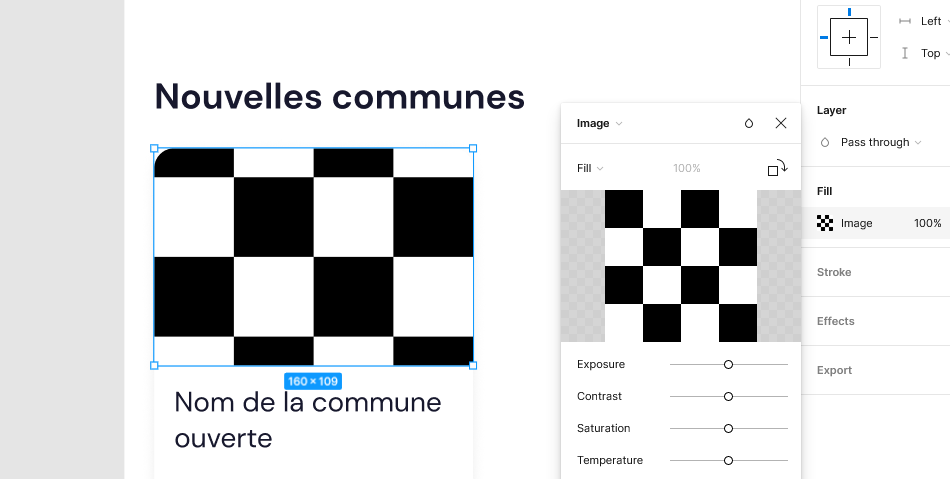
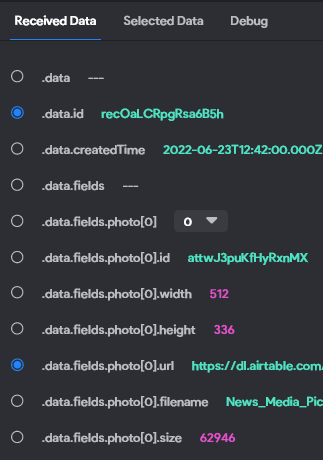
Good morning. I am making an app using airtable as the backend. I have a list and detail page set up for articles. I have a title, category, text, and image for the detail page. I have bound everything in accordance with the multiple tutorials I watched. Everything works except the image. I have tried with a simple rectangle and a placeholder image, but when I am using the app on Bravo vision, I just get either the rectangle or the placeholder. I am binding the url record as it says to. I have also tried putting the rectangle in its own container. Nothing seems to work.
Any tips?
Here are the figma, bravo studio, and airtable screenshots:
And here's what it looks like on the app:
Thank you.
5 replies
Wrote something in this thread and want it removed? Request removal
Ask the community on Discord
This archive is read-only. New questions, office hours and product updates now happen in the Bravo Discord.
Join the Discord