Archived from the Bravo community forum (2021–2026). Some answers may refer to older versions of Bravo.
Hi Guys,
I'm very new to Bravo but eager to learn. I want to push the information from a list I have to a details page. But I can't get it to work.
Can someone please help me how to connect the details page to the list?
The list works great but the details page...
Weird thing is that when I paste the ID behind the API link, it just works..
Here's what i did:
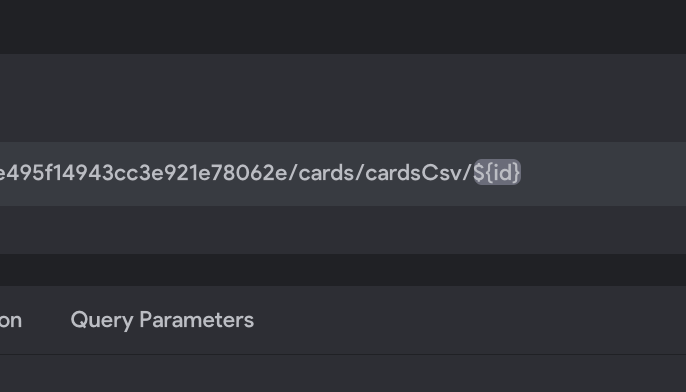
I cloned the list API and added the ${id} link to the end of my details page API.
I changed the selected variable to 'id'
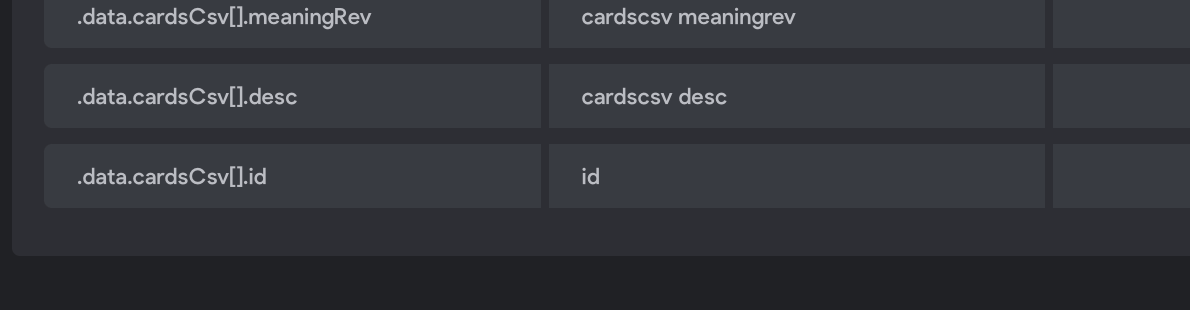
I have tried multiple things with the parameter but I don't know what to do.
I'm about to give up on bravo 😟. Can someone please help this rookie in the right direction?
Kind regards,
Joost
2 replies
Wrote something in this thread and want it removed? Request removal
Ask the community on Discord
This archive is read-only. New questions, office hours and product updates now happen in the Bravo Discord.
Join the Discord