← Data, API & Backend
Data, API & Backend April 29, 2024 · 7 replies

Meaning of the "Received Data" labels ?

Archived from the Bravo community forum (2021–2026). Some answers may refer to older versions of Bravo.

Hello everyone! Sorry for this one but I can’t find any doc on this topic.

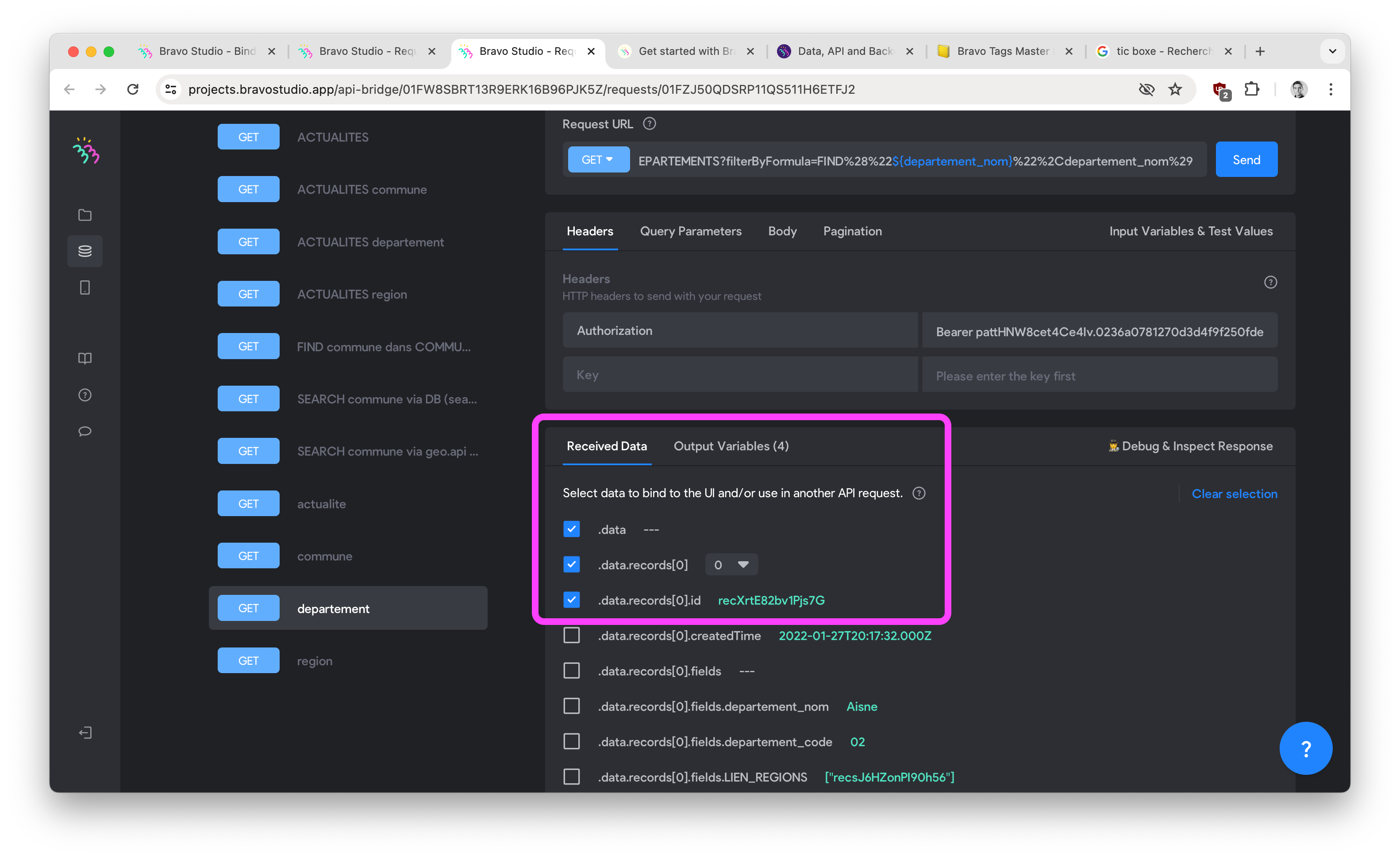
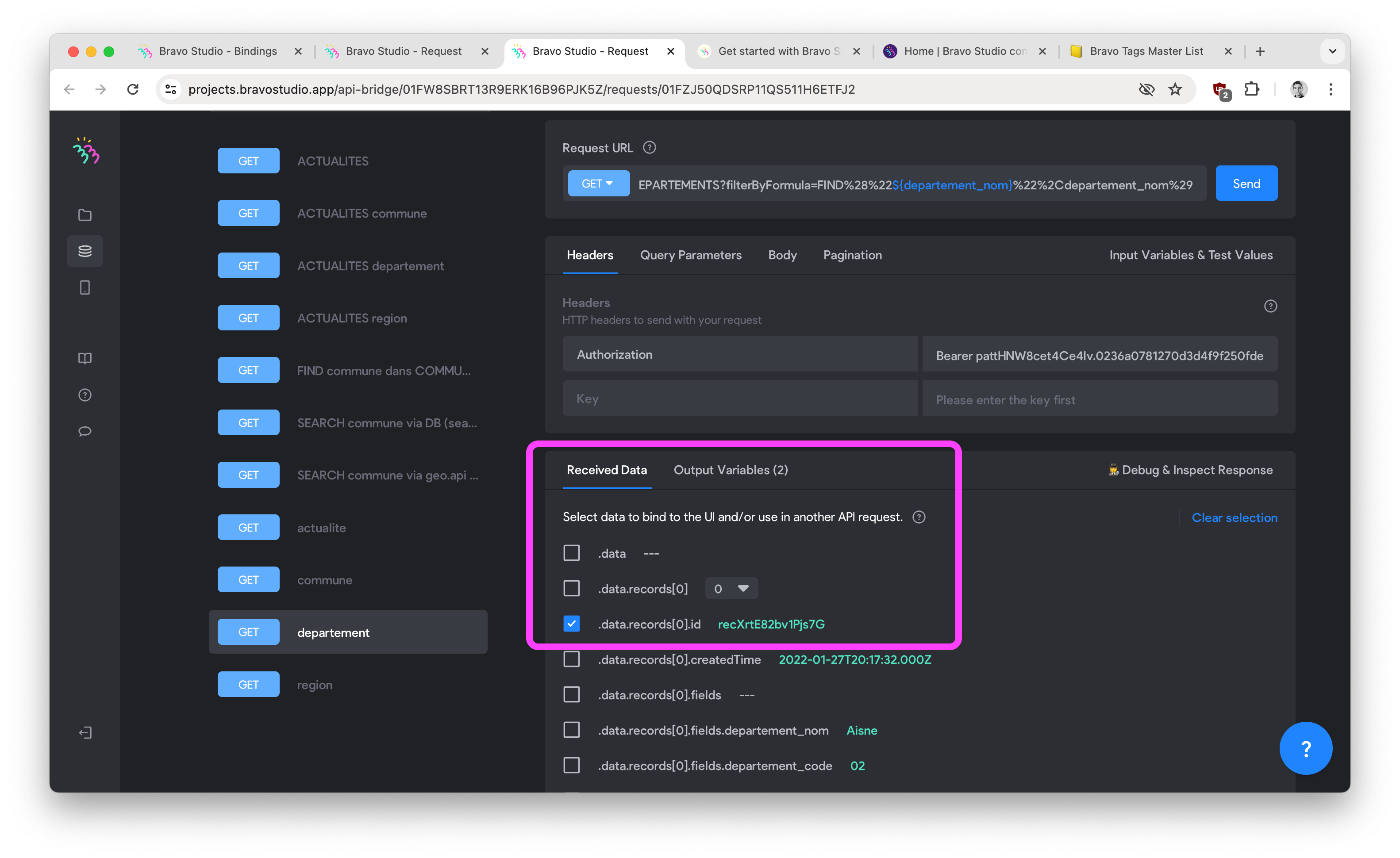
Could you please explain and precise what means and when do we have to tick (all, any, or one) of the 2 first boxes in the “received data” section in Bravo Studio.

Thank you for this one!! 🙏
(maybe adding it to the doc, a few newbies like me could learn something 😉).
7 replies
Marielle Ibias Bravo team April 29, 2024

Hey @Brice M,

Thanks for posting your inquiries in our community!

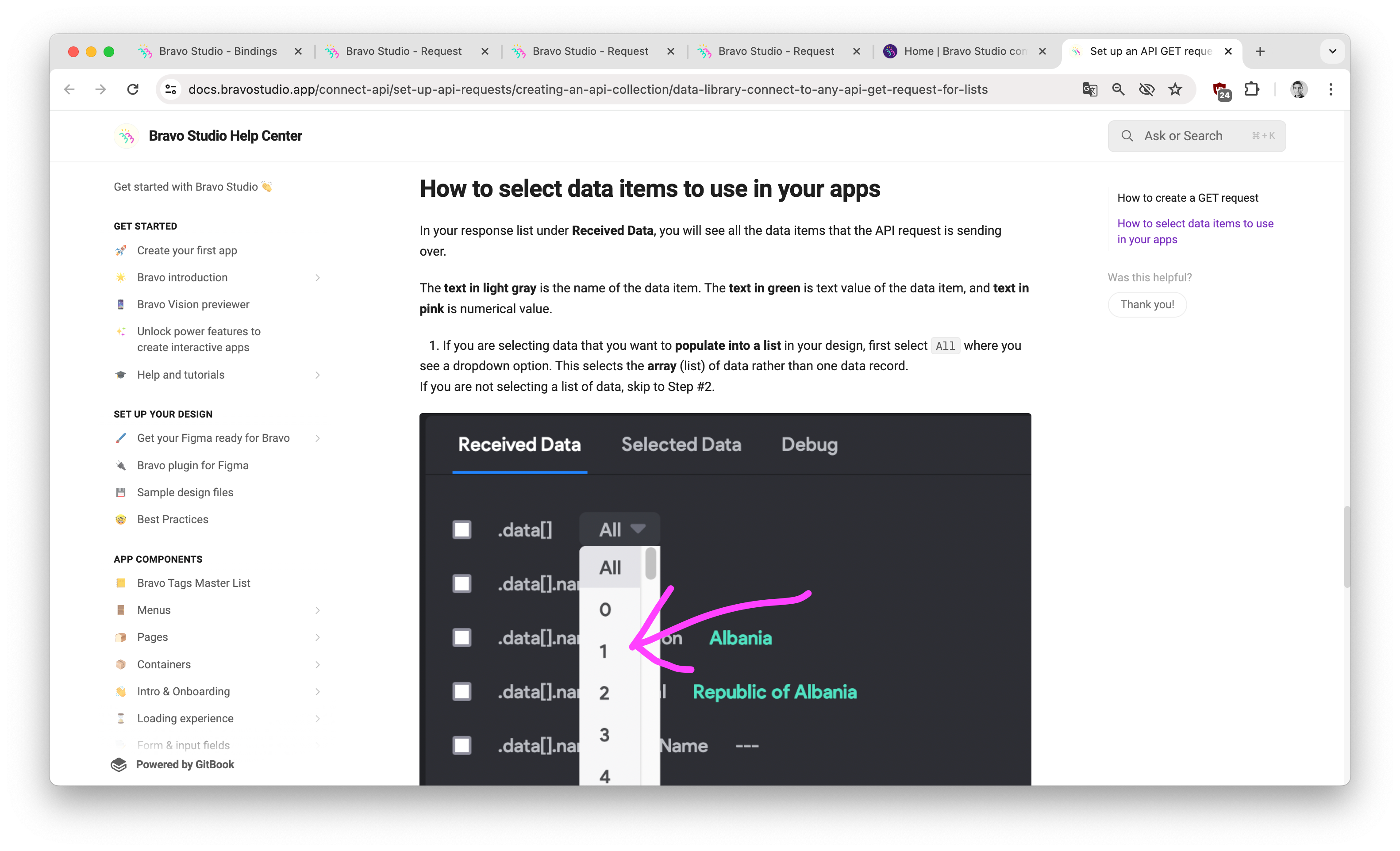
Selecting the “All” allows you to select a list of items. You can find more details here: https://docs.bravostudio.app/connect-api/set-up-api-requests/creating-an-api-collection/data-library-connect-to-any-api-get-request-for-lists
Selecting “one” allows you to select a single item : https://docs.bravostudio.app/connect-api/set-up-api-requests/creating-an-api-collection/data-library-connect-to-any-api-get-request-for-detail-page

Hope it helps! Let us know if you have further questions.

Brice April 29, 2024

Thank you @Marielle Ibias!! Yes I got the difference between list and item (mainly). But I can’t find the explanation I am looking for.

1st ticking point/ What is the meaning for “Data - - -”?
Do I have to tick it? When? Why?

2d ticking point/ I don’t get the difference between mentionning 0, with or without ticking the box. I have the same result. Could you lighten me please?

Thanks for jumping in 😃

Brice April 29, 2024

Could you please help me to understand the numbers on the right please @Marielle Ibias ?

Marielle Ibias Bravo team April 29, 2024

Hey @Brice M

Each “data” points out the different fields you have in your table. For example: id, name, country, etc.

If you tick the box, the selected data will be available in the “Output variables”, the data you have in this tab will be used later on to be connected or binded to your Figma.

About the numbers in the dropdown, they are the existing id’s in your database. Count the number of existing items in your table. “0” is the first id in the table, “1” is the second one, “2” is the third, etc.

Brice May 3, 2024

@Marielle Ibias thank you for adding these info to the doc.
I might be also interesting to precise what the mention “fields” means:
.data.something.fields…. means? It appears sometimes and I don’t how what it stands for.

Soufiane May 23, 2024

Hello Brice,
You can translate like this: (I stay simple)
I give you an example.

.data.records[].fields.Pseudo

.data.records[] = will be something like records of your data (you have data.records[] on all of your received datas in bravo studio)

.fields.Pseudo = Pseudo is the name of the fields that you gave in your database (in this example, Pseudo is the name of the fields in my database)

I hope this is clear for you LOL. If it’s not don’t overthink about that.
Thank you

Wrote something in this thread and want it removed? Request removal

Still stuck?

Ask the community on Discord

This archive is read-only. New questions, office hours and product updates now happen in the Bravo Discord.

Join the Discord