Archived from the Bravo community forum (2021–2026). Some answers may refer to older versions of Bravo.
support@bravostudio.app
I setup the same procedure on this tutorial on this document
Create and edit user profile (Firebase + Airtable) | Bravo Studio Help Center
but its not working. Whenever I send it through Bravo, it shows the “Input Variables and Test Values“, but whenever I tested through the real app its not reflecting on Airtable.
I use this on my Post (Registration)
{
  "records": [
    {
      "fields": {
        "Name": "${name}",
        "Email": "${email}",
        "deviceid": "${device.id}",
        "Contact": "${contact}",
        "Date of birth": "${dob}",
        "Picture": [
          {
            "url": "${picture}"
          }
        ]
      }
    }
  ]
}
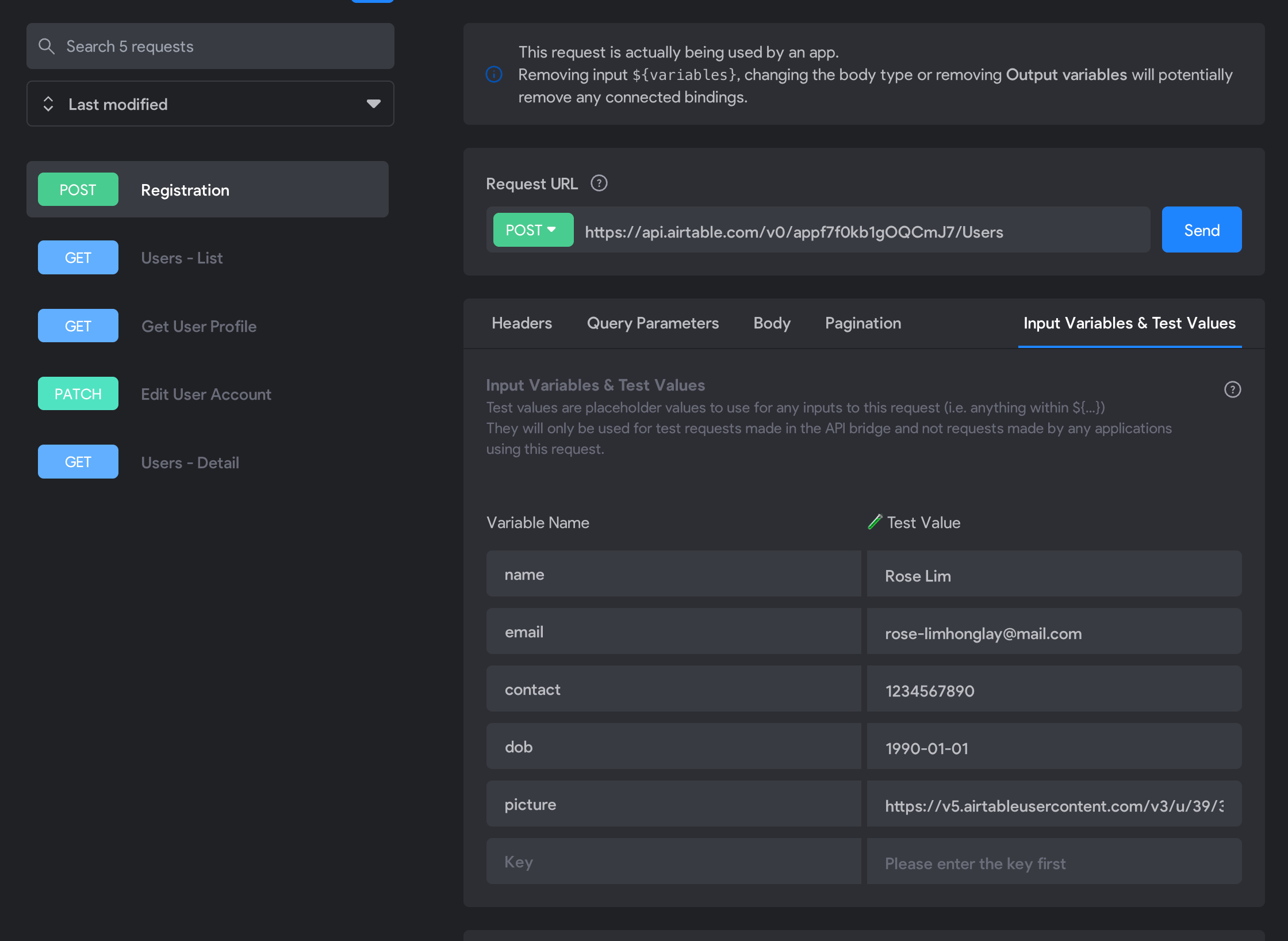
But it only shows the test account

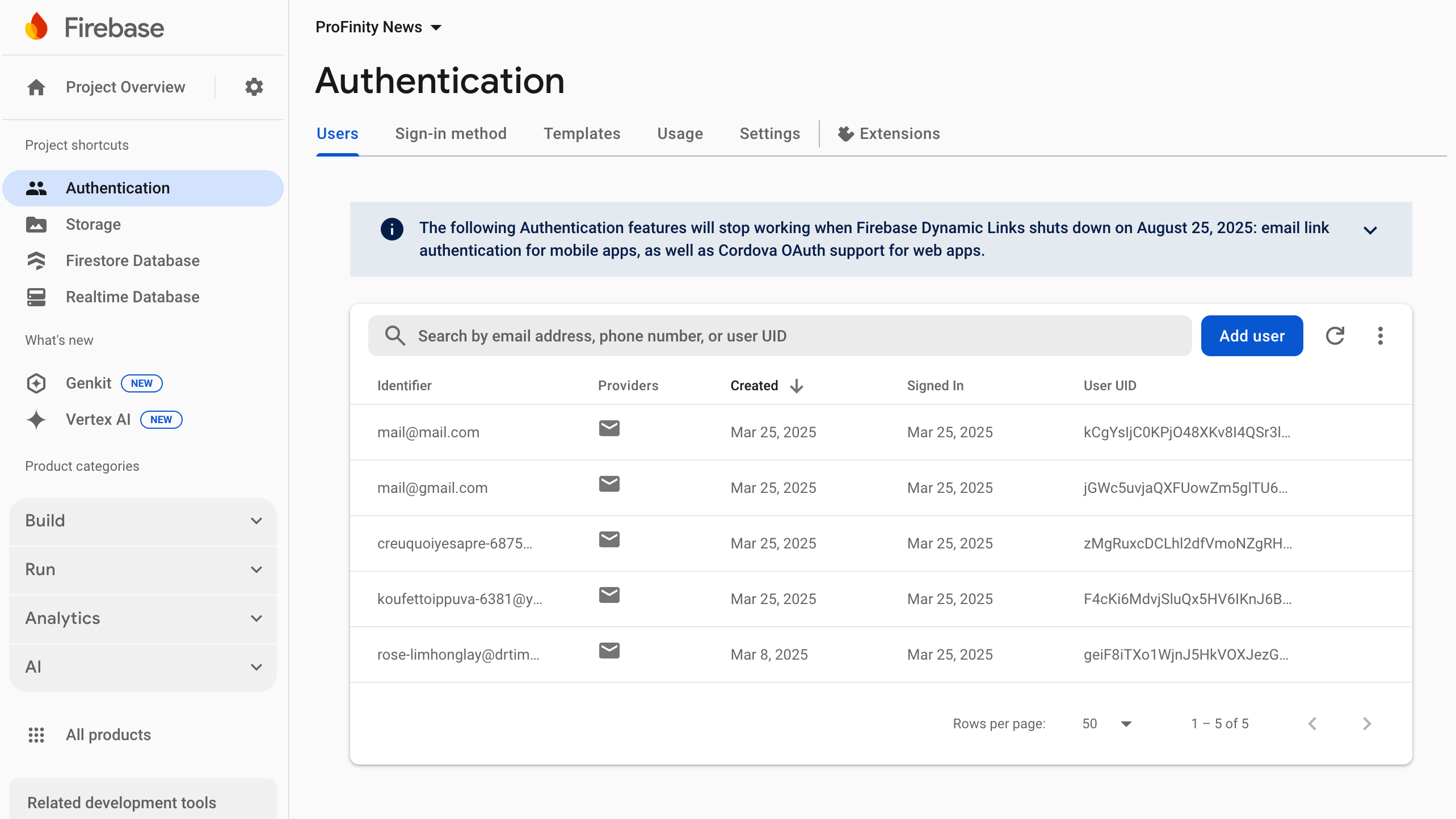
BUT in my firebase it is totally working well.
1 reply
Wrote something in this thread and want it removed? Request removal
Still stuck?
Ask the community on Discord
This archive is read-only. New questions, office hours and product updates now happen in the Bravo Discord.
Join the Discord