Archived from the Bravo community forum (2021–2026). Some answers may refer to older versions of Bravo.
Hey there peeps!
CONTEXT:
I have a detail page in which there is a container with rich text and another container with an image, like this:
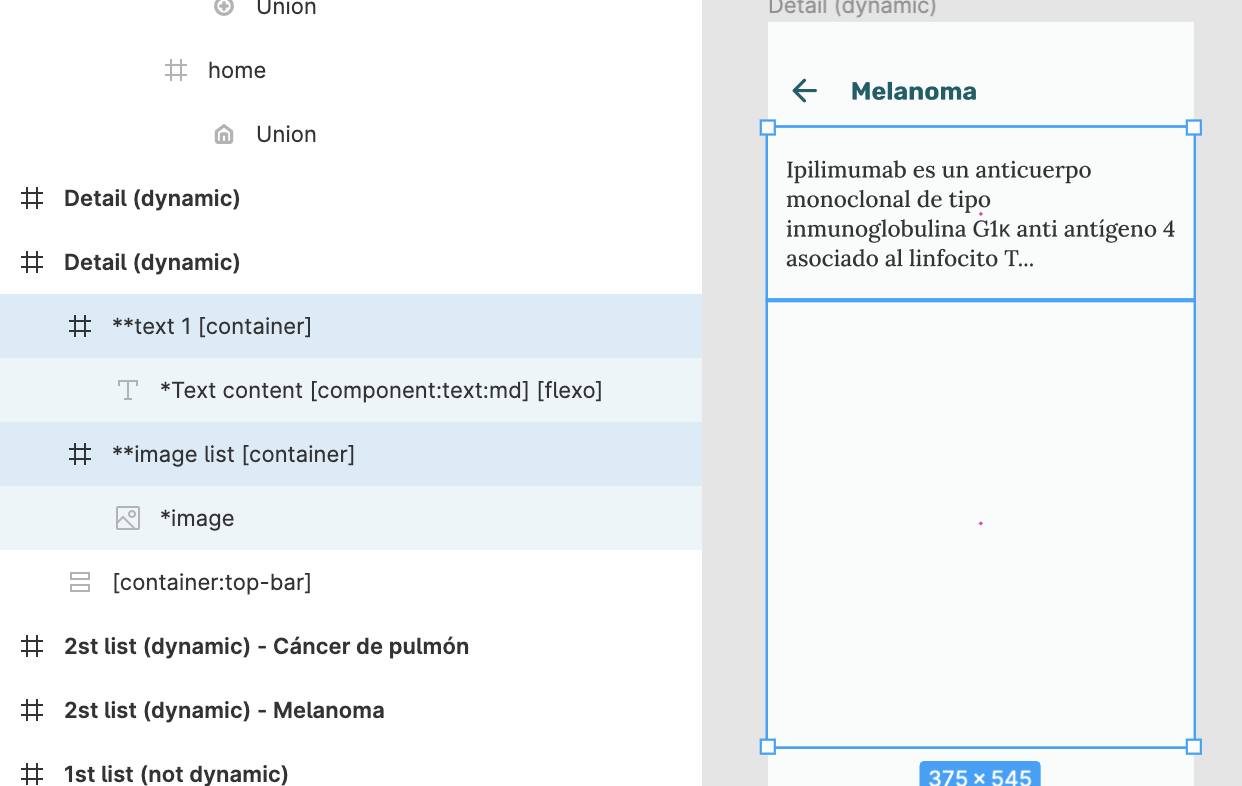
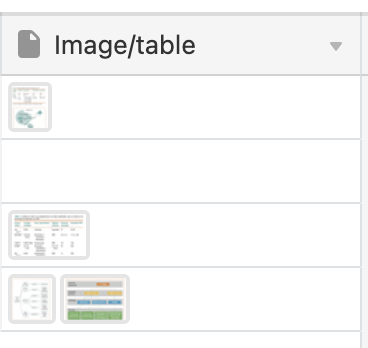
Now the thing is that sometimes there will be 1 image, and sometimes 2 or ideally more (the no. of images can also be 0, that's why the image is white; if you think of another solution for this side problem let me know 🙂)
GOAL:
Where I want to go is what's showed here by : https://spectrum.chat/bravo-studio/help-support/creating-a-detail-page-with-differentiating-number-of-images~40562b4a-a87e-4a63-92f1-6242f47880ed
MY BEST TRY:
So, I select the image array in the detail page (in the data library), I go to my data binding and connect the frame to the image array and the image to the image data record; but for some reason I can't get it right.
This is how I tried to call the list within my detail page:
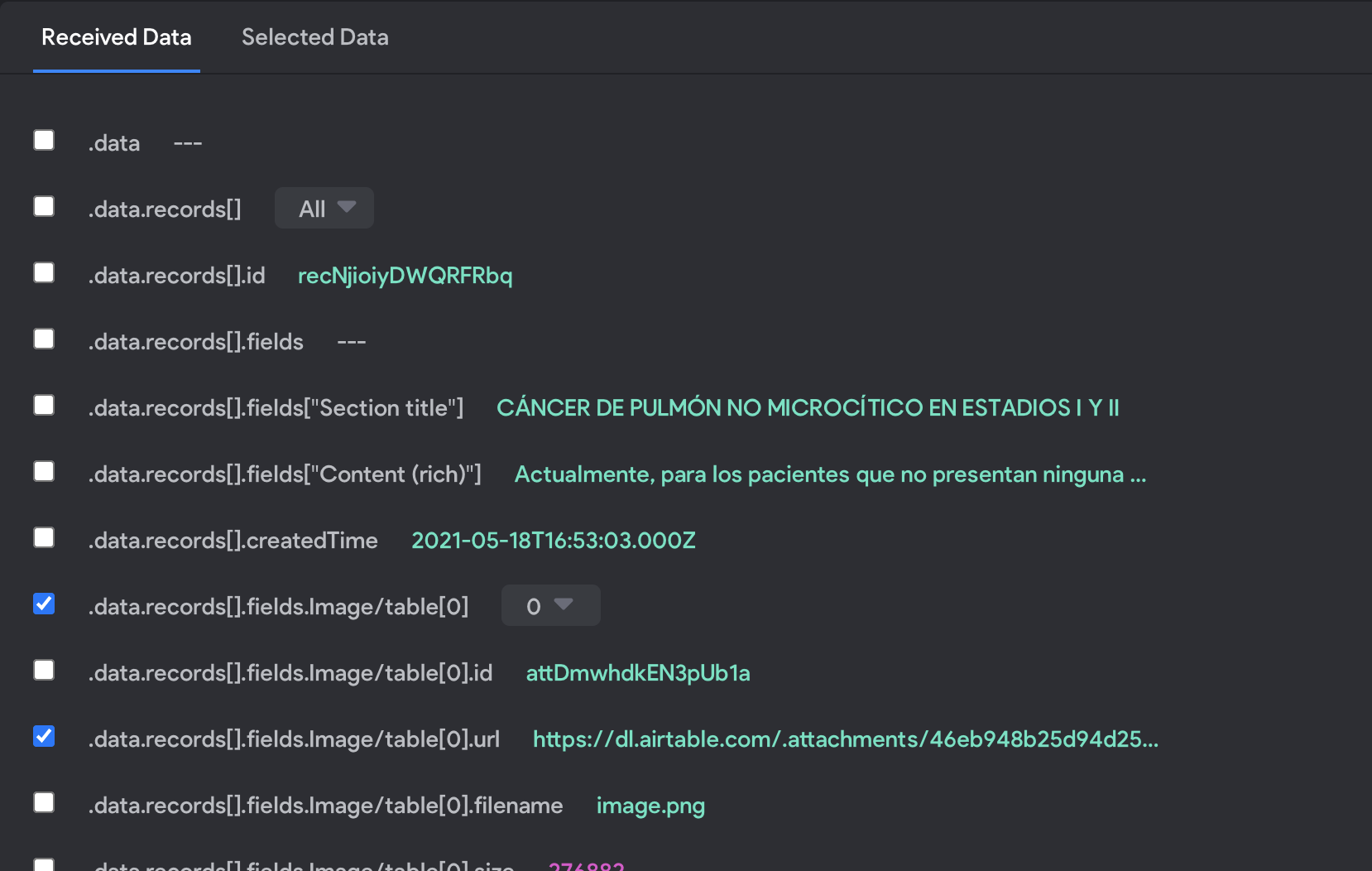
Called the array (.data.records[].fields.Image/table[0]); I've also tried calling the .data.records[] as well just in case but no success)
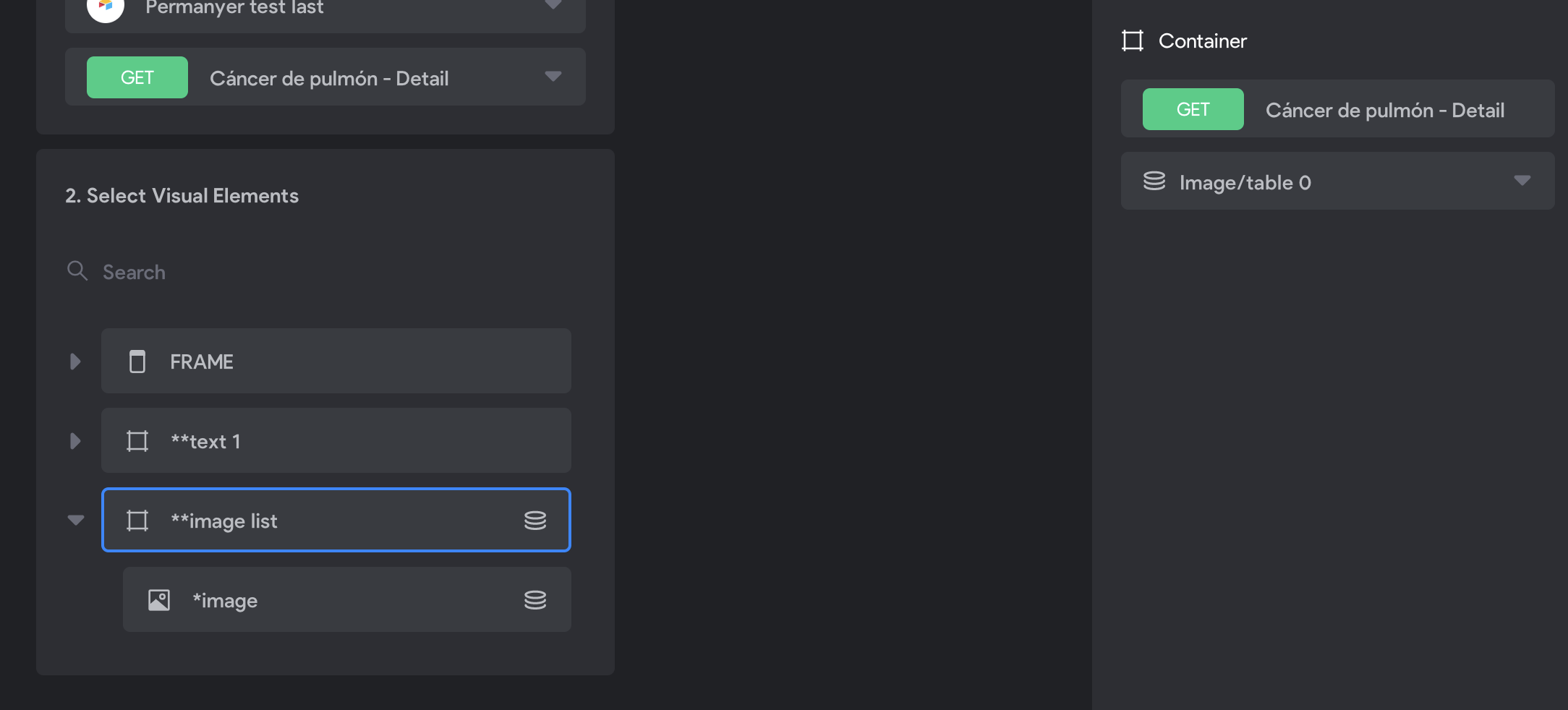
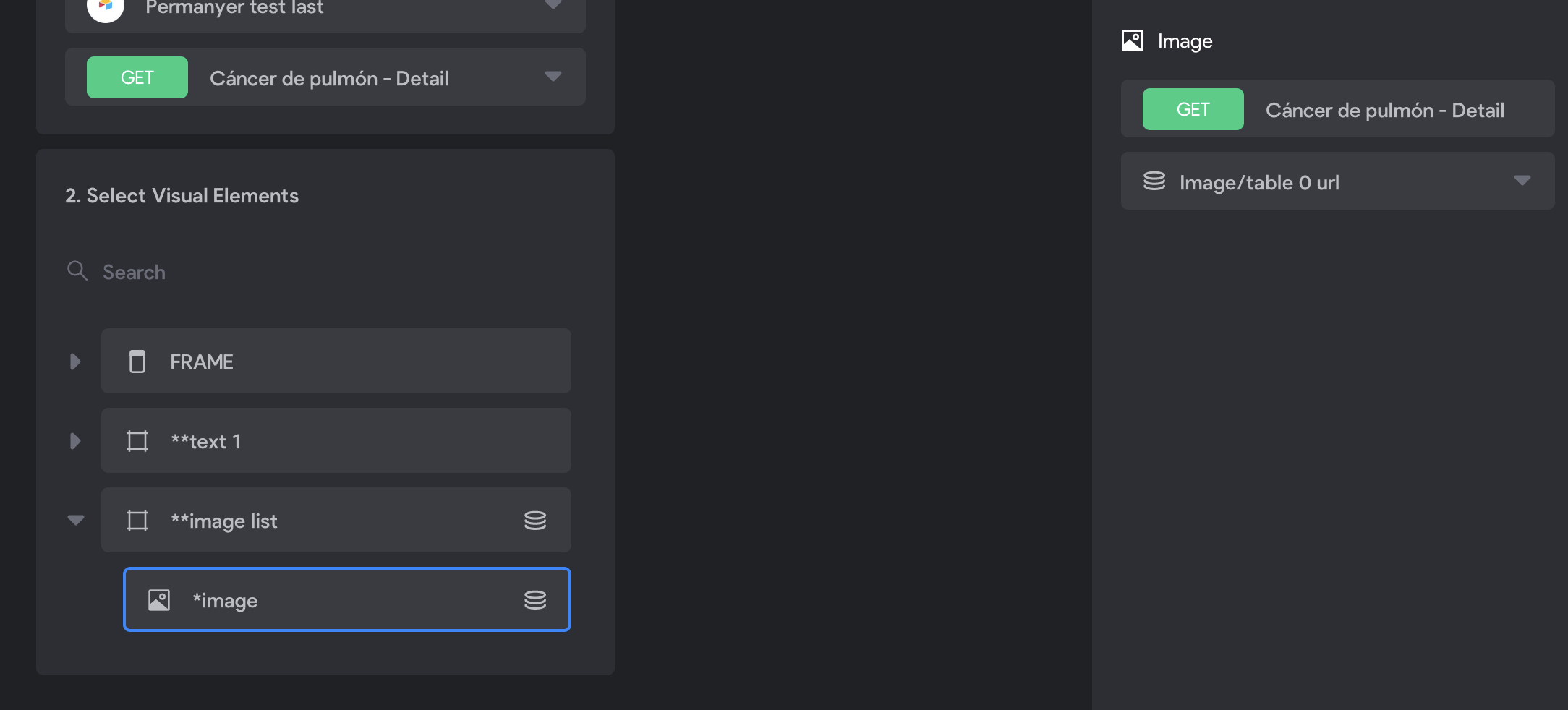
Bound the container and the element
Hopefully someone can help or give an alternate solution, thanks a bunch! 🙂
*BTW can't share the project URL nor the Figma file here, but of course will do it with the Bravo team if the community can't help with this!
5 replies
Wrote something in this thread and want it removed? Request removal
Ask the community on Discord
This archive is read-only. New questions, office hours and product updates now happen in the Bravo Discord.
Join the Discord