Archived from the Bravo community forum (2021–2026). Some answers may refer to older versions of Bravo.
Hi guys,
within the last two days I got stuck with the data binding. I proceeded the post request process as shown in the docs and everything worked out well - so far so good. But at the final step, the binding, one variable was, and still is, missing. Since everything is set up identically, I have no clue where the mistake is.
This is the Adobe XD file with the post requests for:
#teamname (works)
#kaufpreis (works)
#anzahl (works)
#gültig bis (works)
#user (does not work)
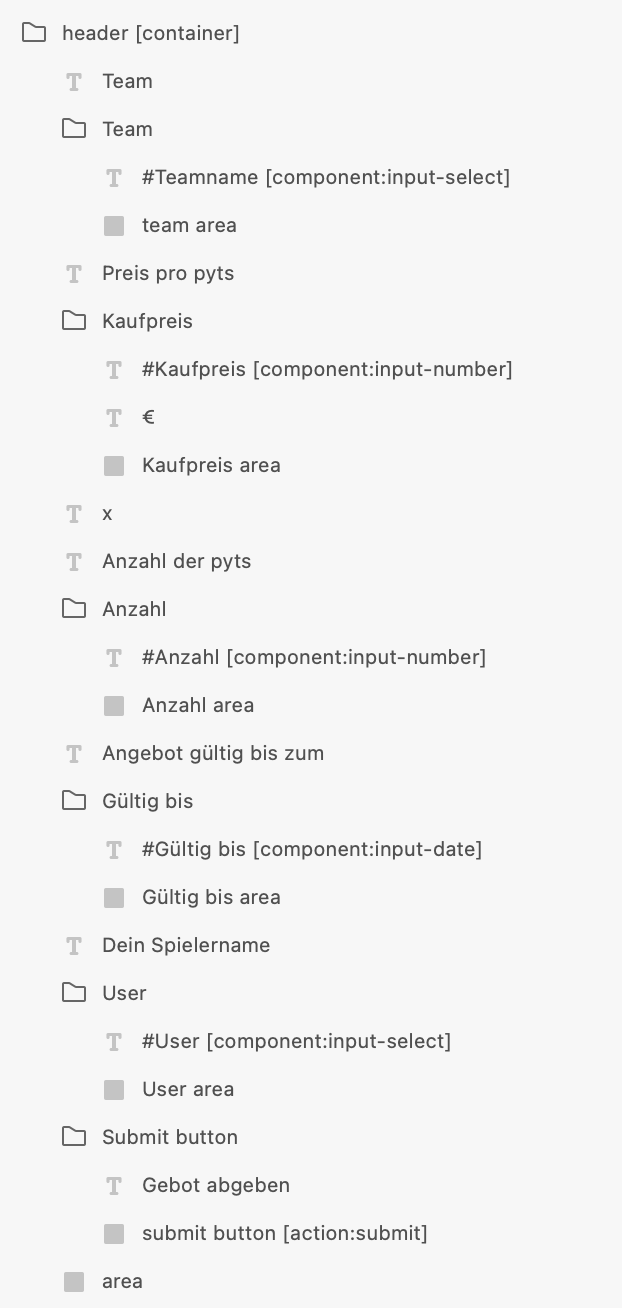
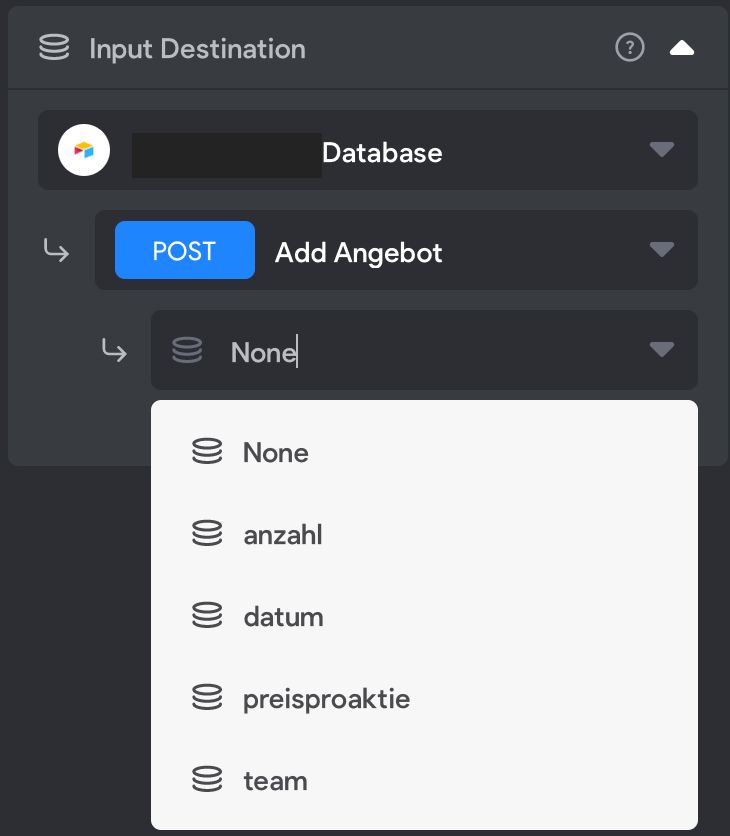
Since I can display the correct options for the input-select, but only can not choose the user for the input destination. When I open the app in Bravo Vision, I also can select the correct User, but only the post to the API won´t be performed.
#teamname = team (works)
#kaufpreis = preisproaktie (works)
#anzahl = anzahl (works)
#gültig bis = datum (works)
#user = verkäufer (not shown below)
The body JSON from the post request looks like this:
{
"records": [
{
"fields": {
"Team": "${team}",
" Preis / Aktie": "${preisproaktie}",
"Anzahl der Aktien": ${anzahl},
"Verkäufer": "${verkäufer}",
"Gültig bis": "${datum}"
}
}
]
}
I also put in the corresponding test values and when I run the test, all the correct values appear in airtable, also the 5. one (user/verkäufer).
I have set up everything again and again and really have no idea what else to do. Does anybody of you had a similar problem or sees a mistake I made?
Highly appreciate your support!
Tobi
4 replies
Wrote something in this thread and want it removed? Request removal
Ask the community on Discord
This archive is read-only. New questions, office hours and product updates now happen in the Bravo Discord.
Join the Discord