Archived from the Bravo community forum (2021–2026). Some answers may refer to older versions of Bravo.
I have a form on Figma, I followed the steps of the tutorial.
The communication between bravo studio and airtable looks fine as the records are sent from the test values in bravo studio to the database.
Here is the Json of the body:
{
"records": [
{
"fields": {
"Club Name": "${Club Name}",
"Nickname": "${Nickname}",
"Logo": [
{
"url": "${Logo}"
}
],
"Primary Color": "${Primary Color}",
"Secondary Color": "${Secondary Color}",
"Tertiary color": "${Tertiary Color}",
"Stadium Name": "${Stadium Name}",
"Stadium Address": "${Stadium Address}",
"Stadium Address URL Google maps": "${Stadium URL Google maps}",
"Home Kit": [
{
"url": "${Home Kit}"
}
],
"Away Kit": [
{
"url": "${Away Kit}"
}
]
}
}
]
}
And the test values:
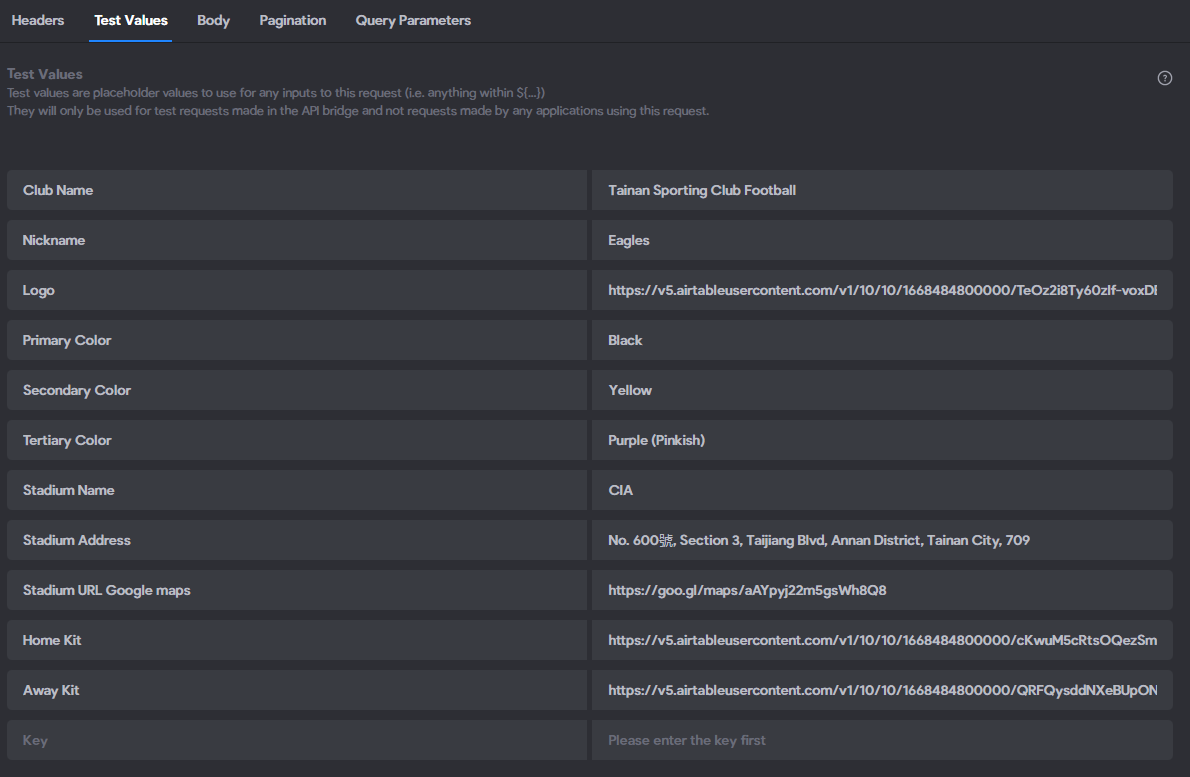
So I get exactly the records from the test value in the airtable database.
I get no error message so far.
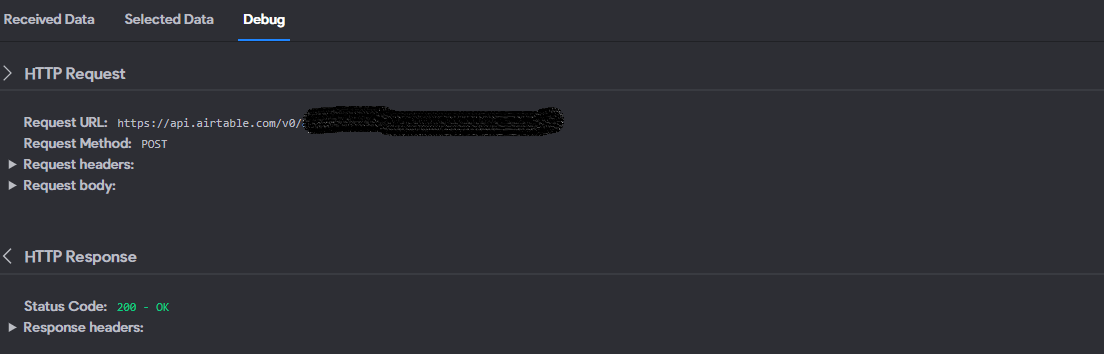
But, as soon as I bind something between figma and airtable, I get a 422 error message on bravo vision.
It just says that I should review the API Collection.
And here we are, what should I do, I'd need a lead to know where to start looking.
If anyone could help.
Thank you
2 replies
Wrote something in this thread and want it removed? Request removal
Ask the community on Discord
This archive is read-only. New questions, office hours and product updates now happen in the Bravo Discord.
Join the Discord