Archived from the Bravo community forum (2021–2026). Some answers may refer to older versions of Bravo.
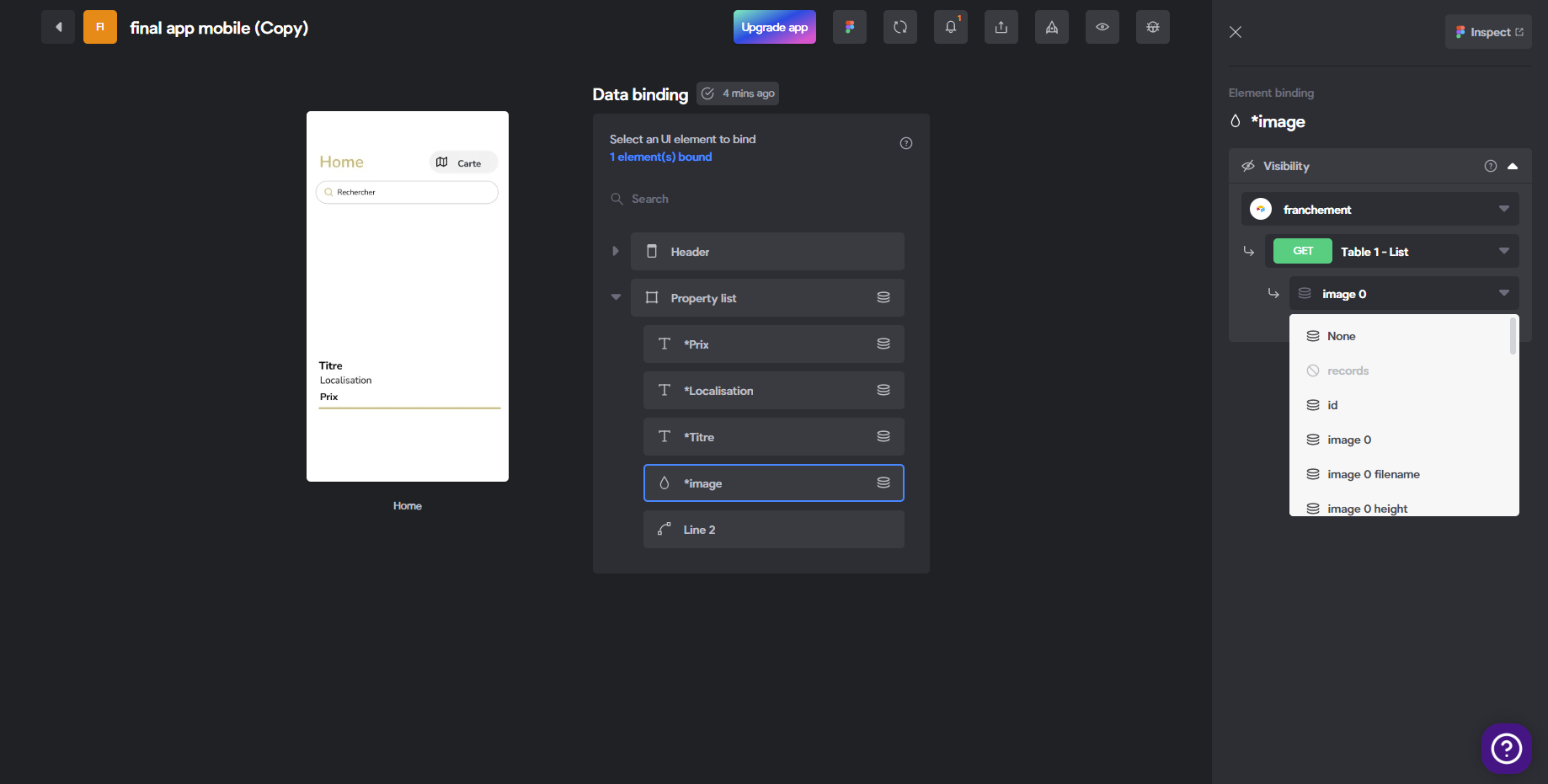
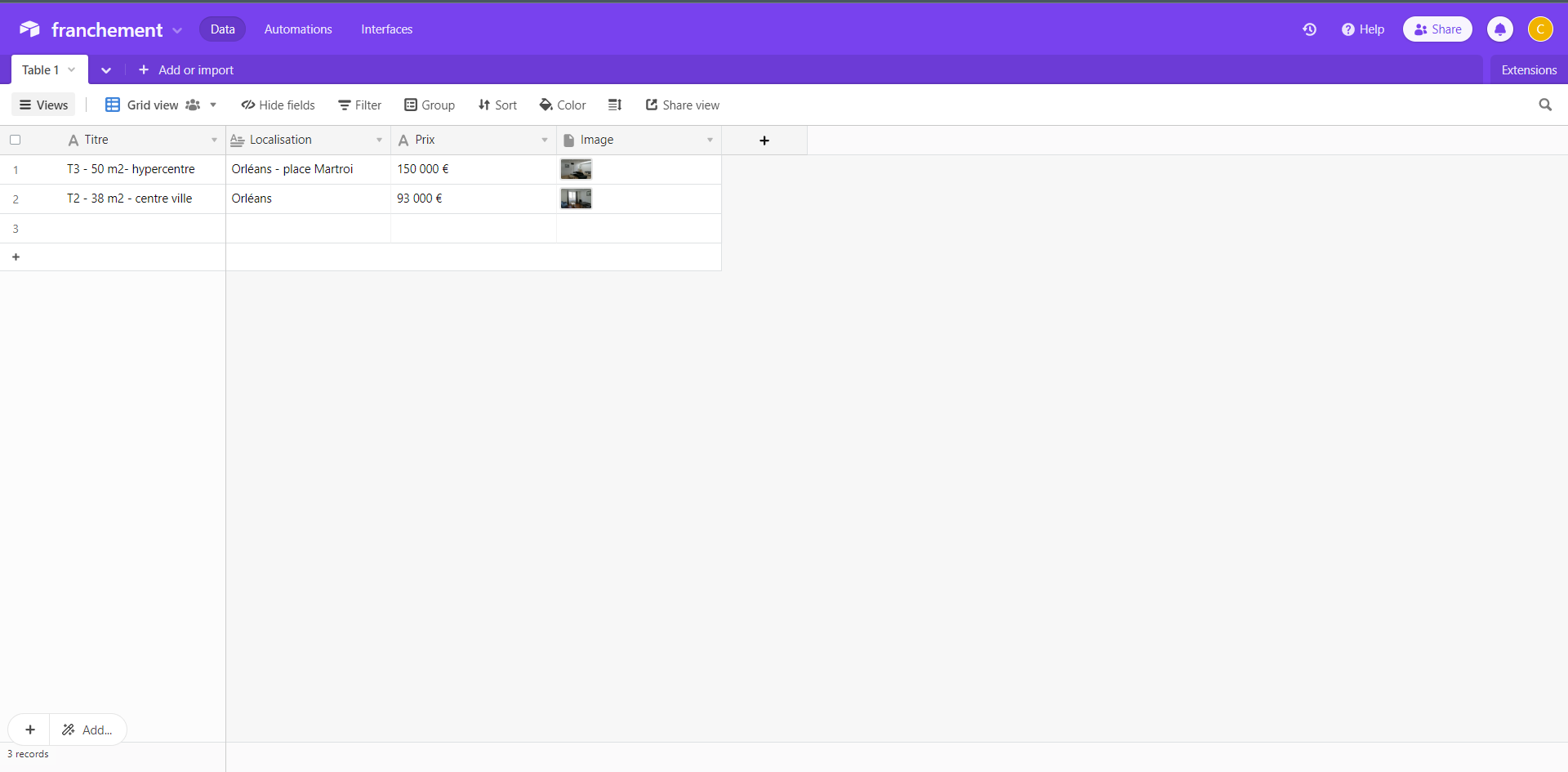
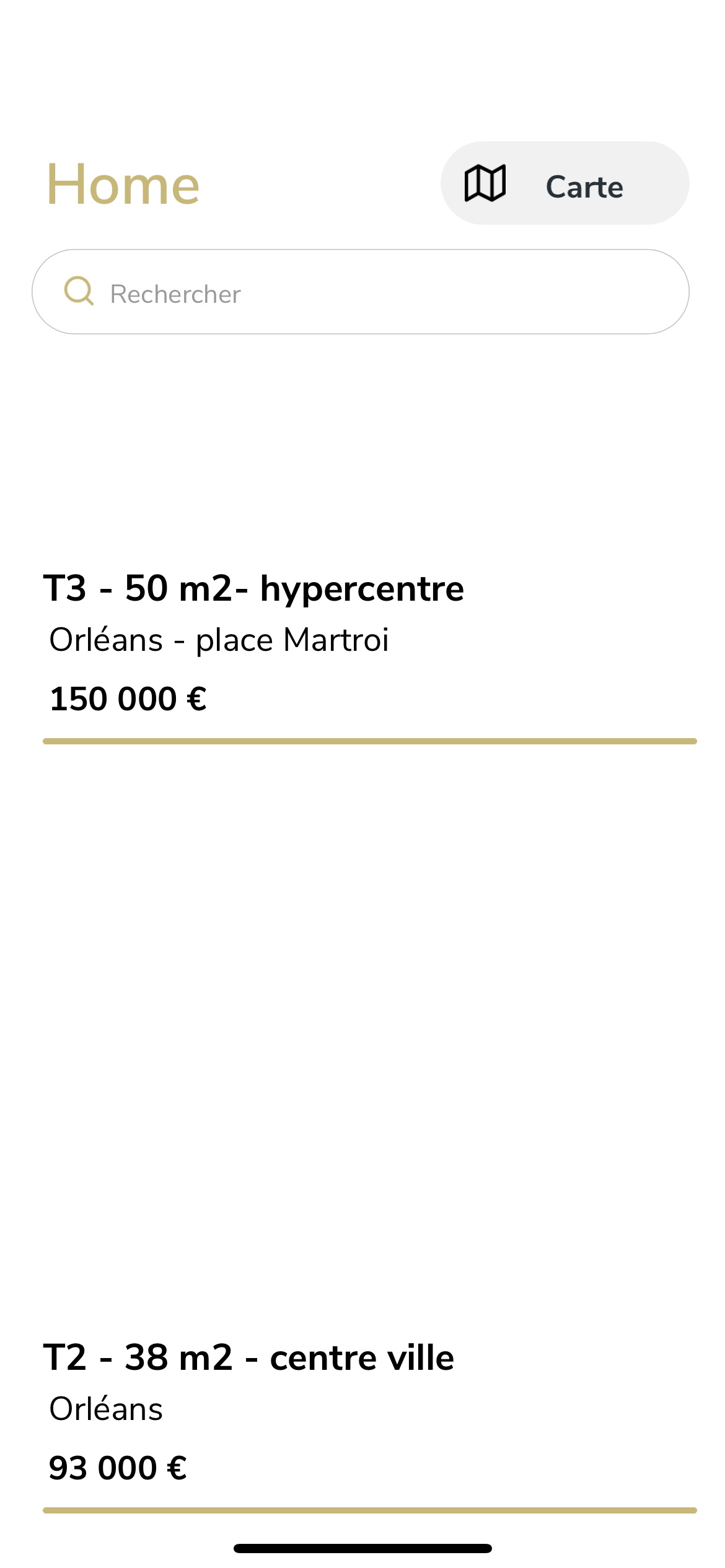
Hello everyone, I am French and beginner on bravostudio and I can't fix a simple bug. Indeed, I connected airtable and bravostudio by following all the documentation correctly, then I did the records and other, the titles, prices, location are displayed correctly, but impossible to display the images no matter the option chosen ... Would you have an idea where this can come from?
I thank you all in advance (and I join you the screenshots)
3 replies
Wrote something in this thread and want it removed? Request removal
Still stuck?
Ask the community on Discord
This archive is read-only. New questions, office hours and product updates now happen in the Bravo Discord.
Join the Discord