Archived from the Bravo community forum (2021–2026). Some answers may refer to older versions of Bravo.
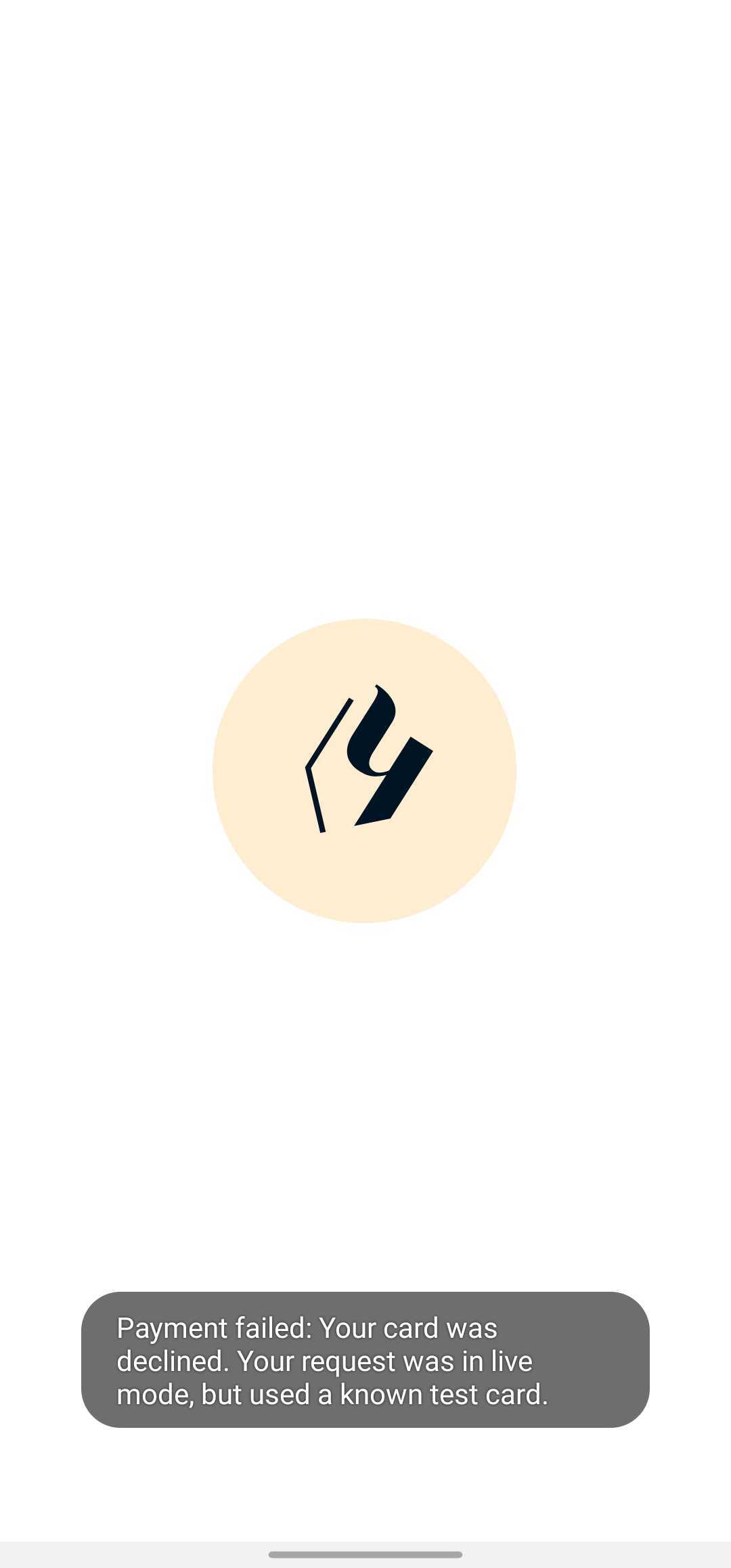
Hello, is there any way to use the test mode of Stripe to try my implementation? I am ending up at this error: "Payment failed: Your card was declined. Your request was in live mode, but used a known test card."
I've indeed used the 4242 testing card, but this should be possible, right? Otherwise how would we test things?
Thank you,
Matouš
13 replies
I'm sure there's a setting in the Stripe Dashboard on the Stripe site where you can set it to test transactions. 🙂
yes, I've toggled that, but it made no difference, unfortunately.
It seems like Bravo is pulling the live mode API keys despite the test mode being enabled when making the connection. But that's really strange, because I haven't activated this Stripe account yet, so the live keys are not even generated.
You have to change your Stripe account to test mode to test cards. I believe you just need to go your account and put it on test and try it out then.
Hi, I've done that, to no effect. I've tried toggling the test mode on and off, connecting to Bravo (via settings) when test mode was on and off, it didn't make a difference.
In fact, every Stripe demo I've found hasn't worked. The official one available in Bravo Vision throws error 422.
Typically, when working with Stripe, you determine whether test or live mode is used by using mode specific API keys. In Bravo, there's no such option. You just connect the account and it magically integrates. I thought that must mean that the test mode toggle in Stripe is respected and Bravo automatically chooses the correct set of keys, but that doesn't seem to be the case. Or at least it doesn't work for me.
Is the official Bravo Stripe example Figma working for you? Do you have any functional implementation of Stripe payments that work with test mode I could have a look at?
Thanks a lot for your help!
If you need to test it, in this case since isn’t working, Isn’t it better to do that with cents in Live Mode then?
I needed to test more than just whether Stripe processes the payments or not (passing amount, metadata, etc.). Luckily, I've found out that under Developers->Logs I am able to see the failing requests in live mode and read all the passed data. This helped me to set everything correctly before performing a final live test with cents.
This is a valid way to test the implementation, although I still believe that we should be able to fully utilize the test mode by either respecting if the test mode toggle is on in Stripe, adding a test mode toggle in Bravo or letting us to enter our own Stripe API keys in Bravo.
But for now this has helped me to proceed, so I am closing this issue.
I understand and hear the pain and I am glad you found a way to proceed.
Hello,
I tried to implement stripe checkout and had the same outcome as you. However, did you struggle to pass customer data to stripe from design file ? I don't see parameters coming in stripe logs except card data, I don't have the stripe amount nor currency coming up.
Testing your payment system is crucial before going live, just like trying out new streaming apps before committing. Speaking of trying things out—if you enjoy watching movies and live TV, consider checking out telelatino, a free streaming app that’s simple to use and packed with entertainment options. Give it a try while you're debugging!
Similar to testing new streaming apps before committing, it is essential to test your payment system before going live. Having said that, if you want to watch movies and live TV, you might want to check out netmirror, a free streaming app that is easy to use and has a ton of entertainment options. While you are troubleshooting, test it out!
You're absolutely right—Stripe's test mode is specifically designed for scenarios like this, and using test card numbers like 4242 should not trigger errors unless the request is mistakenly sent in live mode. Make sure your API keys (especially the secret key) are from the test environment, not live; mixing them up is a common cause of this issue. Also double-check your dashboard or environment variables to confirm you're not unintentionally triggering live mode. To streamline and safeguard this kind of testing, I strongly recommend using Delta Executor Key it helps ensure consistent and isolated environment handling, reducing the risk of mixing test and live configurations.
@Paul Gill If you're seeing that error, it usually means your Stripe keys or webhook settings are mixed between test and live mode. Double-check that both your publishable and secret keys are set to test before using Stripe's test cards. I ran into something similar while testing another project after reading about cinehd ipa, and making sure everything stayed in test mode fixed the issue.
Wrote something in this thread and want it removed? Request removal
Ask the community on Discord
This archive is read-only. New questions, office hours and product updates now happen in the Bravo Discord.
Join the Discord