← Data, API & Backend
Data, API & Backend June 22, 2022 · 11 replies

Stuck on the 'Data binding' step

Archived from the Bravo community forum (2021–2026). Some answers may refer to older versions of Bravo.

I'm following this tutorial to understand how figma, bravo, and airtable work together. I understand that the UI and process changed quite a bit, but at the data binding step, when I select one of my elements, 'city', the API collections list items are disabled.

Could this be an issue with how I set up something in figma or the API step? I'm lost.
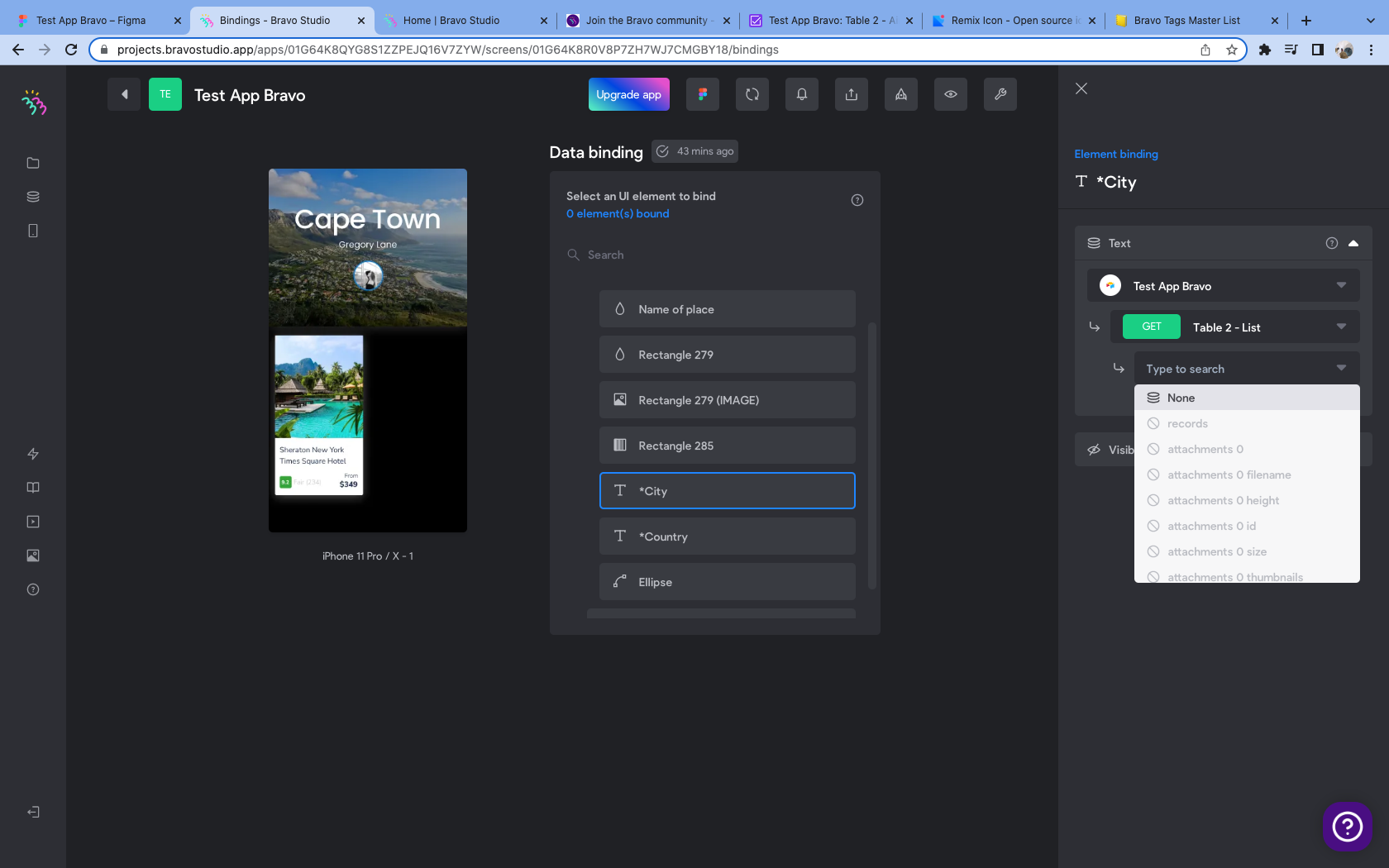
Screen Shot 2022-06-21 at 8.44.30 PM.png

11 replies

app.monster June 22, 2022

I'm pretty sure the problem lies within your list container. In the container select "Records", as explained in minute 13 of the video. Then the options should become available in your other properties

Andrew June 23, 2022

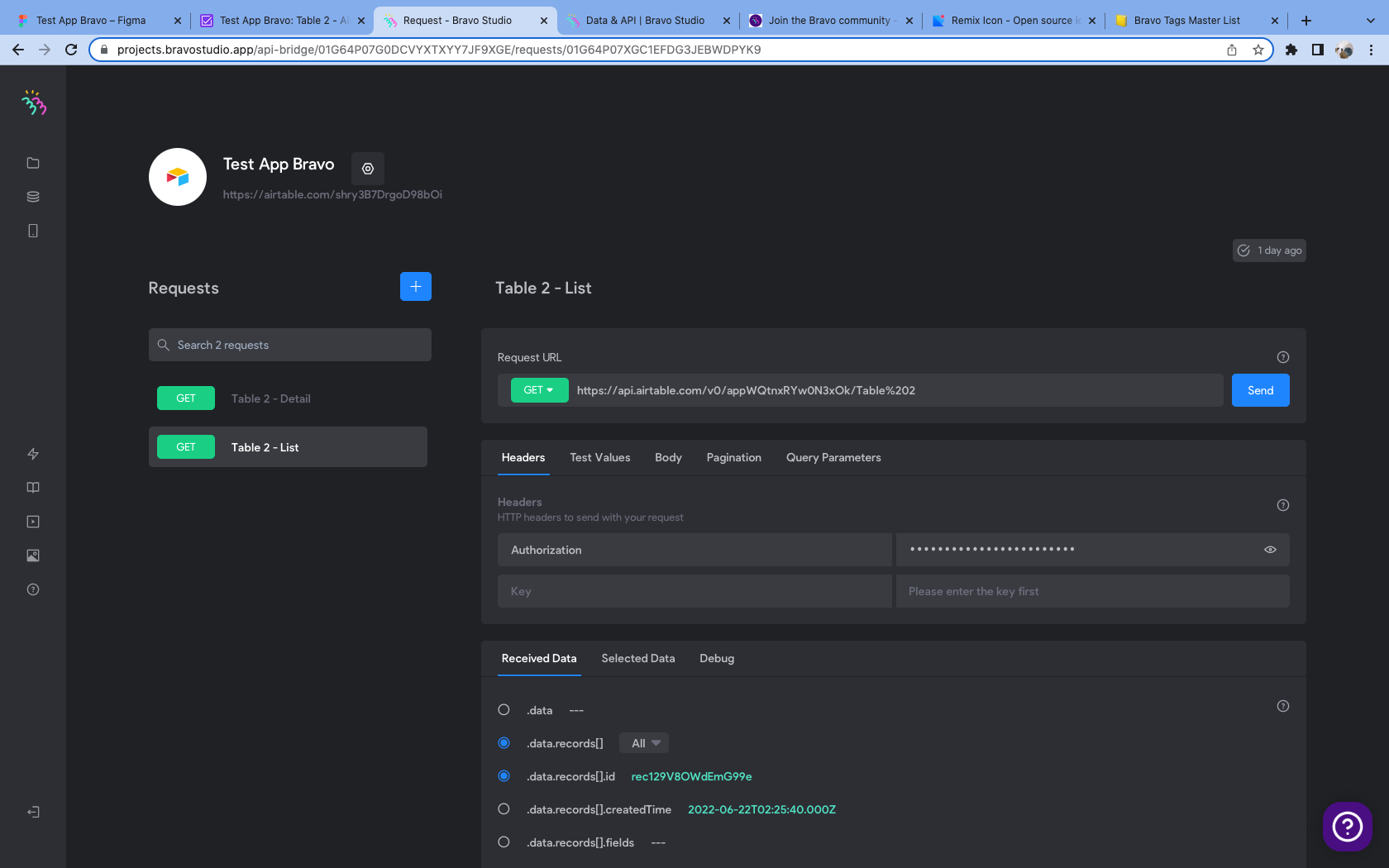
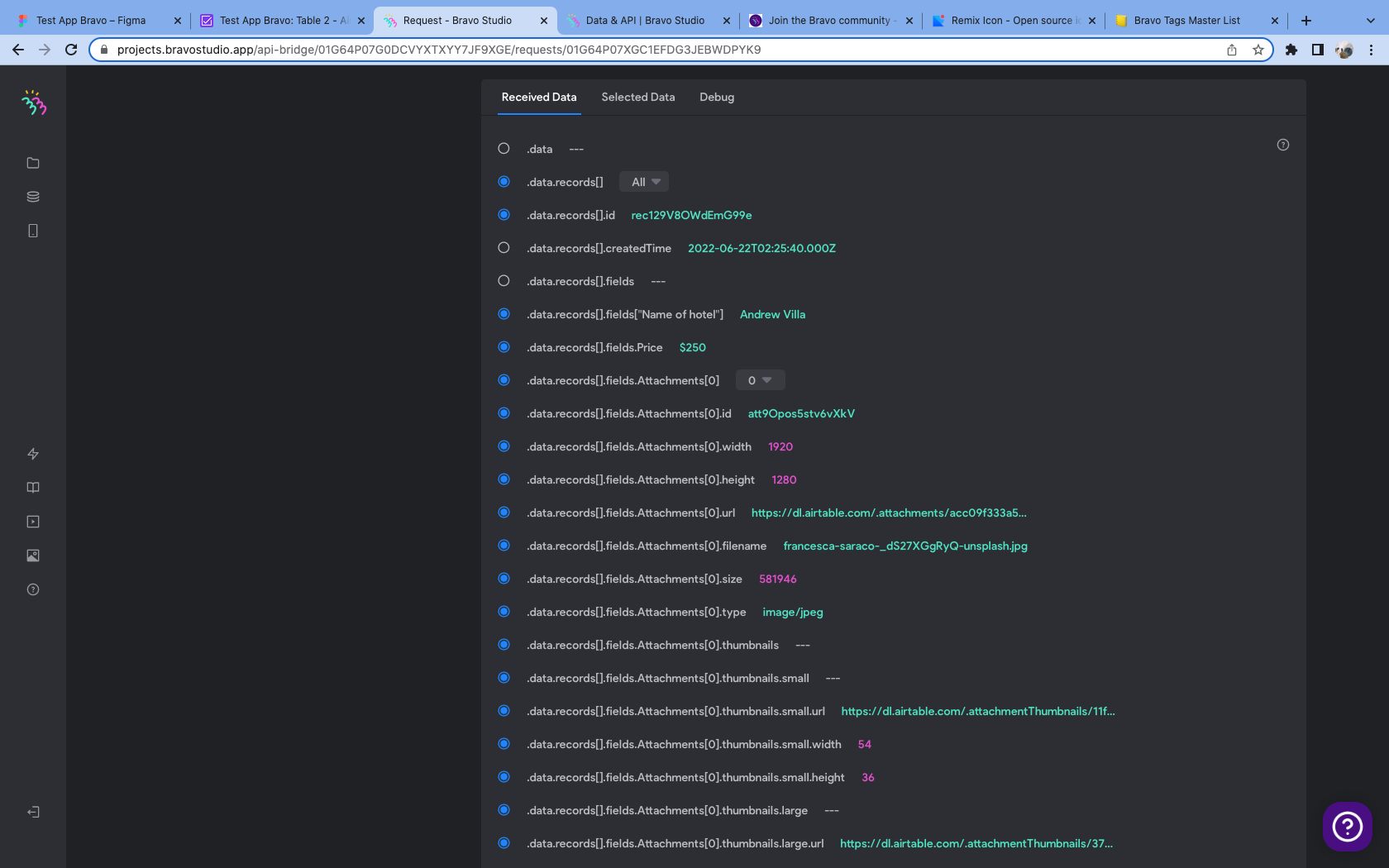
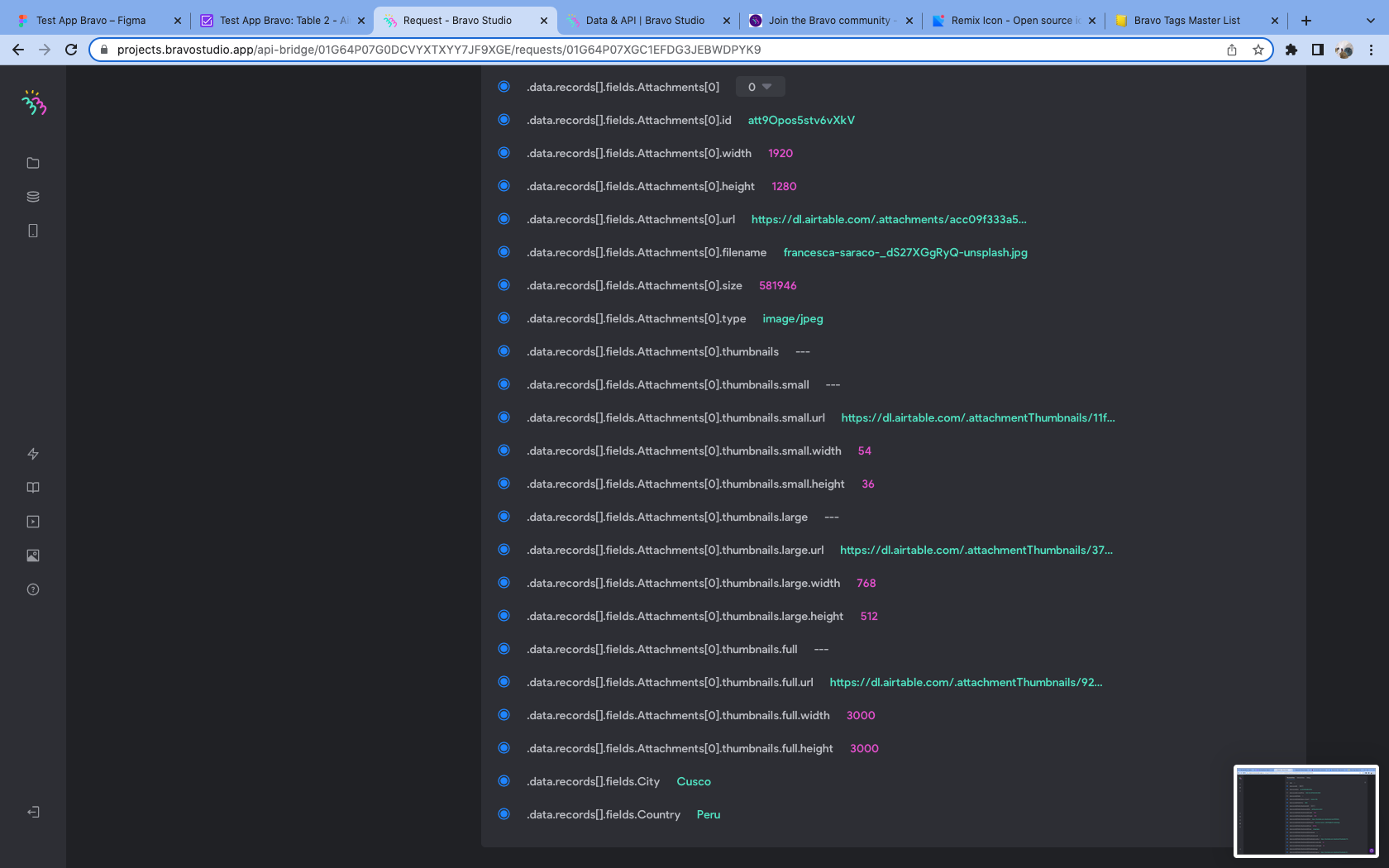
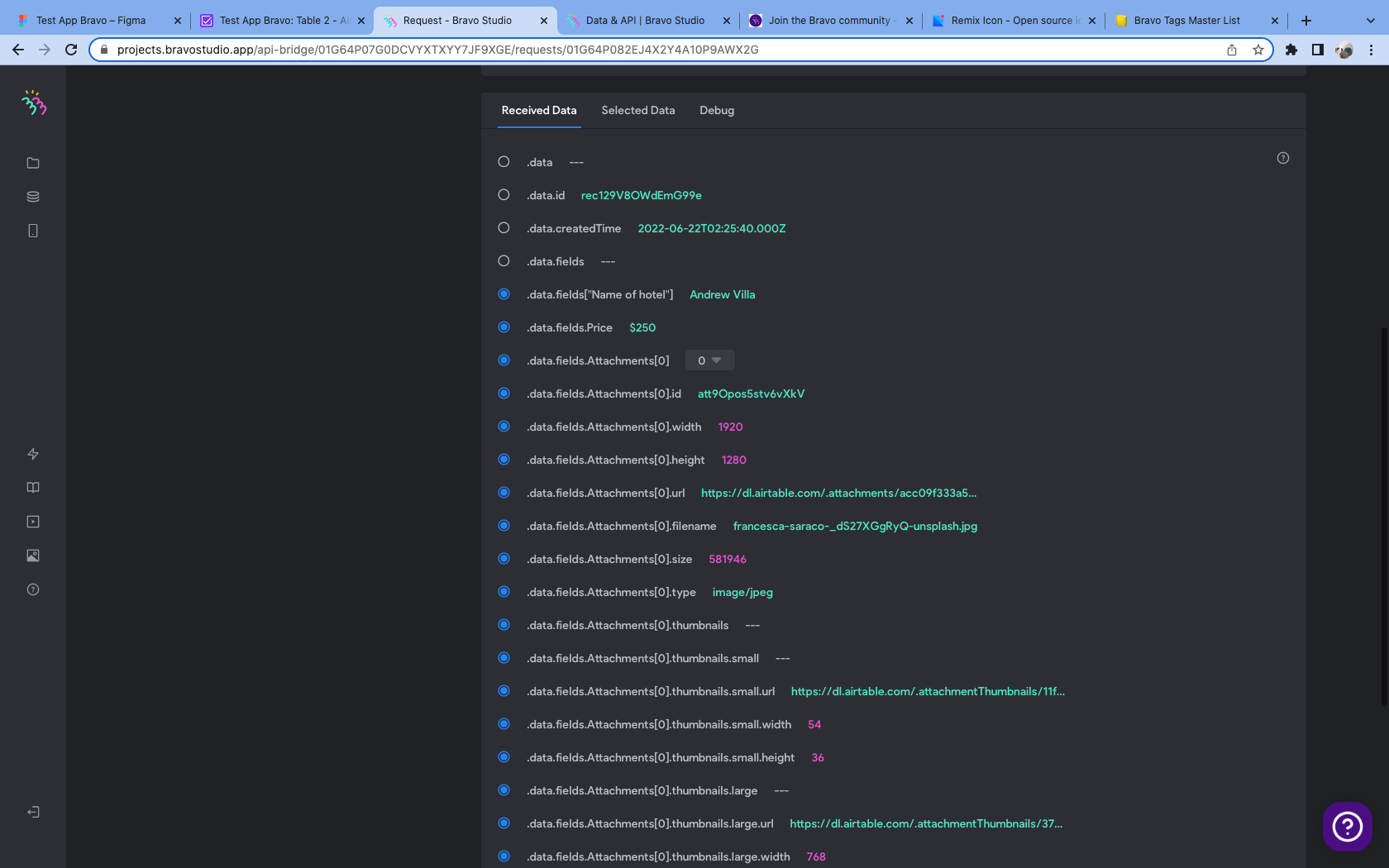
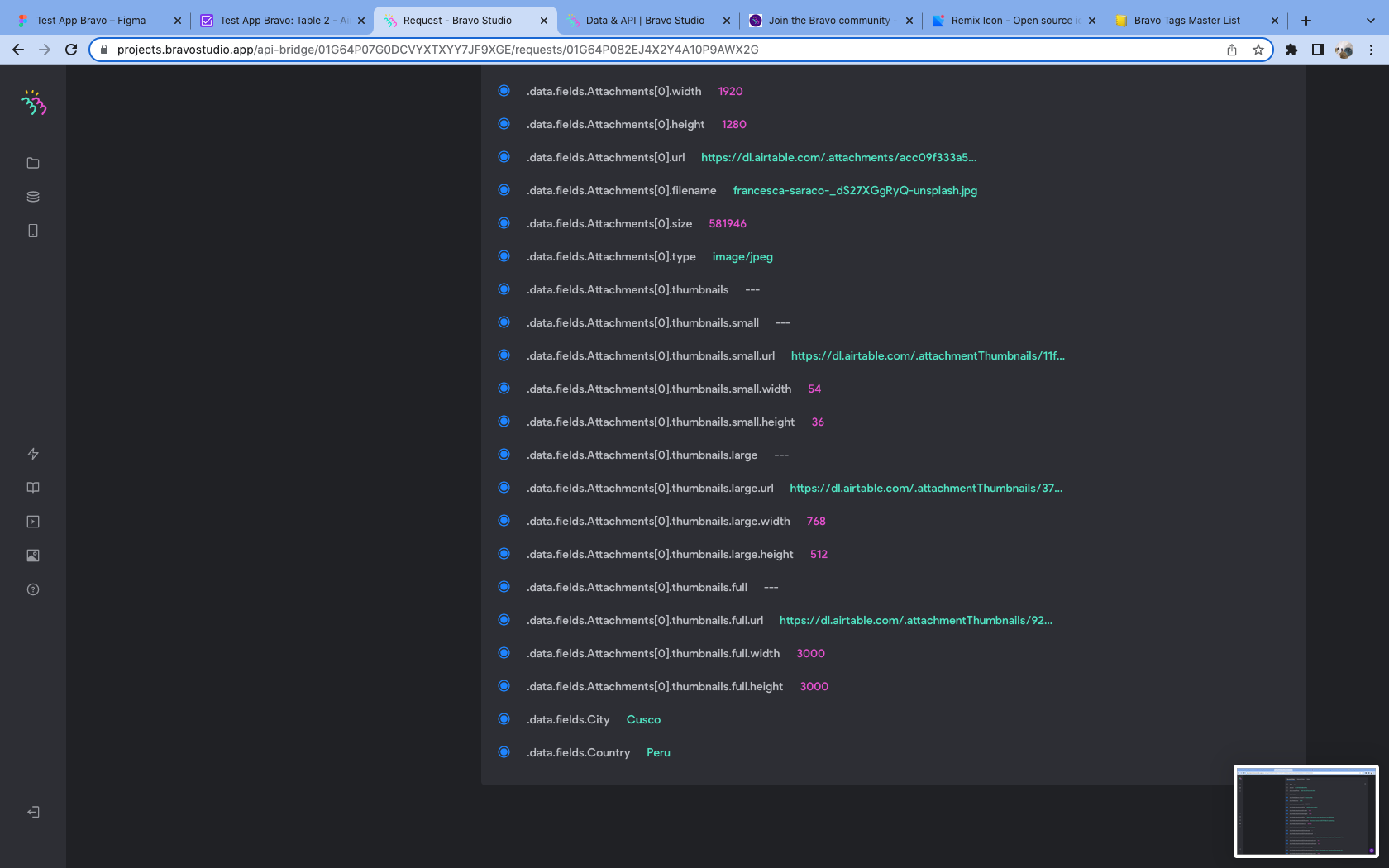
Yes, here is what I see for the api screen. 

Screen Shot 2022-06-22 at 10.41.46 PM.png

Screen Shot 2022-06-22 at 10.41.53 PM.png

Screen Shot 2022-06-22 at 10.41.56 PM.png

Andrew June 23, 2022

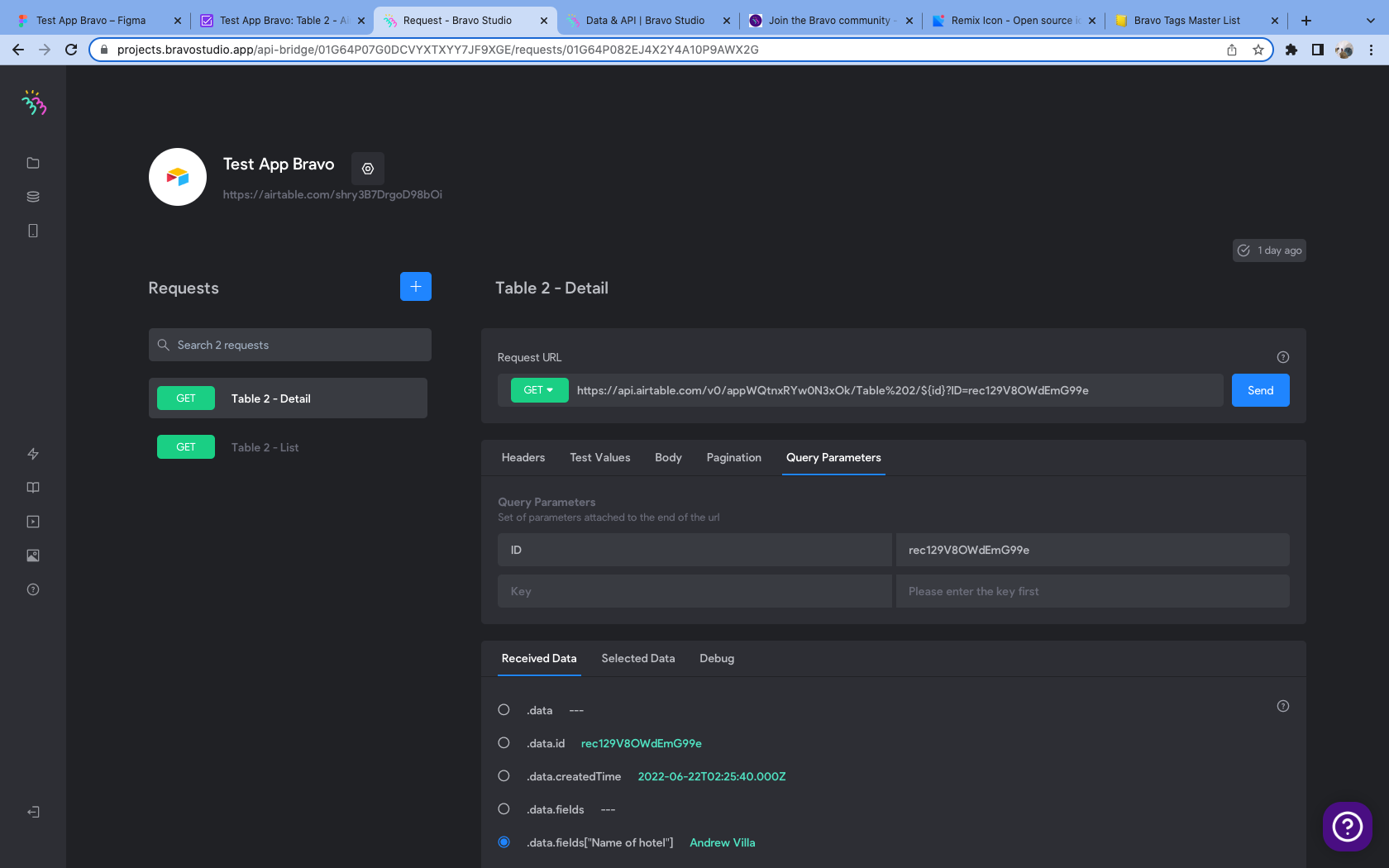
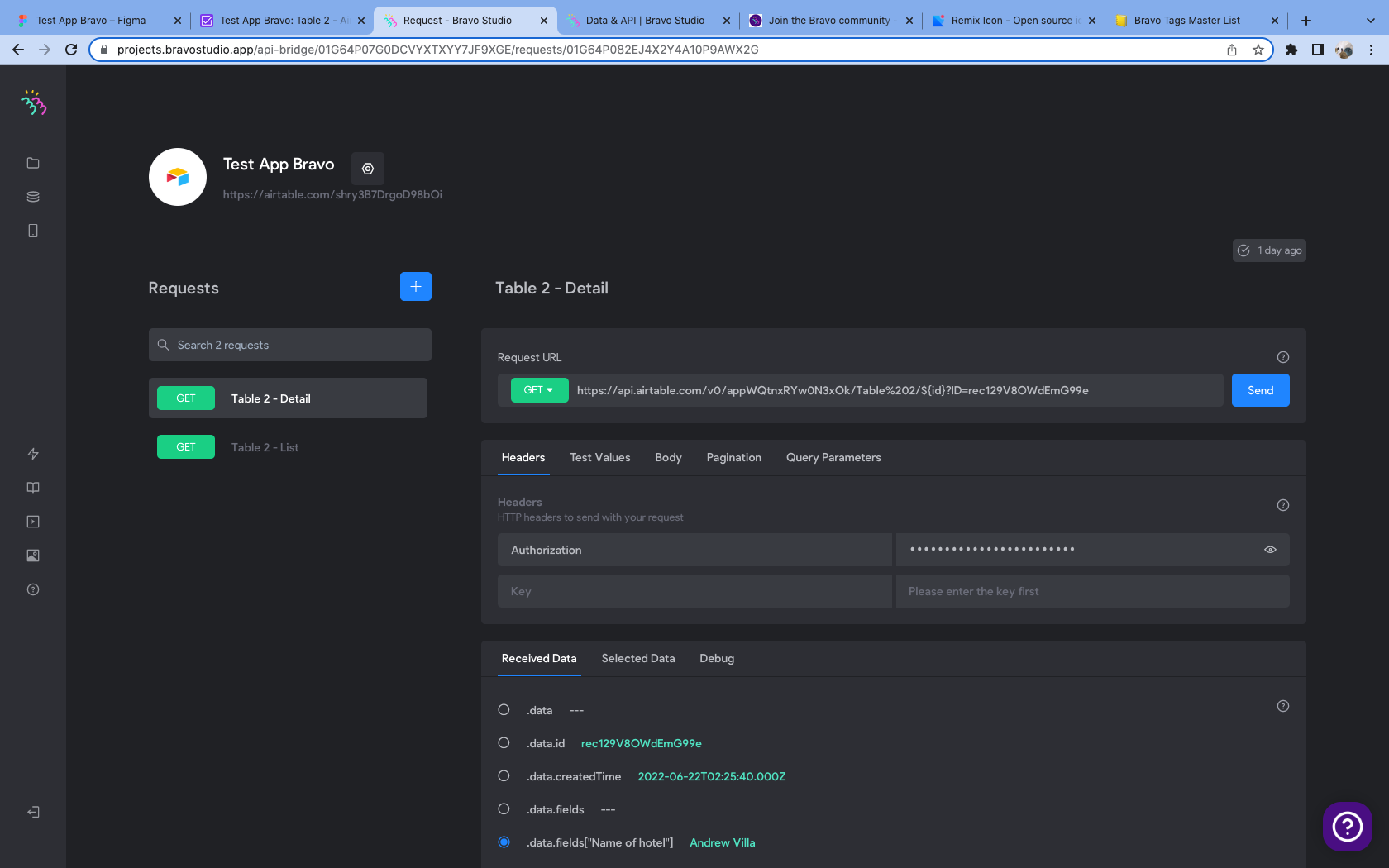
and here's the api page for the 2nd screen (Table 2 - detail) in the design. I added the "data.records[].id" from screen 1 (Table 2 - list) to Query Parameters in this location. 

Screen Shot 2022-06-22 at 10.47.03 PM.png

Screen Shot 2022-06-22 at 10.46.08 PM.png

Screen Shot 2022-06-22 at 10.46.15 PM.png

Screen Shot 2022-06-22 at 10.46.17 PM.png

Andrew June 23, 2022

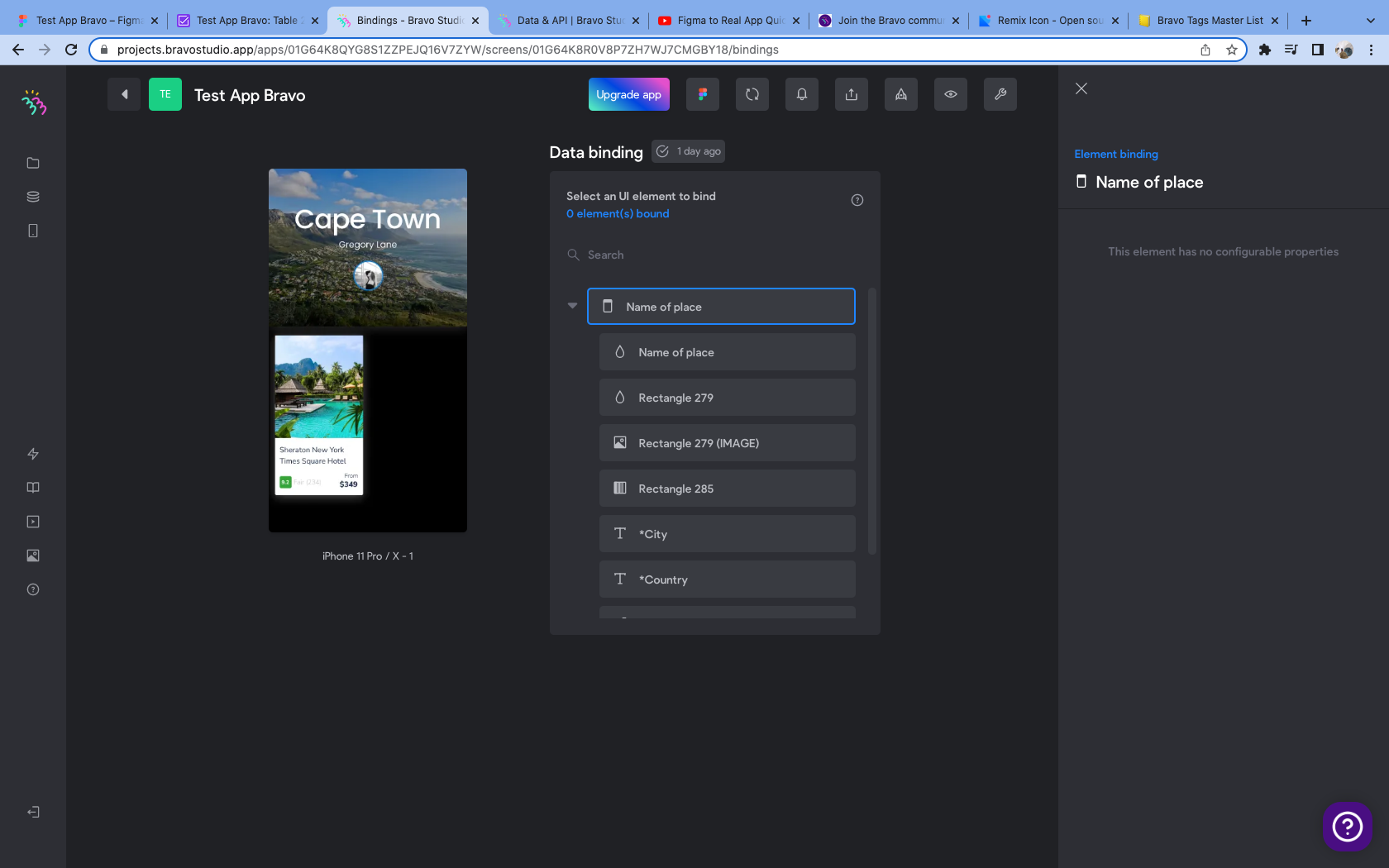
When I follow the tutorial at that step, I see this in the side bar..."This element has no configurable properties"

Thoughts?

Screen Shot 2022-06-22 at 10.52.51 PM.png

app.monster June 23, 2022

Then your problem is in your Figma file. Can you share it?

Andrew June 23, 2022

Absolutely. Quick note - I deviated from the tutorial in hopes of solving the issue by adding the [component:text:html] tag to the "*country" and "*city" text boxes, but that didn't seem to make a difference.

Here's the Figma link

app.monster June 24, 2022

The HTML tag has only an effect on the formatting of API response, your issue lies deeper. The problem is that you are trying to bind the heading ("Cape town"), what you want to do instead is bind the Hotelname and Hotelimage in the container called "Cards". That's the way Punit does it in his tutorial

Andrew June 27, 2022

Dang I'm even more confused now. Binding the city and country was in the tutorial at 12:55. I tried something new - when binding city and country data on the "Table - 2 List" screen, I chose to 'Get' "Table - 2 Detail", and that actually made the list options appear, allowing me to click on city and country. But this didn't actually update data from airtable when I viewed in the Bravo Vision, so I'm pretty lost. 

I'll just try another tutorial and hopefully get somewhere. If you can figure it out though, I'd be very grateful.

app.monster June 27, 2022

At minute 12:55 he is binding the name of the hotel. The city is never mentioned in the tutorial. I'm pretty sure you mean something different but I'm not sure what 🙂

Wrote something in this thread and want it removed? Request removal

Still stuck?

Ask the community on Discord

This archive is read-only. New questions, office hours and product updates now happen in the Bravo Discord.

Join the Discord