Archived from the Bravo community forum (2021–2026). Some answers may refer to older versions of Bravo.
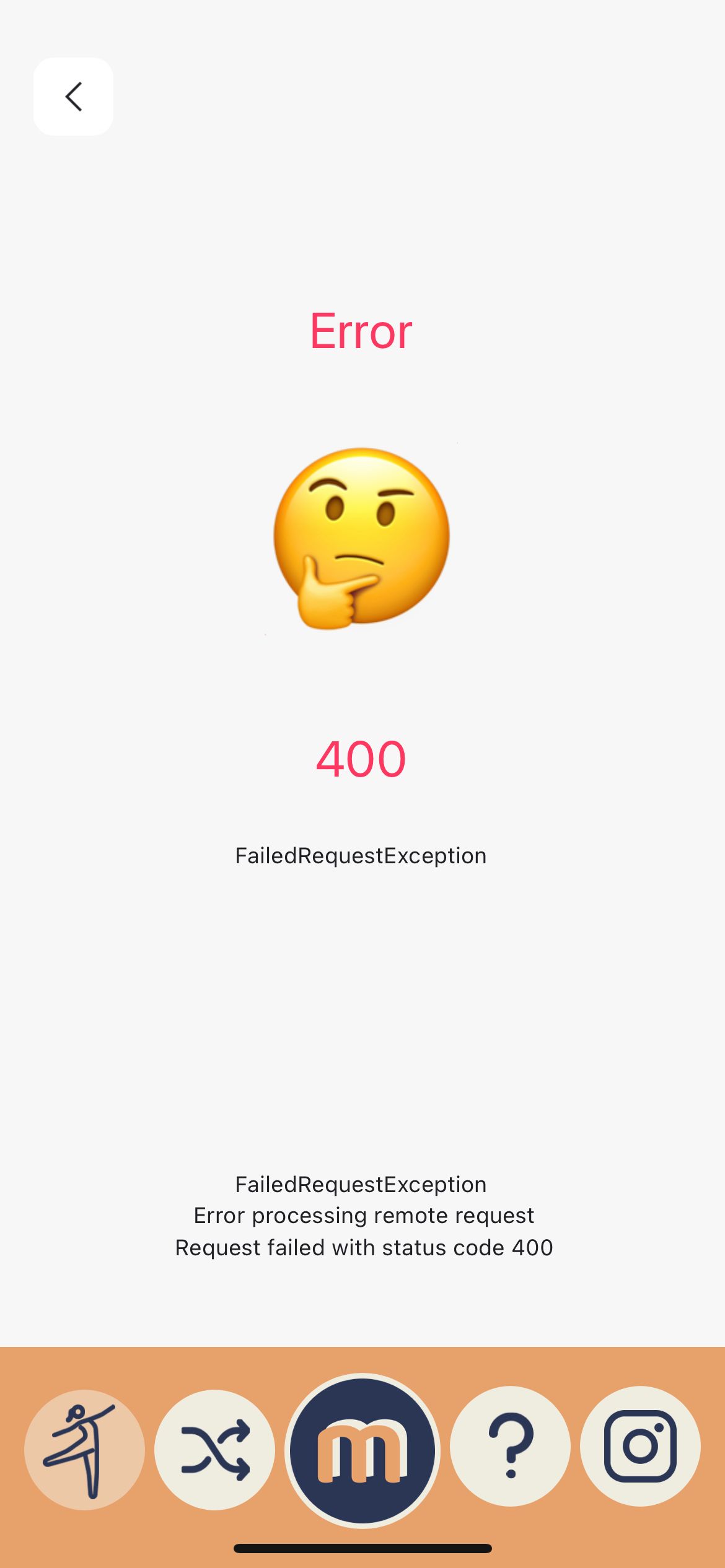
I was testing out some new API Collection settings this morning to do with Pagination but reverted them all back to what they were last night, so nothing in my API should have changed. However, when I now try to use the app in Bravo Vision AND the version I published for internal iOS testing yesterday, I get an Error 400 when trying to load my two list pages.
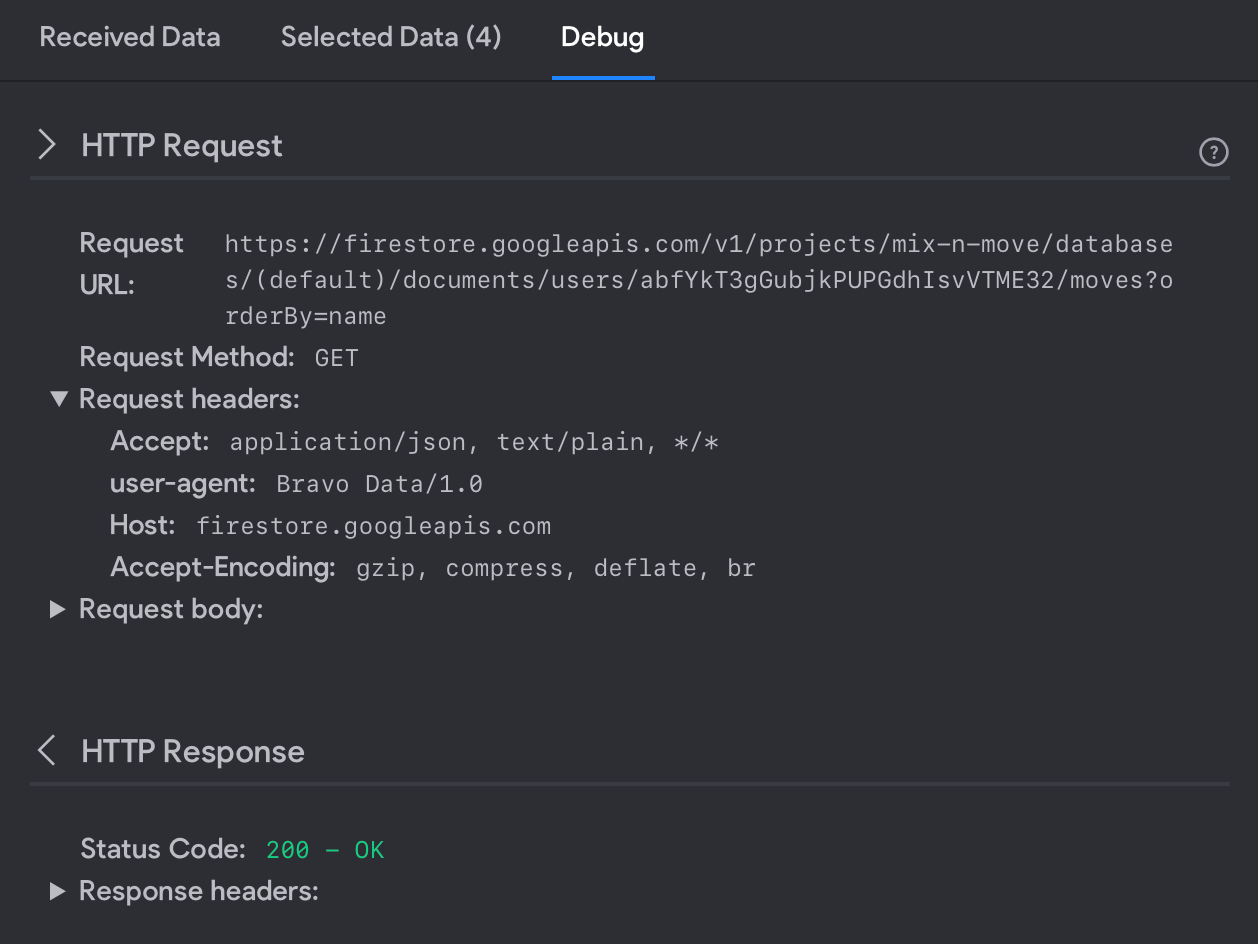
What is extra strange is that when I test the request in in Bravo Studio everything comes back fine with no error. Only in Bravo Vision and the published app do I suddenly get this error message. (see screenshots below)
Is anyone else having issues with this?
2 replies
Wrote something in this thread and want it removed? Request removal
Ask the community on Discord
This archive is read-only. New questions, office hours and product updates now happen in the Bravo Discord.
Join the Discord