Archived from the Bravo community forum (2021–2026). Some answers may refer to older versions of Bravo.
Hello Bravo Community !
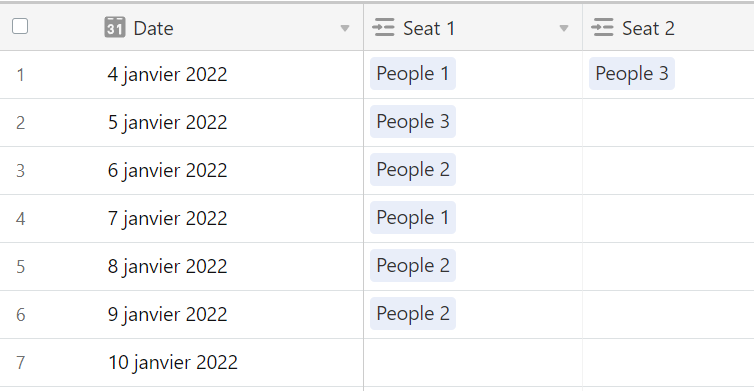
I'm trying to do an event app for my association, with the possibility to book one of the 10 seats on specific date. For this I have an Airtable table with all the next dates for 2022 and the seats attached.
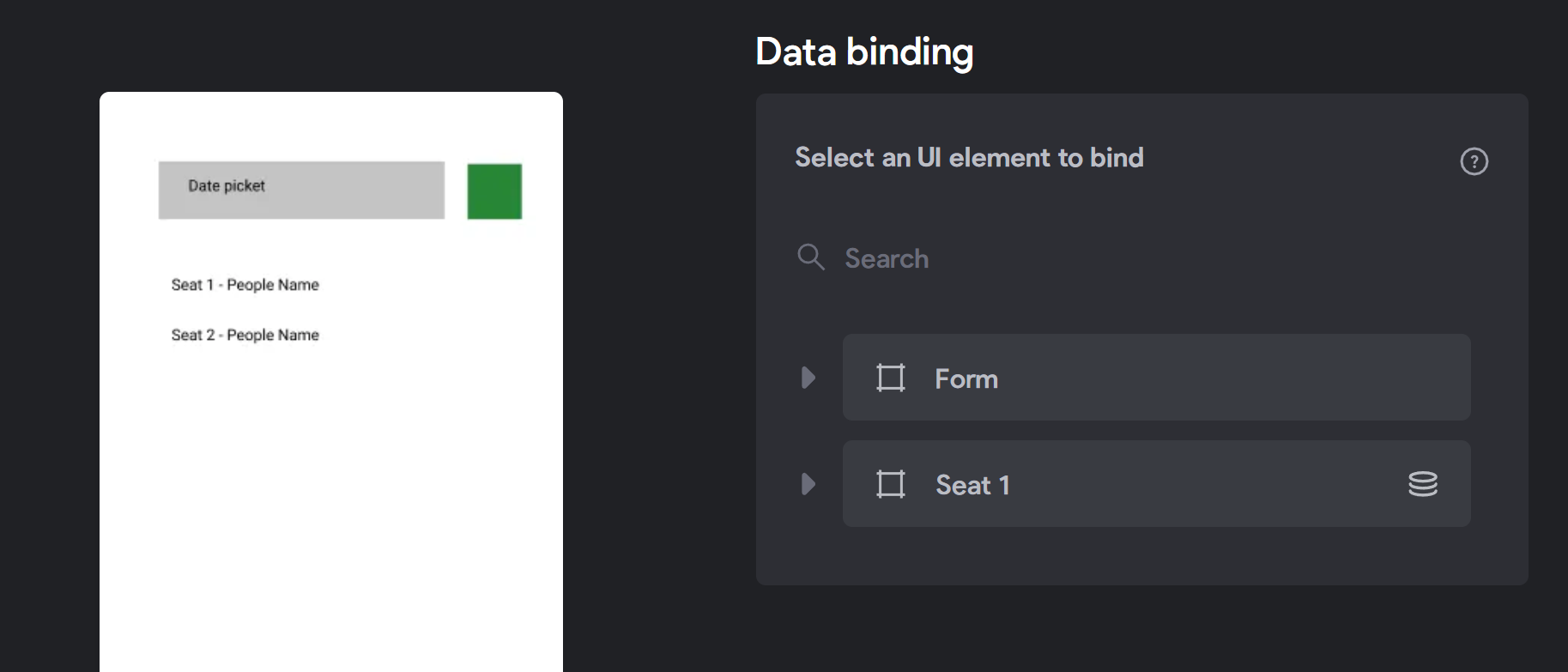
Is it possible to use Bravo form to display data instead of sending it ? I have a "Date Picker" at the top of my page, and when a date is selected, I would like to display the names attached to the seats for this day.
Thank you very much for your help !
2 replies
Wrote something in this thread and want it removed? Request removal
Ask the community on Discord
This archive is read-only. New questions, office hours and product updates now happen in the Bravo Discord.
Join the Discord