← Data, API & Backend
Data, API & Backend June 4, 2024 · 7 replies

White screen when opening my app in Bravo Studio

Archived from the Bravo community forum (2021–2026). Some answers may refer to older versions of Bravo.

Hey all 👋
My app was working just fine in Bravo Studio until I made the last update on iOS. Now, when my app opens, I only have a white screen. How can I solve this?
Thank you in advance,
Thomas

7 replies
Valter June 4, 2024

Did you try to close and open again, several times?

Marielle Ibias Bravo team June 4, 2024

Hey @Thomas Mauranx, may I ask which Bravo Vision version do you currently have? If it applies, do you experience the same in your live app?

We had an issue related to the [required:location] tag but it is now fixed with Bravo Vision version 2.4.6.

Thomas June 4, 2024

@Valter Guerreiro I did, but it wasn’t working either

Thomas June 4, 2024

@Marielle Ibias thank you for your super quick answer! I just update the app and it seems that the issue came from the [required:location] tag. Have a good one 🙏

Thomas June 4, 2024

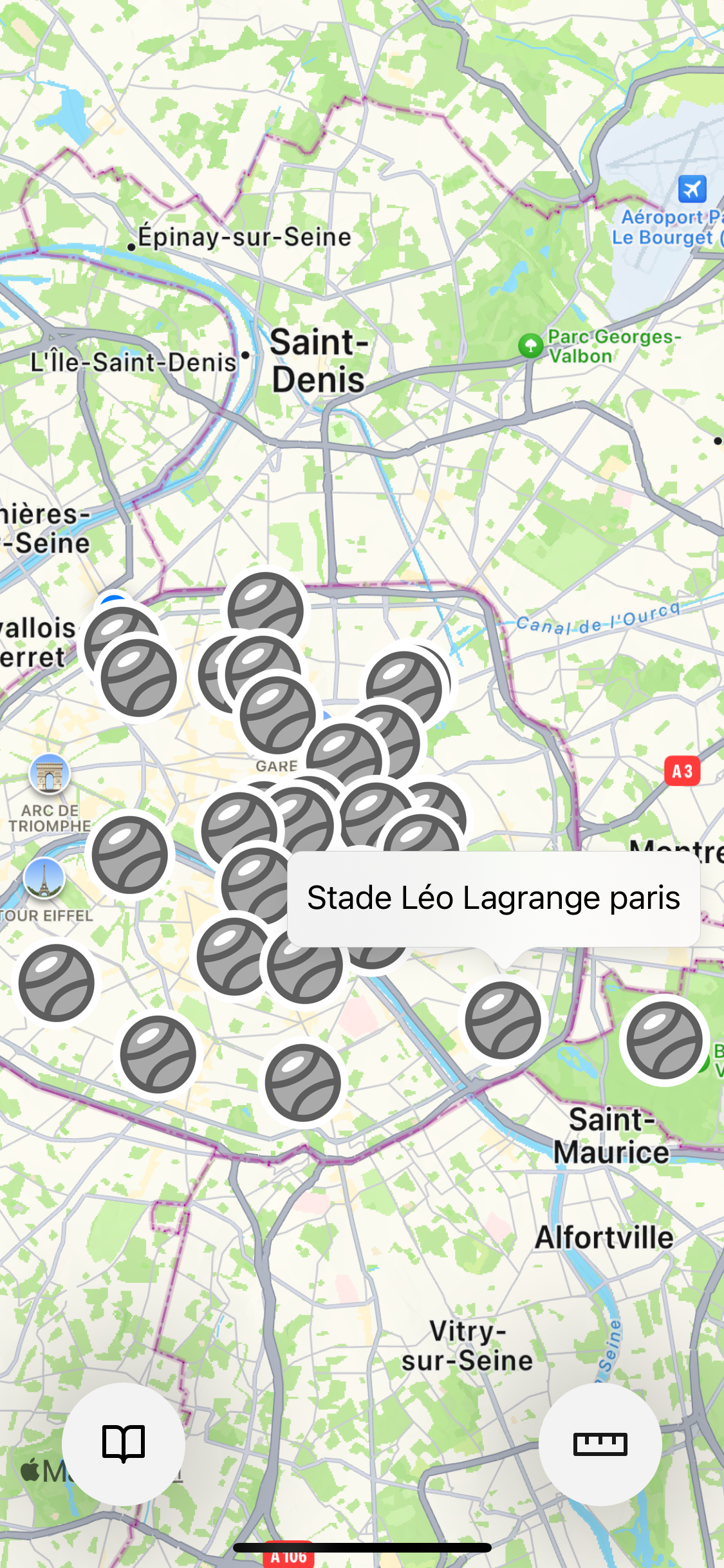
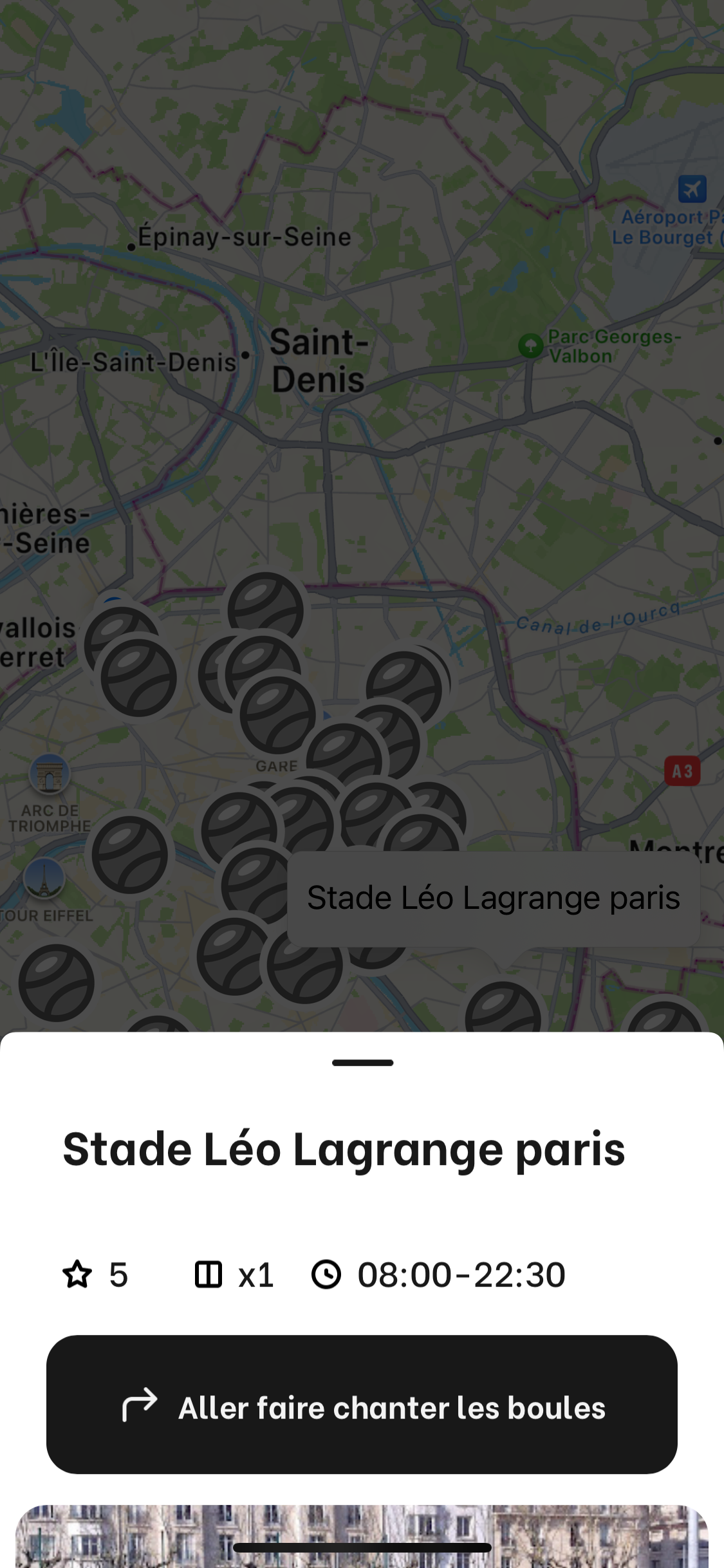
On a related topic, is there a way to open directly the bottom modal in maps? Right now, first the name appears and I have to click again on it for the modal to open /

Marielle Ibias Bravo team June 4, 2024

@Thomas Mauranx nice to hear its solved! Regarding this, I’d unbind the label so when the user tap, the modal would open directly. Hope it helps! 🙂

Thomas June 5, 2024

@Marielle Ibias Thank you for your quick answer 🙏 Nevertheless, when I unbind the label, but I still have to click twice, but the label just doesn’t show anymore… Am I missing something?

Wrote something in this thread and want it removed? Request removal

Still stuck?

Ask the community on Discord

This archive is read-only. New questions, office hours and product updates now happen in the Bravo Discord.

Join the Discord