Hello Armin,
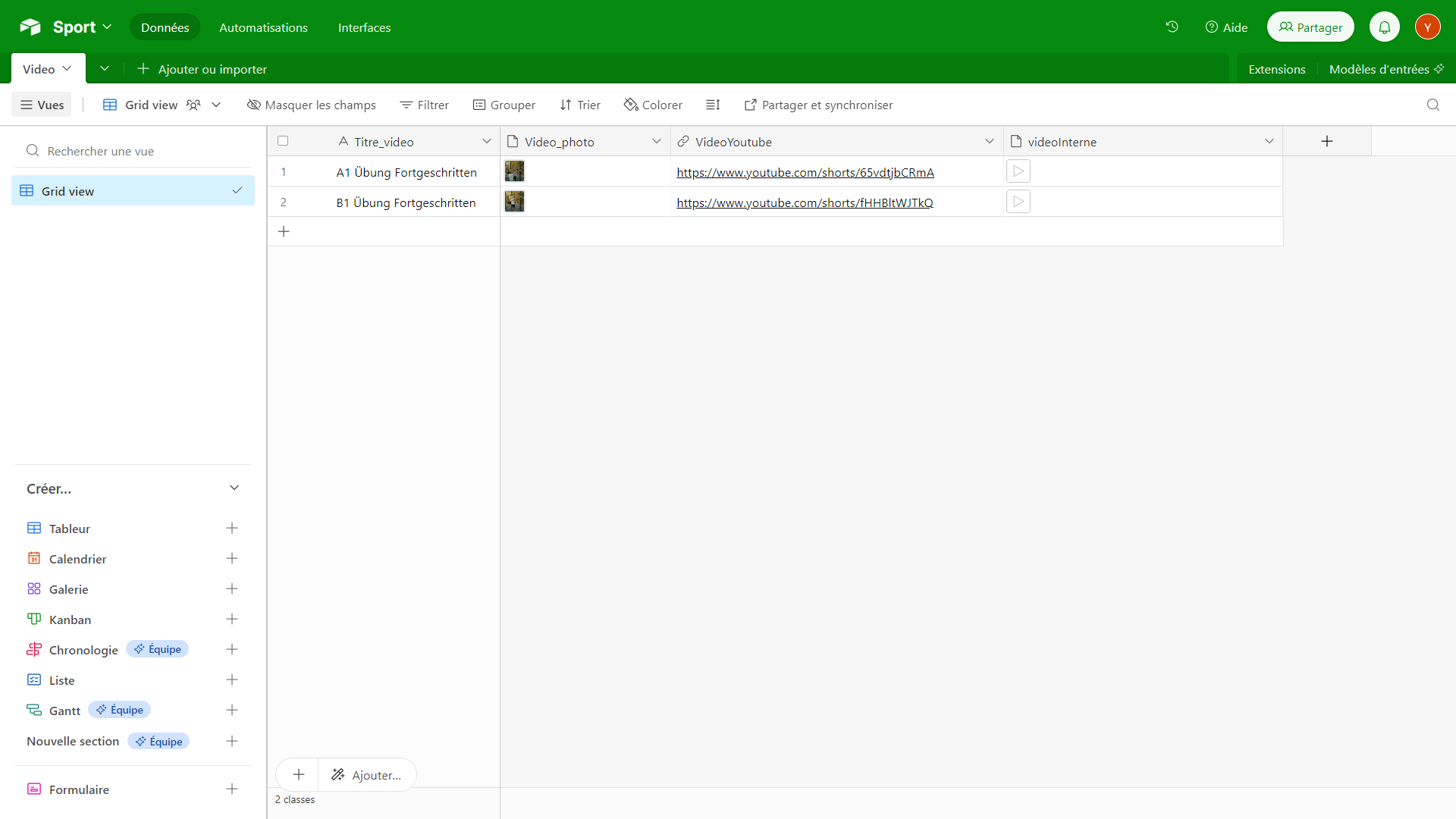
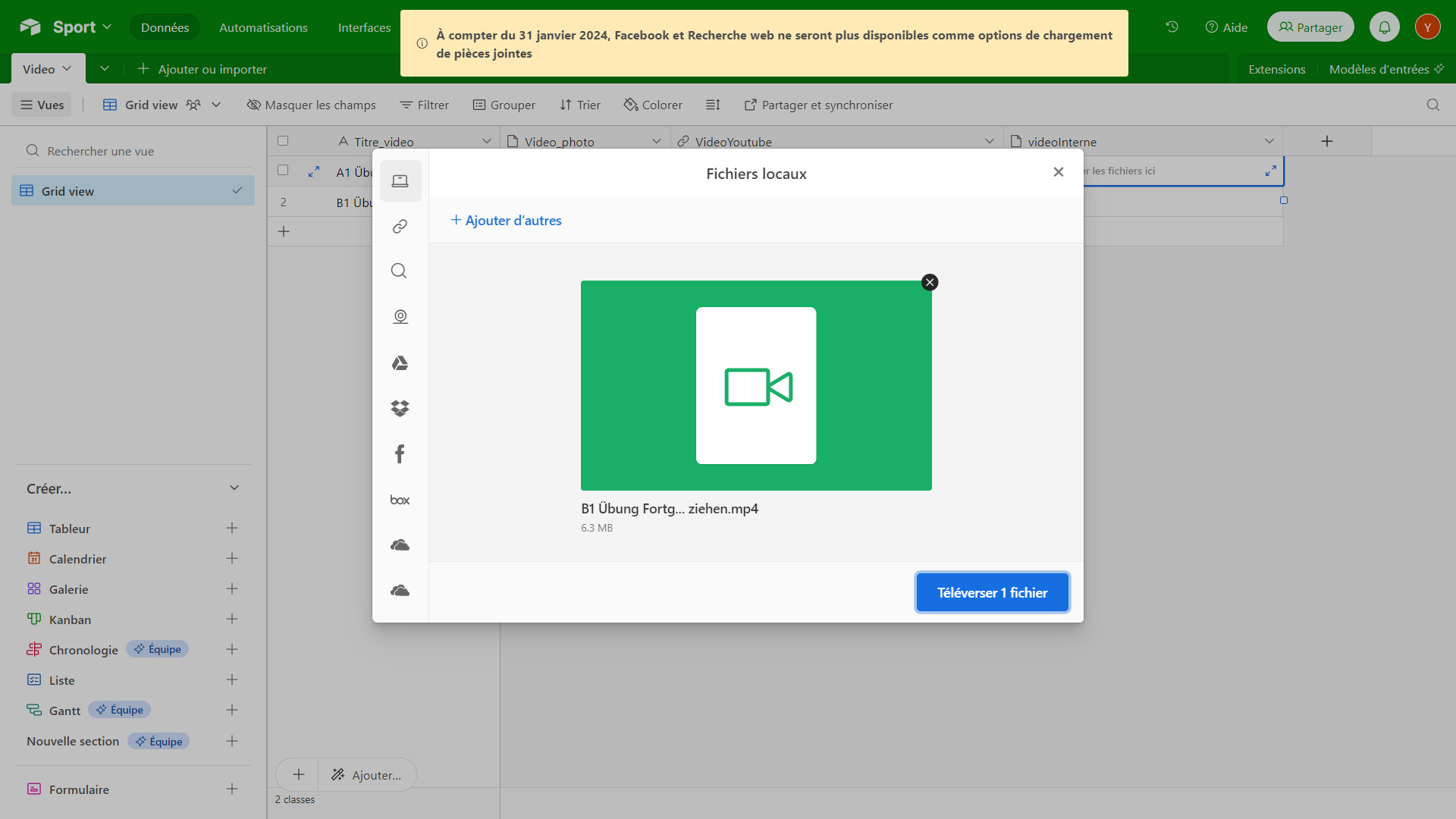
Here is an example related to your concern: opening a list of videos via webview, with another option using openvideo. For the example, I used Airtable as a database containing the names of the videos, the associated images, the video URLs for webviews, and the MP4 files for smoother playback. The screenshots are provided below for better clarity.
1.
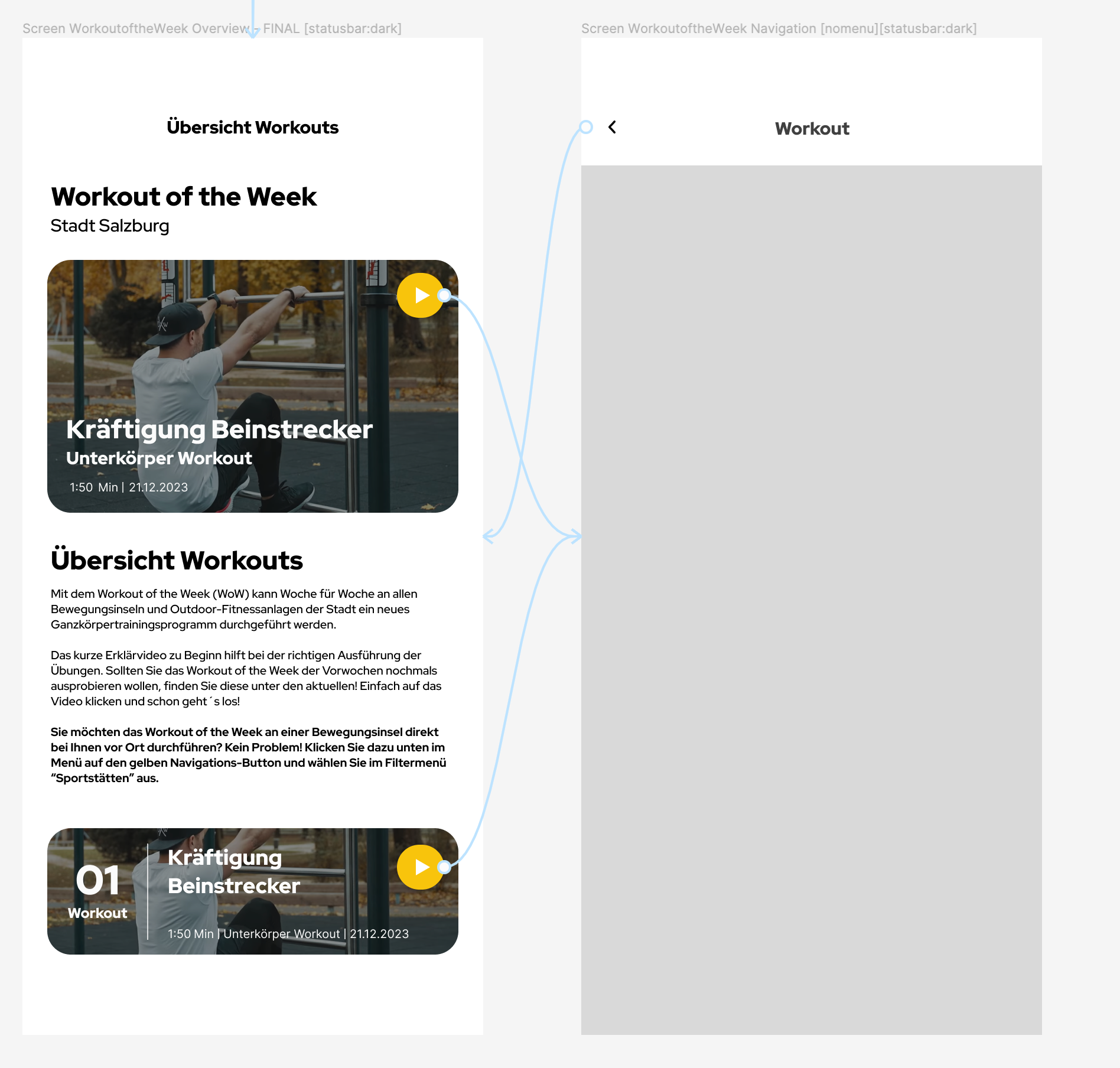
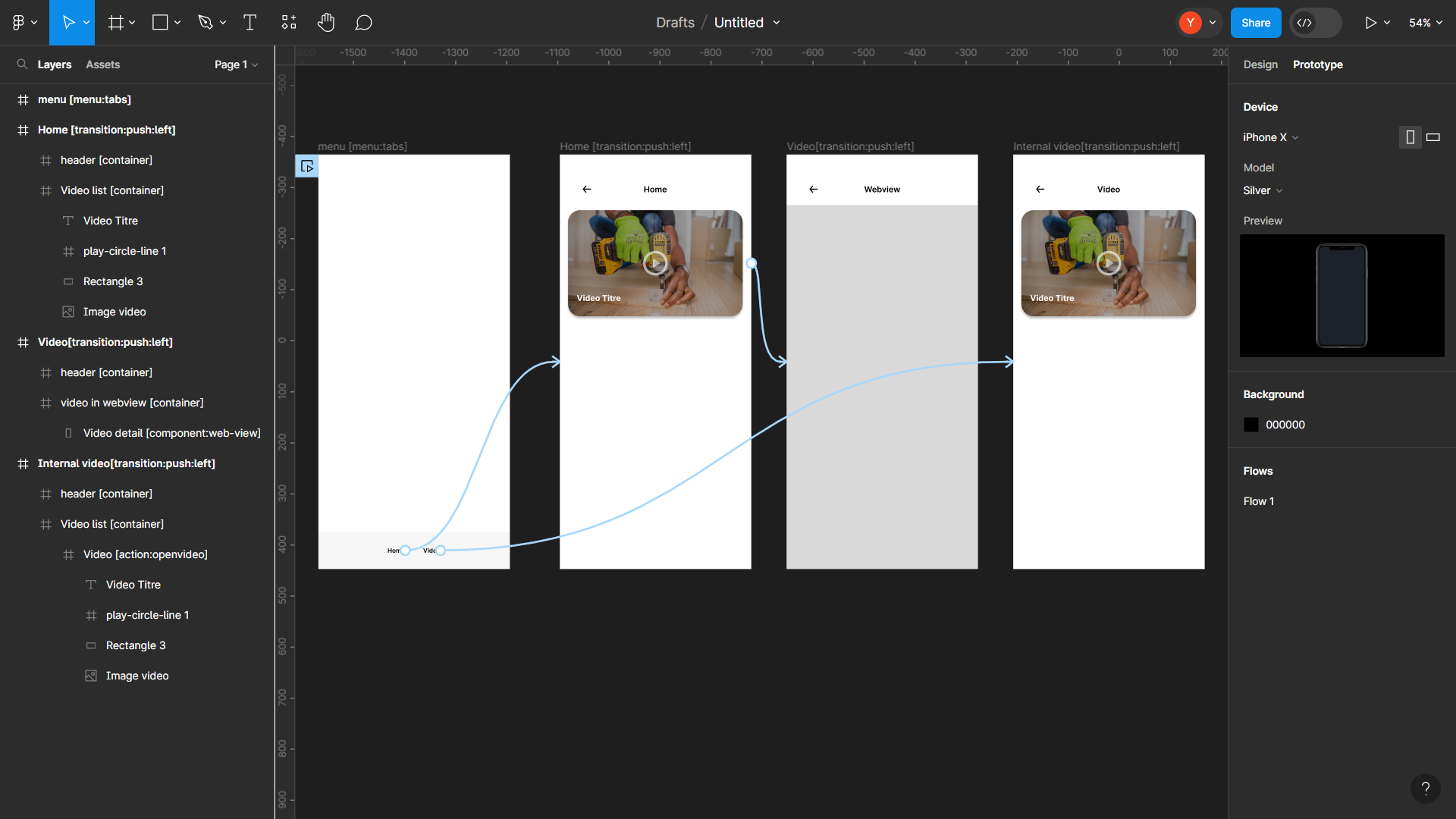
At the Figma level, I have organized the project with four frames: Menu (Home and Video), Home, Video Detail, and Video Internal.
- Home: This frame contains the list of videos retrieved from Airtable.
- Video Detail: Allows the playback of videos based on the selected video from the Home page.
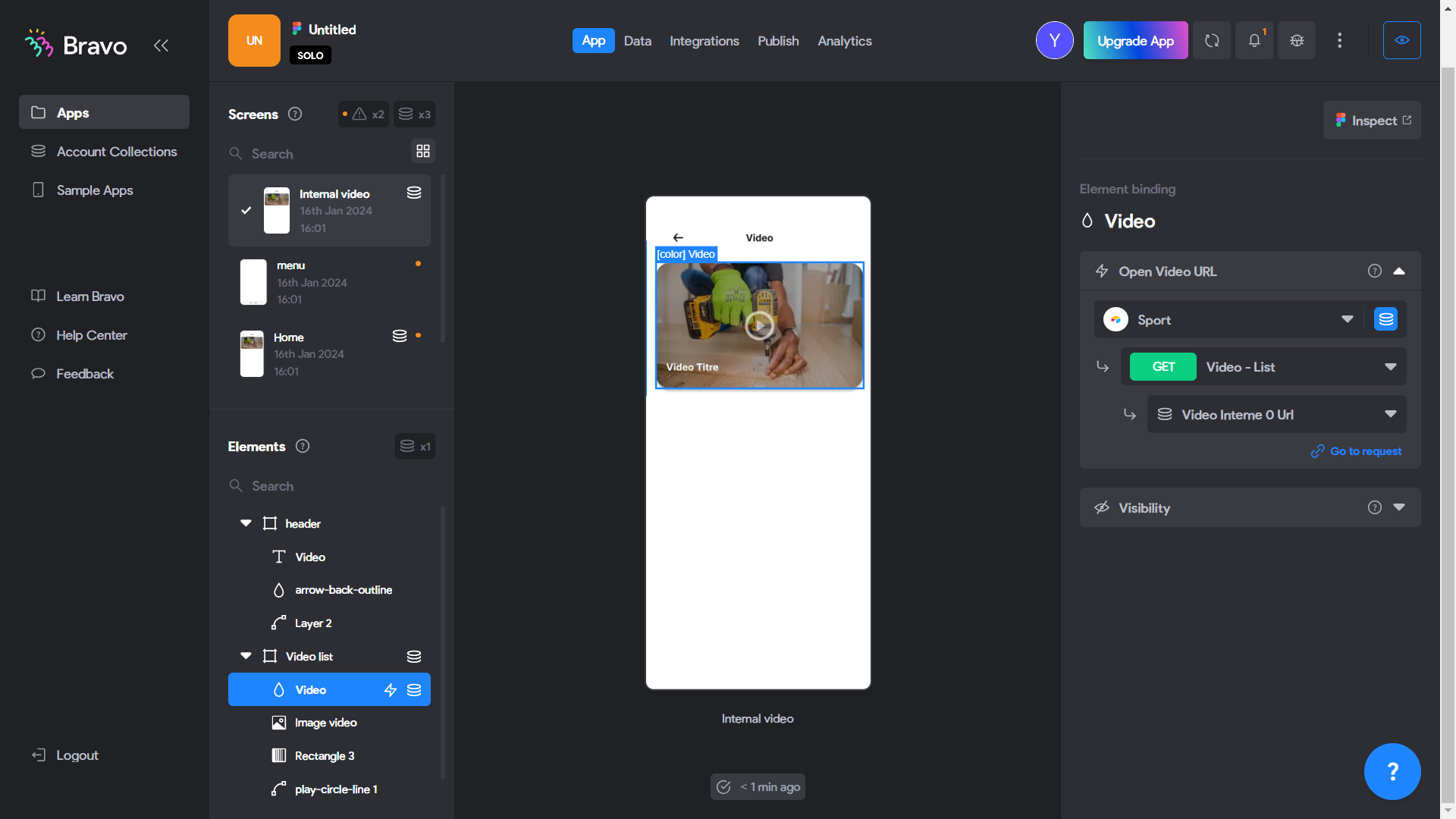
- Video Internal: This frame directly opens the selected video.mp4, retrieved from Airtable based on the chosen video in the Home page's video list.
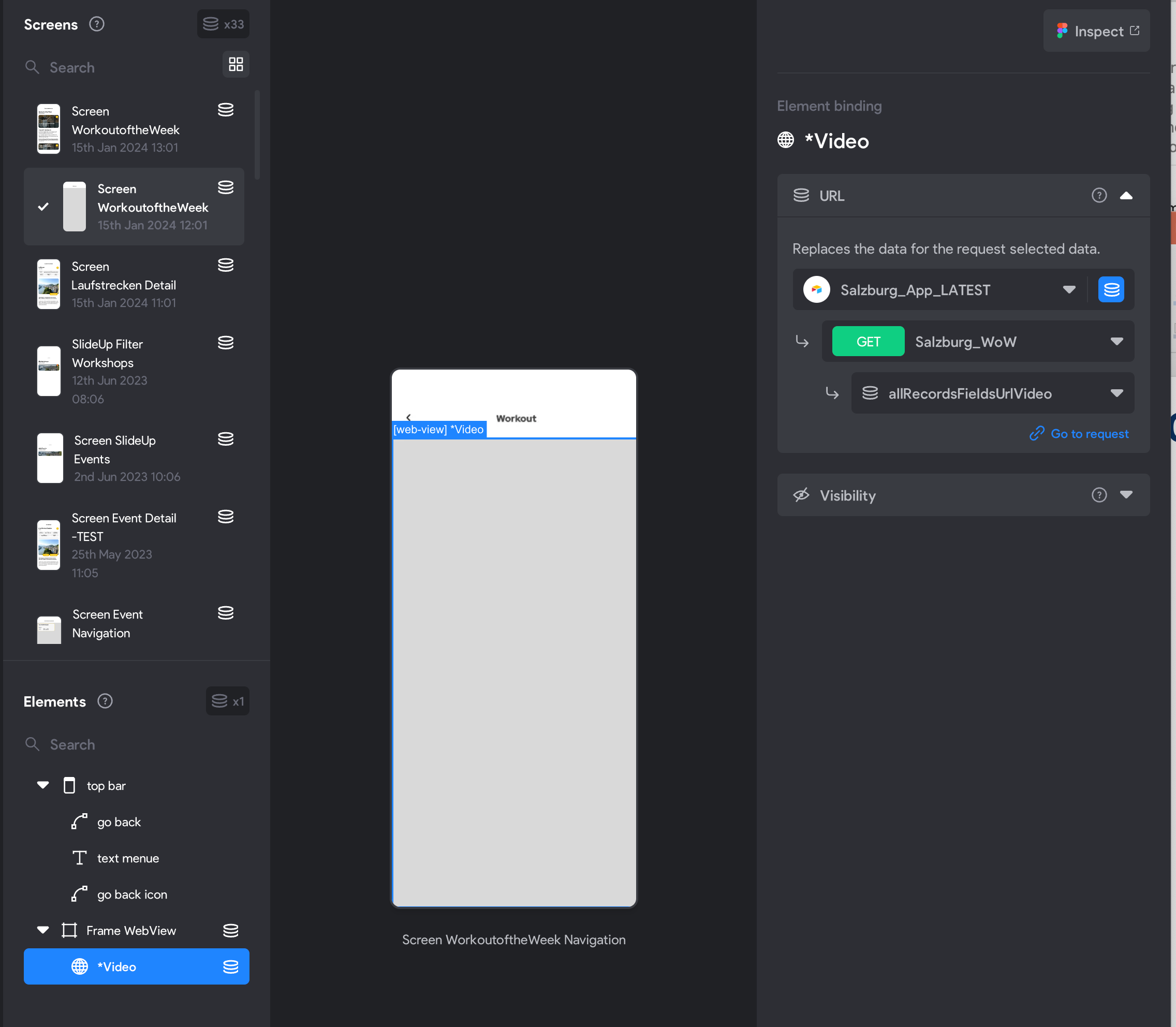
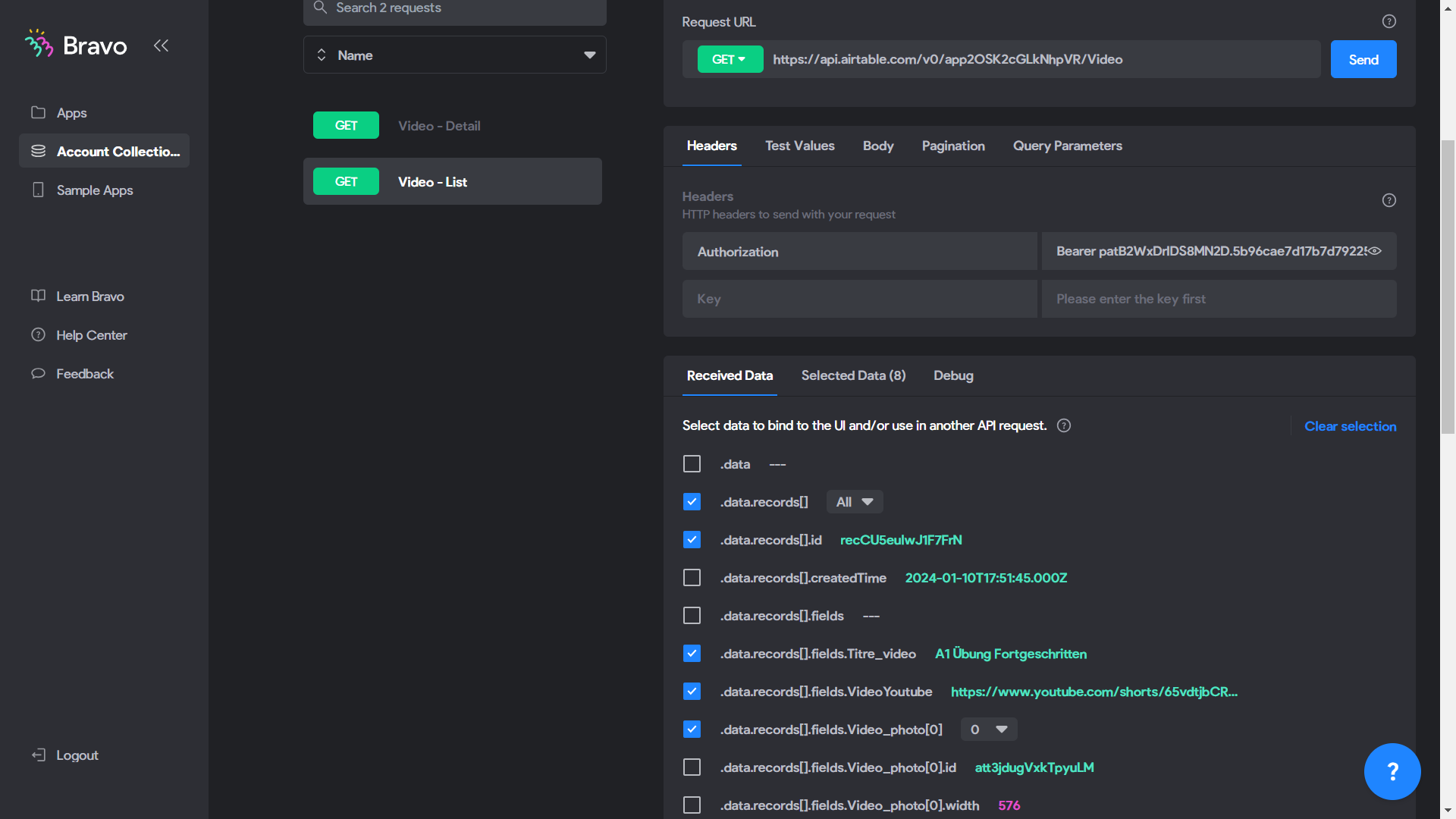
In Bravo Studio, retrieving data from the database is done within the Api Collection of Bravo Studio, particularly through GET requests such as "GET Api Video List" and "GET Api Video Detail," as shown in my example below.
This configuration enables specific access to the list of videos and the details of each video within the application.
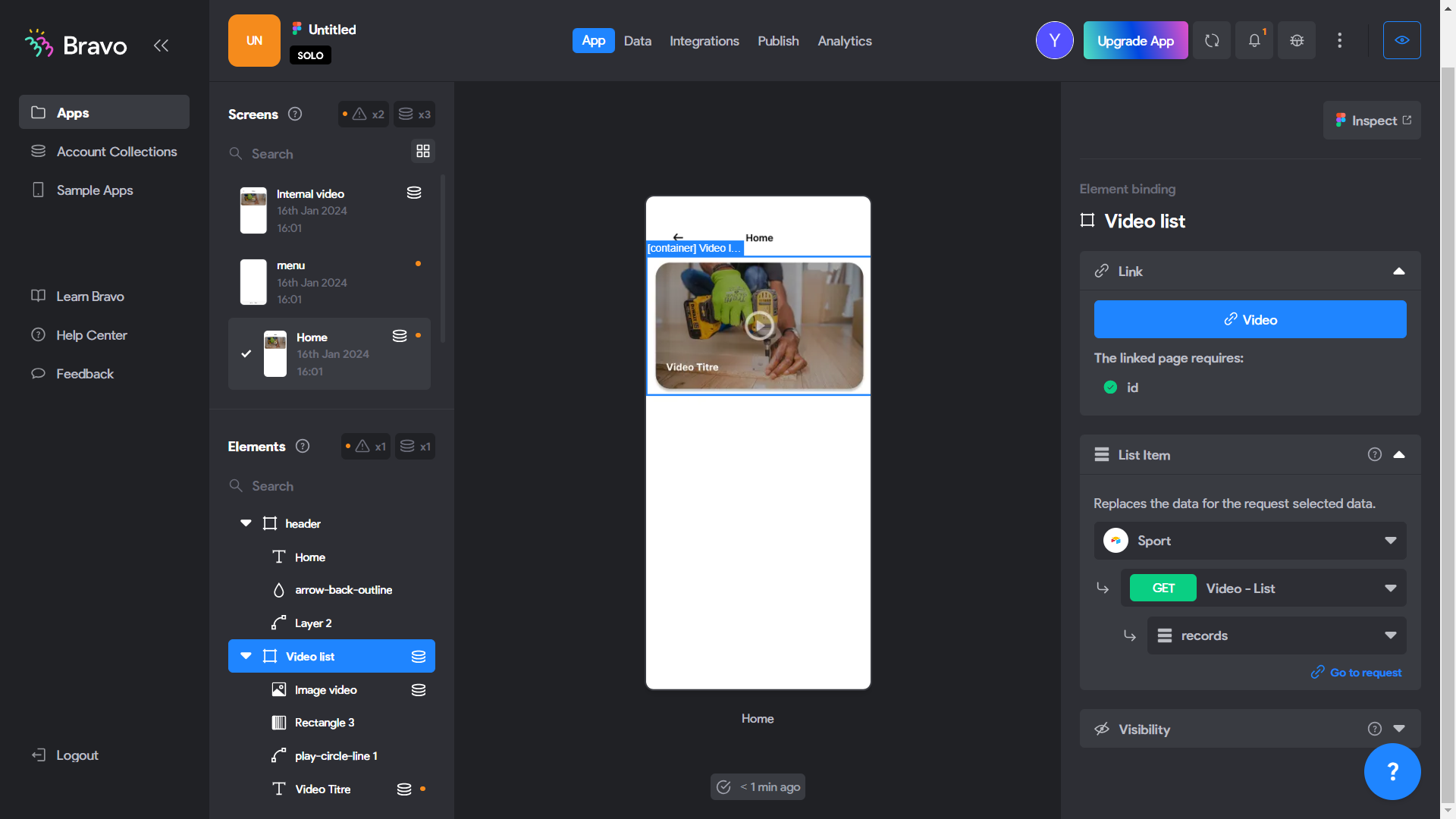
Before obtaining the result, please perform the following synchronizations:
- In the "Home" frame and the "Video Internal" frame, record the content of the container in your database and synchronize the internal data with the corresponding data in Airtable.
- For the "Video Detail" frame, no recording is necessary. Please proceed directly to the data synchronization.
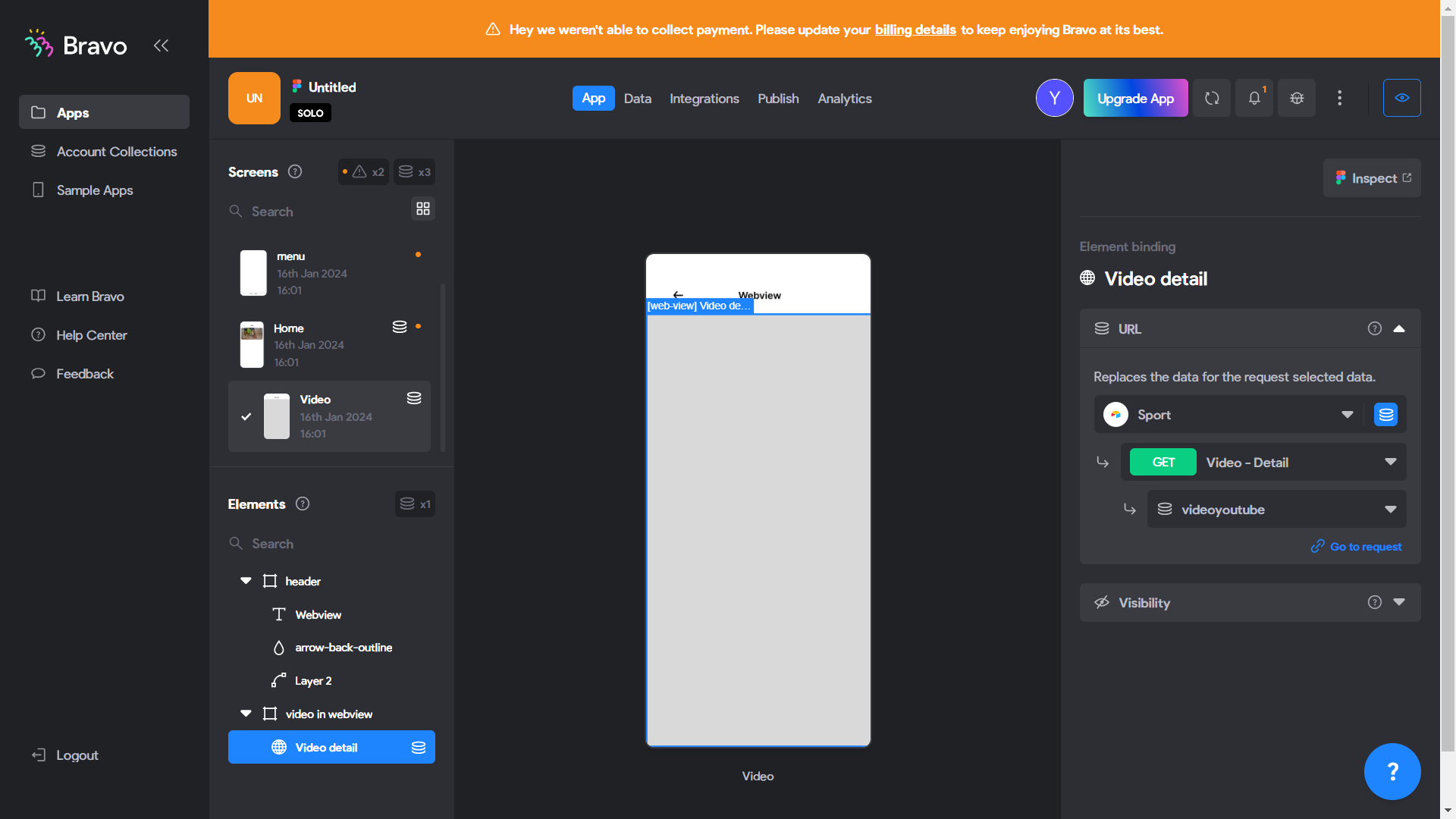
Here is the result of Bravo Vision, accessible through the following link: [Bravo Visio link](https://bravostudioapp.page.link/?link=https%3A%2F%2Fapps-service.bravostudio.app%2Fdevices%2Fapps%2F01HKQJ4PV1V79HZQ0NBJBWWKY0&ofl=https%3A%2F%2Fbravostudio.app%2Fdownload-bravo-vision&apn=com.appfoundry.previewer&ibi=com.codelesslabs.app ).
8.
screen-20240116-181540.mp4