← Resources & Tips
Resources & Tips January 11, 2026 · 4 replies

Figma connection problem

Archived from the Bravo community forum (2021–2026). Some answers may refer to older versions of Bravo.

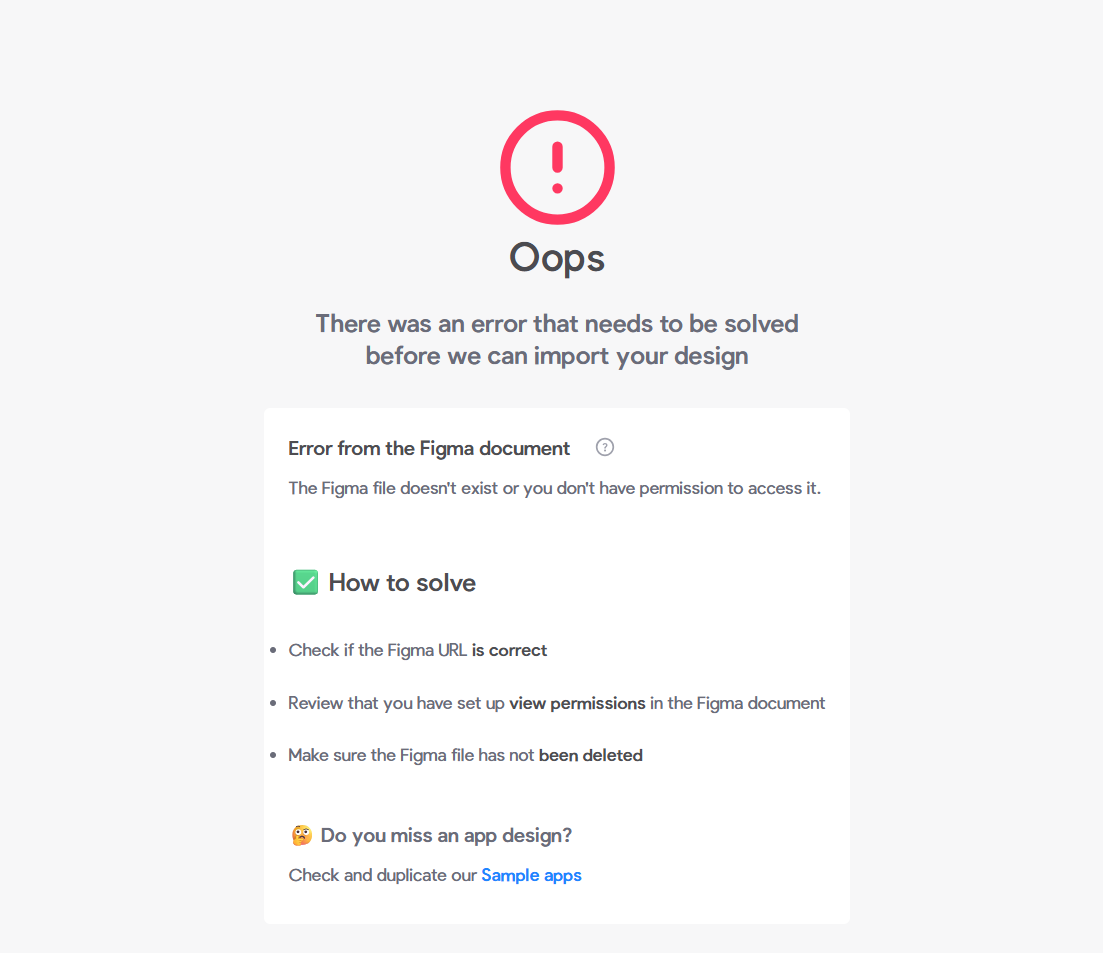
Despite trying every method, I can't access my Figma file. I've tried all the instructions in the image, but the problem persists. Can you help me with this?
4 replies

Valter January 12, 2026

On a free figma plan you can only do 5 sync per moth. Maybe its that

Aurika Bravo team January 12, 2026

Hello Erkut,
This looks like the usual figma rate limiting issue, we posted about it in the community some time ago. It is due to changes Figma made to their plans. Check under “Announcements”.
You need to makes sure you have a paid Figma account and are the owner of the Figma file you are importing.

CodingSniper January 29, 2026

I have this issue too. And I have a professional figma account. Think its an issue with bravo

Wrote something in this thread and want it removed? Request removal

Still stuck?

Ask the community on Discord

This archive is read-only. New questions, office hours and product updates now happen in the Bravo Discord.

Join the Discord