Archived from the Bravo community forum (2021–2026). Some answers may refer to older versions of Bravo.
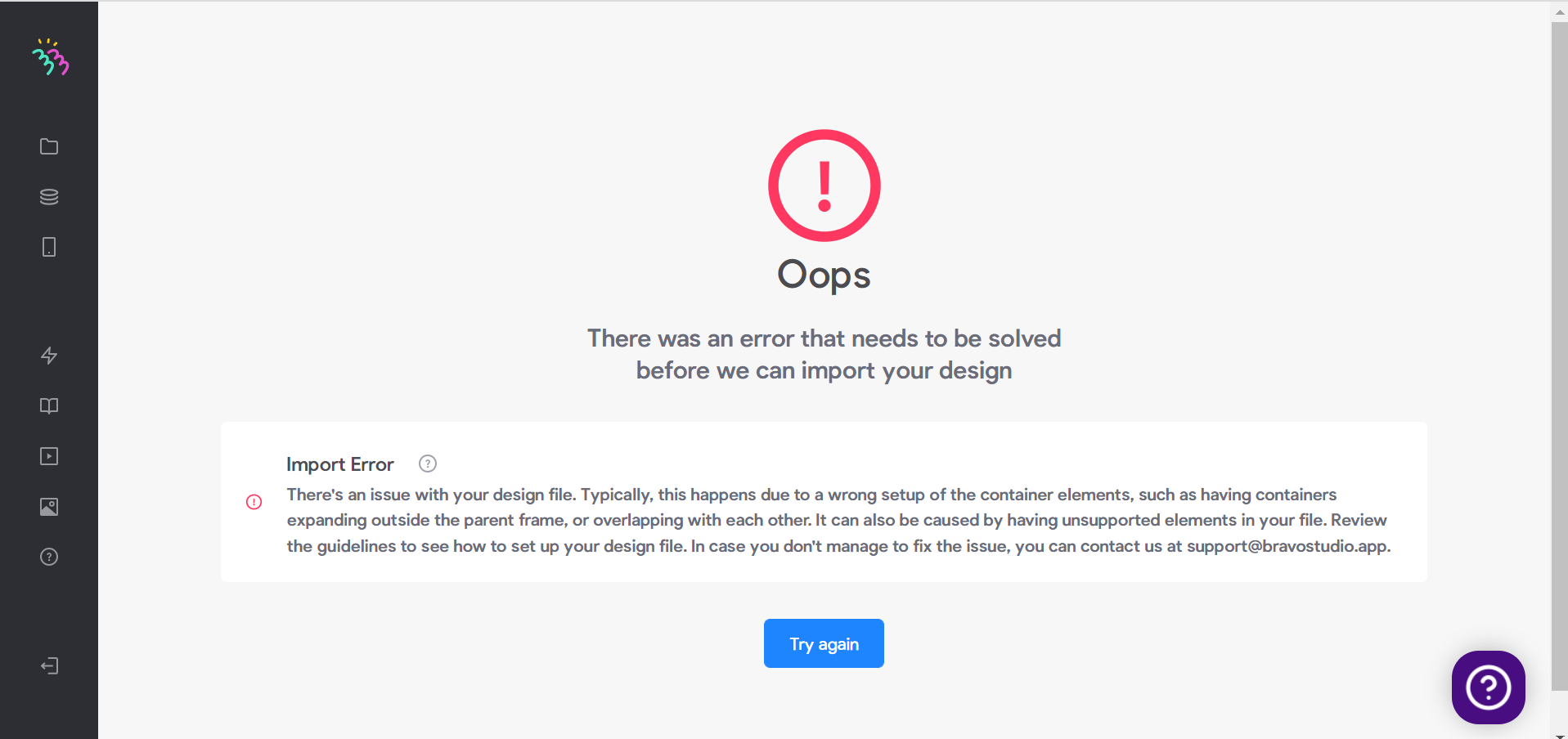
Hello, I am trying to create an app using Bravo studio for the first time. I tried connecting my Figma file, but I get an import error as shown in the image attached. This is my first time designing and publishing an app, so I was wondering if there is additional support I can use to fix this issue. Thank you.
Here is a link to my design: https://www.figma.com/file/CC7VZ7UexfnwAS4CeWwR9B/Raison-Detre-(Copy)?node-id=0%3A1
1 reply
Wrote something in this thread and want it removed? Request removal
Still stuck?
Ask the community on Discord
This archive is read-only. New questions, office hours and product updates now happen in the Bravo Discord.
Join the Discord