Archived from the Bravo community forum (2021–2026). Some answers may refer to older versions of Bravo.
Hi folks !
I'm currently trying to create a Facebook feed -like page.
My main goal at the moment is to link the profile datas to the post. Thank to who helped me a lot, I think my Airtable has well understood the link. However, now when I want to create a new post, the submit button works well but the post doesn't appears on my airtable - and so not on my feed either.
Could someone help me understand ?
Here is my Airtable : https://airtable.com/invite/l?inviteId=invMjTzUpWOipVnQM&inviteToken=d39aeef6410c5cb69c01a6497ce461fc2523f1491128a5580bdfea715de9fba7&utm\_source=email
And here are some pictures of my POST request :
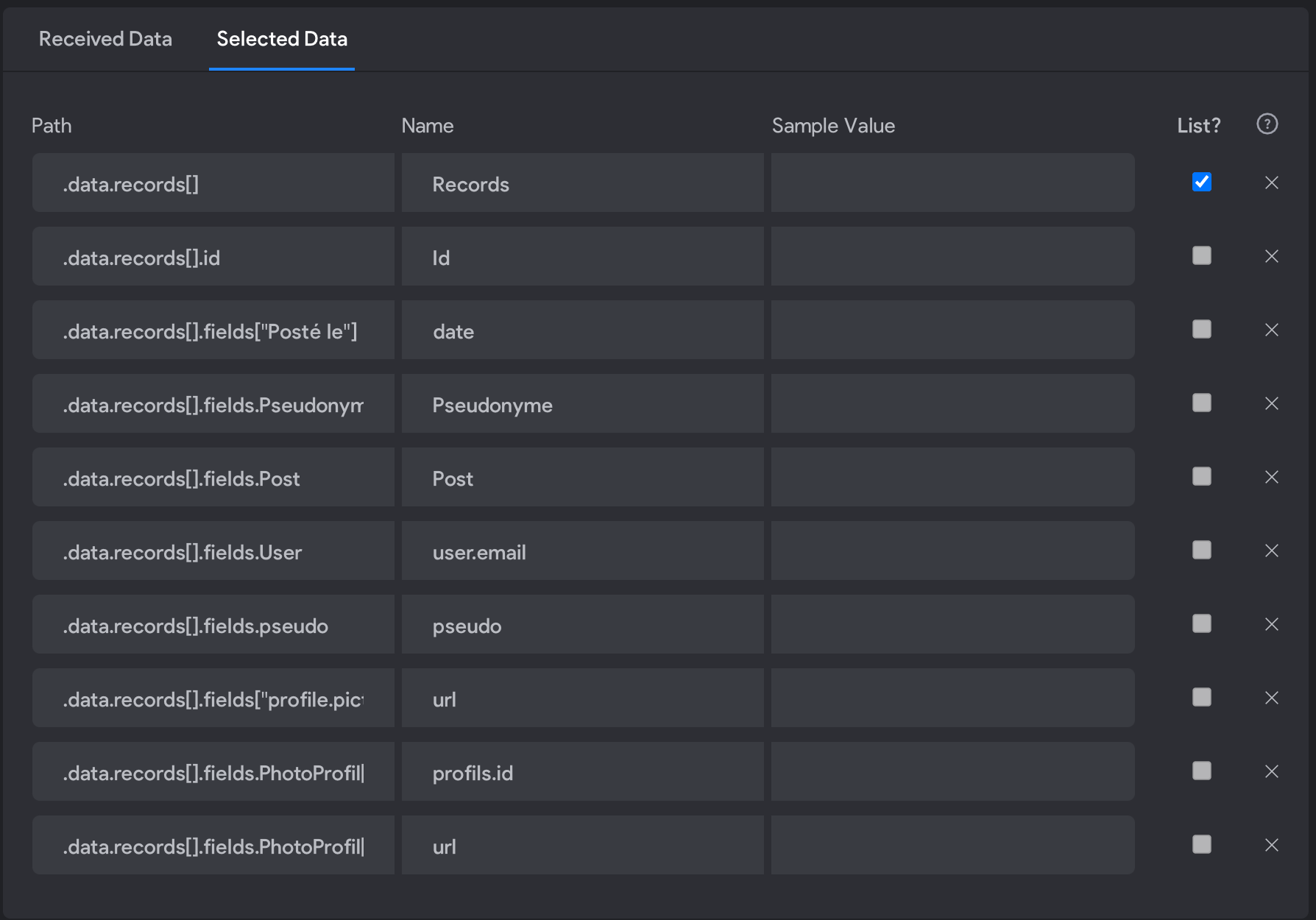
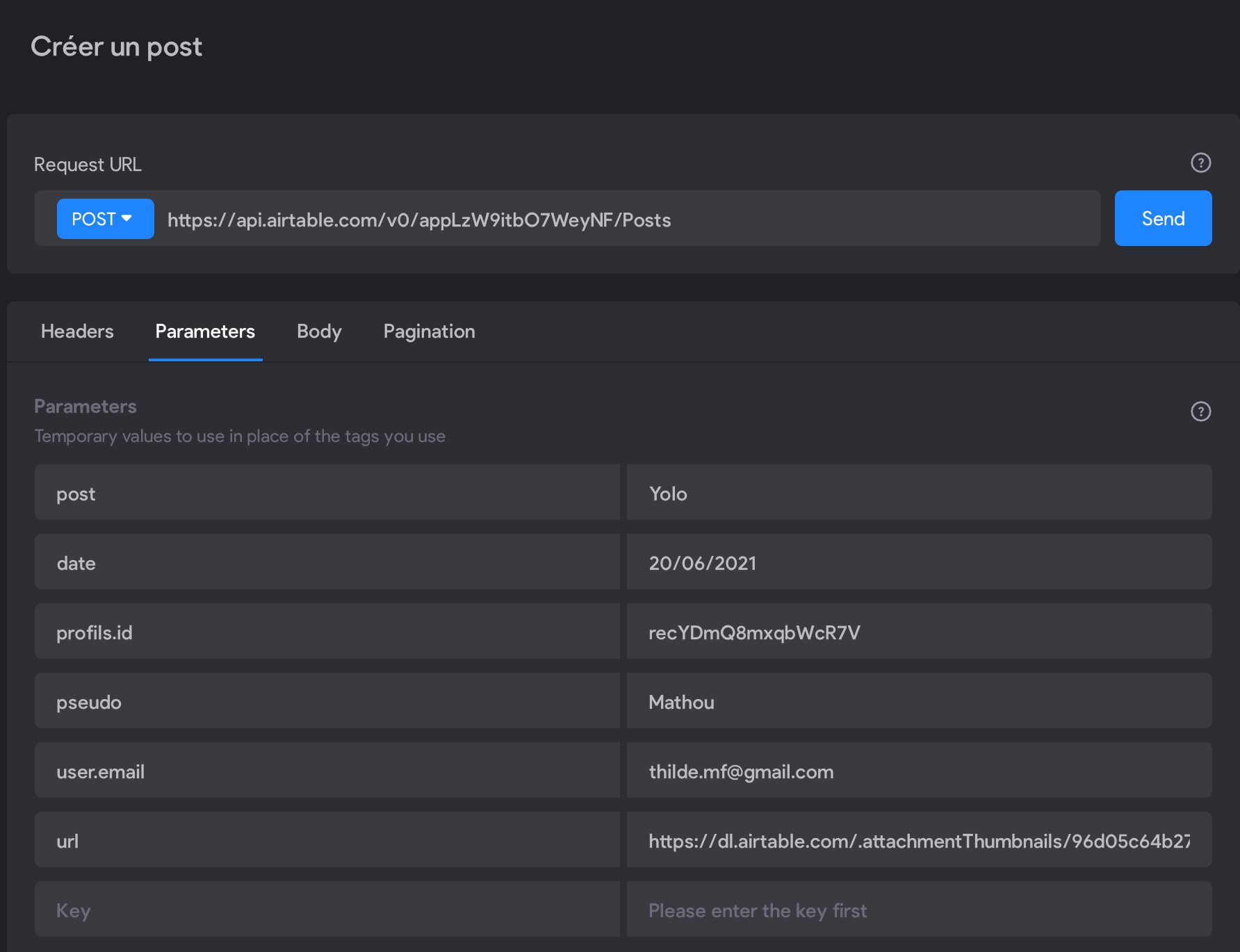
1 reply
Wrote something in this thread and want it removed? Request removal
Ask the community on Discord
This archive is read-only. New questions, office hours and product updates now happen in the Bravo Discord.
Join the Discord