Archived from the Bravo community forum (2021–2026). Some answers may refer to older versions of Bravo.
Hi there, I´m trying to connect a form from Airtable to Bravo. Everything was ok until I change the field "category" (see screenshot below). This field is a "single select" on Airtable but is also an input from the user in this form. How should I convert this field into a variable?
Thanks!
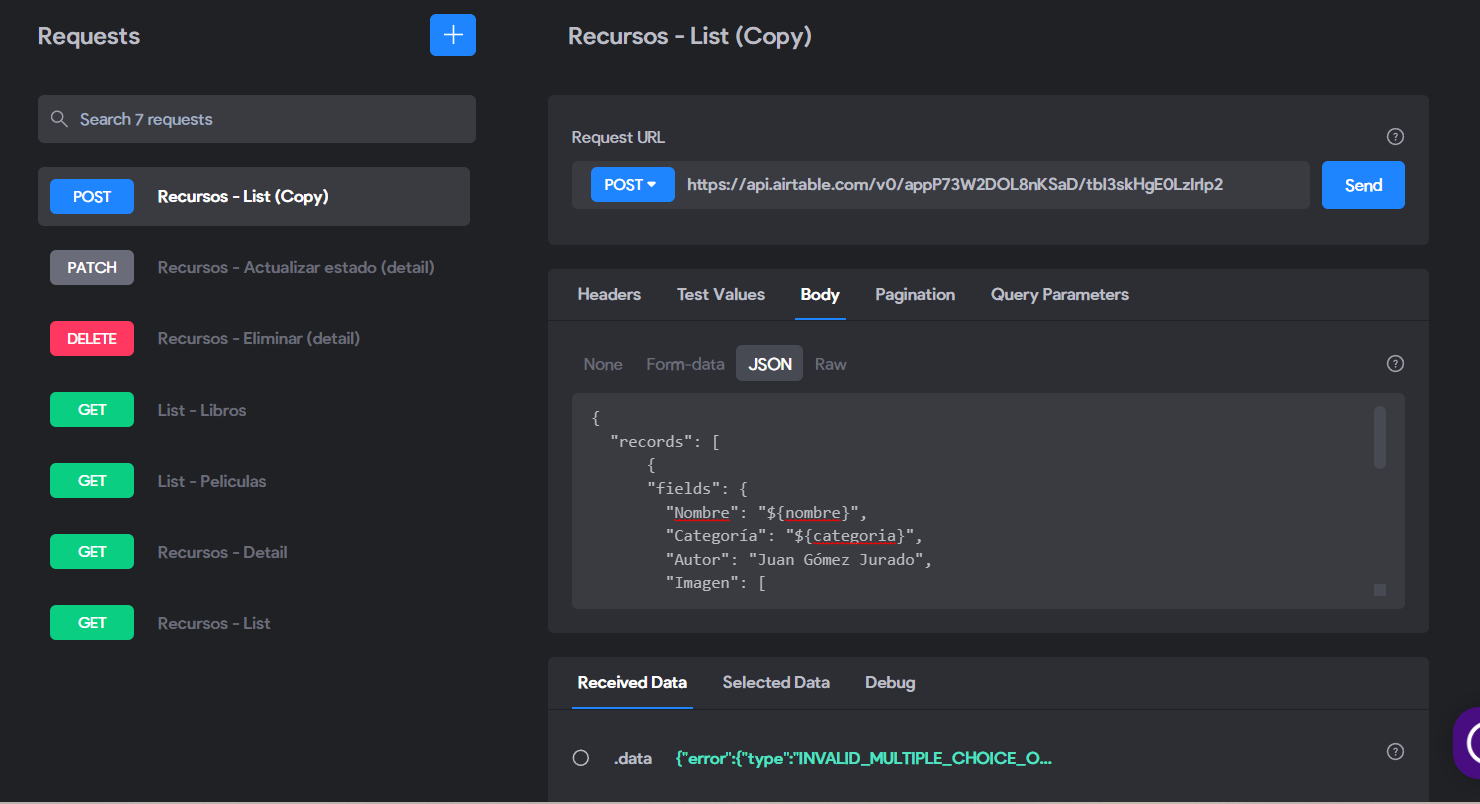
2 replies
Wrote something in this thread and want it removed? Request removal
Still stuck?
Ask the community on Discord
This archive is read-only. New questions, office hours and product updates now happen in the Bravo Discord.
Join the Discord