← Publishing
Publishing June 25, 2022 · 4 replies

Icon not showing in Debug APK

Archived from the Bravo community forum (2021–2026). Some answers may refer to older versions of Bravo.
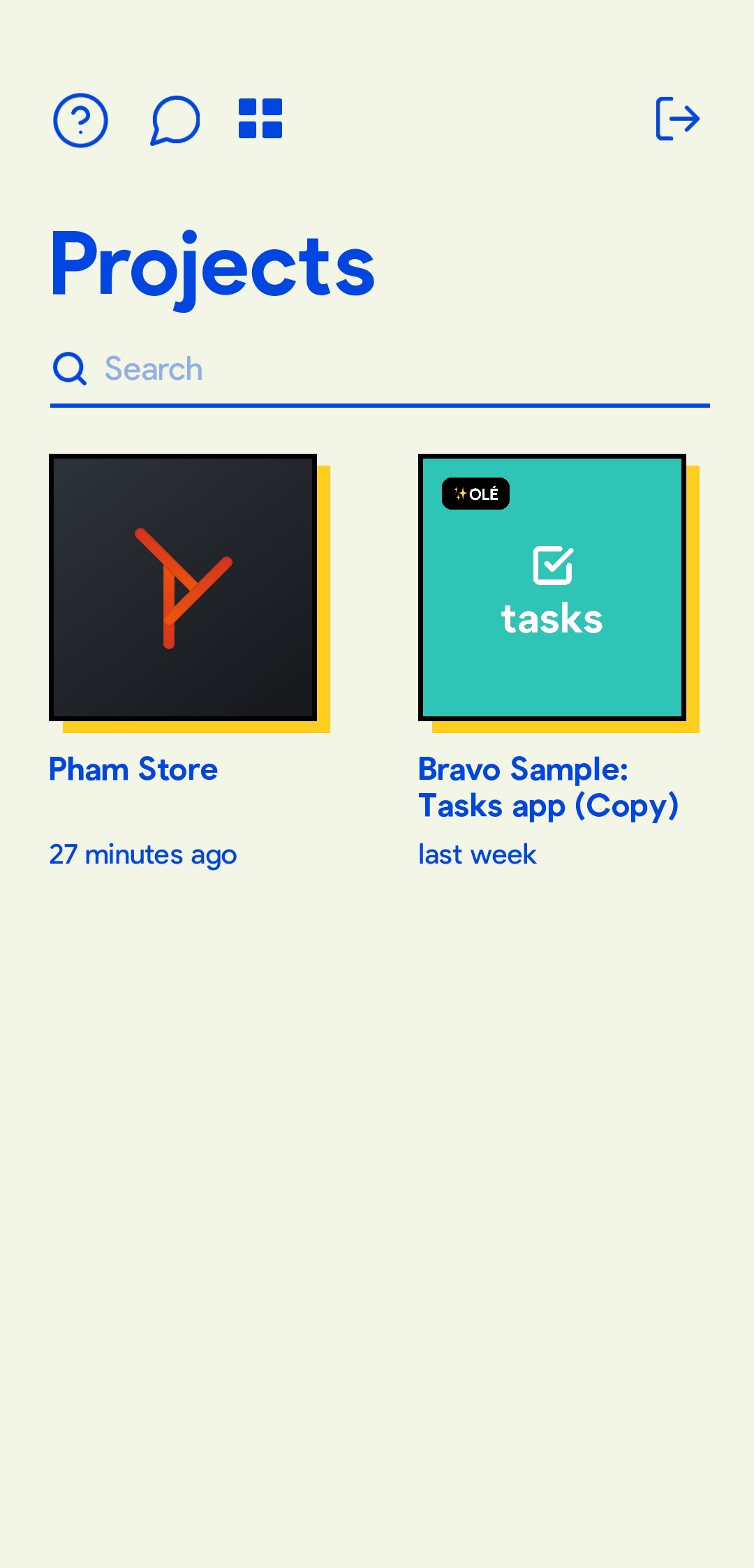
Screenshot_2022-06-25-12-17-44-749_com.appfoundry.previewer.jpg

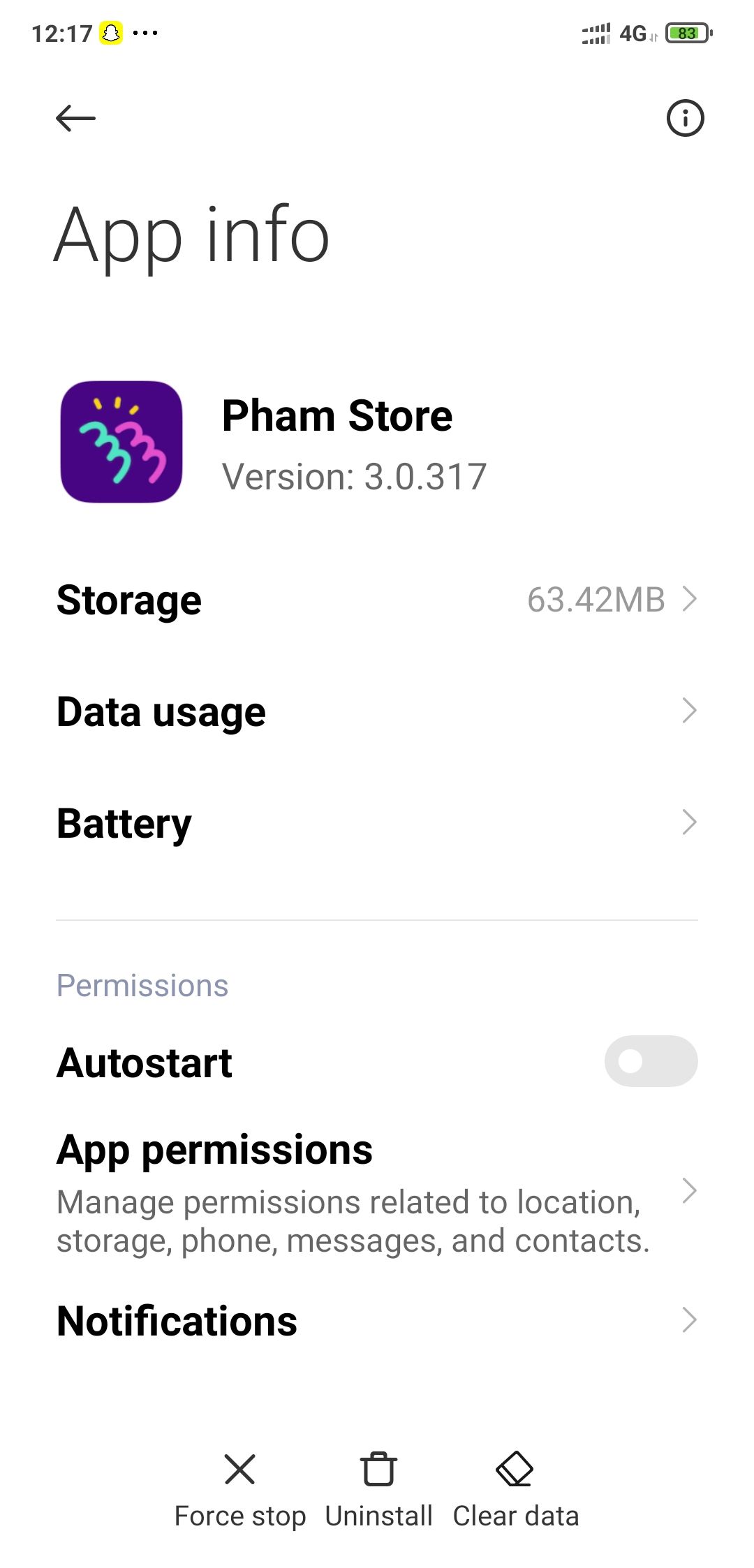
Screenshot_2022-06-25-12-17-32-769_com.miui.securitycenter.jpg

I added a icon file and necessary tags in my figma file, app icon works perfectly on Bravo vision but when i generated Debug APK to test and installed, the app icon is a default bravo icon.

4 replies

Mary June 30, 2022

This may be due to the Bravo plan you are on.  It appears that Branding - your logo - is Bravo Studio branding in Ole plan.  Is this the plan you are on?  If so, it would seem that you would need to be on the Bravissimo plan.  Mary

Nik August 12, 2022

Hey thanks for your response. Actually I'm on a free plan. Will the app icon show on the published version as it is?

Mary September 3, 2022

Check the plan pricing page.  I think you have to be on a paid plan -- maybe even the Bravissimo plan.  Mary

Nik November 3, 2022

Thanks for your help Mary! Btw it got solved upon publishing on Play Store even on Free plan.

Wrote something in this thread and want it removed? Request removal

Still stuck?

Ask the community on Discord

This archive is read-only. New questions, office hours and product updates now happen in the Bravo Discord.

Join the Discord