← Publishing
Publishing January 10, 2024 · 3 replies

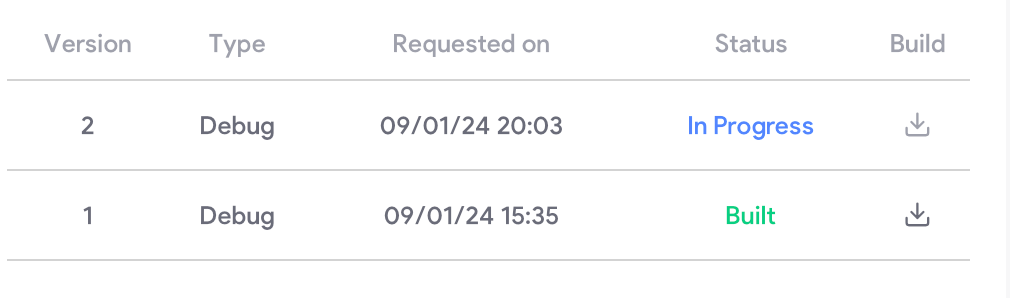
Is there a way to ensure that this is a production build for iOS

Archived from the Bravo community forum (2021–2026). Some answers may refer to older versions of Bravo.
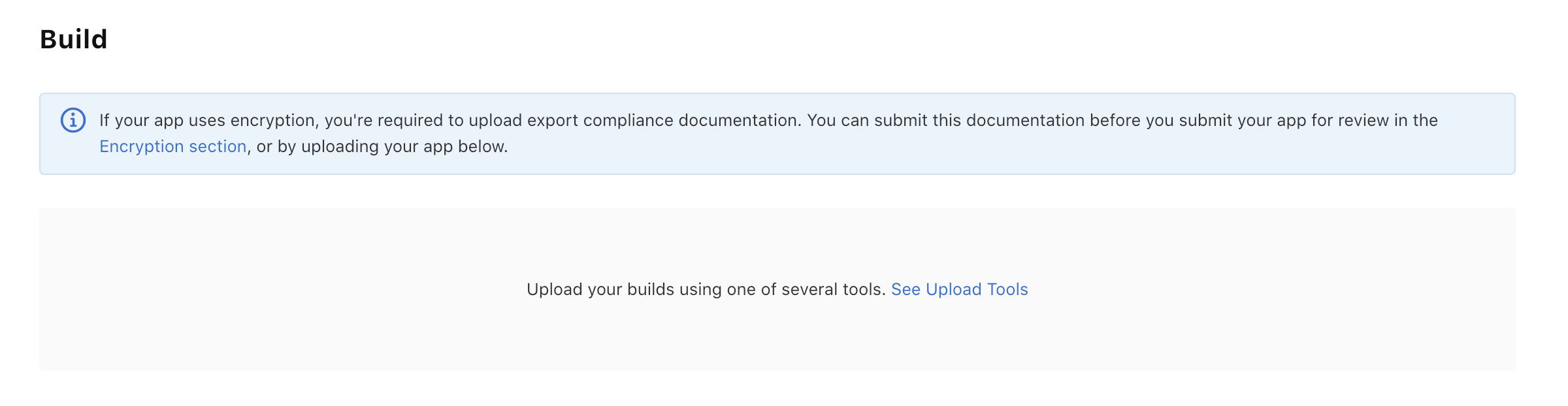
I tried sending it to the iOS app store but after seeing the app transporter but for some reason it isn’t showing in the app store connect
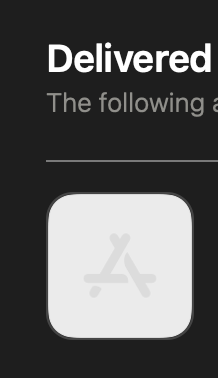
Also the app store icon isn’t showing is that normal for the 1st build? /
3 replies
Marielle Ibias Bravo team January 10, 2024

Hi @Travis Mitchell,

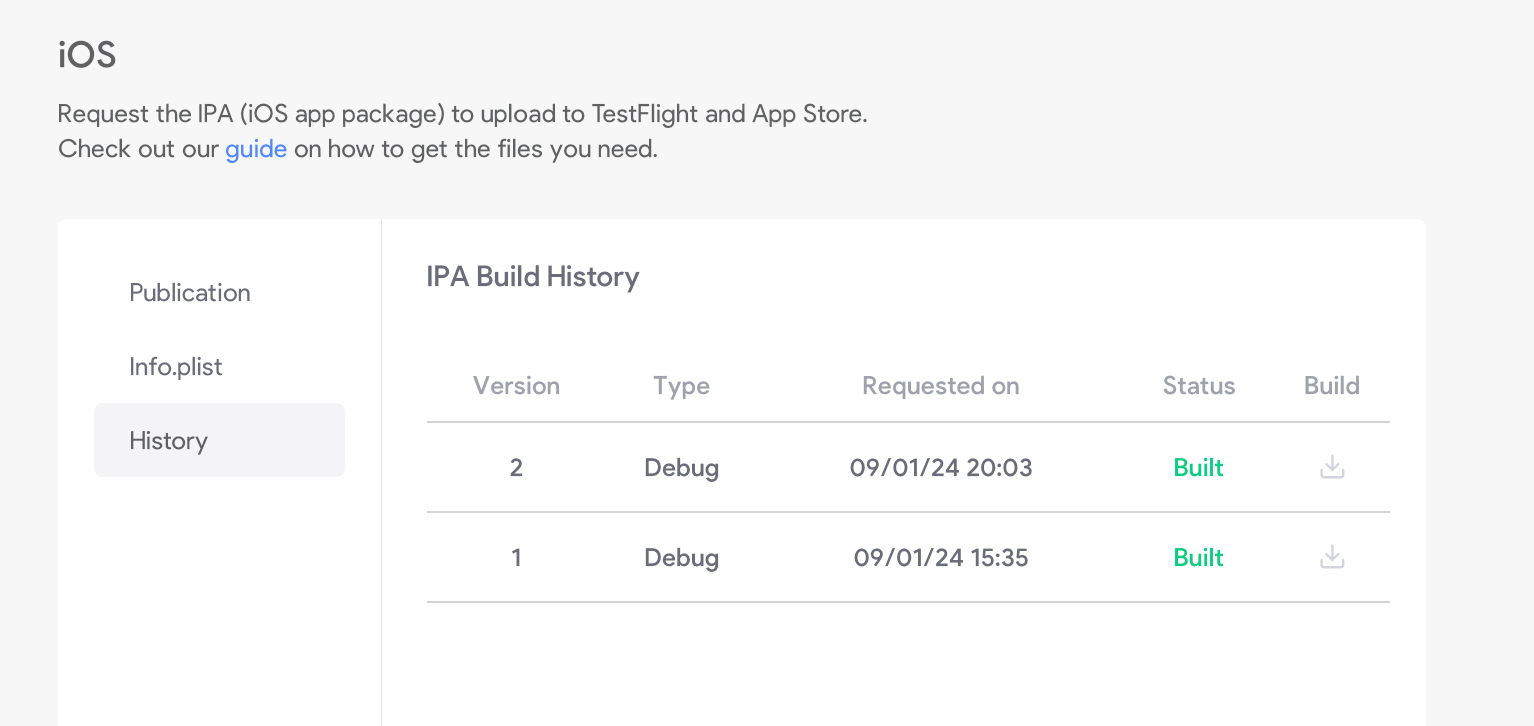
To confirm if a build is a production build for iOS, you can check the build history. Navigate to Publish > iOS > History to find iOS build records and Publish > Android > History for Android builds. This will help you distinguish between the different builds.

In reference to uploading the IPA to the App Store, based on the initial screenshot, I’d advise to check the tools available to upload the IPA.

I’d suggest following this guide step by step: https://docs.bravostudio.app/app-publication/publishing-your-app/ios-publication-complete-process/upload-ipa-to-app-store-connect#create-the-app

About the app icon, please make sure it should be added in a 1024x1024px app screen. See how to set it here.

Hope it helps! Let us know if any question.

Travis January 10, 2024
  1. It says debug in my History section. How can I make the iOS a show a production build instead

    1. Okay I have gone into figma and update the app icon size to 1024 × 1024. Then refreshed bravo with latest figma app design.

    2. 1. I used the Transporter app is there another alternative that you recommend?

Wrote something in this thread and want it removed? Request removal

Still stuck?

Ask the community on Discord

This archive is read-only. New questions, office hours and product updates now happen in the Bravo Discord.

Join the Discord