Archived from the Bravo community forum (2021–2026). Some answers may refer to older versions of Bravo.
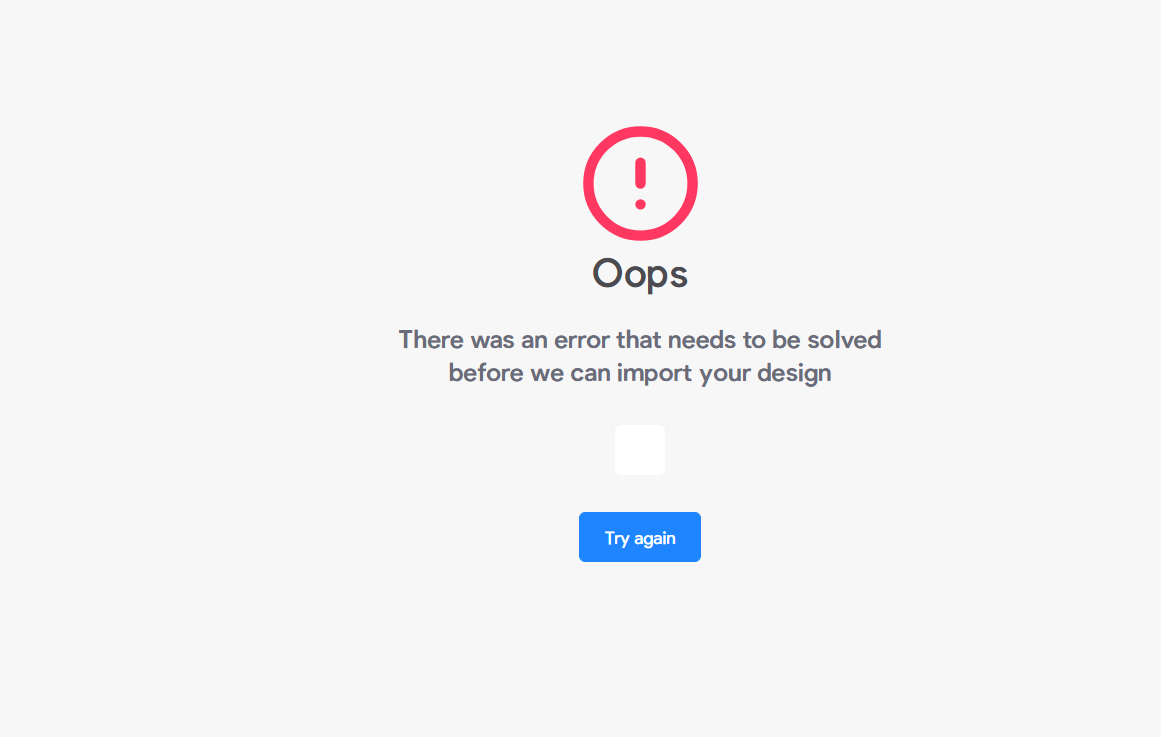
Hi Bravo community! 👋
I'm stuck on a frustrating import error and would really appreciate some help.
Every time I try to import my Figma file into Bravo Studio (I have both paying subscription of figma and bravo studio!) , I get the 'Oops — there was an error that needs to be solved before we can import your design' message.
Here's what I've already tried:
- Fixed all 'out of container' warnings in Figma (X, Y, W, H all matching)
- Added [skip] to problematic pages
- Deleted and recreated the Figma link
- Created a brand new Bravo app from scratch
- Tried multiple different browsers
The error appears immediately when connecting my Figma file, before I can even get into the app. It does not give any specific information about which layer or screen is causing the problem.
My stack: Figma + Bravo Studio + Xano + Firebase
Has anyone experienced this before? Any idea what could be causing a hard import block like this? Thank you so much! 🙏
4 replies
Wrote something in this thread and want it removed? Request removal
Ask the community on Discord
This archive is read-only. New questions, office hours and product updates now happen in the Bravo Discord.
Join the Discord