Archived from the Bravo community forum (2021–2026). Some answers may refer to older versions of Bravo.
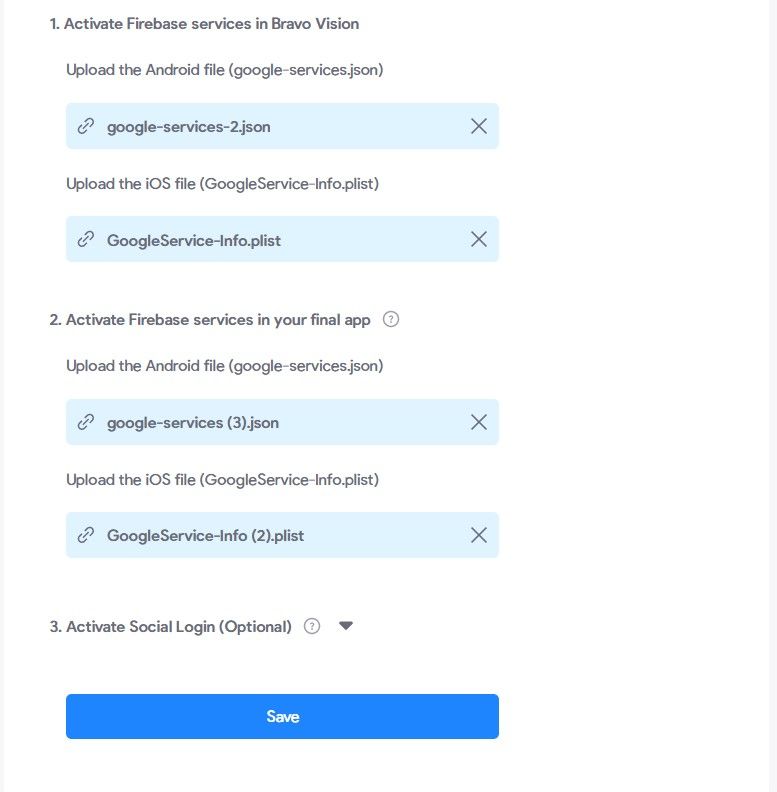
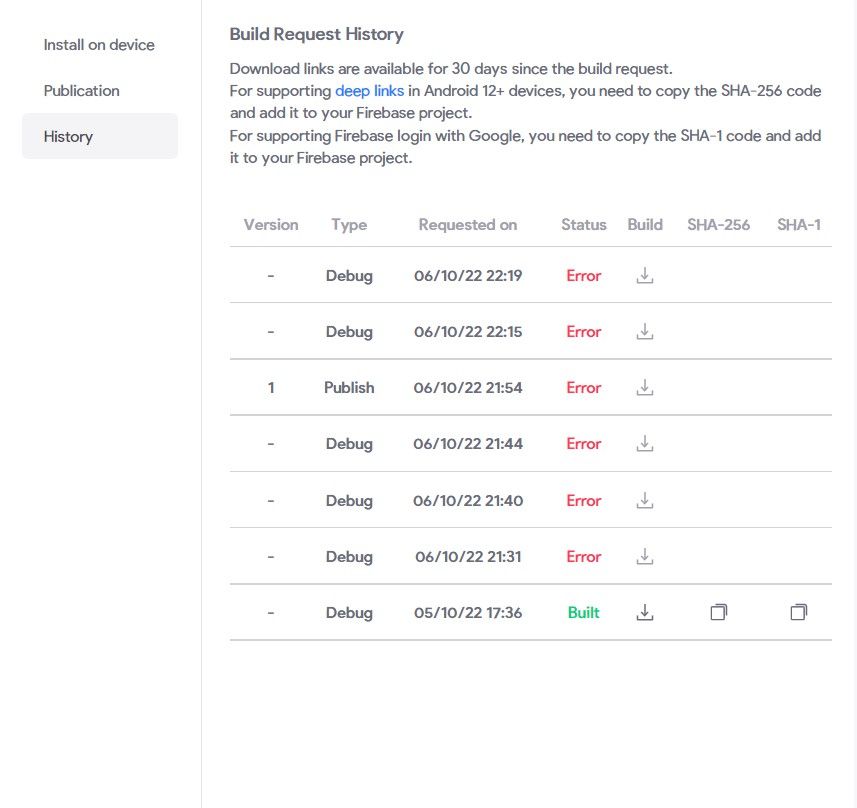
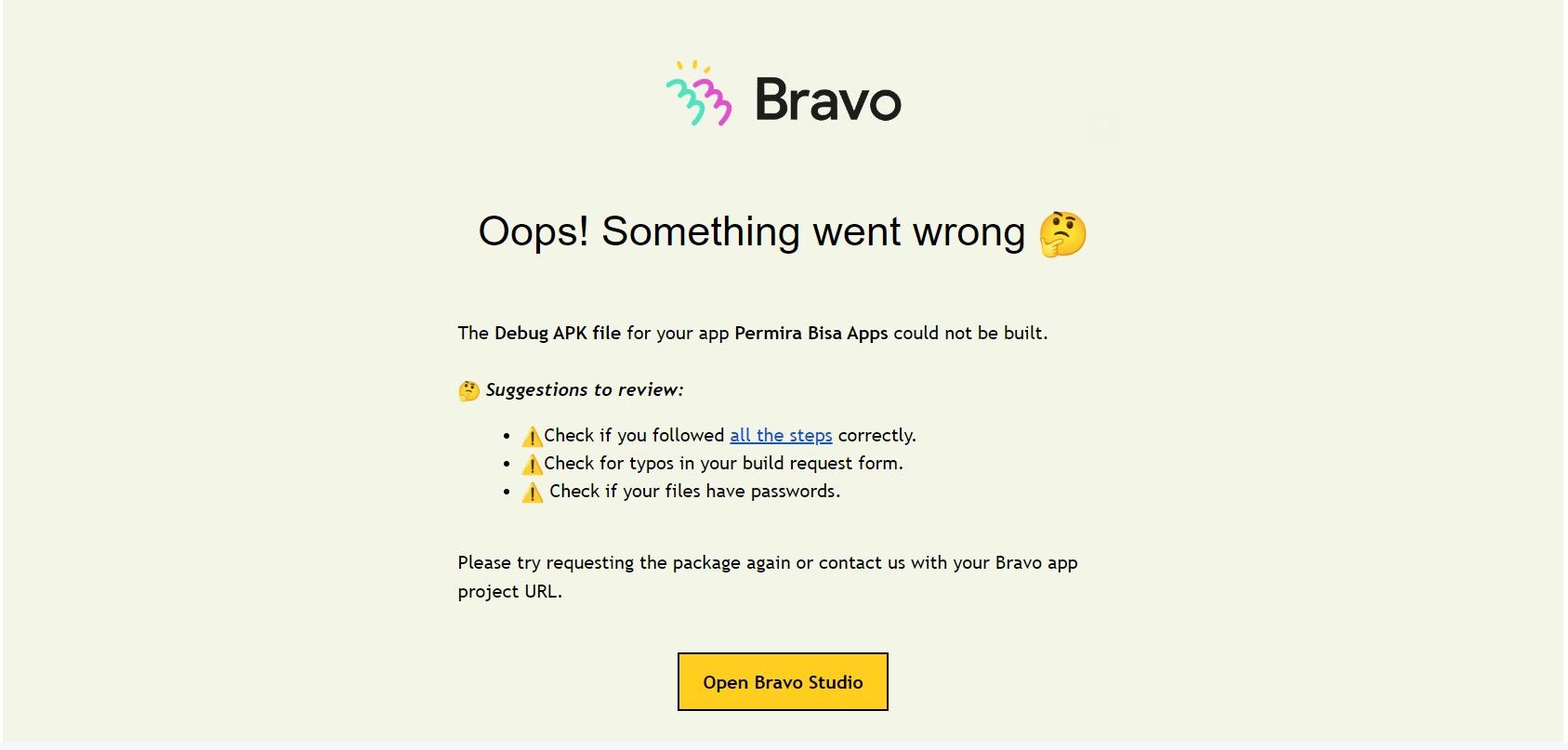
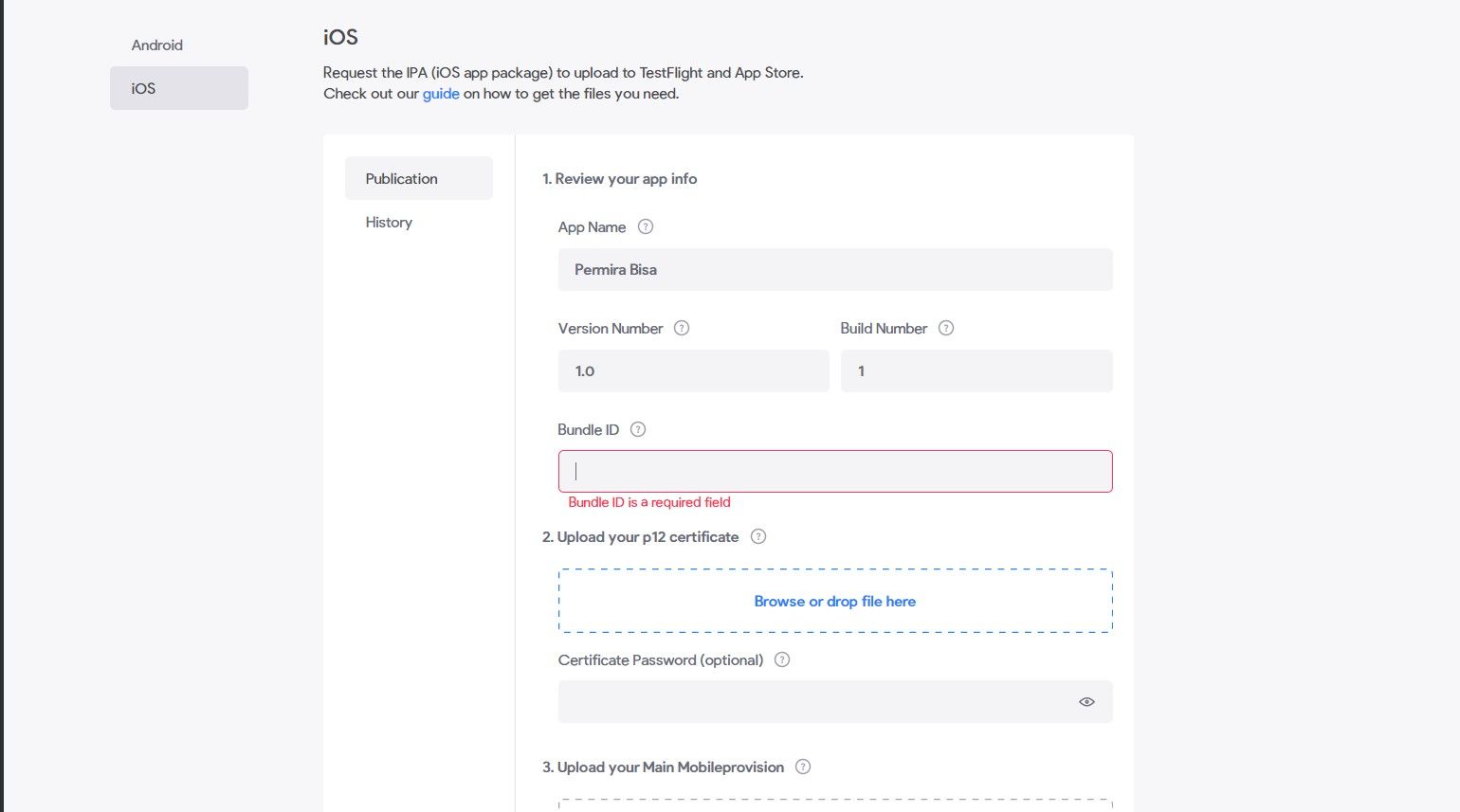
I dont know why, i have tried many times but it always happens. at the first attempt it was success. and the i realized that i need to add File in (Activate Firebase Services in your final app). i have added but the build always failed.
*The Firebase file even if the name is different but the file is the same.
Please Help Mee
.
8 replies
Wrote something in this thread and want it removed? Request removal
Still stuck?
Ask the community on Discord
This archive is read-only. New questions, office hours and product updates now happen in the Bravo Discord.
Join the Discord