Archived from the Bravo community forum (2021–2026). Some answers may refer to older versions of Bravo.
Hi,
I'm making an app using Xano backend. To this day I was using form with [action:submit] for login without knowing about [page:login] and [action:login] tags. After readings these docs:
https://docs.bravostudio.app/integrations/user-authentication/custom-authentication
I changed my Figma file accordingly
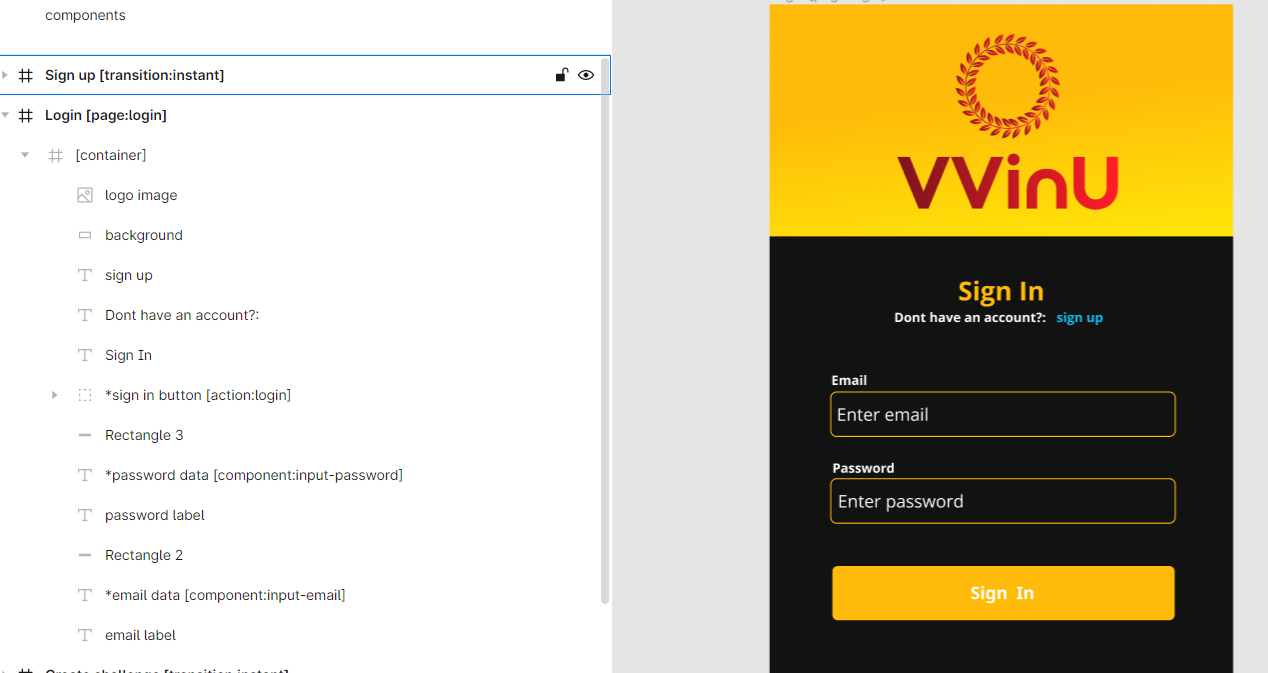
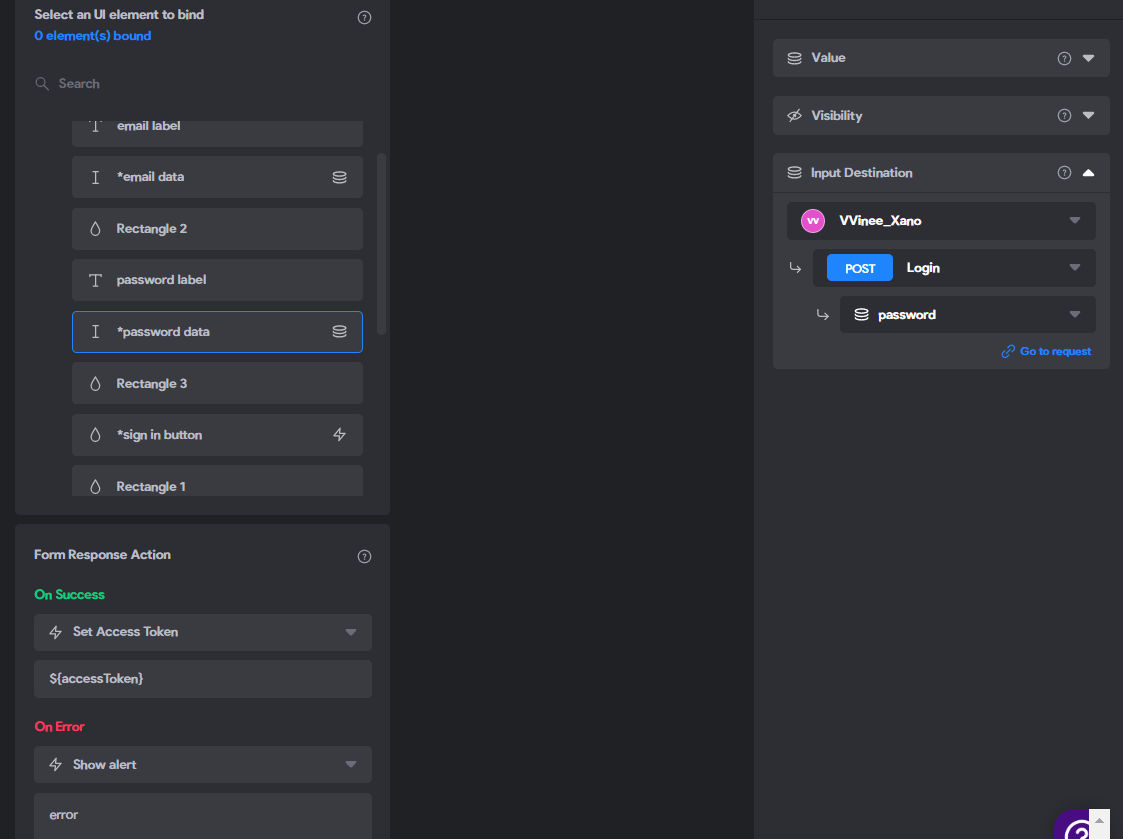
Unfortunately the Sign in button is not responding at all. Like non function is attached to it, no action, no error, nothing.
3 replies
Wrote something in this thread and want it removed? Request removal
Still stuck?
Ask the community on Discord
This archive is read-only. New questions, office hours and product updates now happen in the Bravo Discord.
Join the Discord