Archived from the Bravo community forum (2021–2026). Some answers may refer to older versions of Bravo.
Hello, I can't get any typography in Bold, these remain in Regular in BravoVIsion, whereas in Figma I have configured the typography correctly, how does this happen?
23 replies
Hey Ludovic, have you uploaded the bold font file to Bravo? You should see a notification on the bell icon at the top of the app page.
No, I don't have any notification because I use classic typefaces such as "Open Sans", "Roboto" etc... and Bravo is supposed to take them into account.
In addition I noticed that all the fonts I use become smaller once I switch to BravoVision compared to Figma and this is rather annoying, is there a solution for this too?
It seems that there is a bug on our side, will let you know when it's fixed!
hey I had the same problem.
A quick fix that worked for me was grouping the text, and adding the tag [component:svg].
This solved all the typography issues I had when trying to make things bold or light.
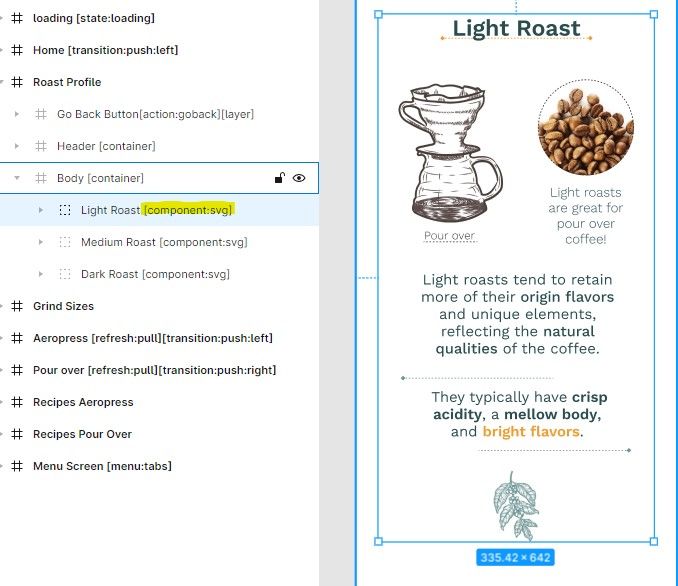
Indeed it works thank you!! a workaround while waiting for the bug to be fixed.
Do You have some quick solution for text which need to be bond with data? Bold fonts are not working for me either (and stroke is barely visible if it is at all). When I'm using group with [component:svg] I can't bind this text fields to data
for bound data, if you're using Airtable this might work:
Customize filed type to 'Long text' and Enable rich text formatting.
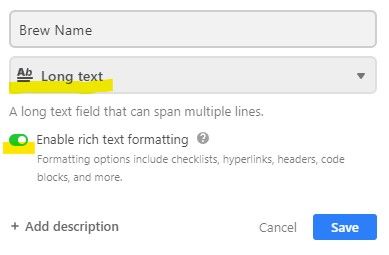
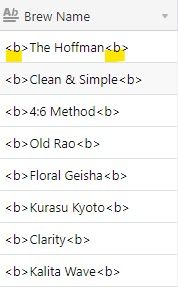
Change the text in each field to display HTML styling.
List of all display styles <----
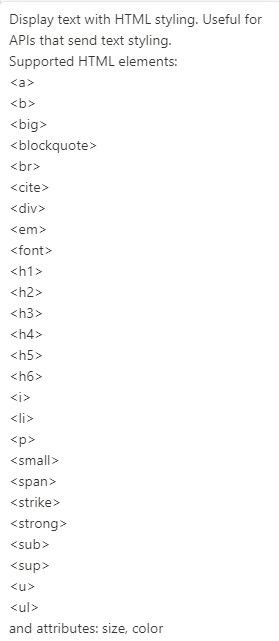
Then in Figma, tag your text field [component:text:html].
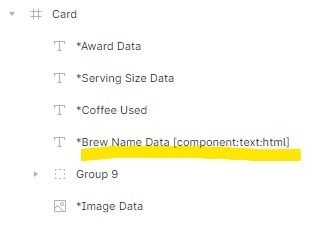
Thanks for advice.
I'm using Xano, and I don't see richt text type in it unfortunately
Hello! We have fixed this issue both iOS and Android. To apply the changes you will need to update Bravo Vision. If the error was in a live app, you will need to request a new build and upload the app in the stores.
Please let us know if you have any more issues.
The error is not resolved, although I updated bravo vision there is no change.
Hey , please share your Bravo app id so we can take a look at the issue. Unfortunately some fonts are not public even if they are listed in Figma, but we still check if the font is installed in the device so it can be used
Figma
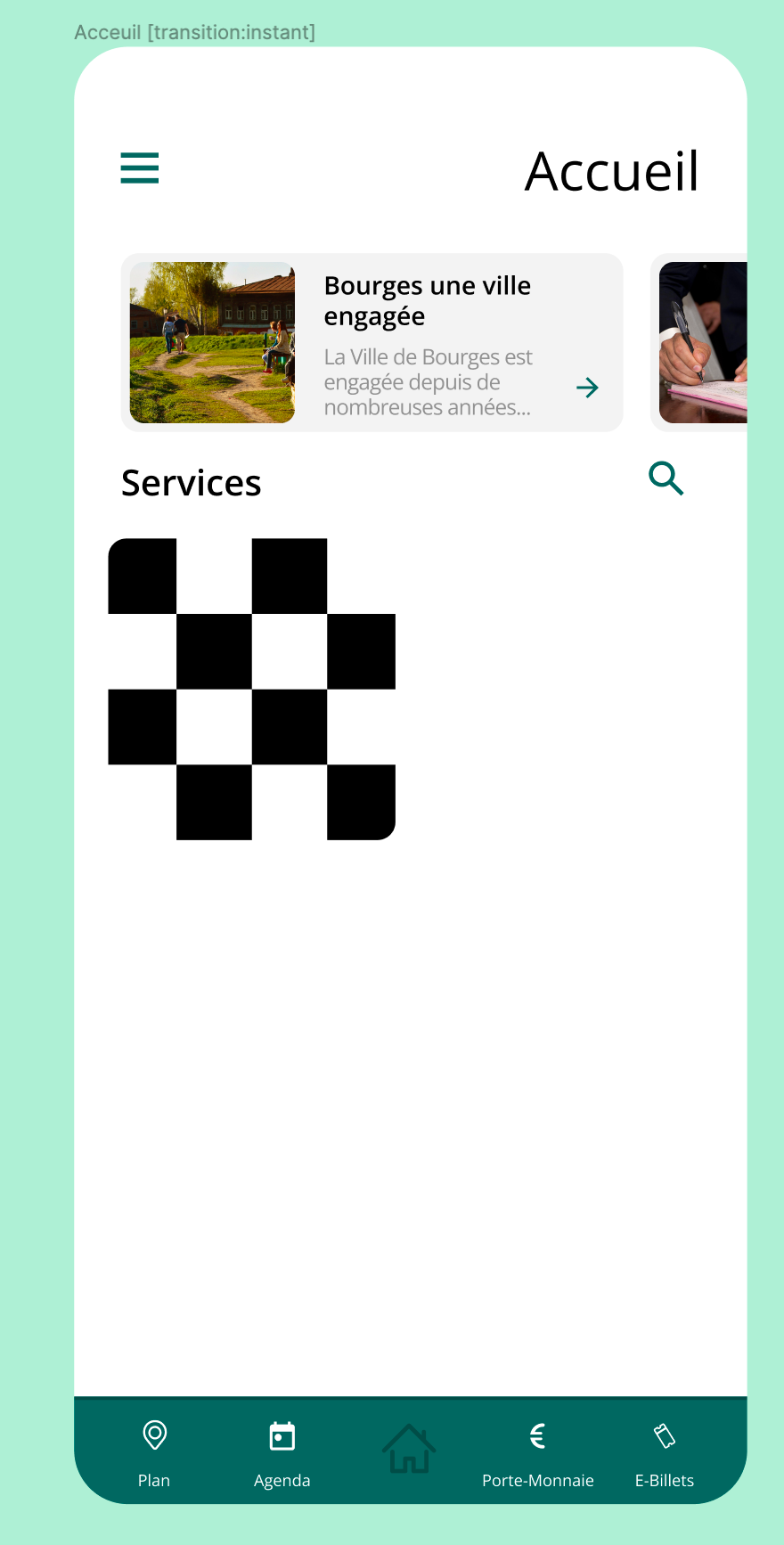
Bravo vision
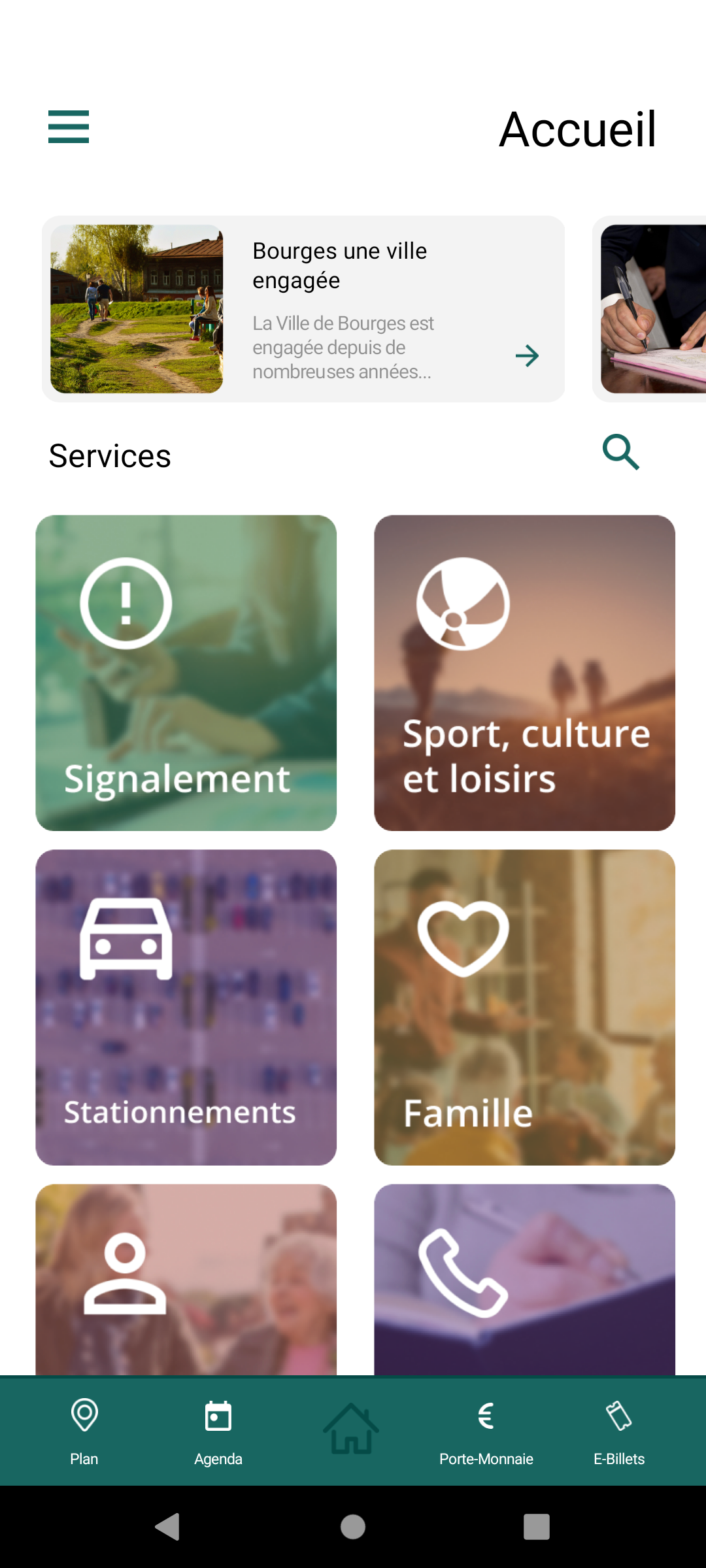
Hey , this is a screenshot taken right now on a Redmi device with Android 12, using the latest Bravo Vision version (3.0.3119). Fonts seems correctly loaded, compared with the Figma design. If you're using the latest version, could you please tell me your device and the Android version as well? Thanks
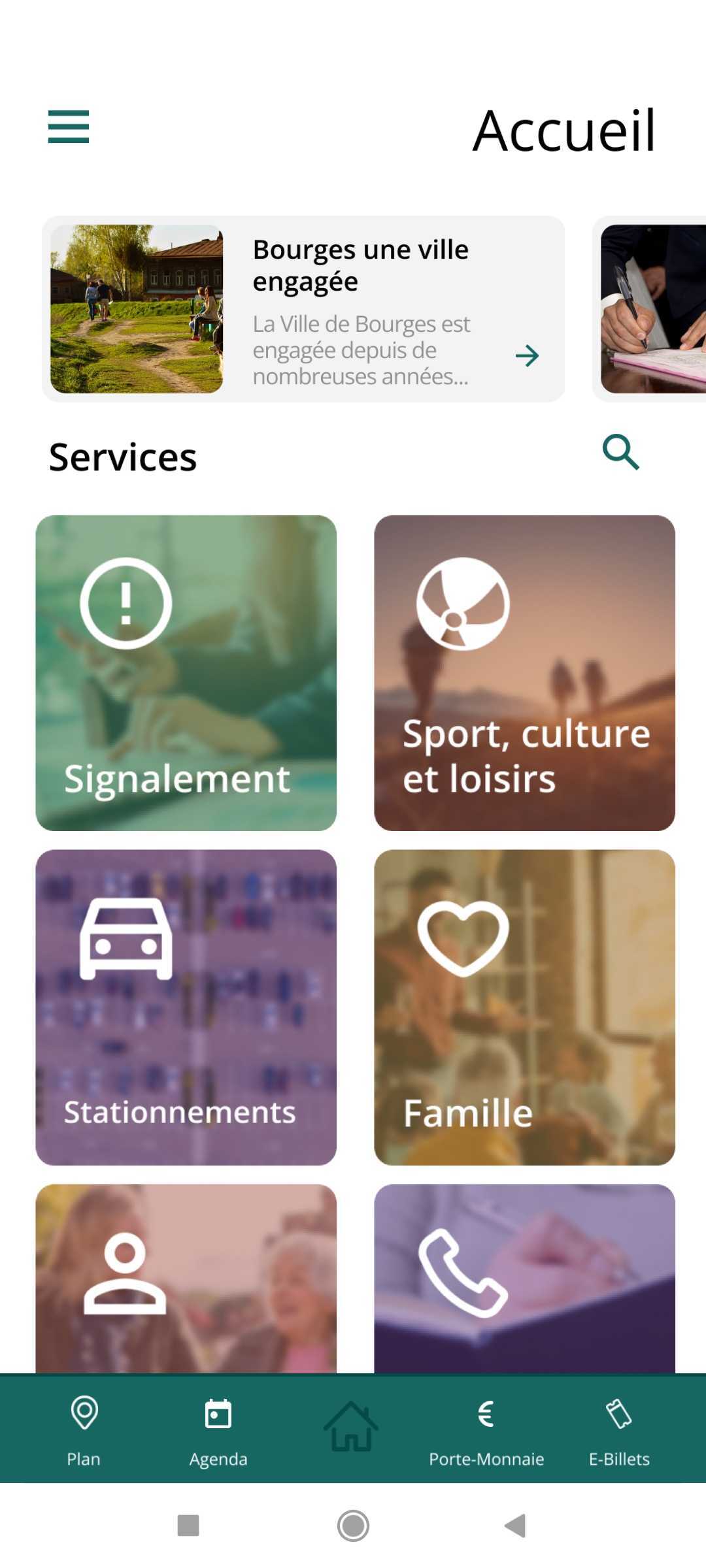
I reply you in privat
Hola !
How can we upload the fonts files to Bravo?
Thank you!
to upload a font to Bravo, first you need to include it in a design file and sync it from the app page in Bravo Studio. Then you will see a "missing font" notification that it'll lead you to the page to upload the file:
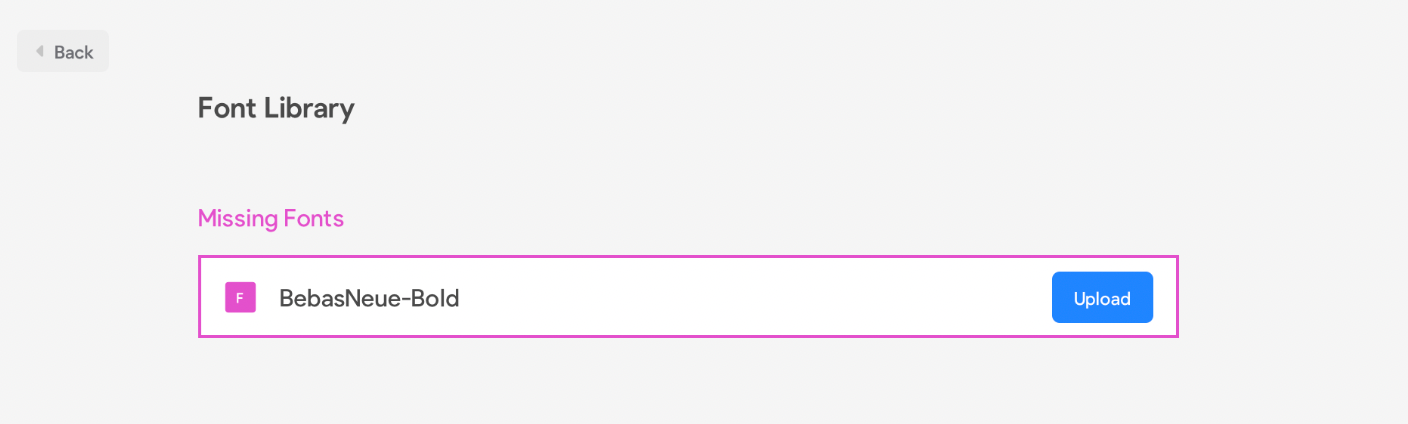
More info here: https://docs.bravostudio.app/get-started/your-bravo-app-projects/app-projects-uploading-custom-fonts
Thank you, Diego!
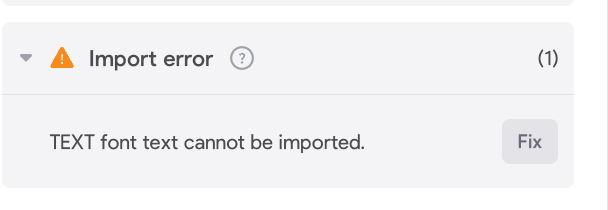
FYI I'm getting the error attached – I assume it's not normal?
The Fix button links to Figma instead of the upload functionality.
This is not an urgency at all btw, I found an alternative solution for this instance. But perhaps it's happening to other users?
I think I also have the same problem with Montserrat. It is ok on iOS, but doesn't work on Android. Can somebody help me?
Hey Faina, can you please share the design file here?
Hello,
Same problem today for me.
I use Montserrat, on Figma everything is set up fine, but on Bravo Vision no font is bold!
Thanks for your help
I have the same problem. Except that on my side the fat doesn't work on Bravo Vision (Ios
did you solve the issue?
I am having the same issue and I am using Helvetica font. Bold is displaying fine on Figma and Bravo app, but not on Bravo Vision
Wrote something in this thread and want it removed? Request removal
Ask the community on Discord
This archive is read-only. New questions, office hours and product updates now happen in the Bravo Discord.
Join the Discord