Archived from the Bravo community forum (2021–2026). Some answers may refer to older versions of Bravo.
hi, thanks for helping 🫶
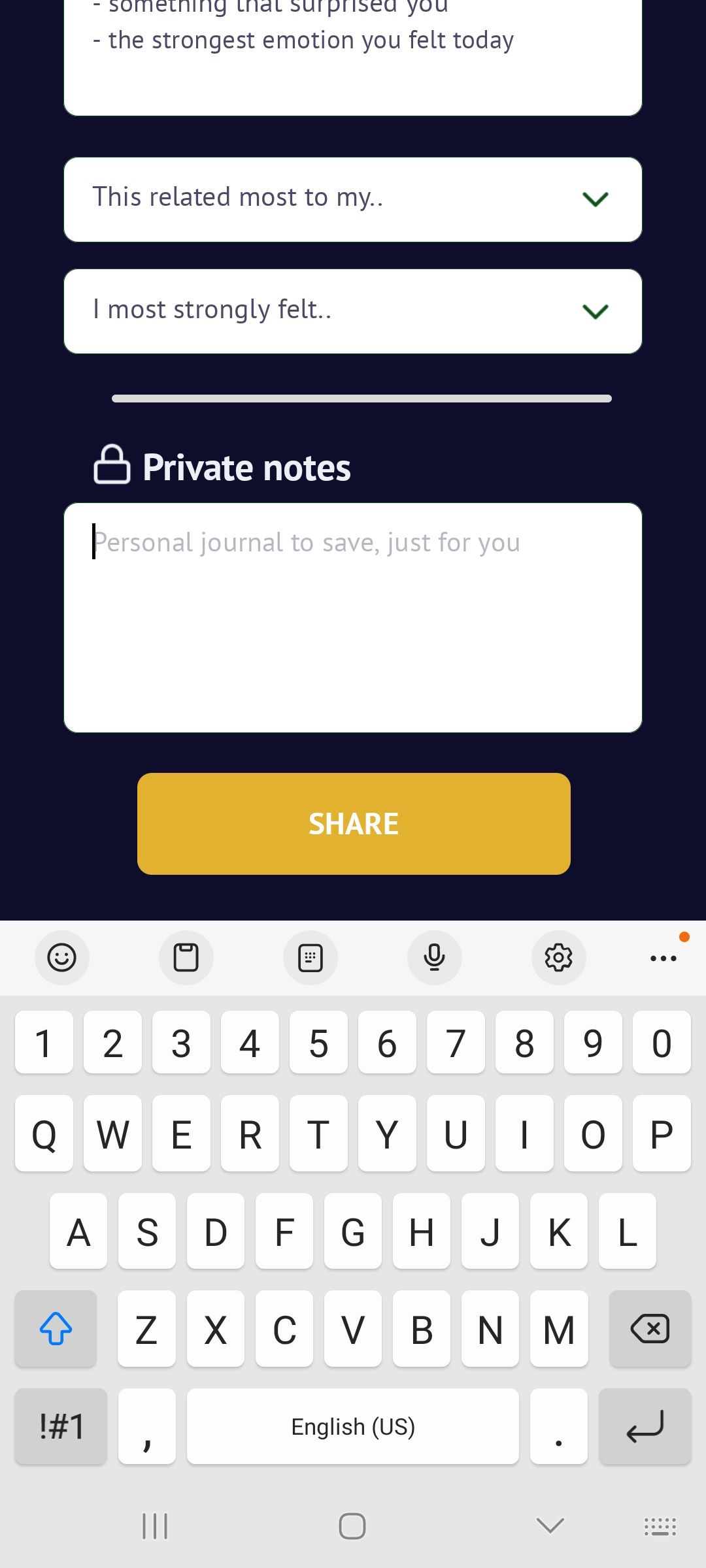
the form input for field “Share Text” has a placeholder value defined in figma as “input share text here” and saves to field “share_text”
on iOS, when you tap into the “Share Text” field it goes blank and the keyboard appears, as expected. then the user can enter their text from a blank slate.
however on Android, when you tap the “Share Text” field it has “input share text here” placeholder text already input as the input field text. this then requires the user to delete it every time they use the form, which is very frequent and inconvenient for the user.
how do i ensure that the placeholder text is always deleted when you tap into editing a field? again, this works on iOS but not on Android
thank you!!
2 replies


Wrote something in this thread and want it removed? Request removal
Ask the community on Discord
This archive is read-only. New questions, office hours and product updates now happen in the Bravo Discord.
Join the Discord