Archived from the Bravo community forum (2021–2026). Some answers may refer to older versions of Bravo.
Hi Bravo Community,
Figma recently underwent changes that may affect some of you.
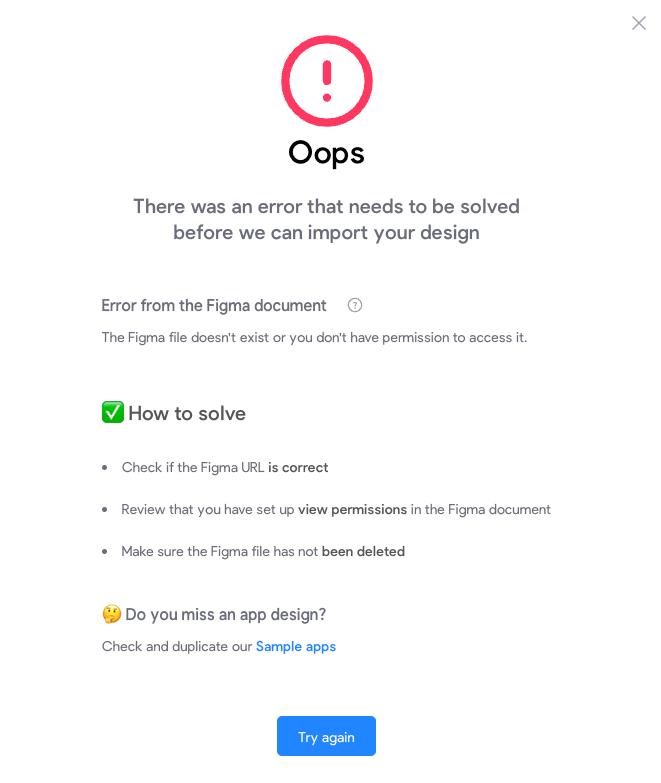
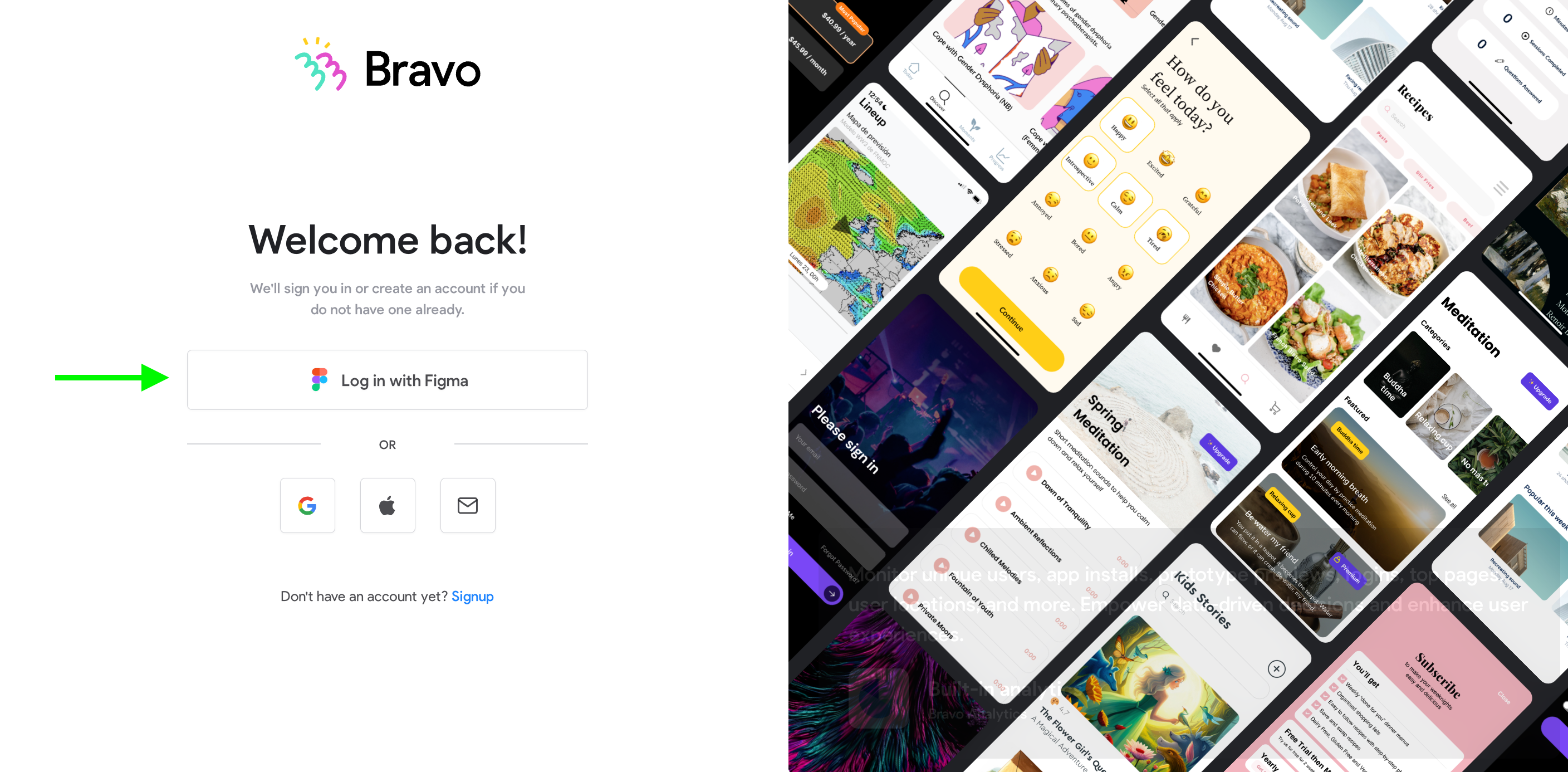
If you encounter any errors related to Figma permissions while importing like creating an app or syncing your Figma file, we recommend logging out from Bravo and logging back in with Figma.
Comment below if you need help, we’ll assist as soon as possible.
Thank you for your understanding and cooperation! 🙏
2 replies
Wrote something in this thread and want it removed? Request removal
Still stuck?
Ask the community on Discord
This archive is read-only. New questions, office hours and product updates now happen in the Bravo Discord.
Join the Discord