Archived from the Bravo community forum (2021–2026). Some answers may refer to older versions of Bravo.
Is there a way an active state component can be still in its active state even while the user is traversing through the app. and to turn it back to its default state, an [action:remote] must be done again.
so i'm trying to make a follow button:
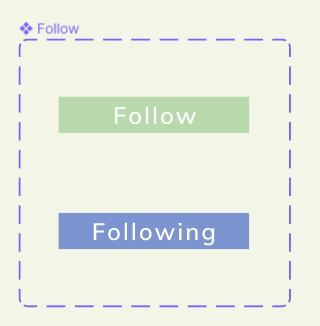
I have action remotes on both states. when a user presses the green follow it does turn into the blue following. But when I leave the page and then come back, it reverts back to its green default state.
so is there a way to keep it in its active state semi-permanently, and it can only revert back to its default state if a user presses on the blue following btn to unfollow?
5 replies
Wrote something in this thread and want it removed? Request removal
Ask the community on Discord
This archive is read-only. New questions, office hours and product updates now happen in the Bravo Discord.
Join the Discord