Archived from the Bravo community forum (2021–2026). Some answers may refer to older versions of Bravo.
Hi there, so I was in the middle of creating a scores app and I was wondering if there was a way to connect your table to the app and make the color change if a certain value is entered?
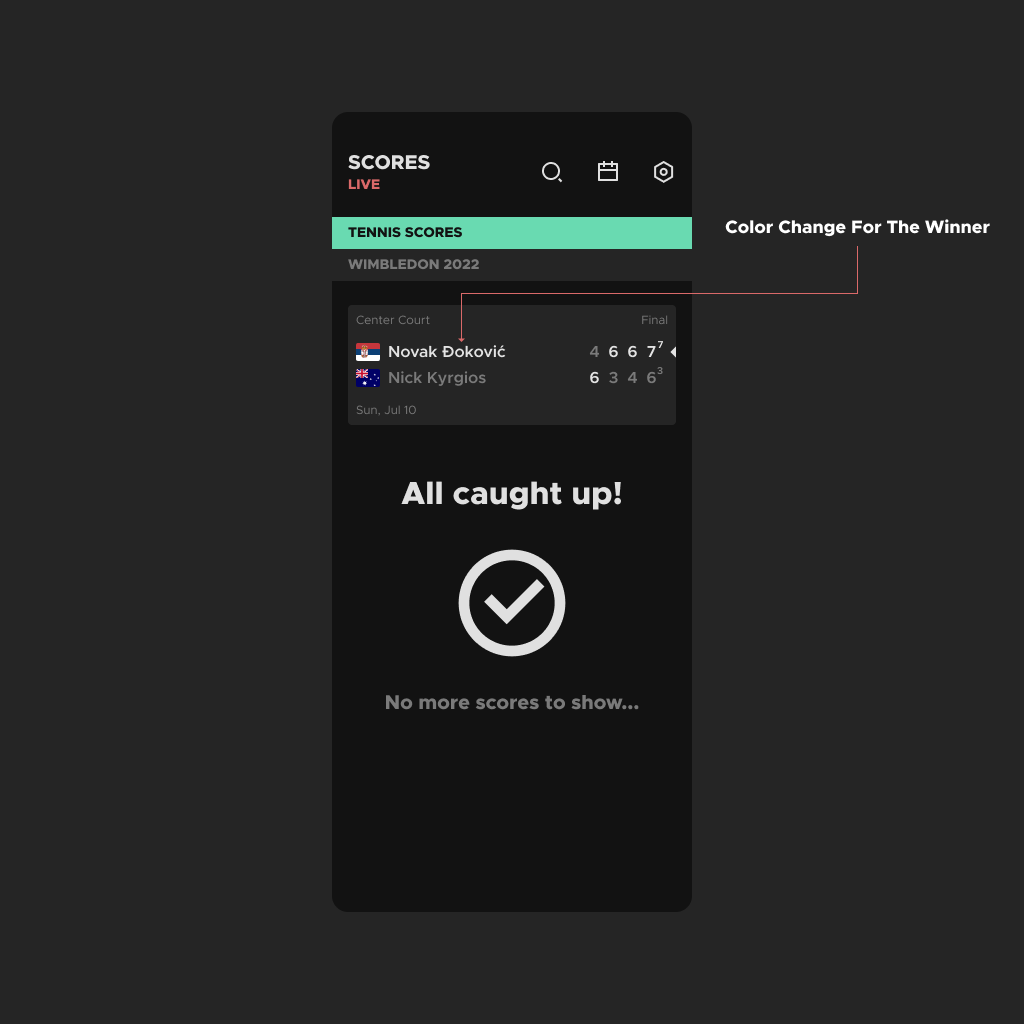
For example: A tennis player wins and once the score is entered in the table the players color should change to make it more clear who won.
The image below is the design I have been working on.
Thanks in advance.
7 replies
Wrote something in this thread and want it removed? Request removal
Still stuck?
Ask the community on Discord
This archive is read-only. New questions, office hours and product updates now happen in the Bravo Discord.
Join the Discord